
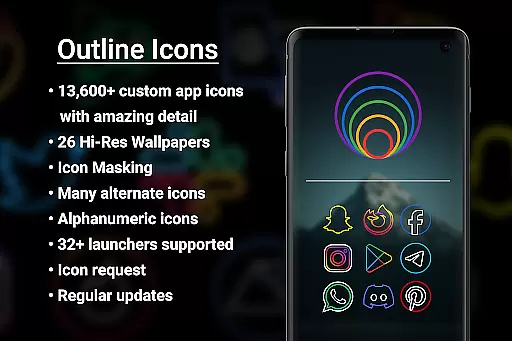

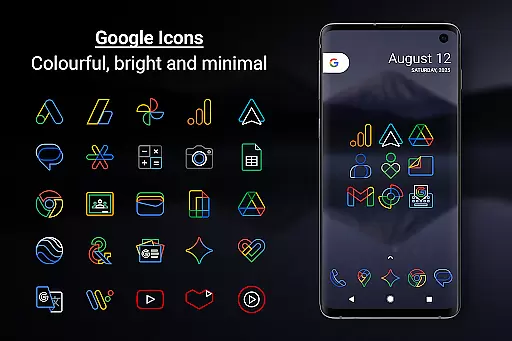
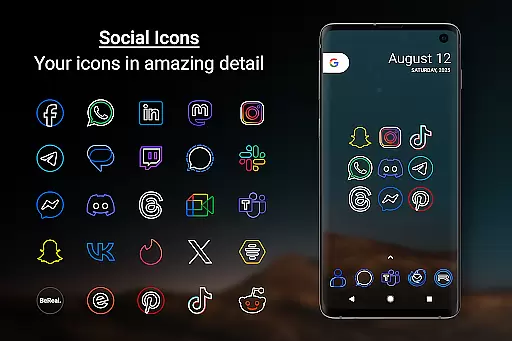
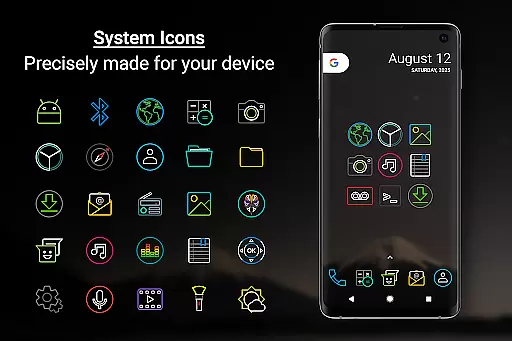
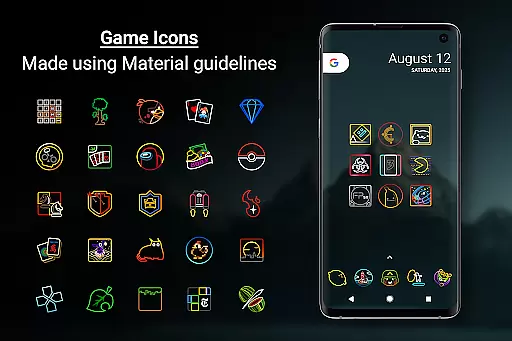
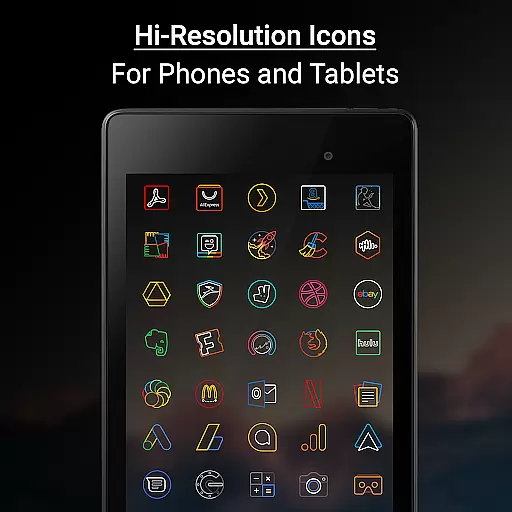

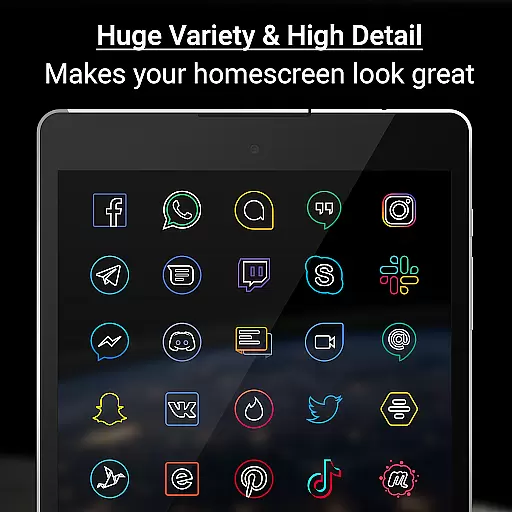
Outline Icons is a premium icon pack that transforms your device's home screen with a unique outline design. Featuring over 13,600 handcrafted HD icons in bright colors and precise details, it meets material design standards while offering compatibility with more than 32 launchers. The pack includes dynamic calendar support, icon masking for unthemed icons, and 26 high-resolution wallpapers that complement the minimal style.
This icon pack stands out through its meticulous attention to detail - each icon is created at 192x192 pixels (xxxhdpi) resolution, ensuring sharpness on all screens. Users can enjoy various features like category folders in multiple colors, alphabet icons in 10 color options, and alternate color system icons. With regular updates and a no-ads policy, Outline Icons provides an optimal personalization experience for both smartphones and tablets.
Outline Icons offers an impressive array of features that cater to personalization enthusiasts. The pack includes over 13,600 HD icons, each meticulously designed in an outline style with vibrant colors and precise details. These icons are compatible with more than 32 launchers including popular ones like Nova Launcher and Action Launcher, making it versatile for different devices.
Beyond its extensive icon library, the pack provides practical functionalities such as icon masking for unthemed icons and dynamic calendar support across multiple calendar apps. It also contains 26 royalty-free high-resolution wallpapers and colorful category folders that enhance the overall visual appeal. Additional features like alphanumeric icons in various colors, alternate color system icons, and a premium icon request system ensure users have comprehensive customization options at their fingertips.
Outline Icons offers an extensive range of customization options that cater to various user preferences. With over 13,600 hand-crafted HD icons, the pack ensures that users can find an icon for almost any app they have installed. This vast selection is complemented by features such as Icon Masking, which provides a consistent look for unthemed icons, and support for Dynamic Calendar icons, ensuring that your device feels truly personalized.
In addition to the sheer number of icons, Outline Icons includes alternate color options for system icons, allowing users to choose from a variety of colors to match their personal style or current mood. The inclusion of Alphabet icons in ten different colors further enhances this personalization, enabling creative combinations for folder names or contact shortcuts. These customization options empower users to tailor their home screens precisely how they envision.
The pack also comes with 26 high-resolution wallpapers that are royalty-free and designed to complement the minimal and subtle style of the icons. Users can select wallpapers that enhance the colorful yet clean aesthetic of their icons, creating a cohesive look across their devices. Whether on a phone or tablet, these wallpapers ensure that the icons stand out while maintaining an overall harmonious appearance.
Theme compatibility is a crucial aspect of Outline Icons, ensuring that users can seamlessly integrate the icon pack with a wide array of launchers. Supporting over 32 launchers, including popular choices like Nova Launcher, Action Launcher, and Apex Launcher, this icon pack guarantees broad compatibility. Such extensive support means that regardless of the launcher a user prefers, they can enjoy the distinctive outline style and bright colors without worrying about inconsistencies or missing icons.
For Samsung users, especially those running OneUI 4.0 or newer, Outline Icons offers compatibility through the Samsung Theme Park app available on the Galaxy Store. This integration allows Samsung device owners to apply the icon pack directly within their native launcher environment, streamlining the customization process. Detailed instructions guide users through applying the icons via Theme Park, ensuring a smooth experience even for less tech-savvy individuals.
Moreover, while certain launchers might not be included in the Apply section within the app itself, many remain compatible. Users can manually apply the icon pack from their launcher settings if needed. This flexibility underscores Outline Icons' commitment to providing a versatile theming solution adaptable to numerous devices and configurations, enhancing user satisfaction and accessibility.
Extensive Icon Library
Vibrant Color Palette
High Compatibility
Premium Design Quality
Regular Updates
No Apply Button for Some Launchers
Requires Compatible Launcher
Premium Requests Cost Extra
Limited to Material Design
Wallpaper Selection Could Be Larger

Fingerprint Lock Screen & Live Animations with 4K Wallpapers as Live Wallpaper
 4.40
4.40
Themes - Widget & Wallpaper: Customize home screen, icon changer w unique themes
4.30
Over 28,000 high quality icons to bring color & homogeneity to your phone.
4.60
Zip lock screen with magic wallpaper to decorate your phone with fun zipper lock
4.60 4.50
4.50
Embrace the Night. Unleash the power of darkness with Raven Dark Icon Pack
4.60
Icons made of colorful linear lines
4.60
HappyLighting is a Bluetooth lamp control software.
3.40
Custom ringtones songs, music ringtones for Android phones
4.60
Glass style colourful icons with a One UI look and feel
4.60
A retro cartoon style watch face and a punch right in the face of the copyright
4.60
Want to make your phone more special than ever?
4.60
Ultra realistic gold analog watch face with lots of customization options.
4.50
Aesthetic Widgets, HD Wallpapers, Themes in Mico Widget for Home and Lock Screen
4.50
App Icon Changer & Shortcut Creator. Customize your icons without any watermarks
4.30
Realistic animated snow on your wrist, with 10 images landscapes to choose from
4.00
Adaptive Dot Style IconPack with Light & Dark Theme.
3.70
Adorable pets roam and play right on your phone screen!
3.30
Turn your lock screen into fun with smile live wallpapers & animated wallpapers!
2.50


User Reviews