
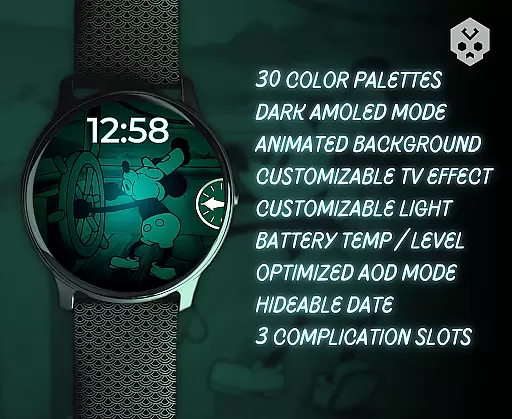
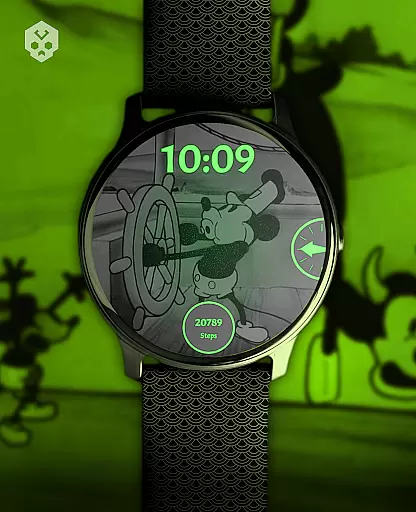
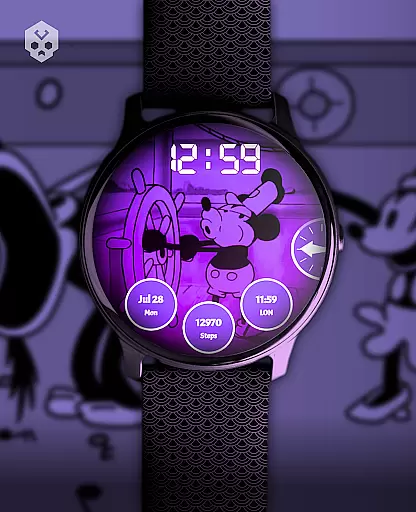
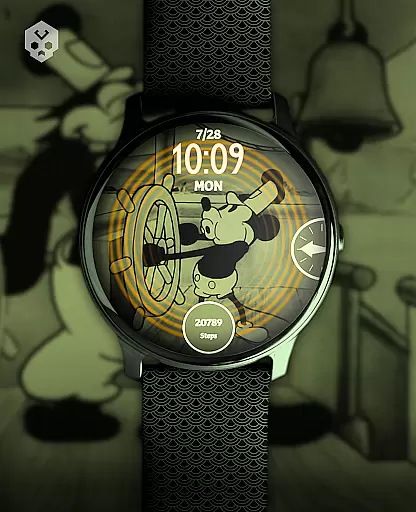
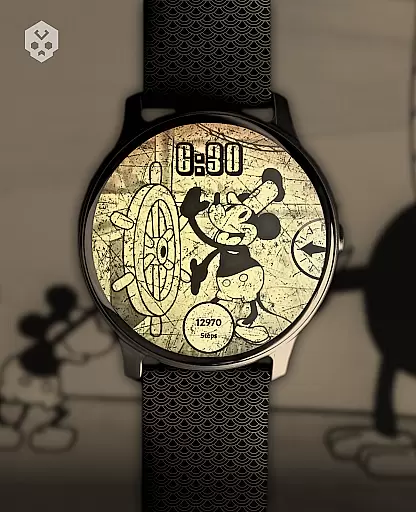
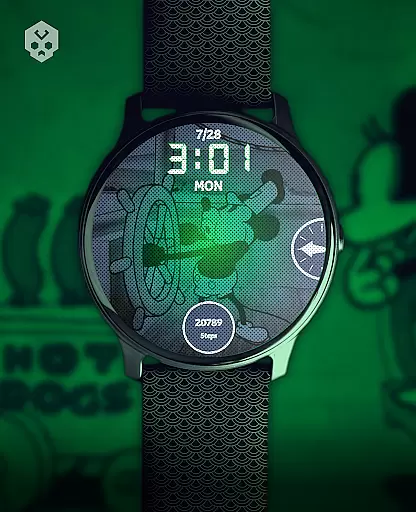
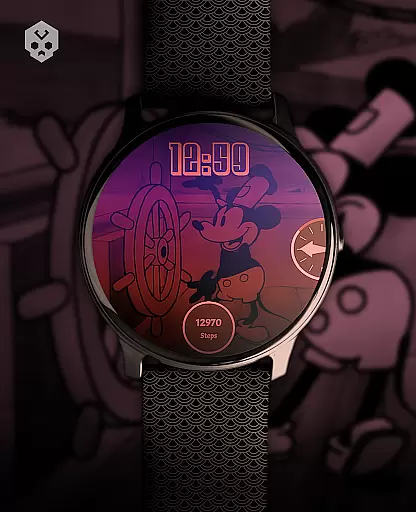
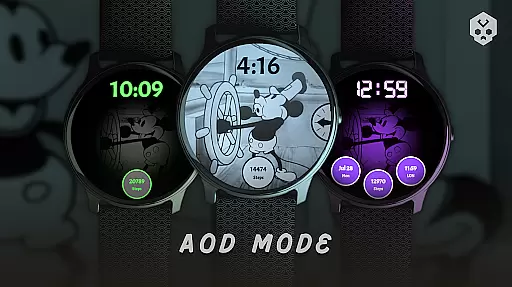
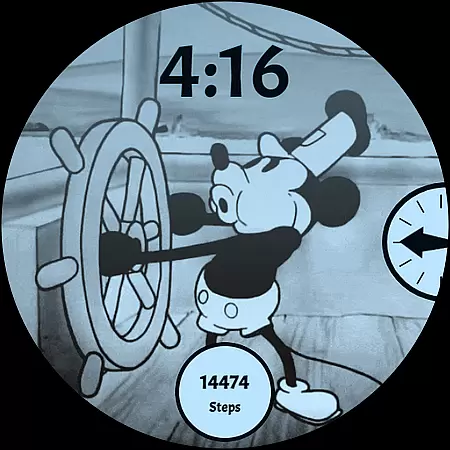
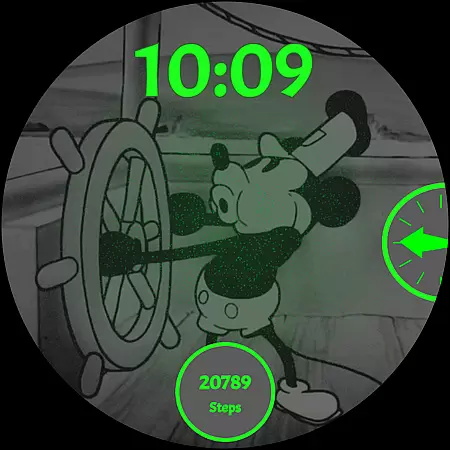
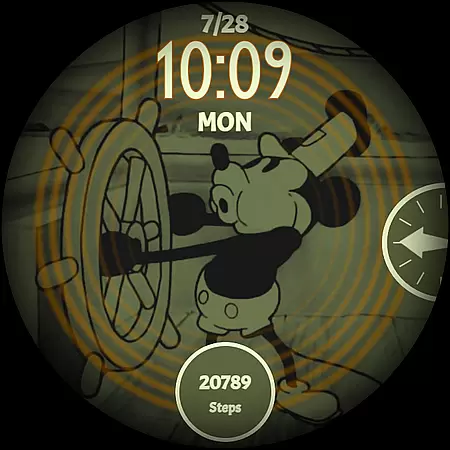
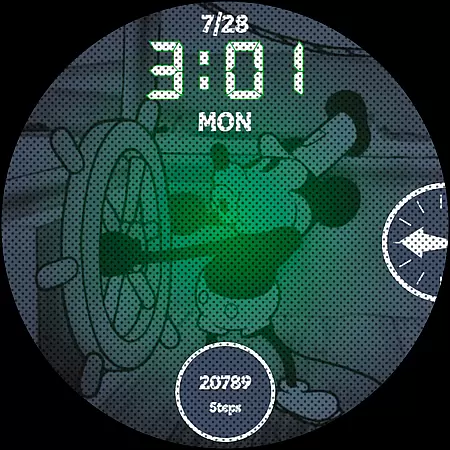
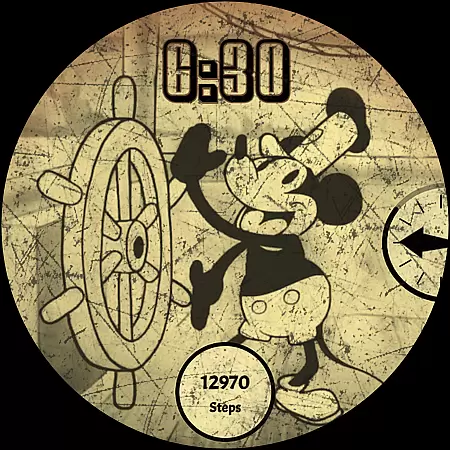
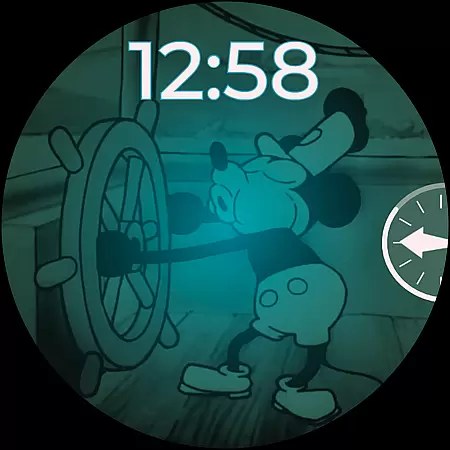
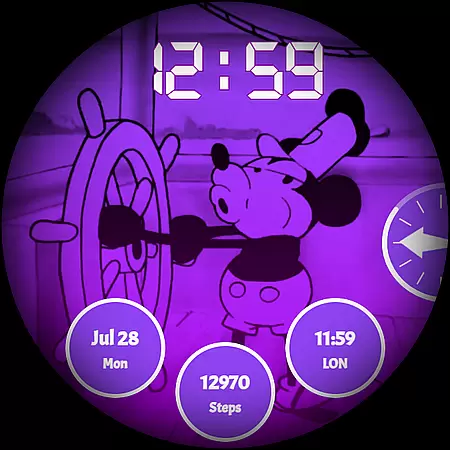
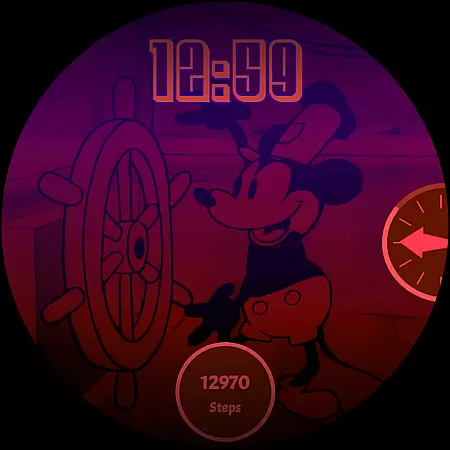
Steamboat Mouse Watch Face brings the classic Steamboat Willie character to your smartwatch with a retro cartoon-inspired design. This highly customizable watch face is packed with features and information, making it both functional and stylish. Designed specifically for Wear OS devices, it supports a wide range of smartwatches from brands like Samsung, Fossil, and Ticwatch.
The watch face offers 30 color schemes, high readability mode, 12/24 hour format support, and customizable overlays. It also displays battery temperature and status, includes three customizable complications, and reacts to low battery conditions. The companion app makes installation easy while allowing users to manage settings effortlessly.
This unique watch face stands out with its handcrafted design and attention to detail. The 30 available color schemes let you personalize your smartwatch's appearance while maintaining the vintage cartoon aesthetic. The high readability mode ensures clear visibility in various lighting conditions, and the flexible time format options cater to user preferences.
Beyond aesthetics, this watch face provides practical functionality. Users can monitor their smartwatch's battery temperature and status at a glance. Three customizable complications allow for additional information display such as weather or fitness tracking. The minimal design maintains the retro feel while incorporating modern smartwatch capabilities, creating a perfect blend of nostalgia and technology.
Customization is at the heart of the Steamboat Mouse Watch Face, offering users an extensive array of options to tailor their smartwatch experience. With 30 color schemes available, this watch face ensures that there's a look for every mood and occasion.
Beyond colors, it supports both 12 and 24-hour time formats, catering to personal preferences and regional standards. The customizable overlay and background allow for further personal touches, making each watch face uniquely yours.
Additional features like high readability mode and reactions to low battery enhance usability while maintaining aesthetic appeal. This level of customization empowers users to express individuality through their wearable technology.
The Steamboat Mouse Watch Face is designed with theme compatibility in mind, ensuring seamless integration across various Wear OS devices. Whether you own a Samsung, Fossil, or another brand running on this operating system, rest assured that the installation process remains consistent.
This native standalone application boasts a handcrafted design that maintains visual consistency regardless of the device it adorns. Its universal adaptability means no matter your smartwatch model, you'll enjoy the same vintage style and functionality without compromise.
By prioritizing cross-device performance, this watch face guarantees not only aesthetic pleasure but also reliable operation, providing peace of mind alongside its charming retro cartoon-inspired appearance.
Highly customizable
Vintage aesthetic
Practical features
Wide device compatibility
Regular updates
Paid app
Complex setup
Limited modern features
Wear OS only
No automatic syncing

Ultra realistic high quality analog watch face for Wear OS.
 4.60
4.60
Add cute Shimeji pets to screen, interact with them and relax with cute motions
4.60
More than 3000+ themes and 9000+ wallpapers for everybody!
4.10
Customizable screen pets that play, climb, and keep you company.
4.50
Unique Fonts, typefaces and stylish text. Fonts for Instagram, Whatsapp & others
4.20
⭐ OneUI inspired Fluffy Icon Pack – Soft. Stylish. Standout. ⭐
4.1
Choose your keyboard with RGB colors effect, themes, fonts, emojis.
4.60
Unleash Your Creativity and Connect with Loved Ones with Lockscreen Drawing!
4.20
400+ Beautifully crafted widgets inspired by NOTHING.
4.70
Only for Wear OS devices!
4.90
One 8 icons glass color version
4.80
Enjoy a variety of amazing live wallpapers and colorful EDGE lighting borders!
4.80
Zip lock screen with magic wallpaper to decorate your phone with fun zipper lock
4.60 4.50
4.50
Color phone with cool effects for call screen, flash alert & ringtones music
4.50
Customizable flower power digital watch face for Wear OS watches.
4.00
Realistic animated snow on your wrist, with 10 images landscapes to choose from
4.00
Your go to Weather App & Home Screen. Get your weather at a swipe of a finger!
3.80
Interactive Miniature Painting Catalogue
3.30


User Reviews