
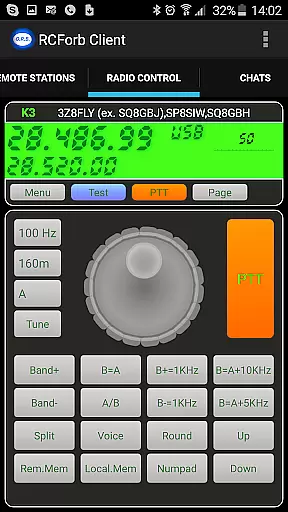
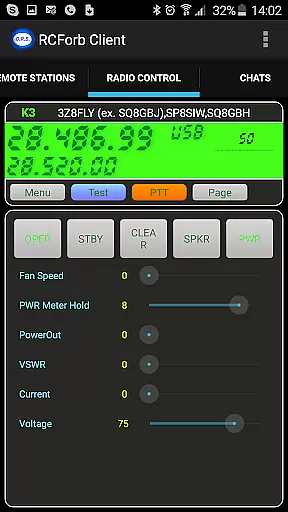
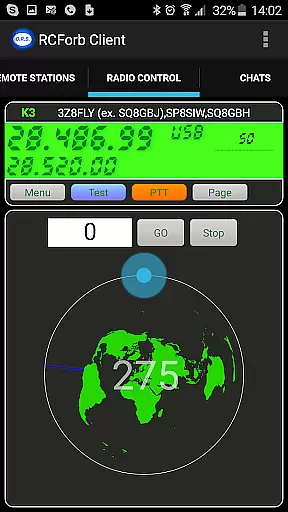
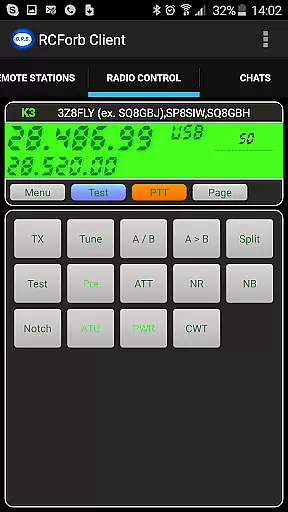
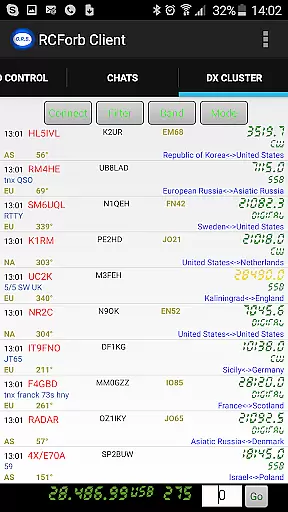
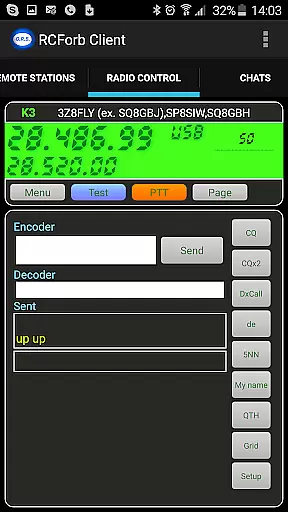
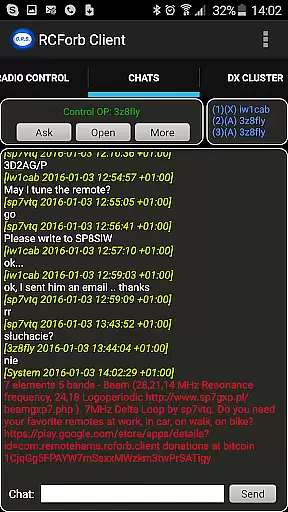
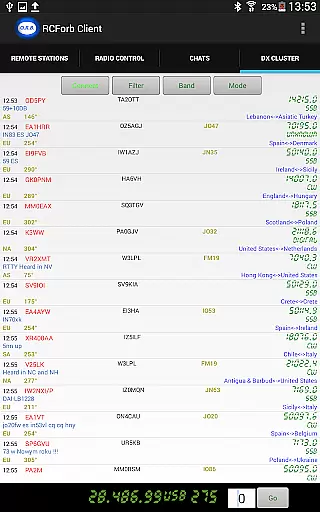
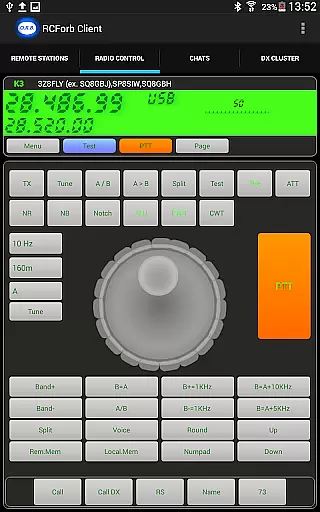
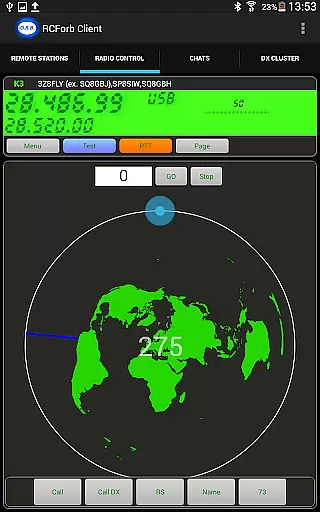
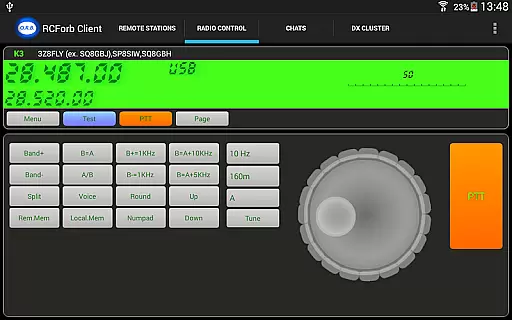
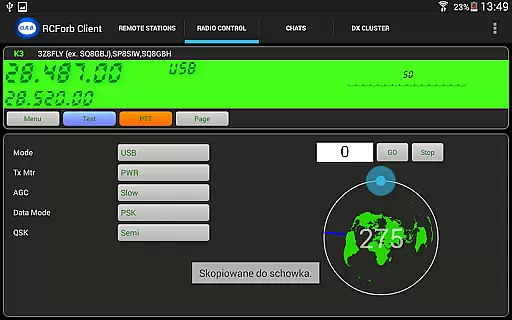
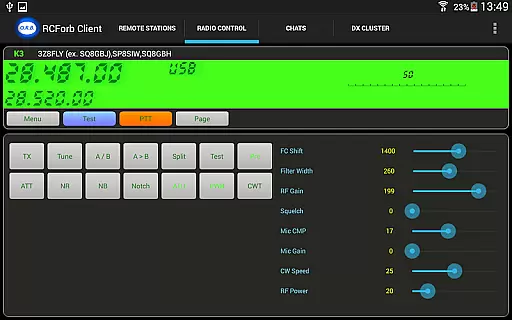
RCForb Client is a communication app designed for remote operation of amateur transceivers. This pre-release version allows users to test signal propagation and participate in various radio operations such as contesting, nets, and round tables.
The app supports multiple operators, enabling collaboration between RF and REMOTE operators. It's ideal for those who want to explore rare DX signals and enhance their radio experience by joining the RemoteHams.com community.
One of the standout features of RCForb Client is its support for multiple operators, which opens up new possibilities for radio communication methods. Users can operate remote transceivers and test their signal propagation to DX locations.
The app integrates with the RemoteHams.com community, requiring users to register for a free account. This ensures a secure and collaborative environment for radio enthusiasts to connect and communicate effectively.
Real-time messaging speed and reliability are crucial for seamless communication in any platform. RCForb Client ensures that messages between operators are delivered instantly, allowing for efficient coordination during activities such as contesting or nets.
The application achieves this through a robust infrastructure designed to handle multiple simultaneous connections without delay. This means that whether you're an RF or REMOTE operator, your interactions will be smooth and uninterrupted.
Users benefit from the ability to engage in real-time discussions with fellow amateur transceiver enthusiasts around the world. The immediacy of message delivery enhances the overall experience by keeping all participants informed and engaged at all times.
By prioritizing message speed and reliability, RCForb Client fosters a dynamic environment where operators can focus on their shared passion without worrying about technical disruptions.
Media sharing support is an essential feature for modern communication platforms, enabling users to exchange more than just text. In RCForb Client, operators can share various types of media, enhancing the depth and quality of their interactions.
This functionality allows for the transmission of images, audio clips, and other relevant files that can provide additional context or detail to conversations. Whether it's sharing signal propagation test results or discussing equipment setups, media sharing enriches the dialogue.
The advantage to users is clear: they can communicate more effectively and comprehensively. Instead of describing what they see or hear, operators can simply send the actual media, leading to clearer understanding and collaboration.
With its media sharing capabilities, RCForb Client not only meets but exceeds the expectations of the RemoteHams.com community, providing a versatile tool for amateur radio enthusiasts worldwide.
User-friendly interface
Multiple operator support
DX signal exploration
Community integration
Free account registration
Pre-release version
Incomplete features
Requires registration
Limited stability
Dependent on community

 3.90
3.90
The ultimate productivity solution for all your email communication needs.
4.40
Messenger for SMS - texting message app, faster, simpler & safer, for you.
4.70
Google's fast and secure browser
4.10
Welcome to the future of phone service.
4.60
HD Video Meeting app is a fast & unlimited video conferencing app across world.
4.30
Use this SMS app standalone or as a TREK: Total Interface companion.
4.30
Call & Text Anywhere With A Canadian Number.
3.60
Measure BHP, Torque & 0-60 Clear car OBD faults View engine data in Google Earth
4.00
Messenger, an MMS & SMS messages app with Blockers, Driving mode & Private box
4.60
Smart and simple anti-wiring application - IMSI-catchers catcher
4.40
Simple tool for businesses to talk to their customers.
4.40
Group Chat That’s Fun & Games
4.30
SMS Messenger is a lightning-fast messaging app.
4.20
A softphone with crystal clear SIP Calling & Reliable VoIP dialer
4.00
Telegram is a messaging app with a focus on speed and security.
4.00
This app enables the phone to receive and send FT8 traffic!
3.80
Pure modern IRC experience for Android
3.70
A Browser with powerful ad blocker to help focus on what really matters.
3.00


User Reviews