
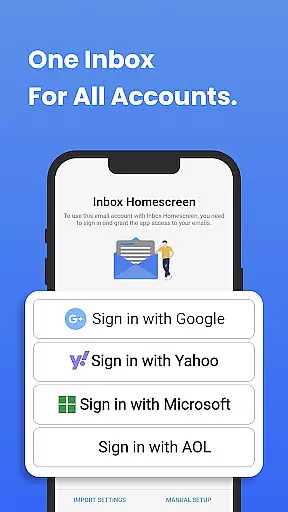
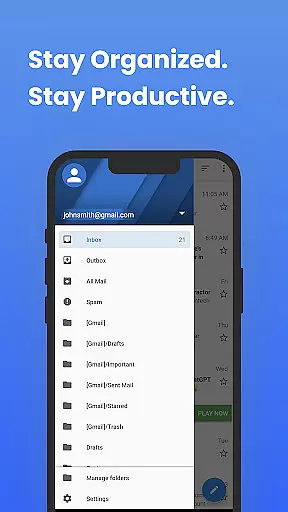
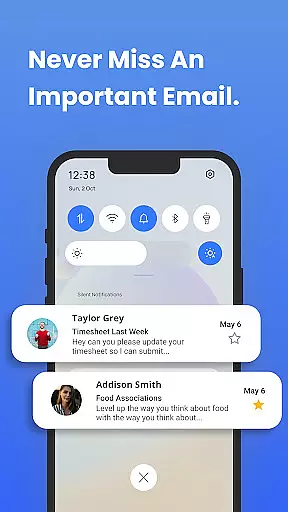
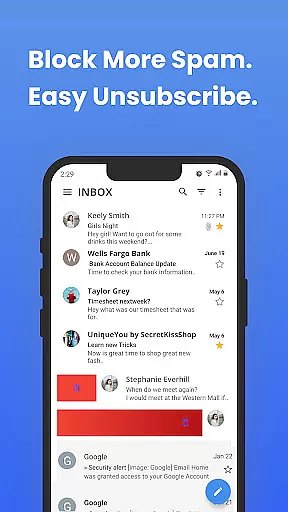
Inbox Homescreen is a cutting-edge email launcher designed to streamline inbox management for users across multiple email platforms. This app consolidates Gmail, Outlook, Yahoo, and other email services into one unified interface, enabling seamless sending, receiving, and organizing of messages.
With advanced features like automated email filtering, priority sorting, and scheduled sending, Inbox Homescreen ensures users stay organized and efficient. Its customizable themes and layouts allow personalization, while the user-friendly interface enhances navigation. Whether for professional or personal use, this app transforms how users interact with their emails.
Inbox Homescreen stands out with its robust integration capabilities, supporting all major email services such as Gmail, Outlook, and Yahoo. The app's advanced filtering system automatically categorizes emails, ensuring important messages are prioritized and easily accessible.
Productivity is further enhanced through innovative scheduling options, allowing users to draft emails and send them at optimal times. Additionally, the app offers extensive customization, including various themes and layouts, empowering users to tailor their inbox experience to their preferences. These features collectively create a highly efficient and personalized email management solution.
In the realm of digital communication, the swiftness and dependability of message delivery form the backbone of effective interaction. Inbox Homescreen excels in this domain by ensuring that your emails are sent and received with utmost efficiency.
The app's architecture is designed to minimize latency, employing optimized data transmission protocols that guarantee your messages reach their destination without delay. This immediacy is crucial for both personal and professional correspondence where timing can be everything.
Moreover, Inbox Homescreen incorporates redundant systems to maintain service availability even during peak usage times or unexpected server loads. This resilience ensures that users experience consistent performance regardless of external conditions.
By integrating seamlessly with major email services like Gmail, Outlook, and Yahoo, Inbox Homescreen not only expedites message delivery but also fortifies the overall reliability of your communication infrastructure, allowing you to focus on the content of your conversations rather than the mechanics of message transmission.
In today's interconnected world, the ability to share media effortlessly within communications is a vital feature for any messaging platform. Inbox Homescreen recognizes this need and offers robust support for various media sharing activities.
Whether it's images, documents, or other file types, the app provides an intuitive interface for attaching and sending media through email. Its compatibility with multiple email services ensures that these attachments retain their quality and integrity across different platforms.
Inbox Homescreen goes beyond basic attachment capabilities by offering advanced options such as previewing files before sending them and managing large file transfers efficiently. These features contribute to a seamless user experience when dealing with multimedia content.
Furthermore, the customization options available within the app allow users to tailor their media sharing experience according to personal preferences or specific project requirements, enhancing productivity and ease of use in both casual and professional settings.
User-friendly interface
Advanced filtering
Email scheduling
Customizable themes
Cross-platform support
Limited offline functionality
Requires Yahoo search
Premium features locked
Occasional sync issues
Privacy concerns

Manage your data, talk & text - affordable phone plans & data usage made simple
 4.30
4.30
Browse fast on Opera Mini, with Data Saving, News, Football Scores, and Download
4.60
Manage BoostMobile Account
4.60
At select facilities, you now have an easy way to video visit your loved ones!
3.30
A softphone with crystal clear SIP Calling & Reliable VoIP dialer
4.00
Auto Reply SMS, Text Messaging, Away SMS Response, Busy SMS messages, Block Text
3.10
Bringing the functionality of Winlink to your Android device
4.1
Simple tool for businesses to talk to their customers.
4.40
Caller ID, Spam Call & SMS Blocker
3.80
فیلتر شکن قوی پرسرعت کلید جدید برای اندرویدسریع ترین وی پی ان برای همه اپراتورها
4.70
Fast internet with AI, Adblock & VPN. Browse on a safe, incognito web browser.
4.70
Caller ID App! Add names & photos to unknown calls & Call Recording
4.40
Call Blocker app: Identify unknown callers, block spam calls, fraud & robocalls
4.30
BE PRIVATE
Anonymous. No Trace. Fast.
4.20
Messages: Fast, simple SMS app with scheduling and smart features.
4.00
WazzapMigrator: transfer your WhatsApp history from iPhone to Android
4.00
Threema is the messenger with the most consistent focus on security and privacy.
4.00
SMS Messenger ensures that communication become effortless and accessible.
3.80
Quickly and easily identify and block unknown callers
3.70


User Reviews