
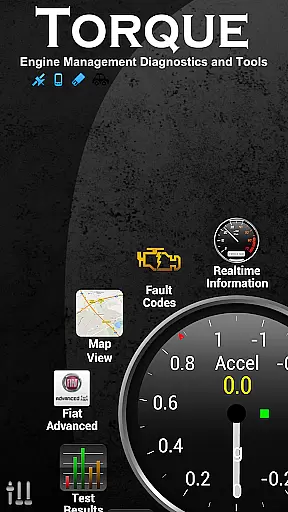
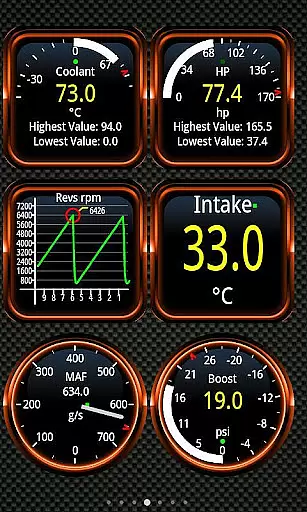
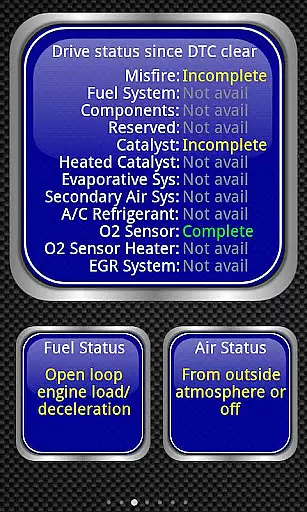
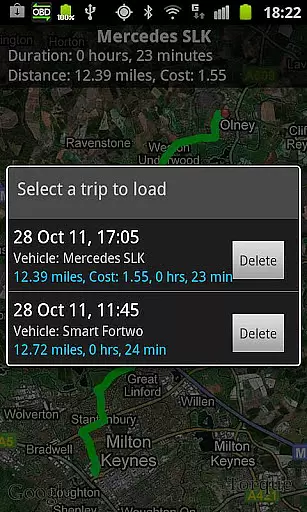
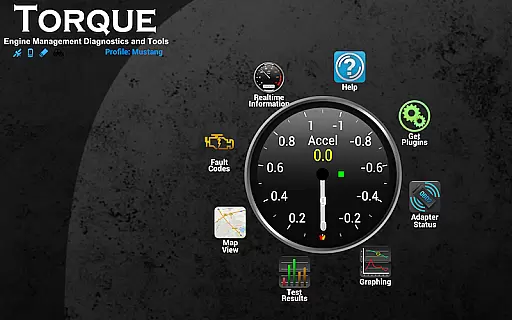
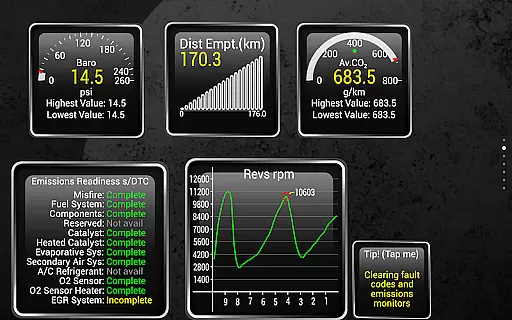
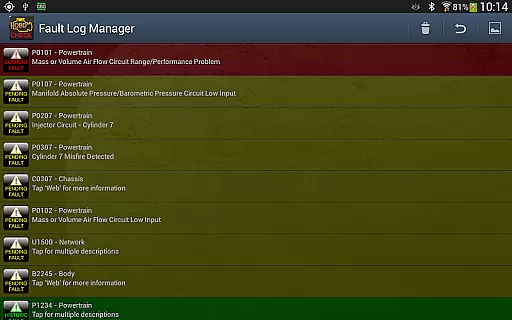
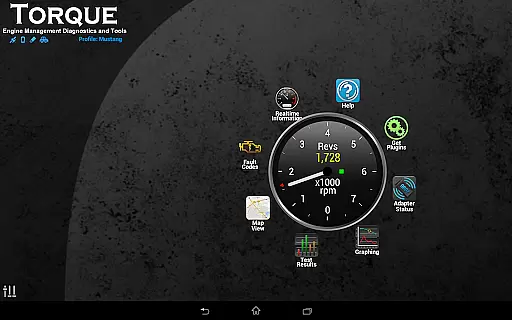
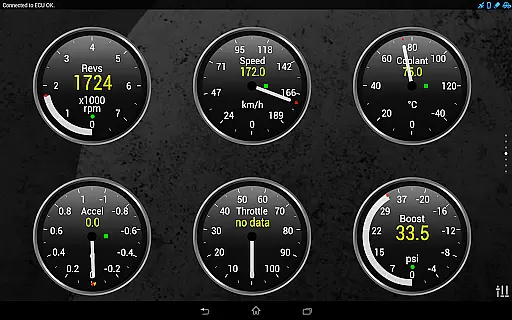
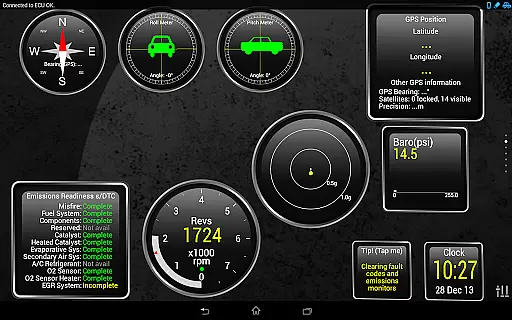
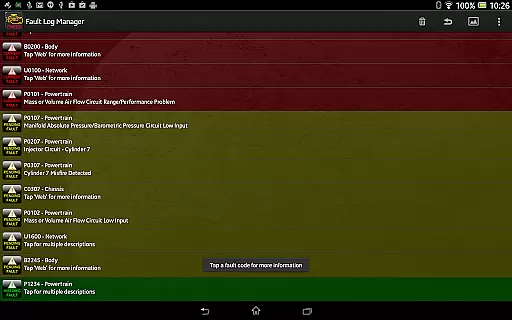
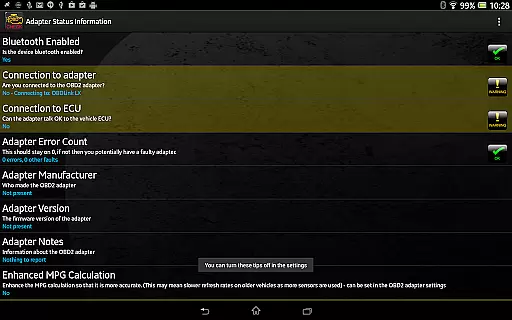
Torque Pro is a comprehensive vehicle diagnostics and performance monitoring tool designed for car enthusiasts and professionals alike. The app connects to your vehicle's OBD2 system through a Bluetooth adapter, providing real-time data on engine performance, fault codes, and sensor readings.
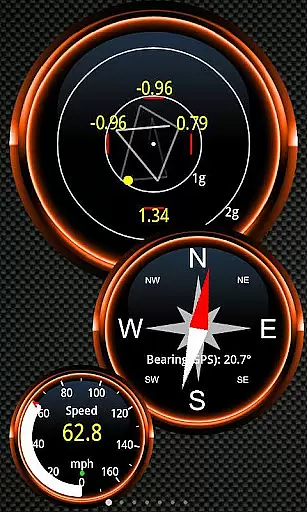
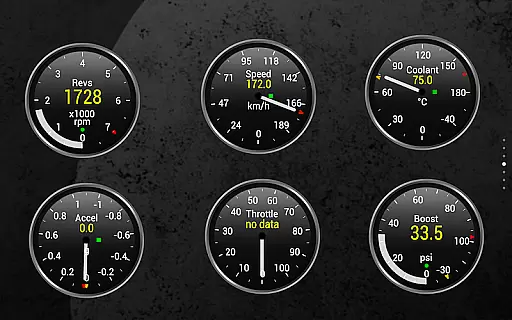
With its customizable dashboard, users can create personalized layouts featuring various gauges and widgets. Whether you're tracking your vehicle's speed, monitoring transmission temperatures, or analyzing horsepower, Torque Pro offers a versatile platform for all your automotive needs.
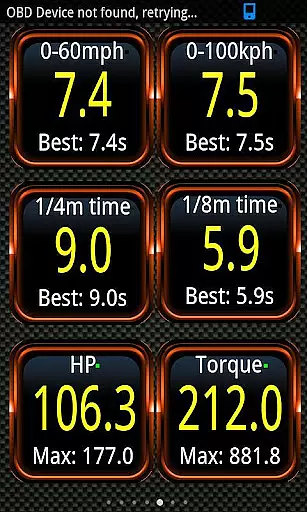
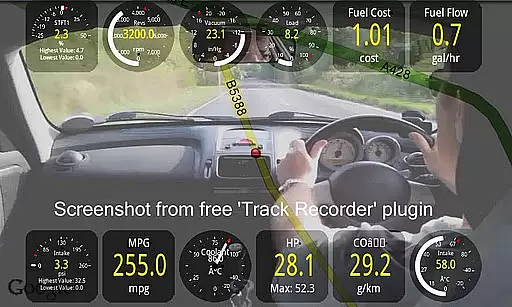
The app's advanced features include GPS-enabled tracking logs, CO2 emissions readouts, and even a dyno mode for measuring horsepower and torque. These capabilities make it an invaluable tool for anyone looking to optimize their vehicle's performance while keeping maintenance costs low.
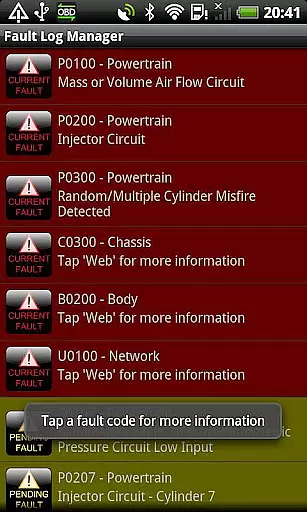
Torque Pro stands out with its extensive feature set tailored for in-depth vehicle analysis. One of its key strengths is the ability to read and reset diagnostic trouble codes (DTCs), helping users address issues without visiting a mechanic. This functionality, combined with the massive fault code database, ensures accurate diagnostics across a wide range of vehicles.
The app also excels in performance metrics, offering precise measurements such as 0-60 acceleration times and turbo boost readings for supported vehicles. Users can visualize this data through customizable dashboards, choosing from different themes and layouts to suit their preferences. Additionally, the heads-up display (HUD) mode enhances usability during night driving.
For those interested in long-term vehicle tracking, Torque Pro provides GPS-tagged logging and web upload capabilities. This allows users to review historical data and analyze trends over time. Integration with third-party apps via the AIDL API further extends the app's versatility, making it a powerful tool for both casual users and professional mechanics.
Real-time messaging speed and reliability are crucial for effective communication applications. Torque Pro excels in this area by providing instantaneous data transfer between your vehicle's OBD II system and your mobile device.
The app uses a Bluetooth adapter to establish a stable connection with the car's engine management system, ensuring that all diagnostic information is relayed without delay. This real-time capability allows users to monitor their vehicle's performance as it happens, making it an invaluable tool for both everyday drivers and automotive enthusiasts.
With Torque Pro, you can expect consistent and accurate updates on various parameters such as speed, engine temperature, and fault codes. The immediacy of this data provides peace of mind, knowing that any issues will be promptly identified and can be addressed before they escalate into major problems.
Moreover, the reliability of Torque Prou2019s messaging system ensures that even in areas with poor cellular coverage, the connection between the app and the vehicle remains uninterrupted. This robust performance guarantees that users have access to critical information whenever they need it, enhancing both convenience and safety.
Media sharing support is an essential feature for modern applications, allowing users to easily distribute information across different platforms. Torque Pro enhances this capability by enabling the export of detailed logs and diagnostic reports in various formats.
Users can generate CSV or KML files containing comprehensive data about their vehicle's performance and send them via email or upload them to web services for further analysis. This functionality not only facilitates collaboration with mechanics or car enthusiasts but also serves as a valuable record for personal reference.
In addition to traditional file sharing, Torque Pro offers innovative features like GPS-tagged tweets and video recording with OBDII data overlay. These options provide unique ways to share your driving experiences while simultaneously capturing important vehicle metrics.
By supporting a wide range of media sharing capabilities, Torque Pro empowers users to communicate effectively and creatively, whether they're documenting a road trip or seeking advice from online communities. This versatility makes the app an indispensable tool for anyone interested in automotive diagnostics and performance tracking.
Real-time diagnostics
Customizable dashboard
Extensive vehicle support
Advanced performance metrics
User-friendly interface
Requires separate adapter
Some features vehicle-specific
Premium version costly
Occasional connection issues
Complex for beginners

Save 10% automatically on your first international mobile top up.
 4.60
4.60
Messages: Fast, simple SMS app with scheduling and smart features.
4.00
Our Black Friday sale is here. Unlock special discounts on Proton Mail now.
4.30
A Browser with powerful ad blocker to help focus on what really matters.
3.00
Messages is Private SMS Messenger 2023 with text message, instant messaging.
4.00
Manage Phone Calls, call history, and contacts easily with Phone Pro.
4.2
Bringing the functionality of Winlink to your Android device
4.3
SMS Messenger is a lightning-fast messaging app.
4.20
Useful. Social. Expressive.
4.70
Faster version of Messages. Messenger for your contacts.
4.50
Talk & text free with a second phone number plus unlimited 5G data, no fees.
4.50
Caller ID App! Add names & photos to unknown calls & Call Recording
4.40
Smart and simple anti-wiring application - IMSI-catchers catcher
4.40
Simple tool for businesses to talk to their customers.
4.40
RemoteHams.com Android RCForb Client Pre-Release
4.30
Send SMS and chat messages easily with a fast text messaging app for Android.
4.10
Fast Dialer & Contact Manager with Caller ID and Spam Protection
4.00
Call & Text Anywhere With A Canadian Number.
3.60
Comprehensive and powerful scan tool app with enhanced functions
3.00


User Reviews