

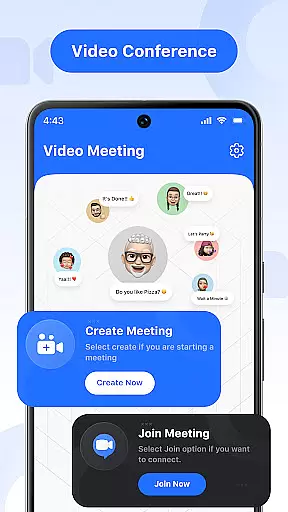
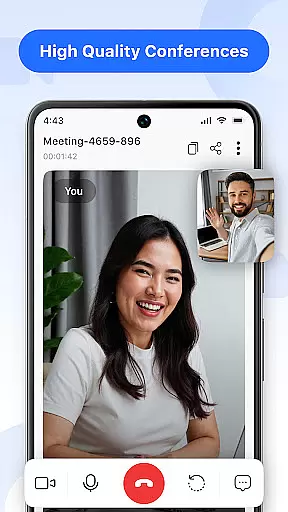
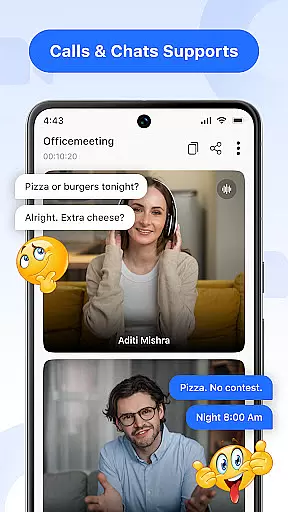

Video Meeting is a cutting-edge video conferencing app designed to enhance virtual communication and collaboration. With features like HD video calls, real-time interaction, and secure meeting access, it ensures seamless connectivity for both professional and personal use.
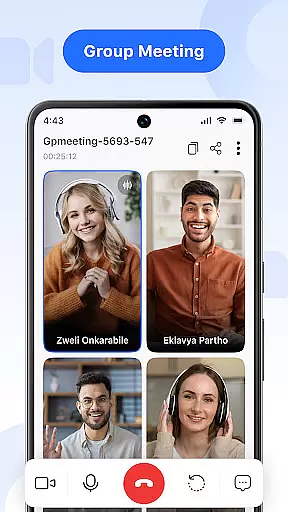
The app supports various meeting formats including one-on-one chats, group hangouts, and large team sessions. Users can easily host or join meetings, share screens, and toggle audio/video settings. Its intuitive interface and multi-language support make it accessible to a global audience.
Ideal for remote work, online learning, and social gatherings, Video Meeting helps users stay connected and productive regardless of location. The app's robust security measures and flexible functionality cater to diverse communication needs.
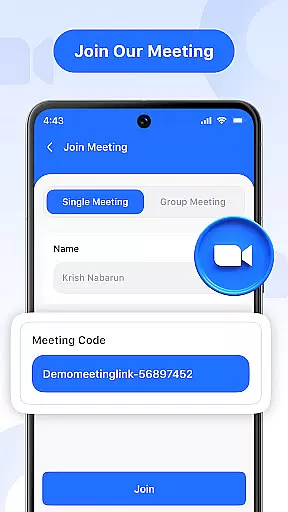
Video Meeting offers an array of advanced features that streamline virtual interactions. The app allows instant meeting creation and quick joining through secure codes or shared links, ensuring minimal setup time.
Users can engage in private one-on-one chats or participate in group hangouts for collaborative discussions. Real-time chat functionality enables messaging without interrupting ongoing calls. Audio controls provide the ability to mute/unmute microphones effortlessly.
Additional capabilities include video toggling for privacy, screen sharing for presentations, and easy meeting exits. The 'End for All' feature lets hosts conclude sessions efficiently. Multi-language support further enhances accessibility across different regions.
Real-time messaging speed and reliability are crucial for effective communication in any virtual meeting platform. Video Meeting ensures that messages are delivered instantly, allowing participants to engage without delays or disruptions.
The app employs advanced data transmission protocols and optimized server infrastructure to maintain consistent message delivery, even during peak usage times. This guarantees that your communications remain fluid and uninterrupted, regardless of the number of participants.
Users benefit from knowing their messages will be received immediately, enabling dynamic discussions and quick decision-making. The reliable messaging system supports both formal business meetings and casual conversations, enhancing overall productivity.
This focus on speed and reliability sets Video Meeting apart, providing users with a dependable tool for seamless real-time interaction, which is essential for successful online collaboration.
Media sharing support is an integral feature of Video Meeting, allowing users to share various types of content during their calls. This functionality enhances presentations and collaborative sessions by enabling participants to showcase documents, slideshows, or applications in real-time.
The app facilitates easy screen sharing with just a single tap, ensuring that all participants can view the shared content simultaneously. Whether it's for educational purposes, business presentations, or casual show-and-tell, this feature enriches the interactive experience.
Participants can expect smooth transitions between speakers and topics, thanks to the intuitive controls provided by the media sharing feature. This allows for more engaging and productive meetings, as everyone can contribute visual materials effortlessly.
By incorporating comprehensive media sharing capabilities, Video Meeting empowers users to conduct versatile and interactive sessions, making remote communication as effective as face-to-face interactions.
User-friendly interface
HD video quality
Secure meeting access
Real-time interaction tools
Multi-language options
Limited free features
Occasional connectivity issues
High resource consumption
Requires stable internet
No offline functionality

Secure Messaging App to Enhance Messenger Texting Experience and Organize SMS.
 3.50
3.50
Use this Dialer app alone or as a TREK: Total Interface companion.
4.70
Adblock & VPN Browser: Blocks banners, pop-ups and video ads, fast downloader!
4.60
Manage BoostMobile Account
4.60
Chat on the Jabber network (XMPP protocol); support for SMS and other gateways
2.10
Manage and Fund Calling Accounts and Schedule and Join Video Sessions
3.60
Create a secure hotspot on-the-go with Portable WiFi - Mobile hotspot.
4.40
Call & Text Anywhere With A Canadian Number.
3.60
SMS Messenger is a lightning-fast messaging app.
4.20
Welcome to the future of phone service.
4.60
An agentic AI browser for Android, built by Perplexity
4.50
Talk & text free with a second phone number plus unlimited 5G data, no fees.
4.50
Get through your inbox faster with the mail app designed to simplify your life.
4.40
Simplify texting with Messages SMS, offline messaging, themes & smart tools!
4.30
SMS & MMS Messaging App to easily send messages or schedule SMS on Chat
4.10
WazzapMigrator: transfer your WhatsApp history from iPhone to Android
4.00
Fast Dialer & Contact Manager with Caller ID and Spam Protection
4.00
Call Forwarding is easy and simple application to use.
3.80
Radio communication simulator for gaming communities
4.2


User Reviews