
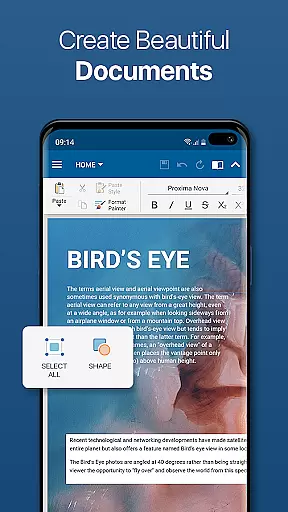
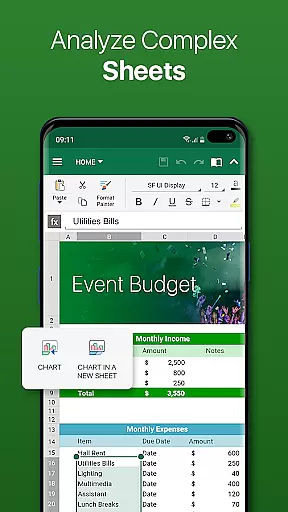
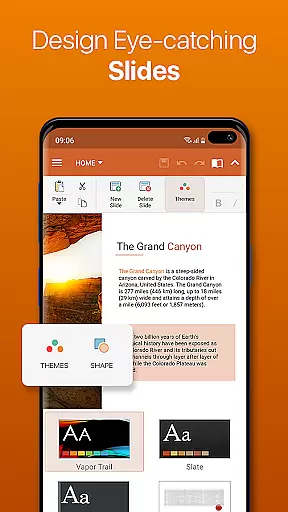
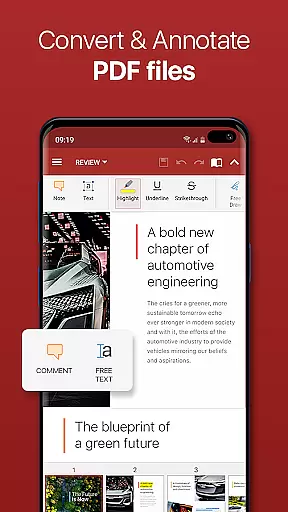


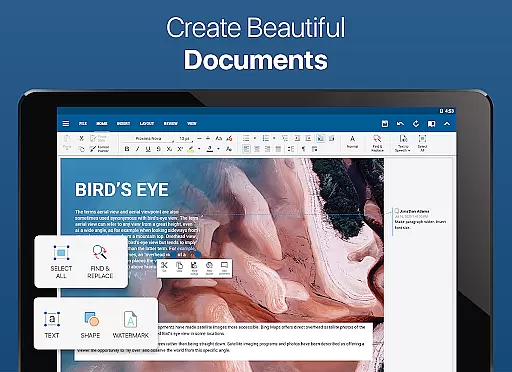
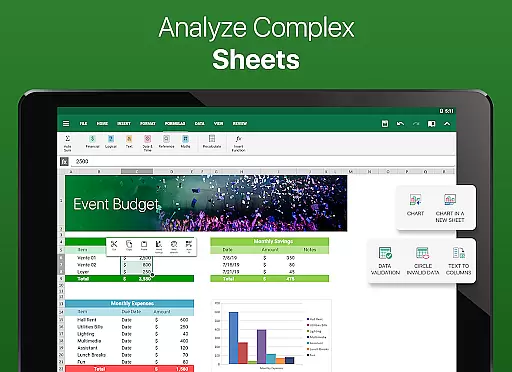
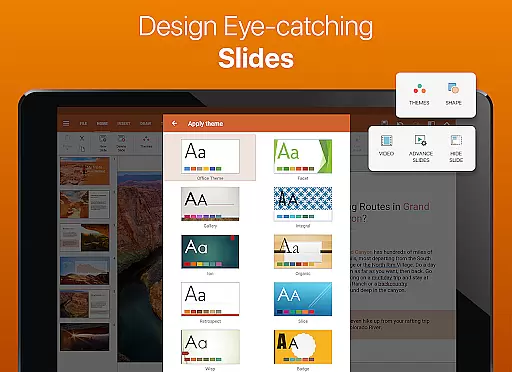
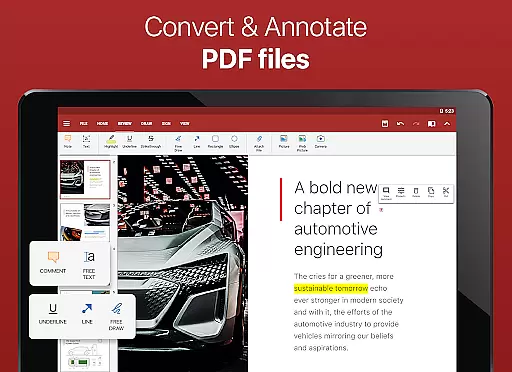

OfficeSuite Pro + PDF is a comprehensive office application that allows users to view, edit, and create Word, Excel, and PowerPoint documents with ease. The app also offers PDF conversion capabilities and efficient file management tools, making it an essential tool for mobile productivity.
This professional version stands out with its complete feature set, offering users a desktop-style interface that supports complex document editing. With full compatibility for Microsoft Office formats and advanced PDF functionalities, including digital signatures and form filling, the app ensures seamless document handling across devices.
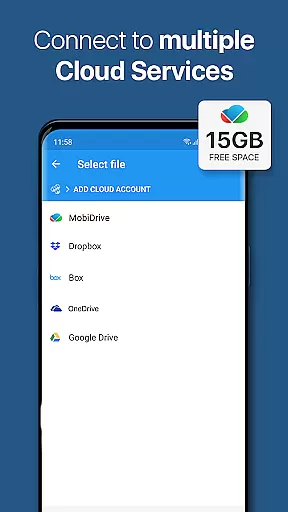
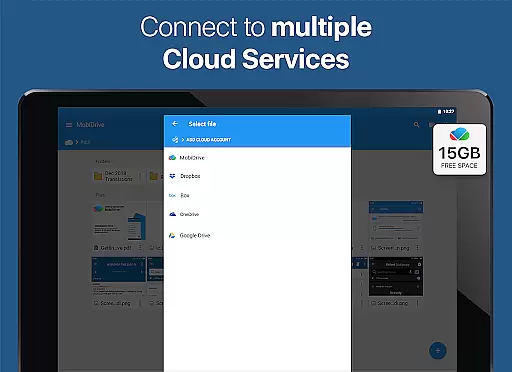
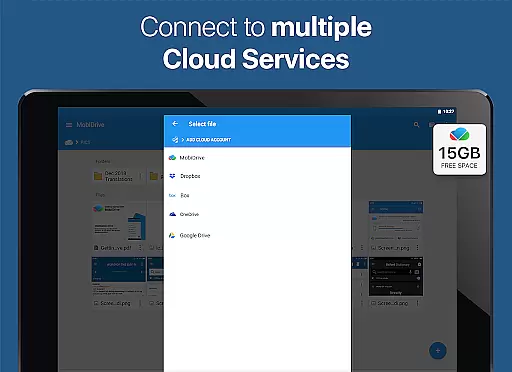
Ideal for business professionals and students alike, OfficeSuite Pro + PDF enables users to work on documents anywhere, anytime. Its integration with cloud services and up to 15GB of MobiSystems Drive storage provides flexible access and sharing options, enhancing collaboration and workflow efficiency.
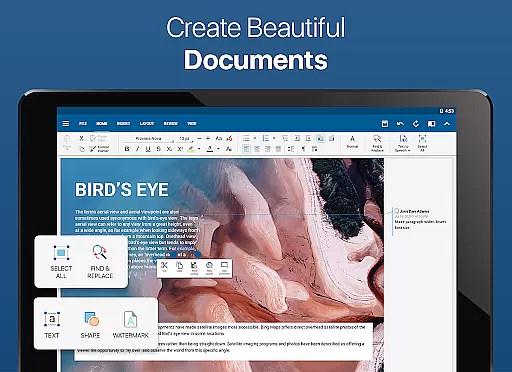
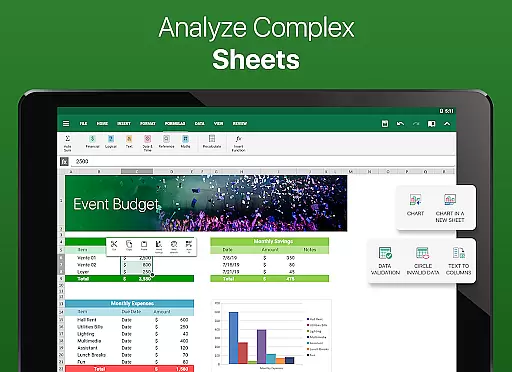
OfficeSuite Pro + PDF boasts an array of powerful features designed to enhance mobile productivity. The app's familiar desktop-style interface allows for intuitive creation and editing of complex office documents, while maintaining full compatibility with Microsoft Office formats such as DOCX, XLSX, and PPTX.
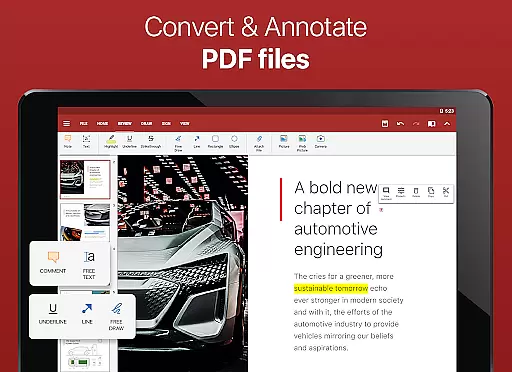
Among its standout features is robust PDF support, which includes PDF camera scanning, exporting to PDF, and fillable forms. Users can also benefit from integrated spell checking in over 40 languages, text-to-speech for documents and PDFs, and advanced security features like digital signatures and permissions management.
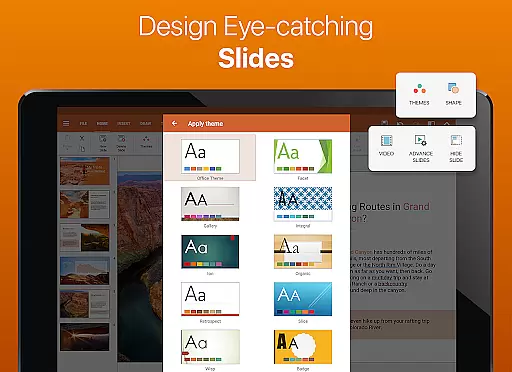
The latest version introduces OfficeSuite Chats for real-time collaboration, enhanced mouse support for Chromebooks, and quick access through notification drawers. These innovations, along with beautiful presentation themes and sheet protection in spreadsheets, make OfficeSuite Pro + PDF a top choice for mobile office solutions.
Collaborative work features are essential for modern business applications, enabling teams to work together efficiently regardless of location. OfficeSuite Pro + PDF excels in this area by offering multiple advanced functionalities.
The app provides real-time collaboration tools that allow users to edit documents simultaneously. This is particularly useful for teams working on shared projects, as changes made by one user are instantly visible to others. The integrated OfficeSuite Chats feature facilitates seamless communication while working on documents.
Another key aspect is the ability to track changes with multiple author support. This ensures that all modifications are recorded and attributed to specific team members, maintaining accountability and transparency in collaborative projects. Additionally, the app supports sharing via various cloud services, making it easy to distribute documents securely.
These collaborative features significantly enhance productivity by streamlining teamwork processes. Users can work on documents, spreadsheets, and presentations together, while maintaining version control and document integrity through robust permission management systems.
Effective task management is crucial for maintaining productivity in business environments. OfficeSuite Pro + PDF offers several features that help users organize and manage their work efficiently.
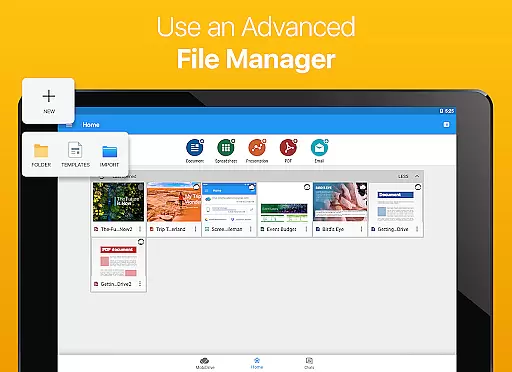
The application provides a comprehensive set of tools for managing office documents, including Word, Excel, and PowerPoint files. Users can create, edit, and view complex documents using a familiar desktop-style interface, which helps maintain consistency across different devices and work environments.
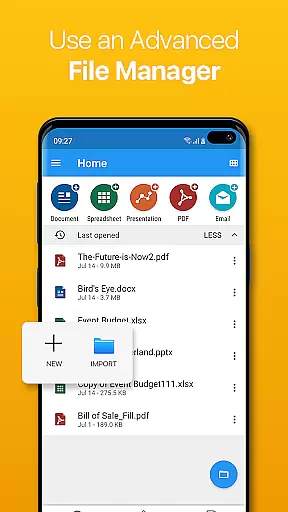
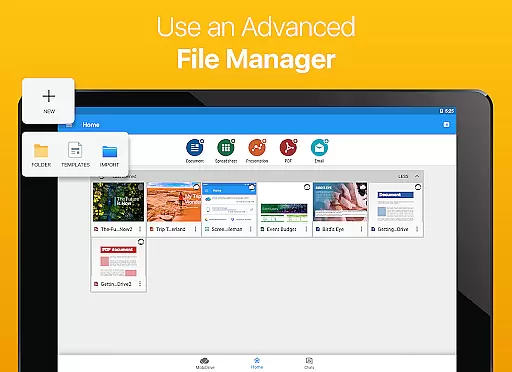
One notable feature is the integrated File Commander, which enables advanced synchronization and quick access to both local and remote files. This functionality allows users to keep their documents organized and readily available, regardless of their location or device.
Additionally, the MobiSystems Drive offers up to 15.0 GB of cloud storage, ensuring that important files are always accessible and backed up. These task management capabilities empower users to handle their workload more effectively, leading to improved overall productivity and better document control.
Full MS Office compatibility
Advanced PDF features
Cloud service integration
Text-to-speech support
Multi-language spell check
Some features are paid
Occasional sync issues
Heavy on resources
Complex for beginners
Limited free storage

The MyWalmart App is available for all associates in stores.
 4.70
4.70
Amazon A to Z is the place to manage your work-life at Amazon.
4.50
Employee Management Made Easy
4.80
All document reader, pdf viewer app, read docs & excel files
3.80
We are a dynamic team of creatives people of design, marketing, web & apps
3.00
Shop, deliver, and earn with the Spark Driver™ App
4.10
Ship, Track, Find a Location or Get a Quote with UPS. Anytime. Anywhere.
4.60
ADP Mobile Solutions is an employee self service app
4.50
Chat, meet, and collaborate to achieve more together, all in one place on Teams
4.60
Job search app that finds jobs for you! Takes the work out of looking for a job!
4.90
BuildCalc - the easiest AND the most advanced construction calculator app.
4.80
Manage Your Shop
4.70
Use Generative Summary to understand your rental or insurance docs in seconds.
4.70
Collaborate seamlessly with Google Chat, part of Google Workspace
4.50
Measure distances, surfaces and draw plans in seconds with CamToPlan!
4.40
Windows App allows you to connect to remote PCs and virtual apps.
3.70
view, manage, and share every PDF file you have
3.60
Access All PDF Files
3.40
Find part-time earning opportunities near you that pay within days.
3.20


User Reviews