
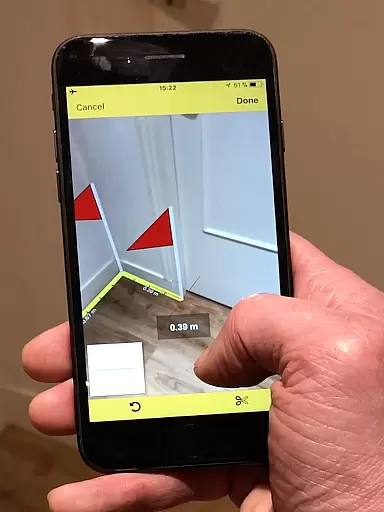
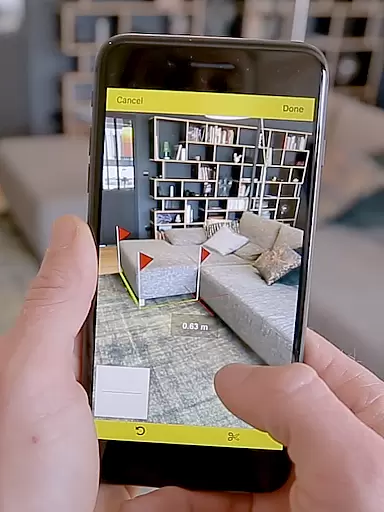
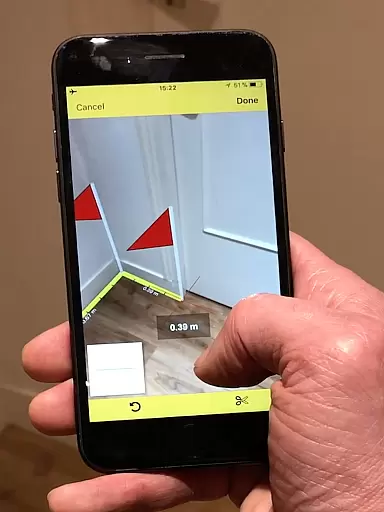
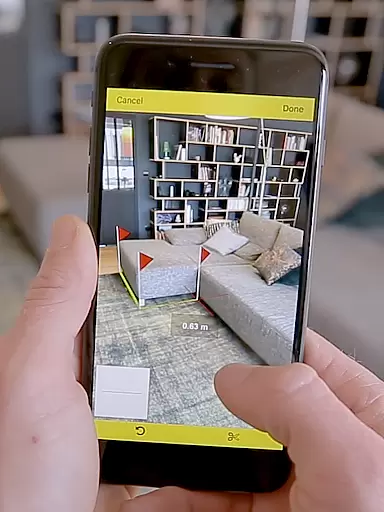
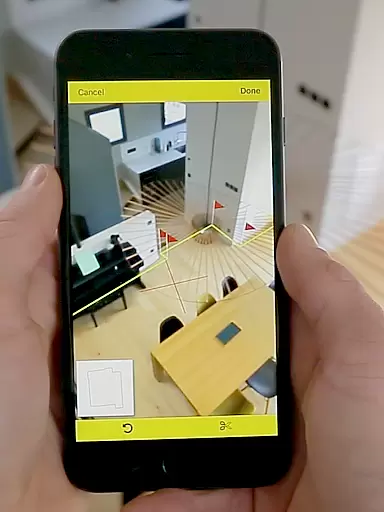
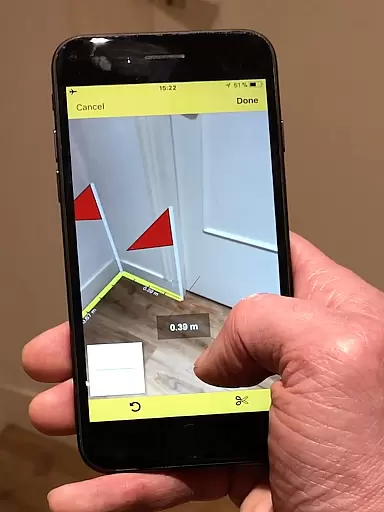
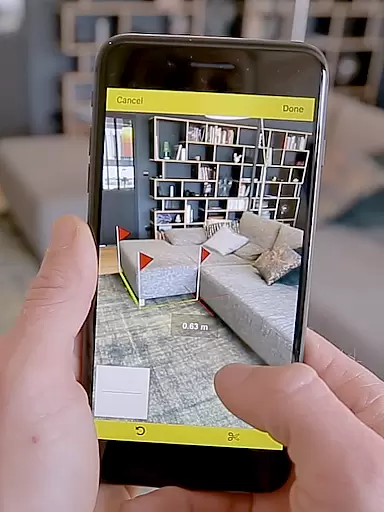
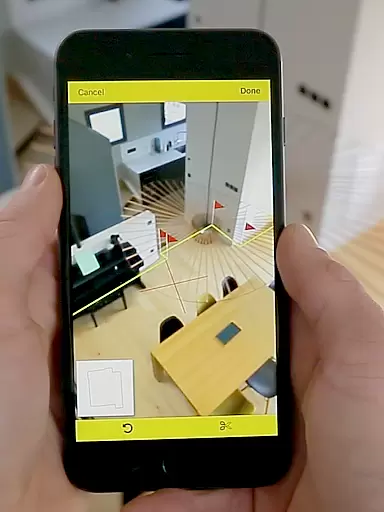
CamToPlan is a revolutionary business application that leverages augmented reality to provide effortless measurement solutions. With this app, users can measure distances both horizontally and vertically, calculate surface areas, and draw room plans in seconds. The app's innovative 3D tape measure feature allows for seamless measurements of baseboards, walls, and furniture dimensions without the need to kneel or manually mark points.
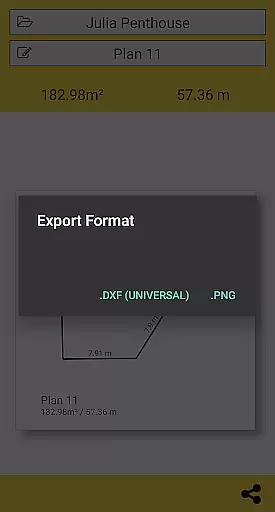
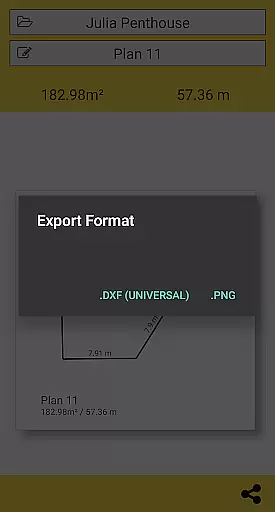
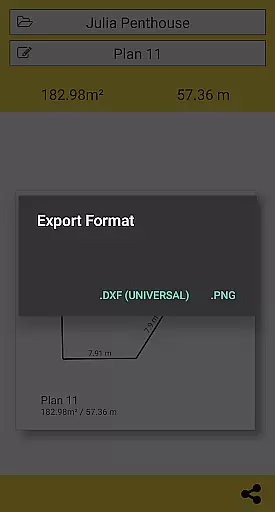
The application supports both Metric and Imperial units and offers export options in PNG or DXF formats. It automatically determines intersection points between the floor and target points, even behind furniture. While accuracy depends on good lighting and textured surfaces, CamToPlan enables users to move freely during measurements for optimal precision. This makes it an essential tool for professionals like architects and decorators as well as DIY enthusiasts.
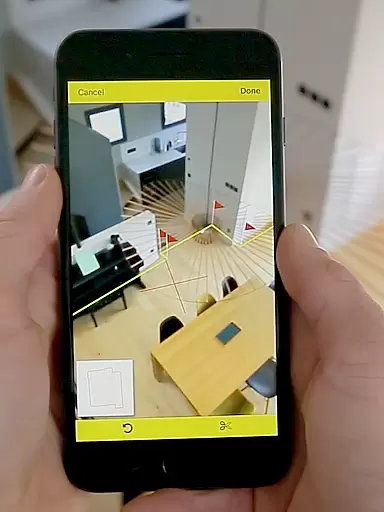
CamToPlan stands out with its advanced augmented reality capabilities that project a virtual tape measure onto your device's screen. The app uses real-time video analysis to identify visual details on the floor, allowing users to take measurements effortlessly. Its ability to measure both horizontally and vertically makes it versatile for various professional needs.
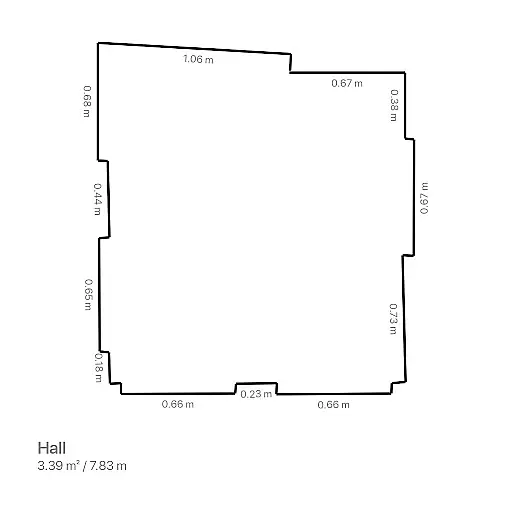
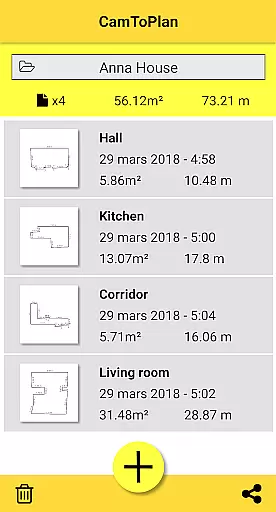
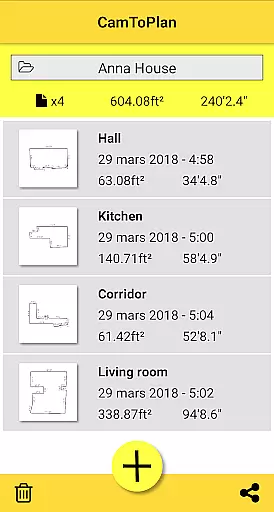
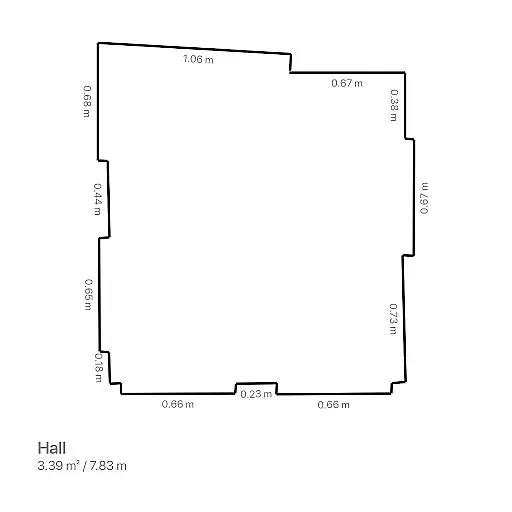
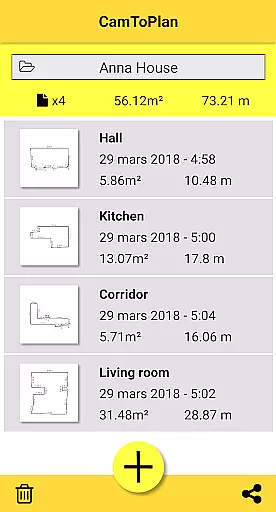
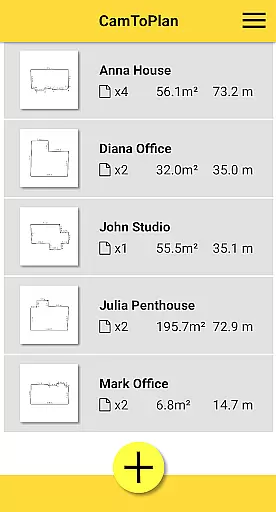
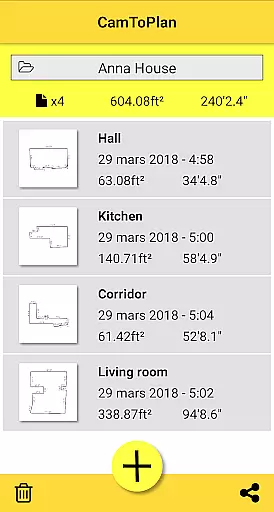
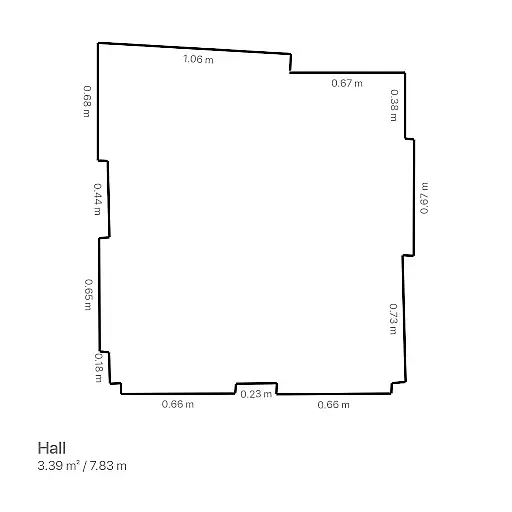
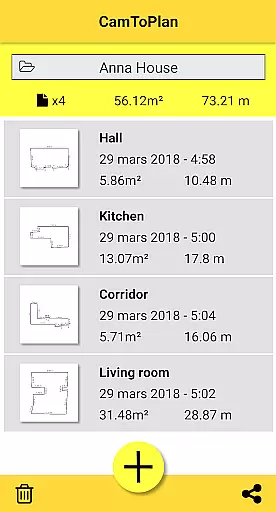
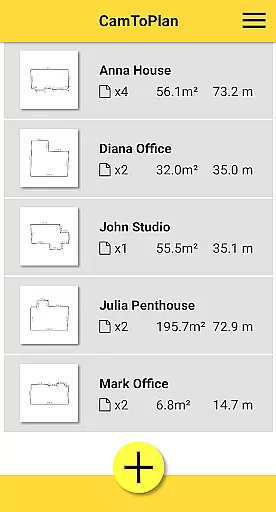
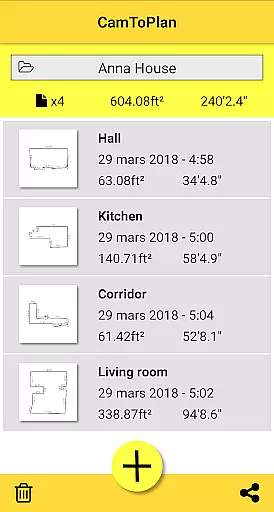
A key feature is the automatic calculation of room areas in square meters or feet, along with instant generation of room plans showing all measured dimensions. Users can easily share these plans via email, messages, or social media with just one click. The app also includes practical functionalities such as folder management for organizing projects and adjustable unit settings for Metric or Imperial preferences.
While CamToPlan performs best on textured floors with good lighting, it provides reliable measurements even when target points are hidden behind furniture. The app's mobility feature lets users safely move closer to their target for maximum precision, making it more flexible than traditional measuring tools like rulers or laser rangefinders.
CamToPlan revolutionizes collaborative work in the field of measurements and planning through its innovative augmented reality technology. This app allows multiple users to independently measure distances, surfaces, and draw plans, which can be effortlessly shared across teams via email, message, or social media platforms.
The application supports both metric and imperial units, catering to a global audience and ensuring that all team members can work within their preferred measurement system. The ability to export data in PNG or DXF formats further enhances collaboration by allowing seamless integration with design software used by architects and decorators.
One of the key collaborative advantages is the app's ability to automatically determine intersection points between the floor and target points, even if obscured by furniture. This feature ensures that team members working in different locations can rely on consistent and accurate measurements without needing to clear spaces manually.
While CamToPlan facilitates remote teamwork, it's important to note that accuracy depends on environmental conditions such as lighting and floor texture. Teams should establish standardized measurement protocols to maintain consistency across projects, making this app an essential tool for professionals in architecture, interior design, and various handyman services.
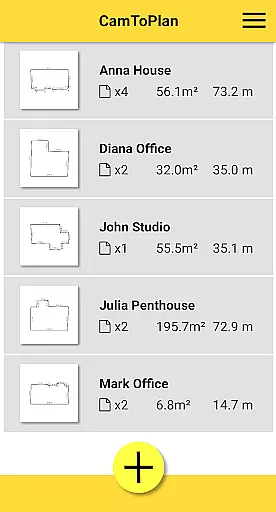
CamToPlan offers robust task management capabilities specifically designed for measurement and planning projects. The app enables users to efficiently organize their workflow by creating folders to categorize different measurement tasks, whether they're for baseboards, walls, furniture dimensions, or carpets.
Each measurement session is automatically saved, allowing users to return to their work exactly where they left off. The instant calculation of areas in square meters or feet, combined with automatic plan drawing, streamlines project management and eliminates manual calculations that could lead to errors.
The application's intuitive interface provides clear visual feedback during measurement sessions, helping users track their progress in real-time. This feature proves particularly valuable when managing multiple measurement points across different rooms or locations, as it maintains a comprehensive record of all captured data.
For enhanced task management, CamToPlan allows users to safely move while taking measurements, getting closer to target points for maximum precision. This mobility, combined with the ability to share completed plans instantly, makes project tracking and completion more efficient, especially for professionals juggling multiple client projects simultaneously.
User-friendly interface
Augmented reality features
Instant plan generation
Versatile measurement options
Professional-grade tools
Accuracy not guaranteed
Lighting dependent
Floor type limitations
Premium version required
Occasional glitches

The Penny Puss app with DG penny finder
 4.10
4.10
Manage work life on the go
4.50
Employee Management Made Easy
4.80
Grow your business and connect with more people with Meta Business Suite.
4.60
Master crypto trading with real-time simulations and exciting challenges!
4.50
USPS Mobile®Access USPS.com’s most popular tools on-the-go.
4.70
Smarter career moves start here. AI job alerts, insights & the right tools.
4.20
Earn money with the driver & delivery partner app for Uber, UberEats & Postmates
4.60
We help people get jobs
4.70
Job search app that finds jobs for you! Takes the work out of looking for a job!
4.90
Start earning fast. Apply Today.
4.80
ANDROID'S TOP MOBILE OFFICE - Word, Excel, PowerPoint and PDF at your fingertips
4.50
Drive and earn extra money
4.50
All-in-one Mobile solutions for employees & managers to succeed at work
4.30
FX Plus adds media, networking, and cloud capabilities to FX File Explorer.
4.10
The All-in-One File Manager for Phone, TV, Watch, Cars, XR / VR, Chromebook
4.10
enjoy effortless PDF reading anytime, anywhere
3.90
Access All PDF Files
3.40
viewing and sharing PDFs and other files—anytime, anywhere!
4.1


User Reviews