
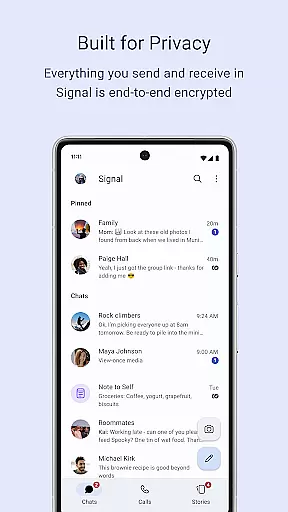
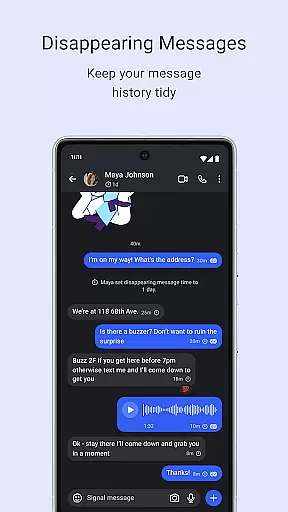
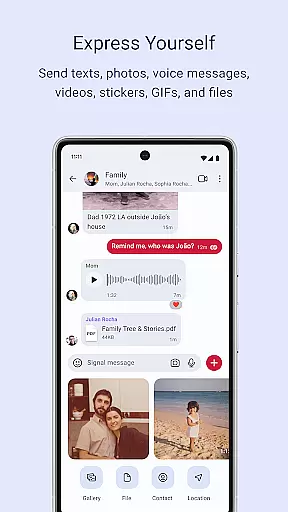
Signal Private Messenger is a secure communication app that prioritizes user privacy through end-to-end encryption. It allows users to send texts, voice messages, photos, videos, and files while avoiding traditional SMS and MMS fees by using the phone's data connection.
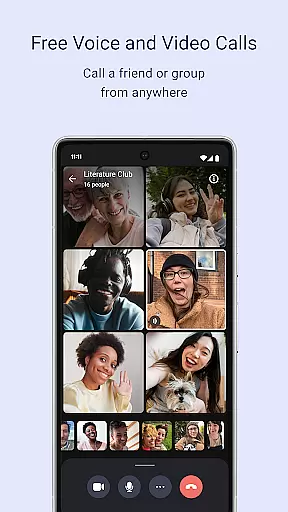
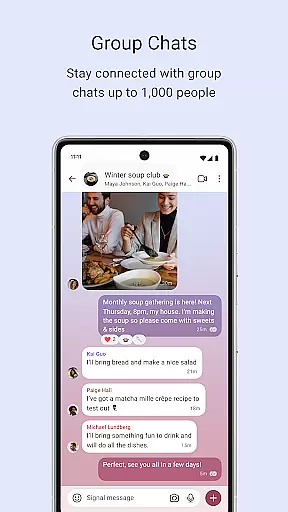
The app supports crystal-clear encrypted voice and video calls, including group calls for up to 50 participants. With group chats supporting up to 1,000 people, Signal provides robust admin permission settings to manage group members and control posting privileges.
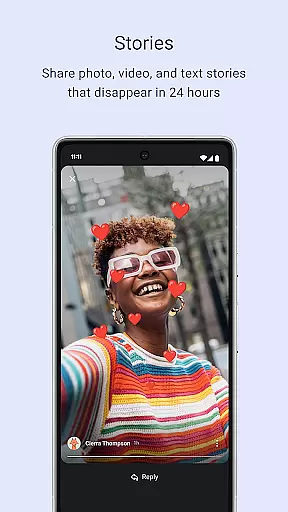
Signal also offers Stories that disappear after 24 hours, allowing users to share images, texts, and videos with customizable privacy settings. As an independent, non-profit organization, Signal does not collect user data or display ads, ensuring complete privacy and security.
Signal Private Messenger stands out with its strong focus on privacy and security. The app uses the open-source Signal Protocol, which ensures that no one, not even Signal, can read your messages or listen to your calls. This commitment to privacy extends to its lack of backdoors and data collection practices.
One of Signal's key features is its ability to make encrypted voice and video calls, including group calls for up to 50 people. The app also supports large group chats with up to 1,000 participants, providing admin controls to manage who can post within these groups.
Additionally, Signal offers Stories that disappear after 24 hours, giving users a way to share temporary content with specific privacy settings. Being a non-profit supported by donations, Signal avoids advertisements and investor pressures, focusing solely on user privacy and experience.
Signal Private Messenger excels in providing real-time messaging with impressive speed and reliability. The app is designed to deliver your messages instantly, ensuring that communication is not just private but also prompt.
The strong end-to-end encryption does not compromise the performance; instead, it works hand-in-hand with the app's efficient data usage to avoid delays. This means you can send texts, voice messages, photos, videos, GIFs, and files without worrying about sluggishness or security.
Users benefit from knowing their conversations are not only protected by state-of-the-art encryption but also delivered without unnecessary lag. This seamless blend of privacy and swiftness makes Signal stand out in the realm of secure messaging apps.
In addition to text-based communication, Signal offers robust media sharing support, allowing users to exchange images, videos, documents, and more without sacrificing their privacy. The app uses a secure method to ensure all shared media is encrypted during transmission.
With the capability to send various types of media, Signal ensures that you stay connected with friends and family through rich content exchanges. Whether it's sharing memorable photos or important documents, Signal handles it all while keeping your data secure.
This feature enriches the user experience by combining comprehensive media compatibility with Signalu2019s renowned security protocols, thus offering peace of mind alongside convenience in every shared moment.
End-to-end encryption
No data collection
Free to use
Supports large group chats
Open-source protocol
Limited to 50 participants in group calls
No built-in games or entertainment
Requires internet connection
Stories limited to 24 hours
Non-profit model may limit resources

Enables Plus features of Quick Search.
 4.2
4.2
Radio communication simulator for gaming communities
4.1
فیلتر شکن قوی پرسرعت کلید جدید برای اندرویدسریع ترین وی پی ان برای همه اپراتورها
4.70
Identify unknown numbers, block spam calls, customize calls with cool themes.
4.60
SMS Messenger ensures that communication become effortless and accessible.
3.80
SMS & MMS Messaging App to easily send messages or schedule SMS on Chat
4.10
Manage BoostMobile Account
4.60
Messages is Private SMS Messenger 2023 with text message, instant messaging.
4.00
Talk & text free with a second phone number plus unlimited 5G data, no fees.
4.50
We’re taking the yada yada out of wireless—now we’ve taken it out of your app.
4.70
Manage your mobile phone plan, check unlimited 5g data usage and track rewards
4.50
Get through your inbox faster with the mail app designed to simplify your life.
4.40
Phone Dialer with Caller ID, Address Book & Contacts Manager.
4.30
Call Blocker app: Identify unknown callers, block spam calls, fraud & robocalls
4.30
2nd Phone Number Line for Anonymous Texting, Calling, and Picture Messages
4.30
Group Chat That’s Fun & Games
4.30
BE PRIVATE
Anonymous. No Trace. Fast.
4.20
Send SMS and chat messages easily with a fast text messaging app for Android.
4.10
Fast Dialer & Contact Manager with Caller ID and Spam Protection
4.00


User Reviews