
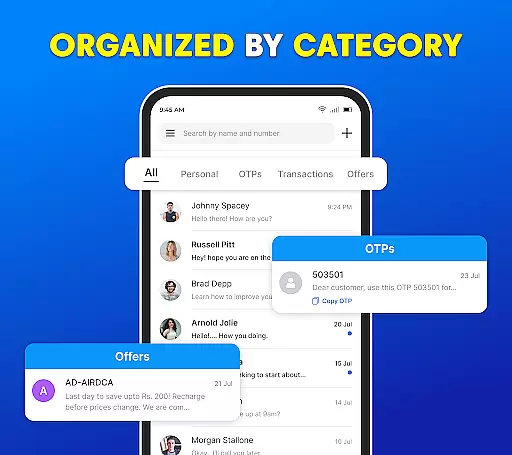
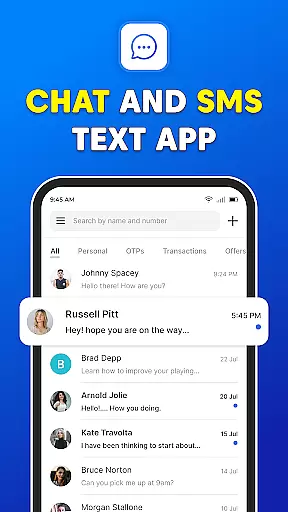
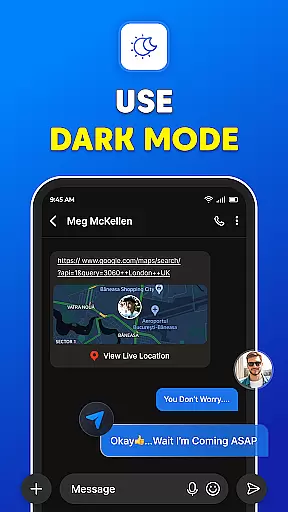

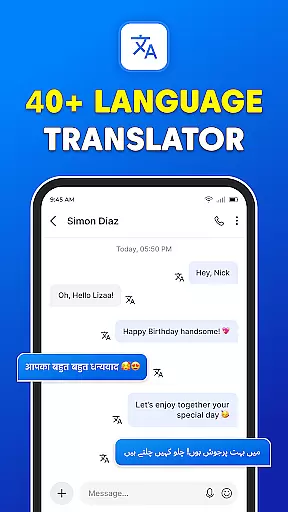
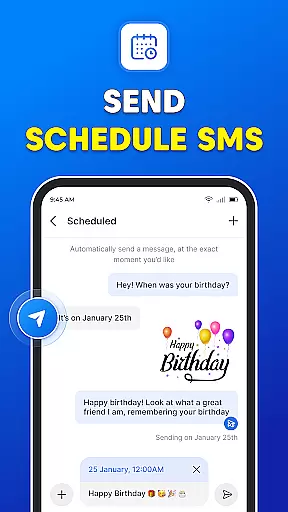
Messages: SMS Text Messenger is a comprehensive communication app designed for seamless private messaging. The core functionality allows users to send text messages (SMS, MMS), share multimedia content such as pictures, GIFs, videos, audios, and stickers with contacts. It supports end-to-end encryption, ensuring secure conversations across devices like smartphones and tablets.
Beyond basic texting, the app offers advanced features including group chats, file sharing, and voice calls without requiring an internet connection. Its user-friendly interface and powerful tools like scheduled messaging, backup and restore options, and a dark mode make it a versatile solution for modern communication needs. Whether for personal or professional use, Messages provides a reliable platform to stay connected.
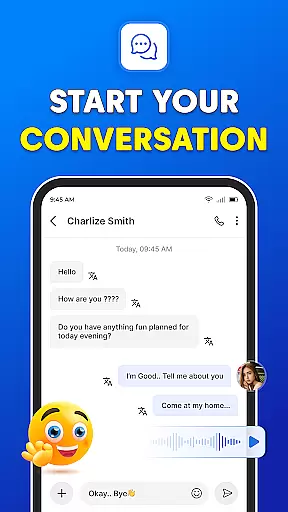
Messages stands out with its robust feature set tailored for effective communication. The app's messenger chat function enables unlimited texting, video, audio, and group SMS capabilities, making conversations easy and engaging. Users can effortlessly share various media formats, including videos, audios, pictures, emojis, GIFs, and stickers, enhancing interaction quality.
Additional functionalities include group chats for maintaining connections with friends and family, instant access to the SMS inbox post-phone calls, and a powerful backup and restore system to prevent data loss. The scheduled messaging feature ensures timely communication, while the dark mode offers a visually comfortable experience. These innovations collectively deliver a superior messaging experience compared to traditional apps.
Real-time messaging speed and reliability are crucial for any communication app, ensuring that messages are delivered instantly and consistently. The Messages app excels in this area by providing a seamless experience where texts, images, videos, and other media types are transmitted without delay.
This application supports end-to-end encryption, which not only secures the content of your messages but also enhances delivery reliability. Users can trust that their communications will reach the intended recipients swiftly and securely, whether they're sending simple text messages or multimedia files.
Moreover, the app's robust infrastructure supports group chats and file sharing, making it an ideal choice for both personal and professional use. With features like scheduled messaging and backup restoration, users have comprehensive control over their communication, ensuring no message is lost or delayed.
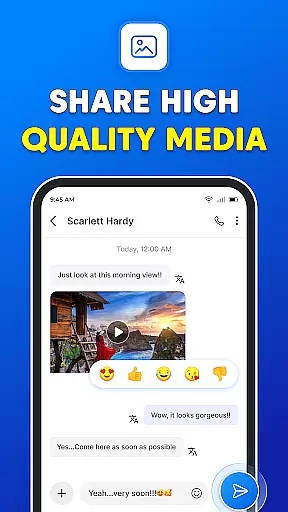
Media sharing support is a vital feature for modern messaging apps, allowing users to exchange various forms of digital content effortlessly. The Messages app offers extensive capabilities in this domain, enabling users to share pictures, GIFs, emojis, videos, and audio files with ease.
The app's intuitive interface facilitates quick access to different media types, enhancing user engagement and interaction. Whether you're looking to send a funny GIF or an important document, the Messages app ensures that all shared content is delivered accurately and promptly.
In addition to basic media sharing, the app provides advanced functionalities such as voice calls and video sharing within seconds. This versatility makes it a powerful tool for staying connected with friends and family, offering a rich communication experience that goes beyond traditional text messaging.
User-friendly interface
End-to-end encryption
Cross-device compatibility
Free messaging service
Multimedia sharing options
Limited customization
No internet-based messaging
Basic voice call features
Occasional bugs reported
Ads in free version

 3.90
3.90
Pure modern IRC experience for Android
3.70
Use this Dialer app alone or as a TREK: Total Interface companion.
4.70
Messenger app for faster and simpler SMS text messaging, and personalized themes
4.10
Chat on the Jabber network (XMPP protocol); support for SMS and other gateways
2.10
RemoteHams.com Android RCForb Client Pre-Release
4.30
Use this SMS app standalone or as a TREK: Total Interface companion.
4.30
Threema is the messenger with the most consistent focus on security and privacy.
4.00
Enhance browsing with AI-powered features and Copilot.
4.70
Messenger for SMS - texting message app, faster, simpler & safer, for you.
4.70
A browser that does more than load page, like keeping your privacy safe.
4.70
Useful. Social. Expressive.
4.70
An agentic AI browser for Android, built by Perplexity
4.50
Fast and mini browser with Ad Blocker,Video Downloader and Video Player
4.40
A web browser that respects your privacy.
4.30
Enjoy secure messaging & calling. Safe Messenger: group chats, calls, messages.
4.20
Call Forwarding is easy and simple application to use.
3.80
SMS Messenger ensures that communication become effortless and accessible.
3.80
Caller ID, Spam Call & SMS Blocker
3.80


User Reviews