
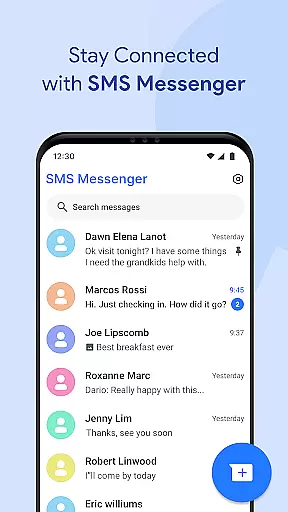
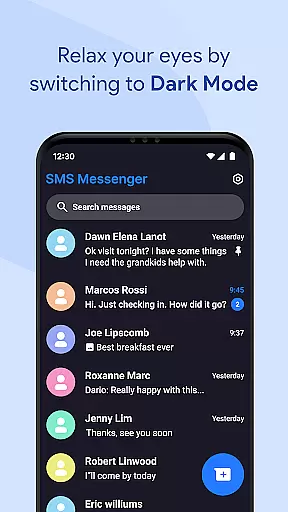
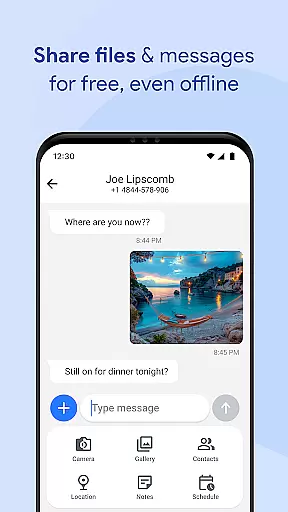
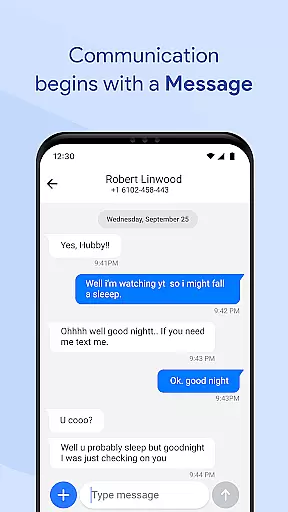

Messages for Android is a comprehensive messaging app designed to streamline communication through its robust SMS and MMS support. This application allows users to send texts, images, videos, and more, making it an all-in-one communication tool. Its group messaging feature ensures that users can manage multiple conversations efficiently.
In addition to basic messaging, the app offers advanced functionalities such as after-call reminders and follow-up options, enhancing productivity. With a focus on performance, Messages for Android is optimized for all devices, ensuring fast delivery even in power-saving mode. The app also includes smart search, quick replies, and spam protection, providing a seamless user experience.
The secure nature of this app ensures privacy and data protection, with features like backup and restore, chat sync, and message protection. Users can customize their experience with personalized notification tones and backgrounds, making it not only functional but also enjoyable to use. Whether for personal or professional use, Messages for Android delivers a modern, reliable messaging solution.
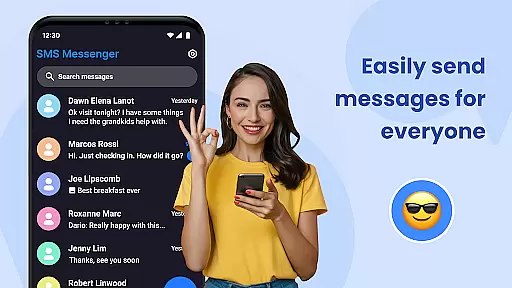
Messages for Android stands out due to its extensive feature set tailored for both casual and professional users. The app supports SMS and MMS, enabling the sharing of various media types including images, videos, and documents. Group messaging capabilities allow users to maintain organized conversations with multiple contacts, whether for personal or work-related discussions.
One innovative aspect is the after-call feature, which lets users send follow-up messages or set reminders immediately after a call ends. This functionality enhances task management and ensures no important communication is missed. Additionally, the app's performance optimization guarantees smooth operation across all Android devices, focusing on battery efficiency and instant notifications.
Advanced features include smart search for quickly locating conversations, quick replies for efficient communication, and spam filtering to reduce unwanted messages. Users can also pin important chats and organize messages into folders. Privacy is prioritized with secure messaging options, backup and restore capabilities, and multi-language support, ensuring a versatile and secure user experience.
Real-time messaging speed and reliability are crucial for maintaining seamless communication in any messaging app. Messages for Android excels in this area by providing optimized performance across all Android devices, ensuring fast delivery of texts even in power-saving mode.
The app employs efficient memory usage to offer a battery-friendly messaging experience without compromising on speed or reliability. This means users can send and receive messages, images, videos, and other media formats swiftly, regardless of their device type.
With instant notifications, the app ensures that users never miss an important message, even when their phone is locked. The lightweight design contributes to smooth performance and minimal resource use, making it an ideal choice for both casual and professional communication needs.
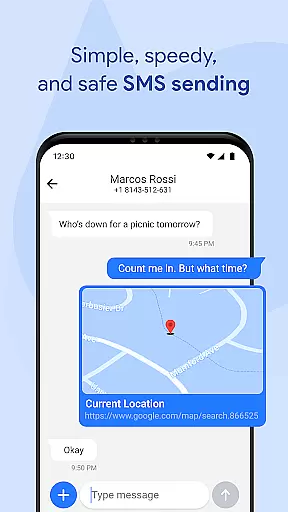
Media sharing support is a vital feature for modern messaging apps, enabling users to exchange various types of content seamlessly. Messages for Android supports sending and receiving text messages, images, videos, audio files, documents, and location data effortlessly.
This comprehensive media sharing capability enhances group messaging experiences by allowing family, friends, or colleagues to stay connected through rich multimedia conversations. Whether it's a quick text follow-up after a call or organizing work-related documents within chats, the app provides versatile tools for effective communication.
Additionally, advanced features like SMS filtering and spam protection help maintain a clean inbox while managing different types of shared media. Users can also personalize notification tones and chat backgrounds, tailoring their media-sharing experience according to individual preferences.
User-friendly interface
Advanced privacy features
Efficient group messaging
Customizable experience
Reliable offline texting
Limited iOS compatibility
Occasional bugs reported
Heavy on storage
Ads in free version
Complex settings for beginners

Pure modern IRC experience for Android
 3.70
3.70
Use this Dialer app alone or as a TREK: Total Interface companion.
4.70
Adblock & VPN Browser: Blocks banners, pop-ups and video ads, fast downloader!
4.60
Messenger for SMS - texting message app, faster, simpler & safer, for you.
4.70
Message and video call your family and friends in HD!
3.80
Fast, Simple And Secure Application That Provides SMBv3 Server On Your Device
3.30
Watchgram for Telegram: Experience seamless Telegram messaging on your watch
1.80
An app dedicated solely to marriage, not dating, and supported by a rigorous verification mechanism to ensure seriousness.
4.0
Simple tool for businesses to talk to their customers.
4.40
Read OBD2 data and DTCs Create custom dashboards Enhanced diagnostics available
4.70
Identify unknown numbers, block spam calls, customize calls with cool themes.
4.60
Smart and simple anti-wiring application - IMSI-catchers catcher
4.40
Block spam calls & scam - no more annoying calls with the call blocker function
4.30
Simplify texting with Messages SMS, offline messaging, themes & smart tools!
4.30
Messenger app for faster and simpler SMS text messaging, and personalized themes
4.10
Send SMS and chat messages easily with a fast text messaging app for Android.
4.10
Fun, free app that lets kids video call and message family and close friends.
3.80
A Browser with powerful ad blocker to help focus on what really matters.
3.00
Bringing the functionality of Winlink to your Android device
4.2


User Reviews