
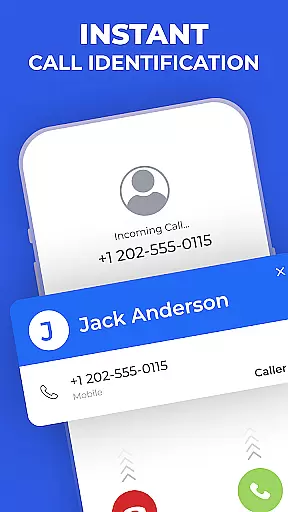
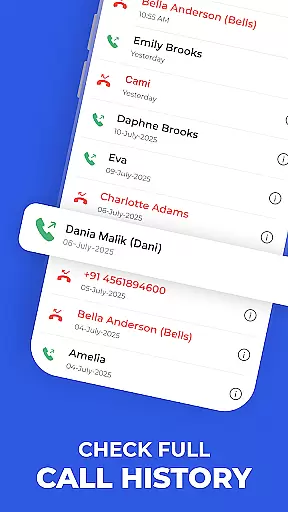
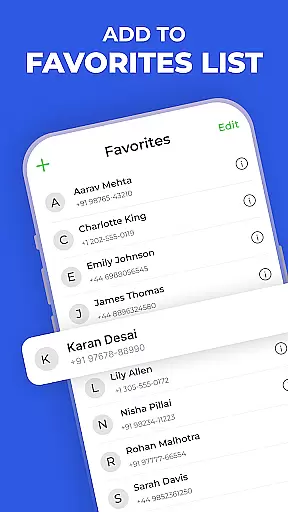
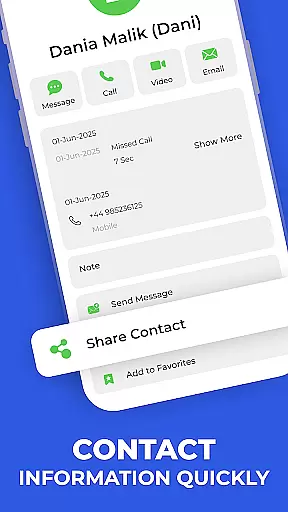
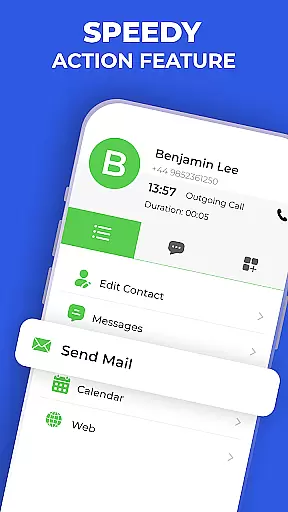
Contacts - Caller ID & Spam is a comprehensive communication app designed to enhance your Android phone's contact management and call protection capabilities. This app combines a smart dialer, spam detection, and detailed contact management in one sleek interface.
The key functionalities include instant contact search, real-time spam alerts, speed dial actions, and complete contact details at a glance. Whether you're looking to quickly dial a number, identify unknown callers, or manage your entire contact list, this app provides the tools needed for efficient communication.
Ideal for users who frequently interact with a large network of contacts, this app ensures that you can easily organize and access your most important connections while protecting yourself from unwanted calls.
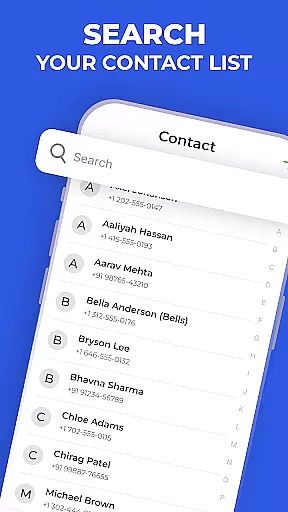
This communication app stands out through its diverse feature set tailored for both personal and professional use. The Quick Dialer allows users to make calls instantly using an intelligent search function that recognizes names and numbers.
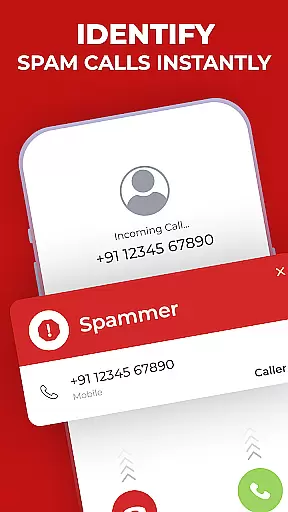
Spam Detection provides real-time alerts for suspected spam calls, ensuring users are protected from potential threats. The Favorites feature lets you pin important contacts for quick access, while Speed Dial Actions enable calling or messaging within seconds.
Additionally, the app offers offline functionality for contact search, dialing, and call history viewing, making it reliable even without an internet connection. These features collectively create a robust tool for managing communications effectively.
In today's fast-paced world, the speed and reliability of real-time messaging are crucial for effective communication. Contacts - Caller ID & Spam ensures that messages are delivered instantly and reliably, keeping you connected with your important contacts without delays.
This application employs advanced algorithms to optimize message delivery paths, ensuring minimal latency even during peak usage times. The robust infrastructure guarantees that your messages reach their destination promptly, regardless of network conditions.
Users benefit from uninterrupted communication flow, allowing them to respond quickly to urgent matters. Whether it's a business inquiry or a personal conversation, the assurance of message delivery provides peace of mind and enhances productivity.
The reliability of the messaging system also means fewer missed opportunities and stronger relationships, as timely communication is key to maintaining both professional and personal connections.
Sharing media has become an integral part of our daily communications, and Contacts - Caller ID & Spam excels in providing comprehensive media sharing support. This feature allows users to effortlessly send photos, videos, and audio files, enriching conversations and making them more engaging.
The app supports a wide range of file formats, ensuring compatibility across different devices and platforms. With intuitive controls and seamless integration into the messaging interface, sharing media is as simple as selecting the file and tapping send.
Moreover, the app optimizes media files for quick uploads and downloads without compromising quality. Users can share life moments in high definition, knowing that their media will be delivered swiftly and securely.
This level of media sharing support not only enhances user experience but also fosters closer connections by enabling richer interactions through shared content.
User-friendly interface
Real-time spam protection
Offline contact management
Quick access to favorites
Global compatibility
Limited iOS support
Requires permissions
No automatic updates
Basic design aesthetics
Internet needed for spam

Fast and simple walkie talkie app
 4.20
4.20
Google's fast and secure browser
4.10
A Browser with powerful ad blocker to help focus on what really matters.
3.00
Welcome to the future of phone service.
4.60
Federated instant messaging for your mobile device (Jabber, XMPP, Snikket)
4.10
Manage Phone Calls, call history, and contacts easily with Phone Pro.
4.4
Bringing the functionality of Winlink to your Android device
4.4
Threema is the messenger with the most consistent focus on security and privacy.
4.00
SMS Messenger is a lightning-fast messaging app.
4.20
Read OBD2 data and DTCs Create custom dashboards Enhanced diagnostics available
4.70
Messenger, an MMS & SMS messages app with Blockers, Driving mode & Private box
4.60
Experience real private browsing without tracking, surveillance, or censorship.
4.50
Faster version of Messages. Messenger for your contacts.
4.50
Manage your mobile phone plan, check unlimited 5g data usage and track rewards
4.50
Manage and Fund Calling Accounts and Schedule and Join Video Sessions
3.60
Weargram is an unofficial Telegram Client for Wear OS.
3.50
At select facilities, you now have an easy way to video visit your loved ones!
3.30
Auto Reply SMS, Text Messaging, Away SMS Response, Busy SMS messages, Block Text
3.10
Chat on the Jabber network (XMPP protocol); support for SMS and other gateways
2.10


User Reviews