
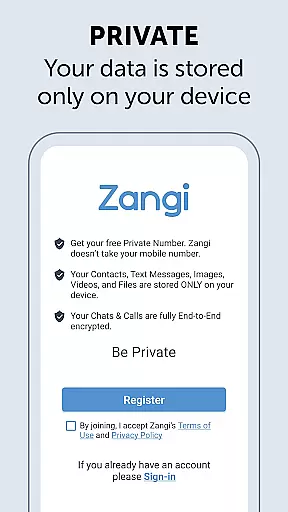
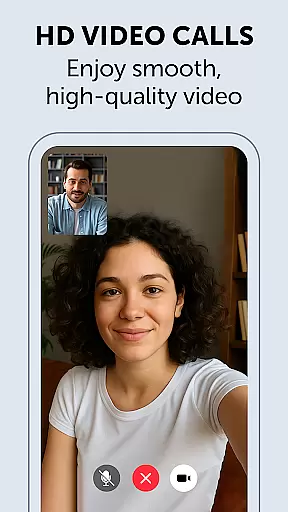
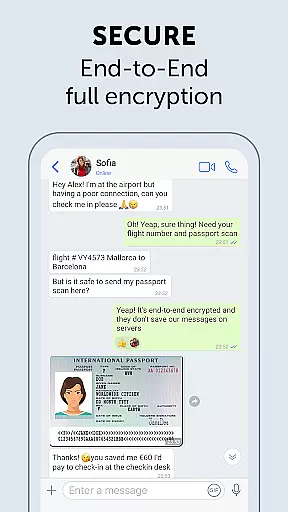
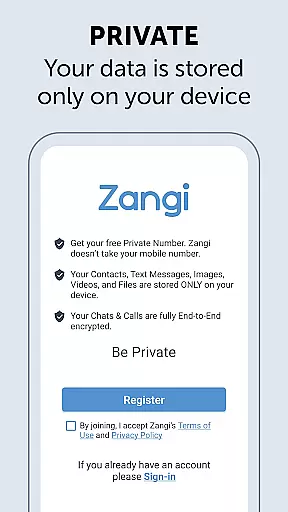
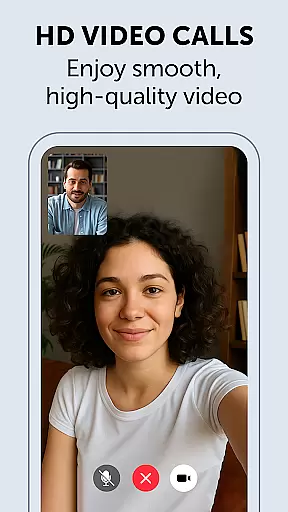
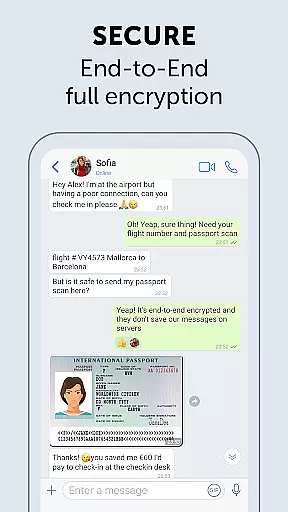
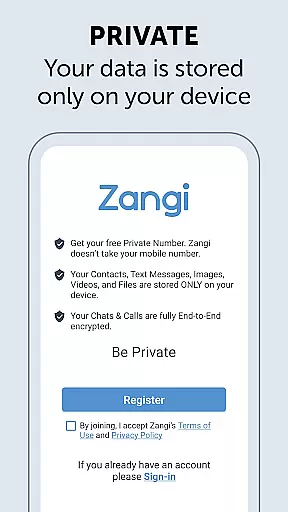
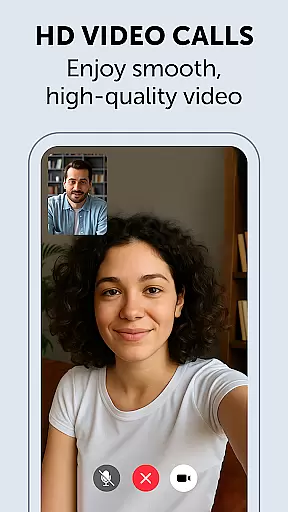
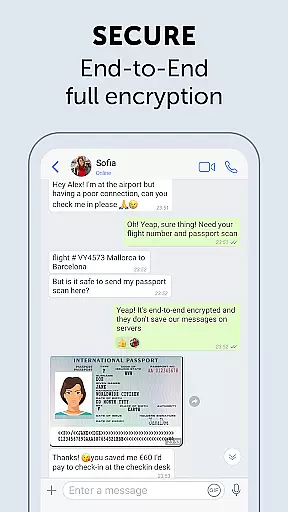
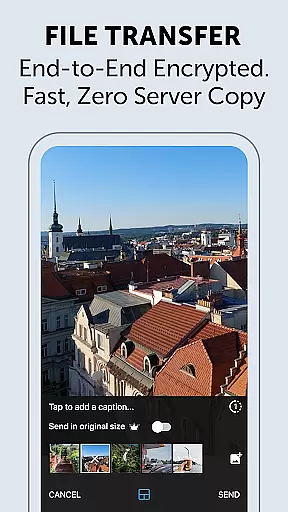
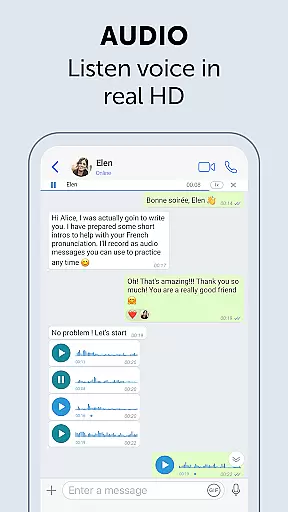
Zangi Private Messenger is a secure communication app designed for privacy-conscious users. It offers anonymous registration without requiring a phone number, ensuring protection from surveillance and hacking attempts. The app employs military-grade AES-GCM 256 encryption for all communications, including texts, voice, and video calls.
One of Zangi's standout features is its ability to function reliably even with poor internet connectivity. Whether you're using a 2G network or dealing with crowded WiFi, the app maintains stable performance. This makes it an ideal choice for users in areas with unstable network conditions who need consistent communication capabilities.
Zangi stands out with its commitment to user privacy and data security. The app doesn't collect or store any user data on its servers - all information remains solely on the user's device. Its End-to-End encryption ensures that only the communicating users can access the content of their messages and calls.
The application is engineered for reliability in challenging network environments. Through optimized data transmission protocols, Zangi minimizes bandwidth requirements while maintaining call quality and message delivery speed. This technical advantage allows users to stay connected even when other messaging apps fail to function properly.
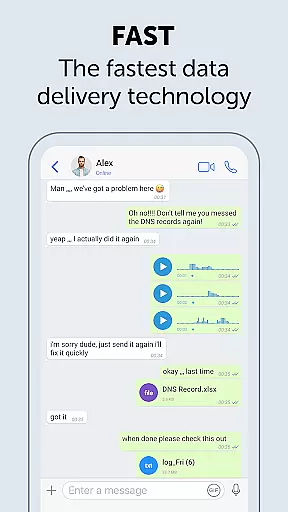
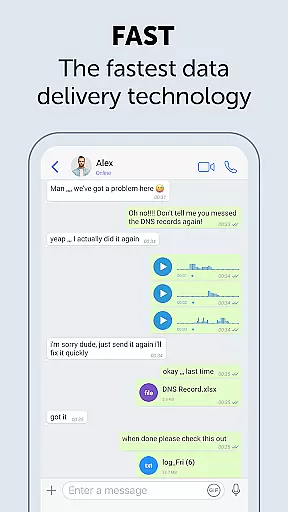
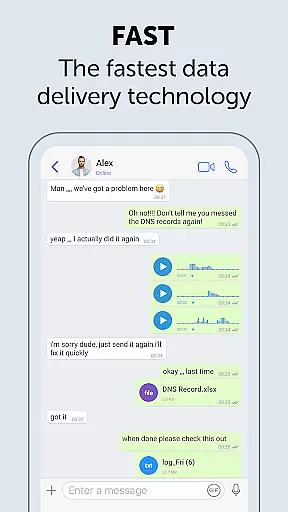
Real-time messaging speed and reliability are crucial for seamless communication. Zangi Private Messenger ensures messages are delivered instantly, even under challenging network conditions.
The app's optimized architecture minimizes dependency on internet speed, allowing users to send and receive messages reliably. This is particularly beneficial in areas with poor connectivity or when using slower 2G networks.
Zangi's robust infrastructure guarantees message delivery without delays, ensuring conversations flow naturally. Users can communicate confidently, knowing their messages will reach the recipient without interruptions.
This reliable performance makes Zangi an excellent choice for those who require consistent communication capabilities regardless of their location or network quality.
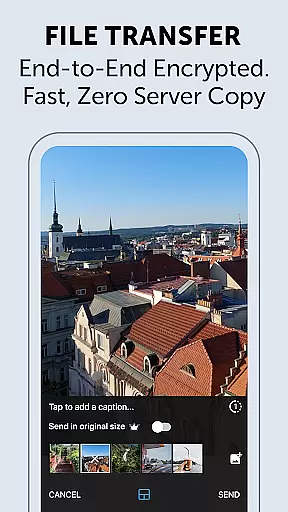
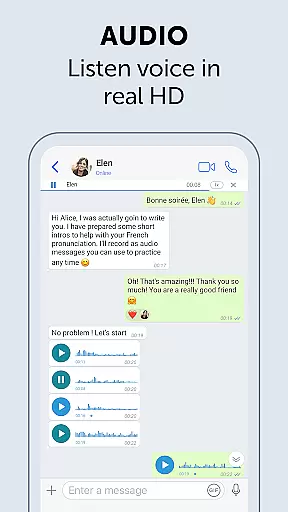
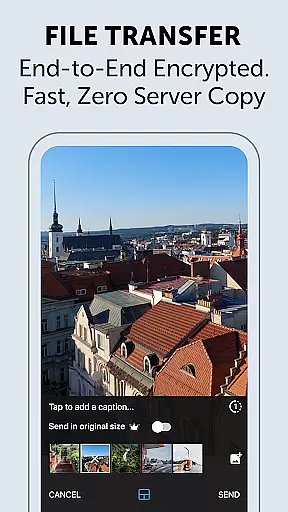
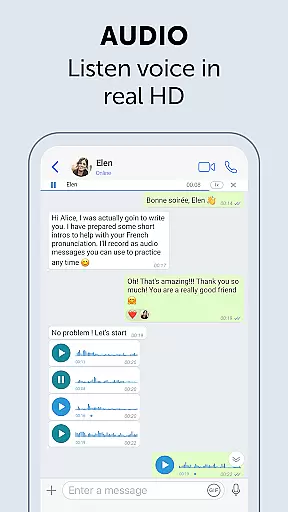
Media sharing support is essential for modern messaging apps, enabling users to exchange various file types effortlessly. Zangi Private Messenger allows users to share texts, files, voice messages, and video calls securely.
All shared media is protected by military-grade End-to-End AES-GCM 256 encryption, ensuring privacy and security. This level of protection is vital for sensitive communications where data integrity must be maintained.
Users can enjoy peace of mind knowing that their shared content remains confidential and is stored only on their devices. There is no risk of unauthorized access or data collection by third parties.
Zangi's comprehensive media sharing capabilities, combined with its strong security measures, make it a reliable tool for both personal and professional communication needs.
Top-level security
No personal data collection
Works on slow networks
Anonymous registration
Reliable performance
Limited user base
Fewer features than competitors
No cloud backup option
Smaller community
Less brand recognition

Save 10% automatically on your first international mobile top up.
 4.60
4.60
Messenger, an MMS & SMS messages app with Blockers, Driving mode & Private box
4.60
Caller ID App! Add names & photos to unknown calls & Call Recording
4.40
An agentic AI browser for Android, built by Perplexity
4.50
Watchgram for Telegram: Experience seamless Telegram messaging on your watch
1.80
Manage Phone Calls, call history, and contacts easily with Phone Pro.
4.0
Stay in touch with the people who matter most.
4.60
Get through your inbox faster with the mail app designed to simplify your life.
4.40
Telegram is a messaging app with a focus on speed and security.
4.00
Adblock & VPN Browser: Blocks banners, pop-ups and video ads, fast downloader!
4.60
Connect and browse the internet with a fast VPN proxy server and IP blocker.
4.50
Call Blocker app: Identify unknown callers, block spam calls, fraud & robocalls
4.30
Enjoy secure messaging & calling. Safe Messenger: group chats, calls, messages.
4.20
Chill zone on your phone: relax with fun reels & hype shorts!
4.20
Message and video call your family and friends in HD!
3.80
Manage and Fund Calling Accounts and Schedule and Join Video Sessions
3.60
Weargram is an unofficial Telegram Client for Wear OS.
3.50
Official NDI app: turn your phone into a professional live-streaming IP camera.
3.20
Auto Reply SMS, Text Messaging, Away SMS Response, Busy SMS messages, Block Text
3.10


User Reviews