
Countdown to Christmas 2025 with festive games & activities in a virtual village
 4.80
4.80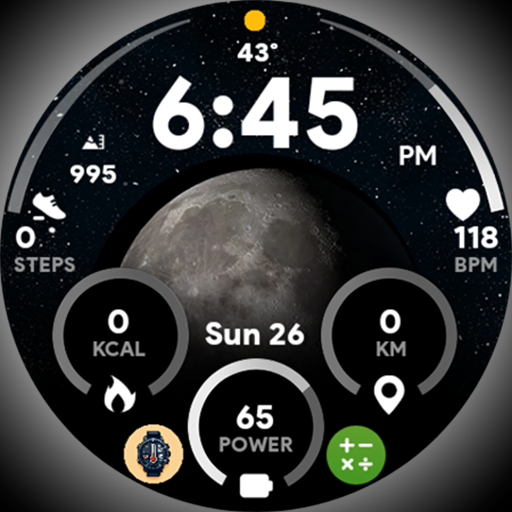
Unique informative Dial with Live Moon Phase at a glance!
3.60
BILT interactive 3D instructions help you get the job done right
3.50
Get your life organized with My Agenda!
4.30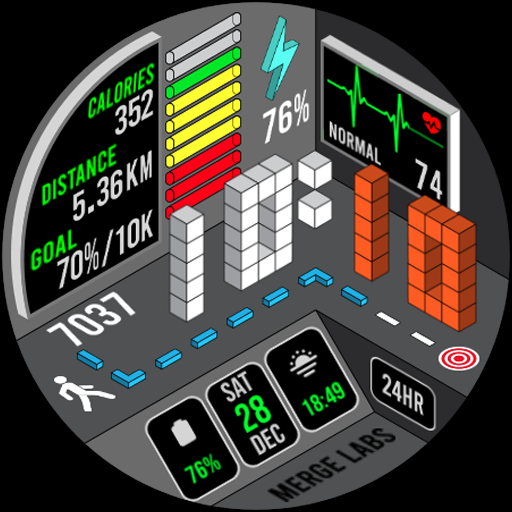
A uniquely designed isometric digital watch face made for Wear OS
4.0
My Diary - Daily Journal with lock: Diary journal app and secret diary with lock
4.80
Digital smart watch face made for Wear OS.
4.70
Redecor your home with Home AI interior design, room planner and home designer.
4.50
Remotely monitor the time and temperature of food cooking on your grill.
4.60
Discover the "To Be a Christian" App: Your Guide to Deepening Faith!
5.00
Make money, get paid cash rewards & gift cards for every survey. Earn today!
4.60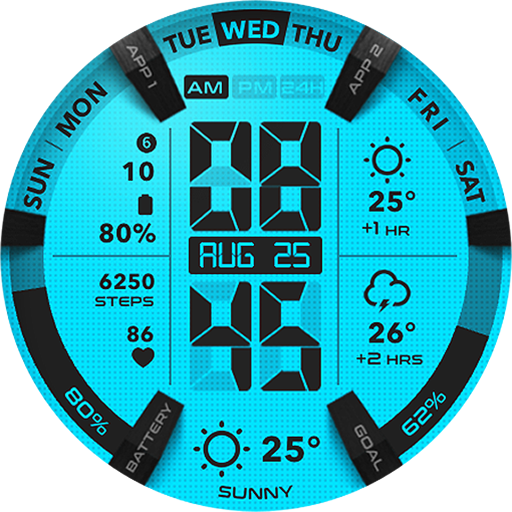
Retro animated weather with hourly forecast Watch Face for Wear OS
4.60
Vehicle ownership simplified. Get the myChevrolet® app today.
4.60
PARAVOX 4 is a professional ITC paranormal research application.
4.50
Share opinions, get paid cash
4.30
Do you want to communicate with spirits?
3.80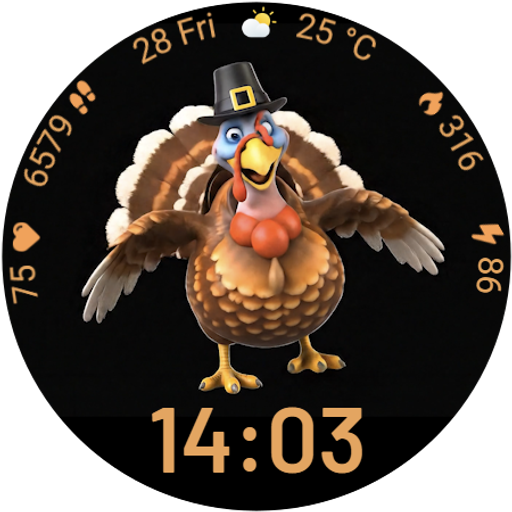
Cute animated Thanksgiving watchface for your WearOS smartwatch
4.2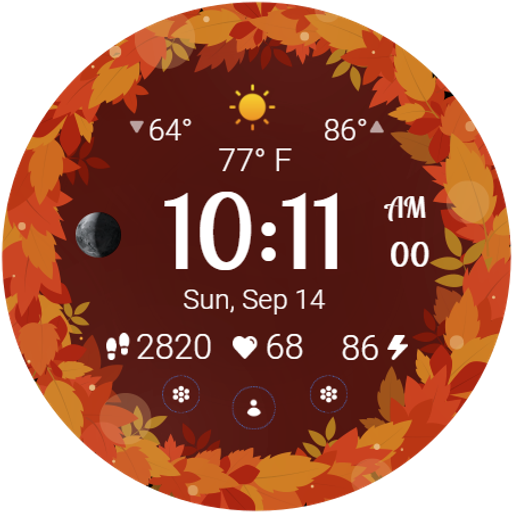
Bring the warm colors of fall directly to your wrist with Autumn Leaves!
4.2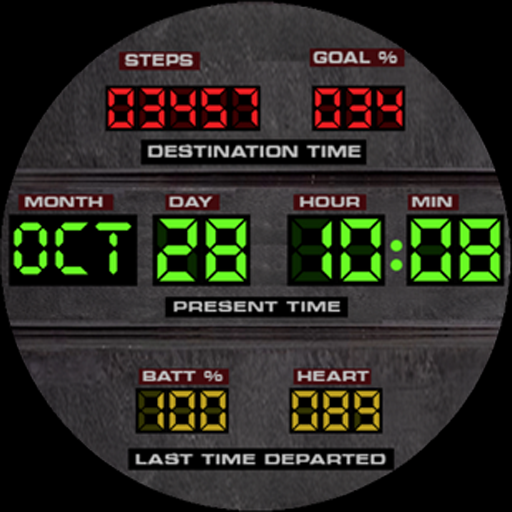
Futuristic watchface inspired by Back to the Future: sleek, retro, timeless
4.4


