
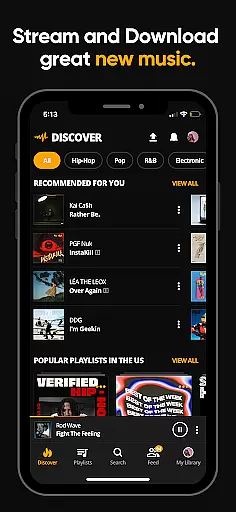
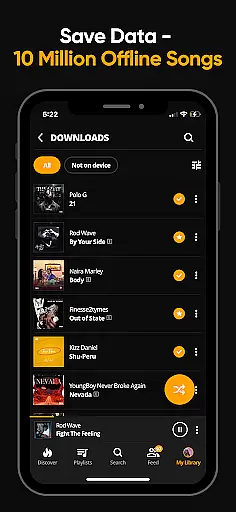
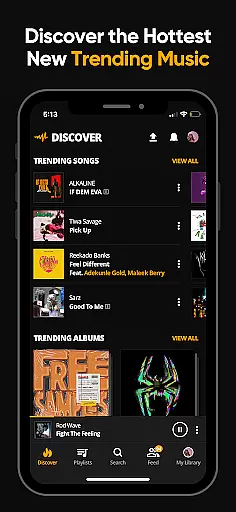


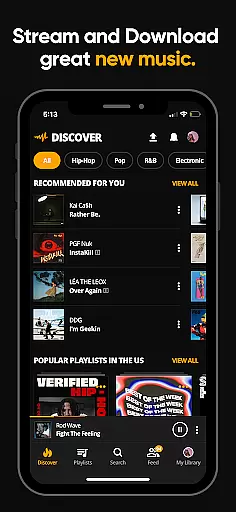
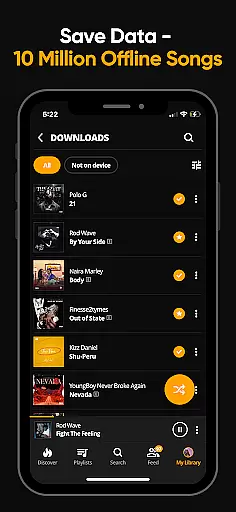
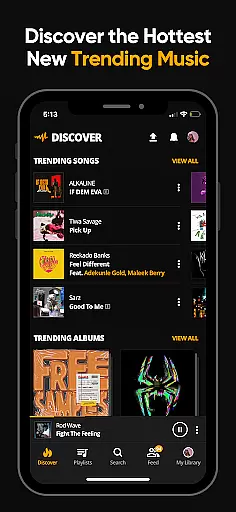


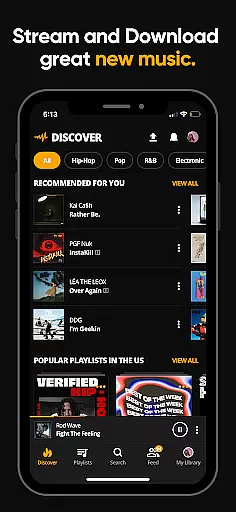
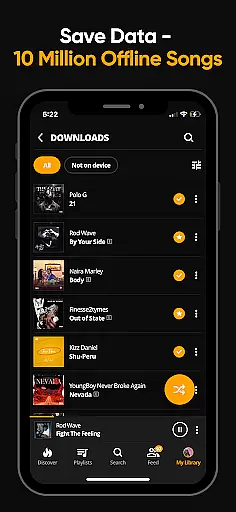
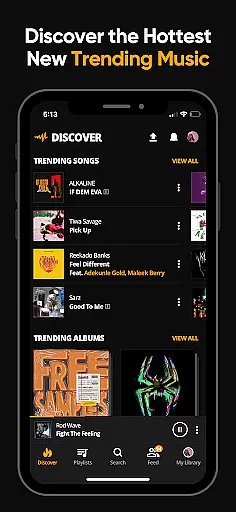


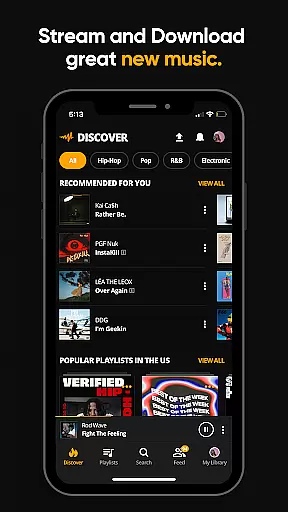
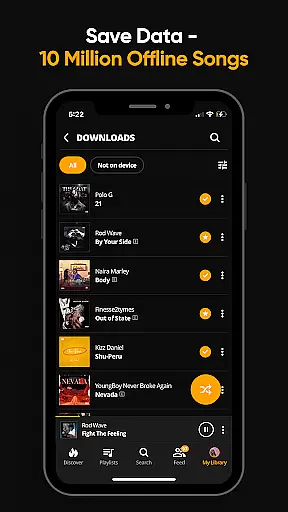
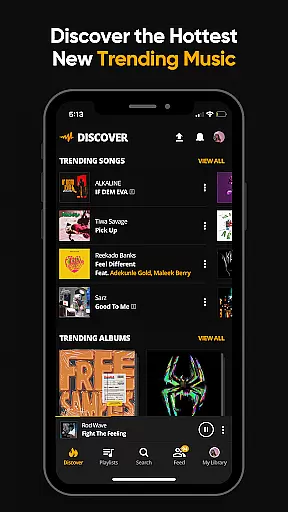
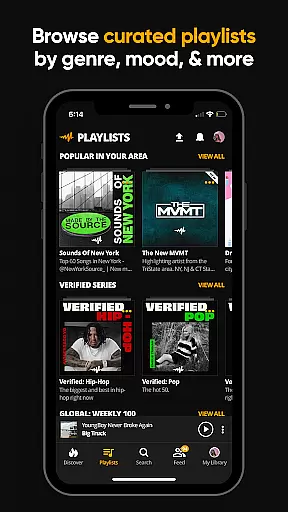
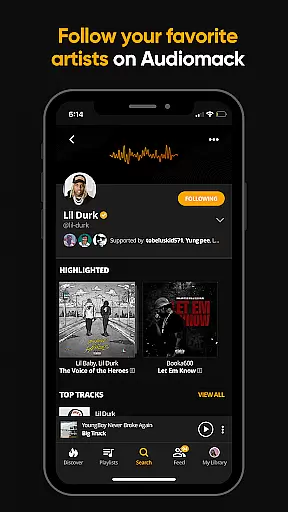

Audiomack is a premier music streaming and downloading app tailored for Android Wear users. It offers unlimited access to trending full tracks across genres like Hip-Hop, Rap, R&B, EDM, Afropop, and Reggae. The app allows offline listening without data usage, making it perfect for users on the go.
With Audiomack, you can explore expertly curated playlists by mood or genre, create unlimited personal playlists, and follow top artists such as 21 Savage, Young Thug, and Bad Bunny. Its seamless integration with platforms like Wear OS and Android Auto enhances user experience, while the ad-free option at $4.99 per month ensures uninterrupted listening.
This app not only provides access to new releases but also lets you manage local music files in formats like MP3, WAV, M4A, and AAC. Whether commuting or traveling, Audiomack keeps you connected to your favorite tunes anytime, anywhere.
Audiomack stands out with its robust features designed for music enthusiasts. The app streams unlimited full tracks and mixtapes that are trending or newly released, ensuring you stay ahead of music trends. Downloading songs and albums for offline listening without Wi-Fi is a significant advantage, especially for users who travel frequently.
The Favorites feature allows you to save tracks, albums, and playlists, making it easy to revisit your preferred music collection. With Audiomack's local file player, you can listen to various audio formats directly from your device. Additionally, the app supports multi-tasking, enabling music playback while using other apps, which is ideal for multitasking users.
Audiomack's cross-platform compatibility with Wear OS and Android Auto enhances accessibility, providing a versatile listening experience. The affordable ad-free subscription at $4.99 monthly caters to those seeking uninterrupted sessions. Overall, Audiomack combines comprehensive music discovery tools with user-friendly functionalities, setting a high standard in the music streaming industry.
Companion app integration is essential for a seamless experience across multiple devices. Audiomack excels in this area by ensuring that users can easily sync their music libraries and preferences between their Wear OS devices and the main mobile application. This synchronization allows for an uninterrupted listening experience, whether you're at home, in the car, or on a run with your smartwatch.
The Audiomack app provides a consistent user interface and feature set across all connected devices. This means that playlists, favorite tracks, and even playback positions are maintained, providing a fluid transition as users move from one device to another. Such integration enhances user convenience and satisfaction, making it simple to manage music collections and discover new content without missing a beat.
By leveraging companion app integration, Audiomack ensures that listeners have access to their full music library, including offline downloads, regardless of the device they are using. This functionality not only extends the utility of the primary app but also enriches the overall ecosystem of interconnected devices, offering a cohesive and modern audio consumption experience.
Ensuring compatibility with Wear OS and other devices is crucial for delivering a versatile music streaming service. Audiomack supports a wide range of devices, allowing users to enjoy their favorite tracks on smartwatches, smartphones, tablets, and even through Android Auto. This broad compatibility ensures that no matter where you are or what device you have handy, your music is always within reach.
Audiomack's optimization for different screen sizes and input methods makes navigation intuitive and enjoyable. Whether you're swiping through playlists on a touchscreen or using voice commands in the car, the app adapts to provide the best possible interaction. This adaptability is key to maintaining user engagement and satisfaction across various contexts and environments.
Furthermore, Audiomack's commitment to staying updated with the latest Wear OS features and improvements guarantees that users benefit from cutting-edge technology. Regular updates ensure that the app remains compatible with new devices and takes advantage of enhanced functionalities, keeping the listening experience fresh and engaging. With such dedication to device compatibility, Audiomack solidifies its position as a top choice for music enthusiasts who demand flexibility and quality in their streaming services.
User-friendly interface
Offline listening mode
Vast music library
Cross-platform support
Affordable premium option
Limited classical music
Occasional bugs
Ads in free version
Regional restrictions
Heavy storage use

Calming & relaxing sounds for sleeping and stress relief. Stay focused all day!
 4.20
4.20
Christmas watch face. For Wear OS devices.
4.30
Current temperature, weather hourly, weather radar by the weather forecast app
4.40
Beautiful artistic animated digital watch face, with a customizable layout!
4.40
Stylish digital watch face for Wear OS devices with customizable features
4.4
Daily Weather forecast with 15 weather images for Day & Night plus Big Bold time
4.10
Your local weather forecast, storm tracker, radar maps & live weather news
3.40
Track airplanes and follow flights with our real-time flight tracker
4.50
Back up your contacts & access them anywhere
4.30
The Chevron App allows you to pay for fuel from the comfort of your car!
4.80
WTW M17 is a premium and luxurious hybrid watch face
4.70
Monitor health with the stress test and pulse checker in the heart rate app.
4.60
Ideal for surviving in the wasteland left after nuclear fallout
4.50
Stylish, Energizing and Modern Watch Face crafted by Dominus Mathias.
4.50
Embrace the holiday spirit with this magical animated watch face!
4.40
A customizable Christmas watch face for Wear OS with a countdown.
4.20
Hyper-Realistic Airplane Dashboard Watch Face With 10 Skins and Custom AOD
4.00
Stay in touch with your friends and family using LINE!
3.40
Funny animated watch face for Thanksgiving
4.5


User Reviews