
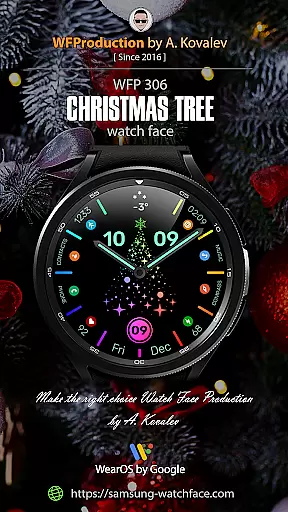
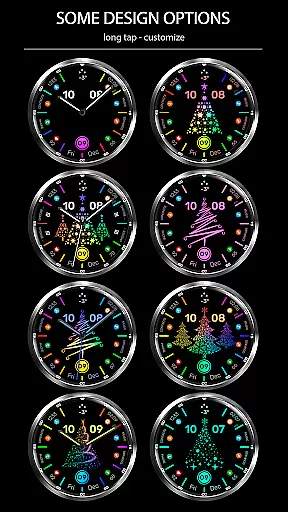
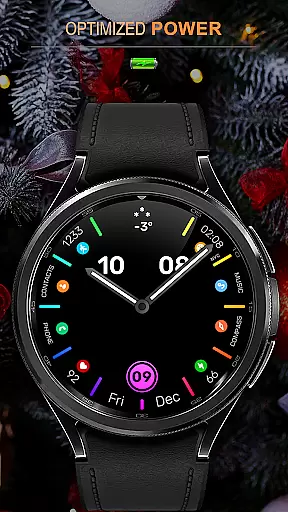
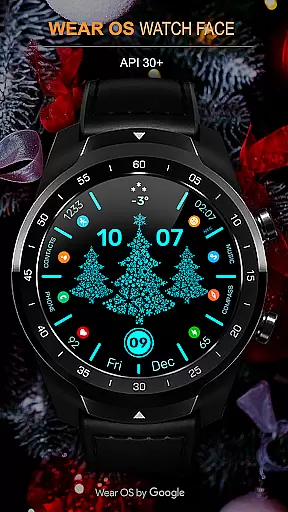
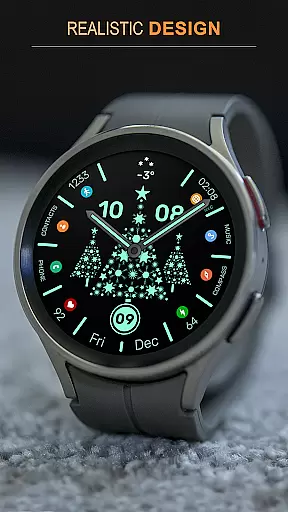
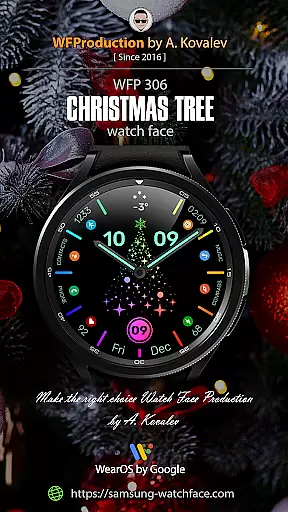
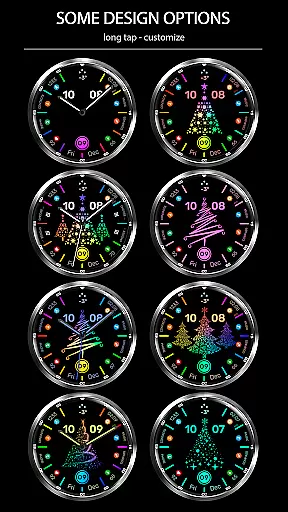
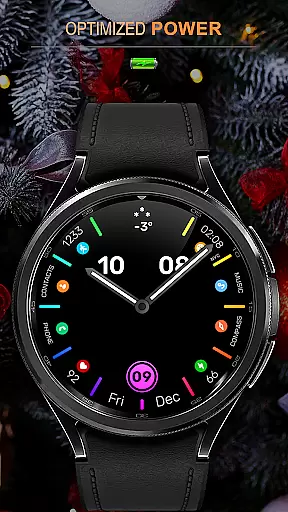
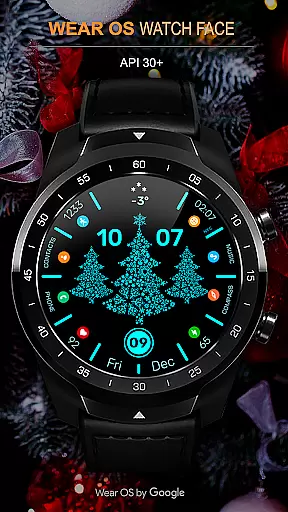
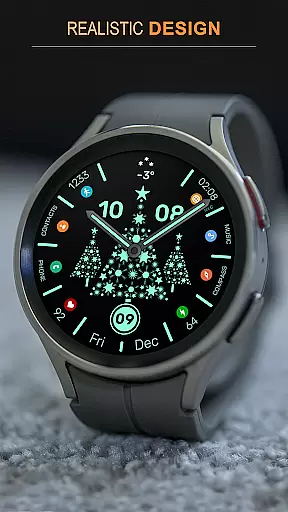
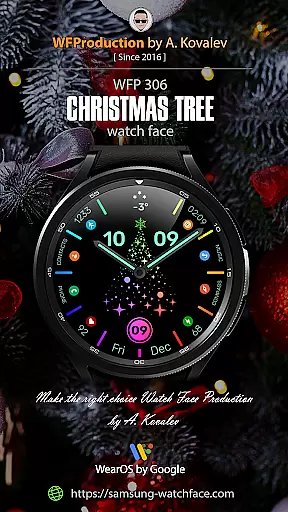
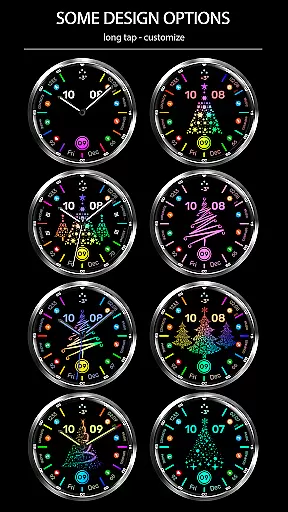
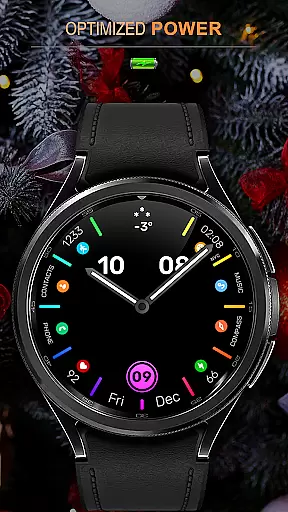
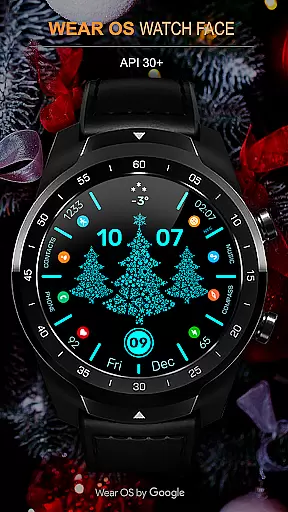
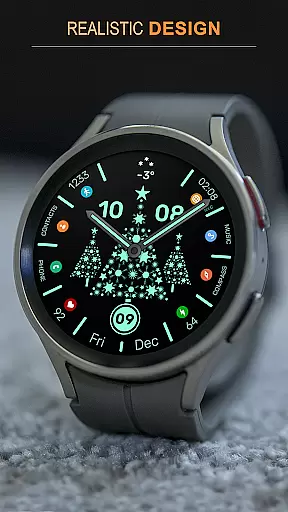
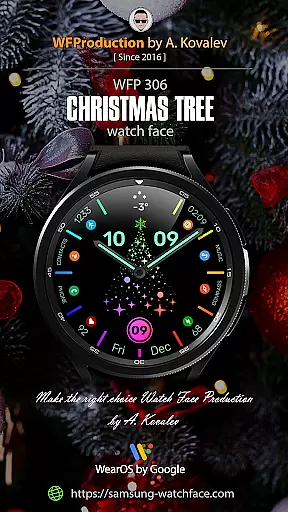
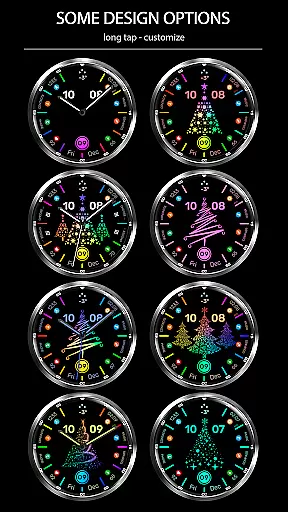
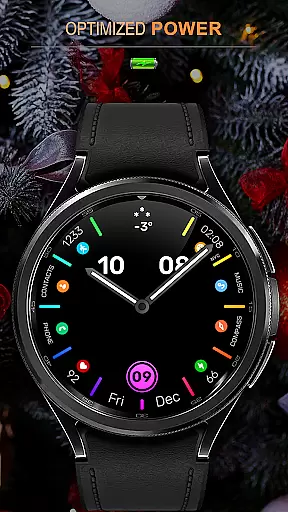
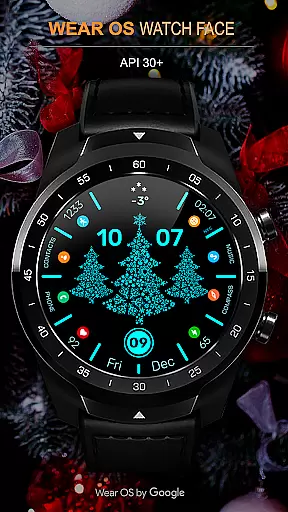
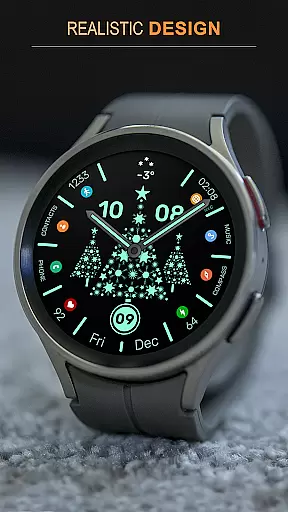
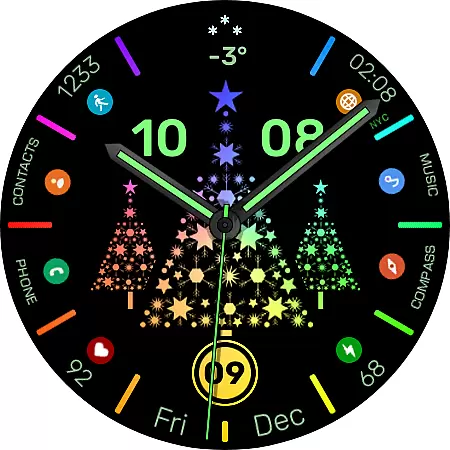
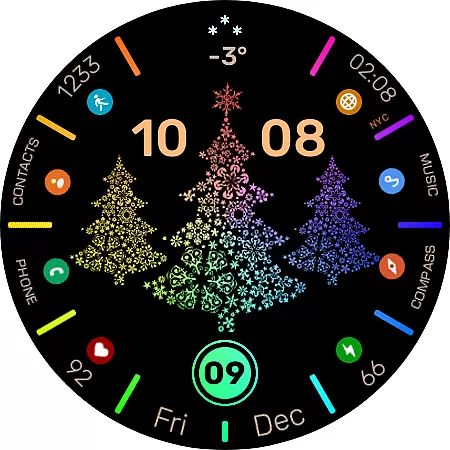
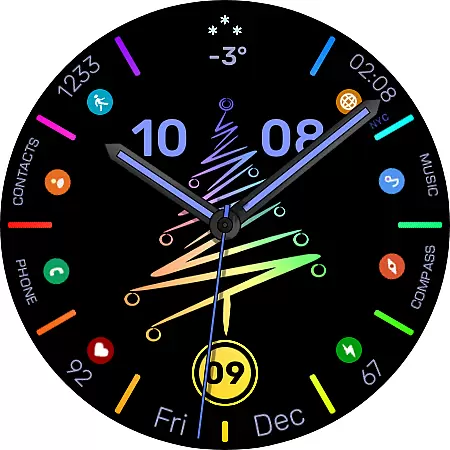
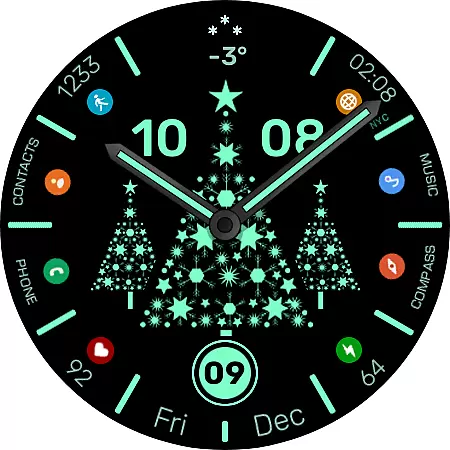
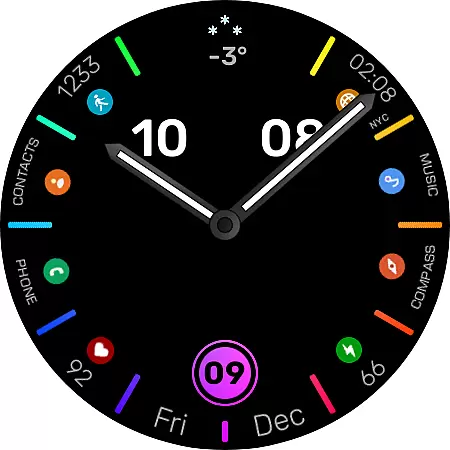
WFP 306 Christmas tree is a festive-themed watch face designed for devices running WearOS 4 and above. This application brings holiday spirit to your smartwatch with its six types of Christmas trees that you can customize or even disable if preferred.
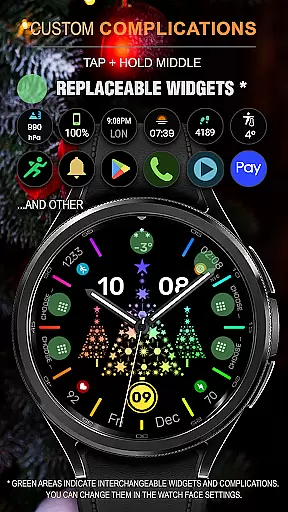
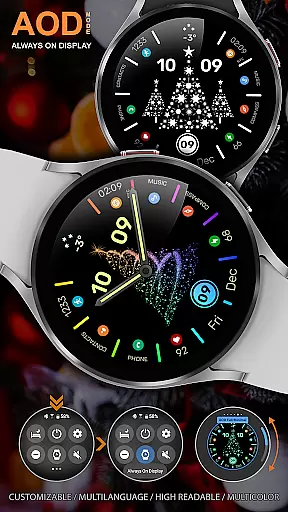
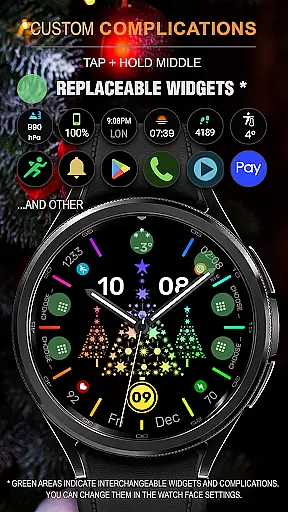
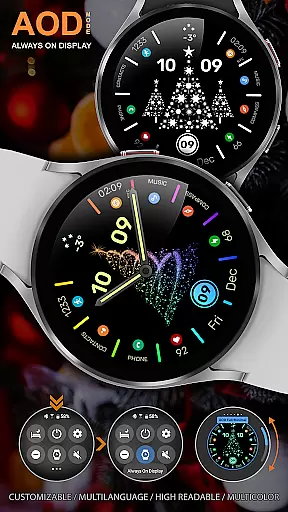
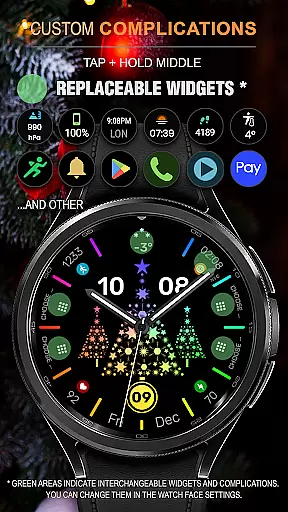
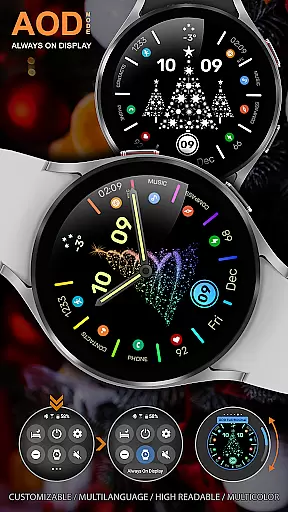
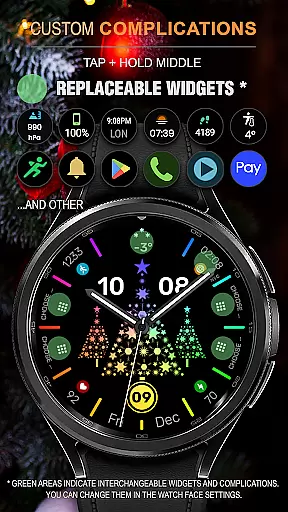
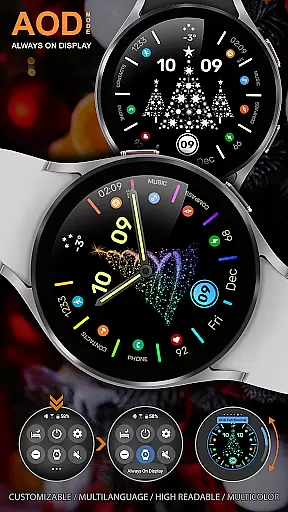
The watch face boasts high resolution graphics and optimized performance, ensuring minimal battery consumption. With support for both 12/24 hour time formats, multi-color modes, and customizable Always-On Display (AOD), users can tailor the appearance to their liking while enjoying features like custom widgets and application shortcuts.
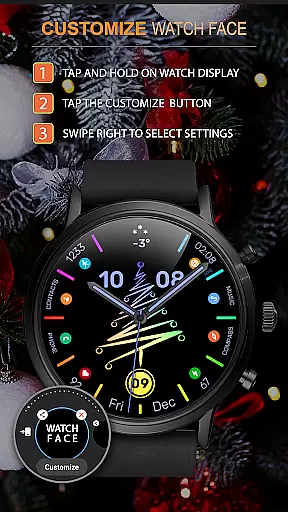
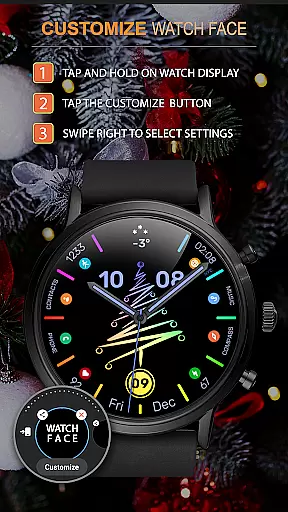
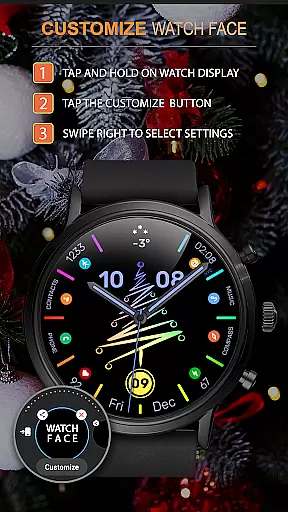
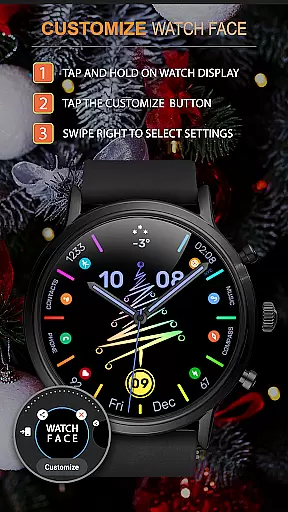
This Android Wear app stands out with its interactive feature - tap on the center to activate an animation. The watch face supports various customization options such as changing colors over time in multi-color mode, disabling hands, and choosing from different types of Christmas trees.
Functionality meets personalization with this app's support for custom widgets and application shortcuts. Users also have access to phone charge widgets and health stats like calories and floors climbed. Plus, it offers multilingual support making it accessible worldwide.
For the WFP 306 Christmas tree watch face, companion app integration is essential for maximizing functionality. This feature ensures that your wearable device can seamlessly sync with your smartphone, providing a unified experience across devices.
The watch face supports WearOS 4 and API Level 30+, which means it's designed to work smoothly with the latest mobile technology. By following the provided installation instructions, users can easily set up their watch face to interact with phone charge widgets and health data like calories and floors climbed.
This synchronization allows for real-time updates and interactions, ensuring that any changes made on one device are reflected on the other. Whether you're adjusting settings or checking information, the integration between the watch face and its companion app provides a fluid and efficient user experience.
Compatibility with various Wear OS devices is a key feature of the WFP 306 Christmas tree watch face. It is optimized for devices running WearOS 4 and API Level 30+, ensuring broad support across different models and brands.
With high optimization and resolution, this watch face delivers crisp visuals and smooth performance on all compatible devices. Users can enjoy features such as multi-color modes, custom application shortcuts, and customizable AOD in either full or minimal display options without worrying about device limitations.
Moreover, low battery consumption ensures that even with these advanced features, your device maintains optimal battery life. Regardless of whether you choose from six types of Christmas trees or decide to disable them entirely, you can be confident in the consistent performance across supported Wear OS devices.
Highly Customizable
Low Battery Consumption
Variety of Christmas Trees
Interactive Animation Feature
Multilingual Support
Limited to Wear OS
No Advanced Health Tracking
Requires Internet for Full Features
Some Features Need Additional Setup
Premium Look Only with Purchase

Walking app for weight loss: walk & step tracker, pedometer, indoor treadmill
 4.60
4.60
A customizable Christmas watch face for Wear OS with a countdown.
4.20
Christmas is near, let's count together the days left until Santa comes
4.1
Digital, flexibly customizable watch face. For Wear OS 5.0, API 34+ and later.
5.00
Stylish digital watch face for Wear OS devices with customizable features
4.2
Fitness interactive virtual pet super fighter boy watch face
4.5
Animated video-game inspired “secret agent” simulation, right on your wrist!
4.20
Premium hybrid watch face with many customizations for Wear OS devices.
4.40
A white realistic classic analog watch face with many customization options.
4.40
Period, ovulation & pregnancy tracker. Fertility insights & menstrual calendar.
4.90
A modern premium sporty hybrid watch face for Wear OS by Ballozi
4.70
Real-time results, stats, schedules and player profiles for all leagues
4.60
Daily Weather forecast with 15 weather images for Day & Night plus Big Bold time
4.10
Animated Watch Face and Customizable with 24 Backgrounds. Perfect for Christmas!
3.90
Wear Os Watch Face - Animated Snow Effect & Christmas Lights
4.4
A watch face that fuses motorsport precision with contemporary smartwatch design
4.3
Contemporary digital watch face with five complications
4.0
Sleek, highly customizable watch face inspired by Galaxy Watch Circle Dashboard.
4.2
Minimalistic design modern digital watch face.
4.0


User Reviews