

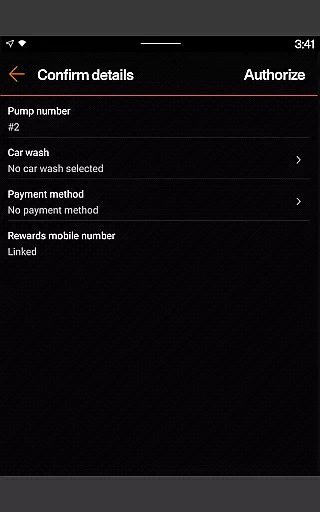
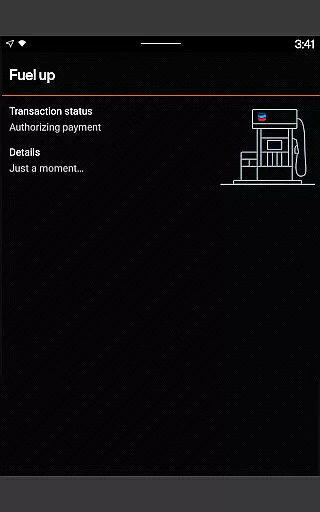
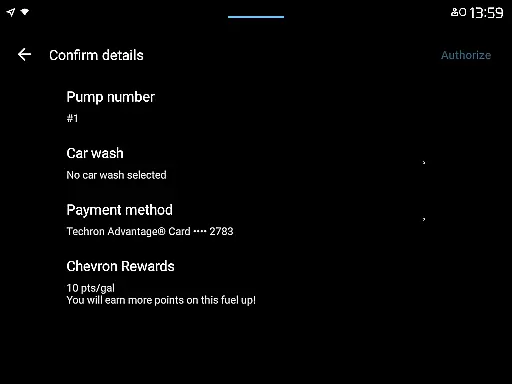
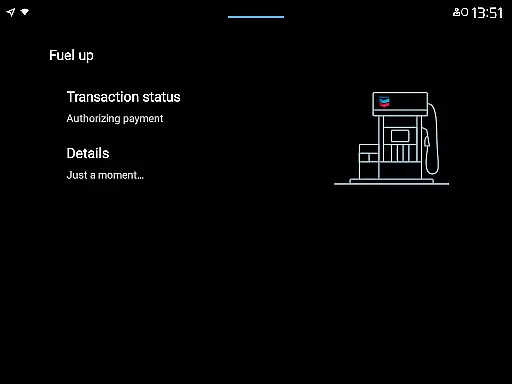
Chevron is a mobile payment and rewards application designed specifically for Android Wear users. The app allows you to pay for gas or diesel directly from your driver's seat, providing a seamless and convenient experience at the pump. Through the Chevron Texaco Rewards program, users can earn points on fuel and select in-store purchases, which can be redeemed for fuel discounts at participating stations.
One of the standout features of the Chevron app is its integration with the ExtraMile Rewards® program, offering new benefits and greater convenience where available. Whether you're looking to save on fuel costs or take advantage of exclusive offers, this app provides a comprehensive solution for managing your fuel-related expenses while on the go.
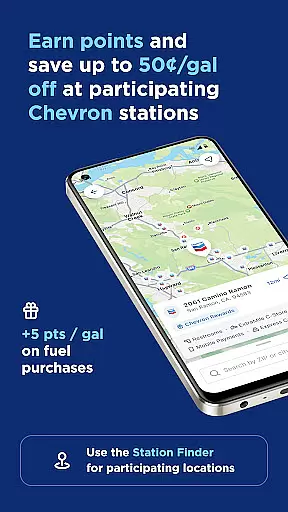
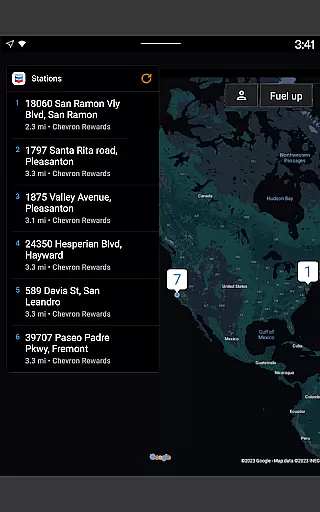
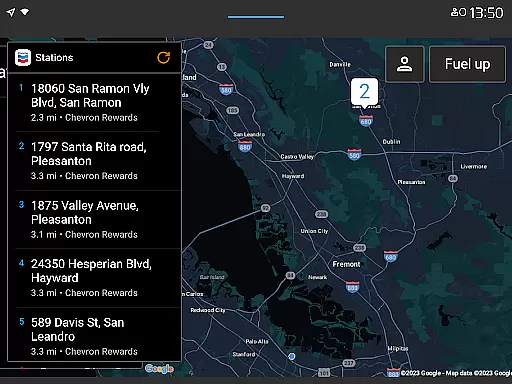
The app also includes a station finder feature that helps you locate nearby participating stations by filtering for specific rewards programs. With additional functionalities such as viewing available rewards, finding lower-carbon-intensity products, and filtering through various amenities like convenience stores and EV charging stations, the Chevron app proves to be an invaluable tool for drivers seeking efficiency and savings.
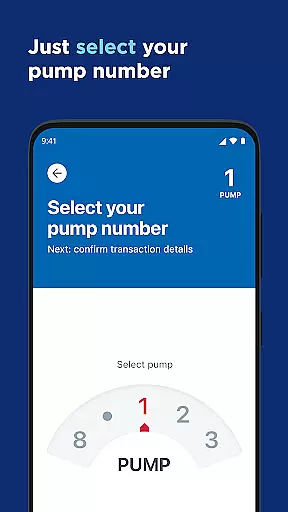
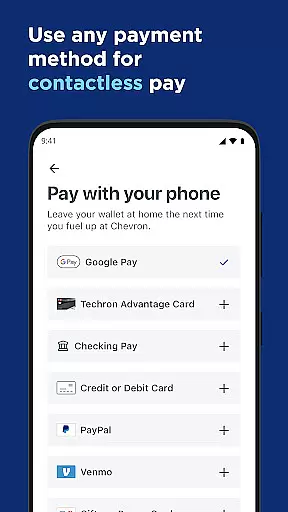
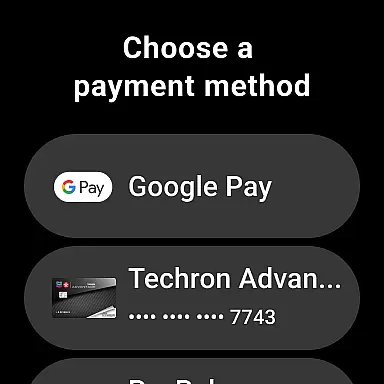
The Chevron app boasts a variety of features tailored to enhance the user's experience at gas stations. One of the key functionalities is the ability to reserve a pump and select a payment method directly from your driver's seat, streamlining the entire fueling process. This feature not only saves time but also ensures a contactless and hygienic transaction, which is particularly beneficial in today's world.
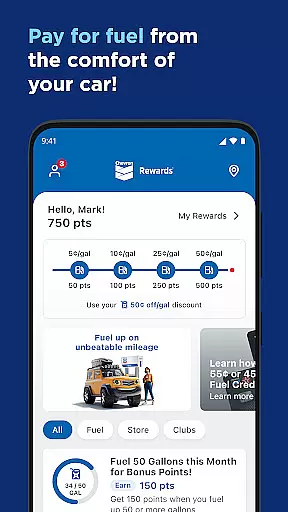
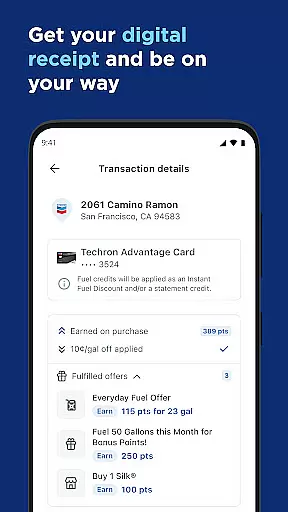
In addition to mobile payments, the app offers a robust rewards system. Users can earn points on both fuel and select in-store purchases, which can later be redeemed for discounts of up to 50¢ off per gallon on qualifying fuel purchases. The inclusion of the ExtraMile Rewards® program adds even more value, providing users with additional benefits and convenience.
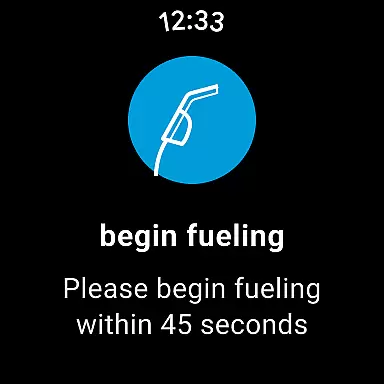
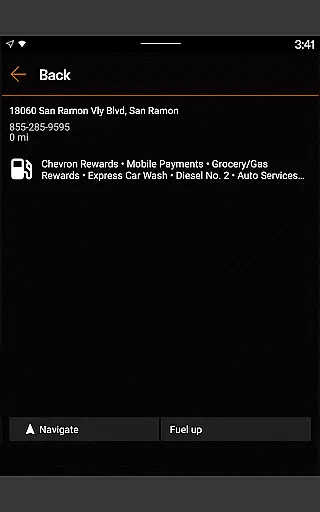
For those who prefer a connected driving experience, the Chevron app supports Android Auto, allowing you to access its features directly from your car's dashboard. Furthermore, Wear OS users can utilize their smartwatches to fuel up and redeem rewards, making the process quicker and more efficient. These innovative features highlight the app's commitment to delivering a modern and user-friendly experience.
Companion app integration is essential for users who want a seamless experience across multiple devices. The Chevron app excels in this area by providing robust companion app features that enhance the overall functionality.
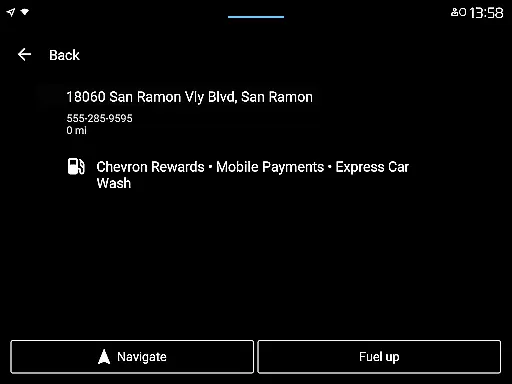
The app allows users to connect their mobile phone to the car's dashboard, enabling them to find locations, redeem rewards, add a car wash, and pay for fuel directly from the dashboard interface. This feature is particularly beneficial for Android Auto users, as it streamlines the entire process while driving.
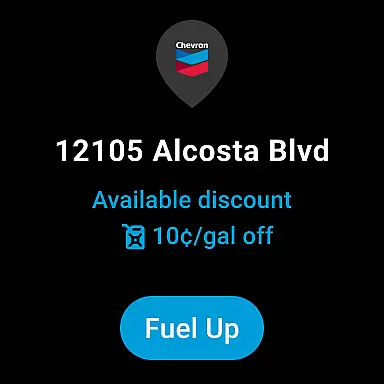
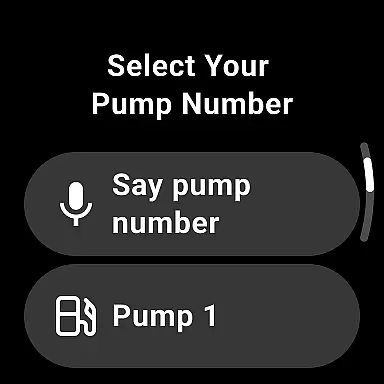
Additionally, the Chevron app supports Wear OS devices, allowing users to fuel up and redeem rewards right from their smartwatch at participating locations that accept mobile payments. This level of integration ensures that whether you're in your vehicle or on the go, managing your fuel purchases has never been easier.
By offering these comprehensive companion app integrations, Chevron enhances user convenience and ensures that customers can manage their transactions efficiently, regardless of the device they are using.
Wear OS/device compatibility is crucial for users who rely on wearable technology to perform essential tasks without needing to handle their smartphones. The Chevron app offers excellent support for Wear OS devices, making it a versatile tool for modern consumers.
With the Chevron app, Wear OS users can fuel up and redeem their rewards directly from their smartwatches at participating locations that accept mobile payments. This feature provides an unprecedented level of convenience, allowing users to complete their transactions swiftly and effortlessly.
This compatibility extends the app's utility beyond just smartphones, catering to tech-savvy individuals who prefer using their wearables for everyday tasks. It ensures that whether you're jogging, shopping, or simply on the move, you can still manage your fuel needs without any hassle.
Overall, the Chevron app's strong Wear OS/device compatibility makes it a standout choice for those looking to maximize the potential of their wearable devices while enjoying a seamless and efficient fuel management experience.
User-friendly interface
Robust rewards program
Seamless payment process
Wide range of features
Excellent customer support
Limited to participating stations
Requires stable internet connection
Initial setup can be time-consuming
Some features are region-specific
Occasional app glitches

Deck out your Wear OS Watch face with a beautifully decorated pine wreath!
 4.50
4.50
Stunning modern digital watch face with 7 complications and strong contrast
4.0
Your second brain for organizing your life: to-do, calendar, reminder.
4.70
Find EV charging stations
4.30
Reliable phone calls with spam protection, caller ID and more helpful features
4.40
A digital watch face that celebrates Christmas.
4.00
Hybrid Vibrant Health Watch Face for Wear OS
4.0
Animated video-game inspired “secret agent” simulation, right on your wrist!
4.20
Track airplanes and follow flights with our real-time flight tracker
4.50
A realistic hybrid watch face with many customization options.
4.60
Ideal for surviving in the wasteland left after nuclear fallout
4.50
Premium hybrid watch face with many customizations for Wear OS devices.
4.40
"PER27 Galaxy Digital" is a digital Wear OS watch face designed by PERSONA
4.10
Embrace the festive spirit with our Christmas Countdown watchface for Wear OS
4.10
Structured watch face with seven complications and modular UI elements
3.90
Get helpful reminders, take progress photos and find answers to your questions.
3.90
Professional weather radar and more
3.90
Stay in touch with your friends and family using LINE!
3.40
Wear Os Watch Face - Animated Snow Effect & Christmas Lights
4.1


User Reviews