

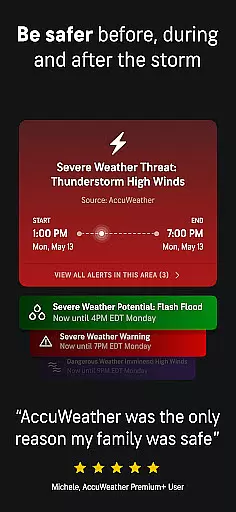
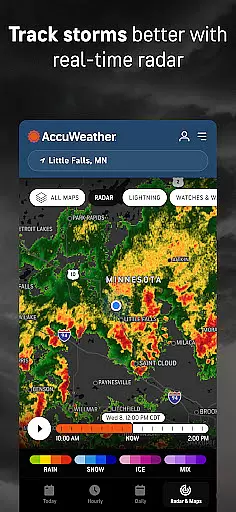
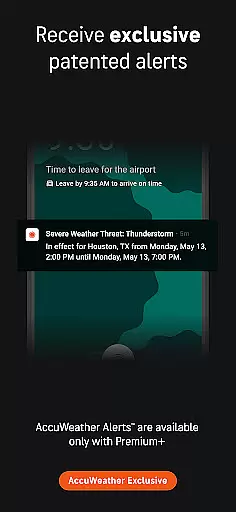
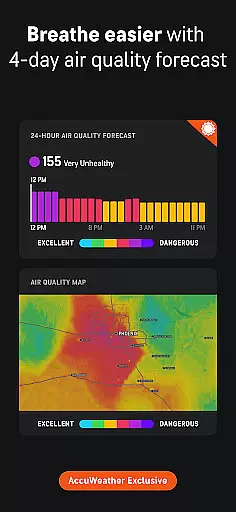
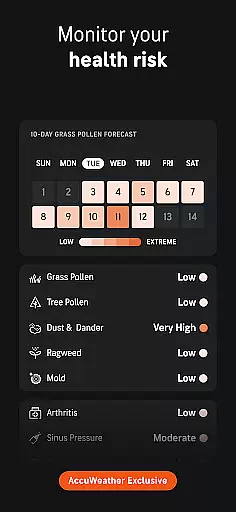
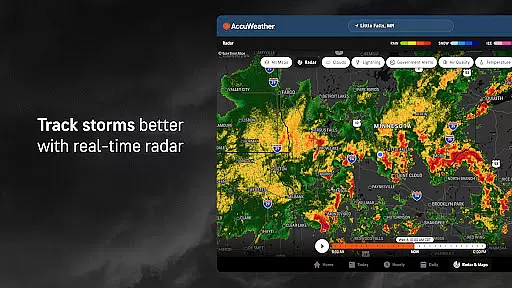
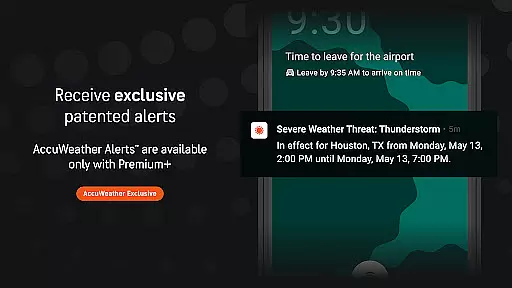
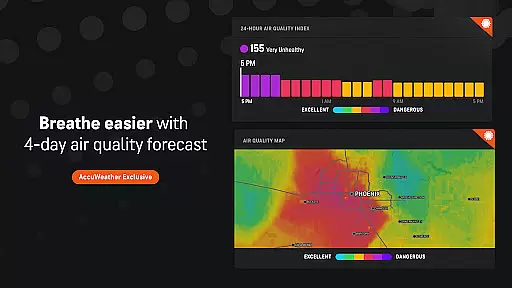
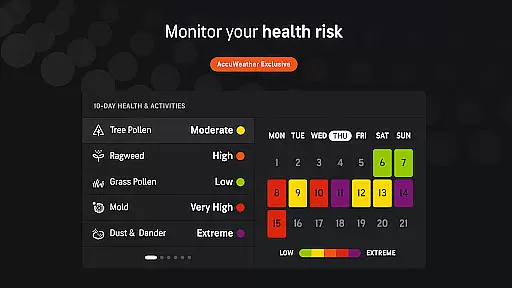
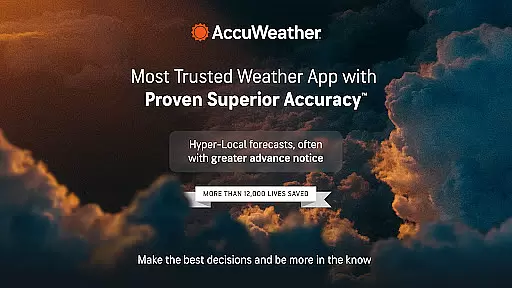
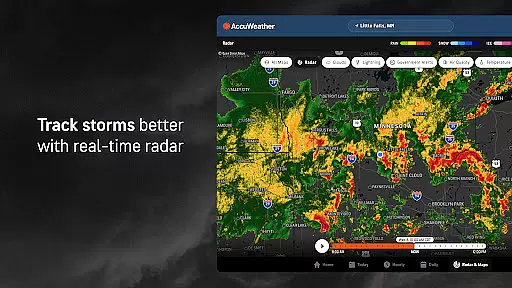
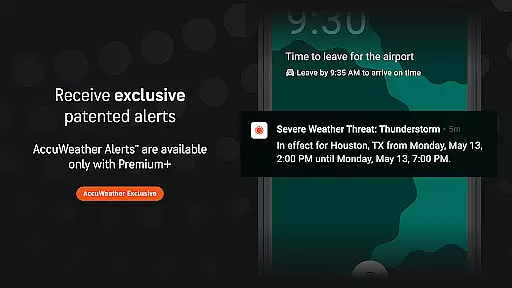
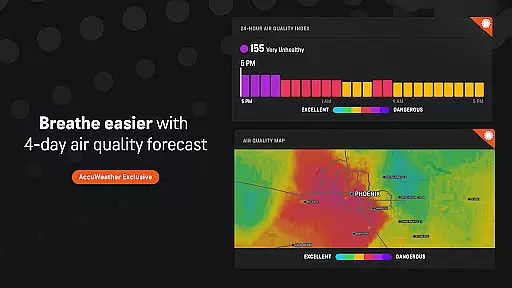
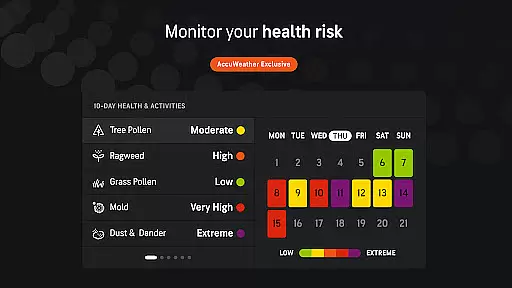
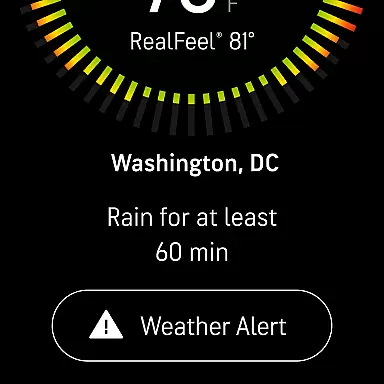
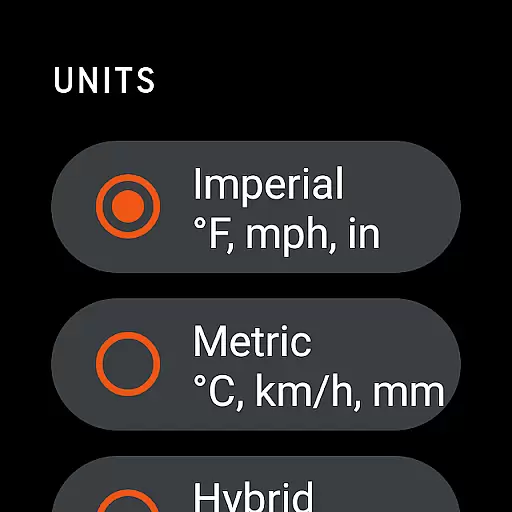
AccuWeather is the most trusted weather app, providing real-time weather alerts and hyperlocal updates with Superior Accuracy™. It helps users make informed decisions by offering detailed weather information for any location worldwide. The app's advanced features include hurricane tracking, live radar, and exclusive forecasting tools that outperform other sources.
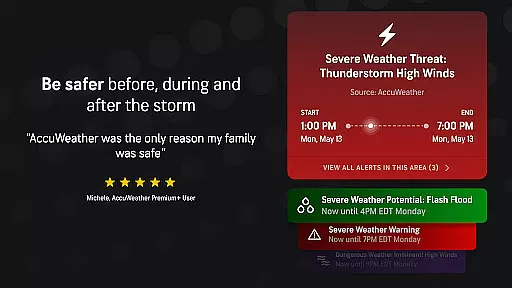
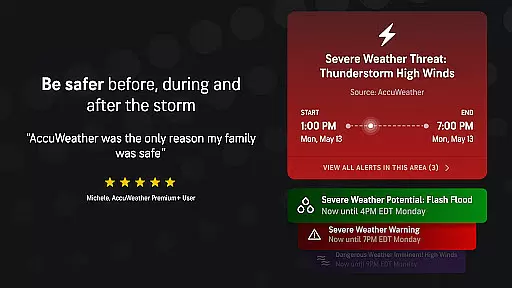
This application is particularly valuable during severe weather events such as hurricanes, tornadoes, or snowstorms. With its precise forecasting capabilities and customizable alerts, AccuWeather ensures users are well-prepared for changing weather conditions. Whether you need minute-by-minute updates or long-range forecasts, this app delivers essential weather data to keep your family safe.
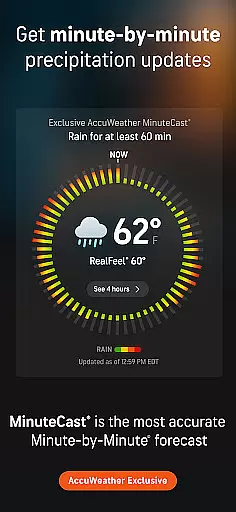
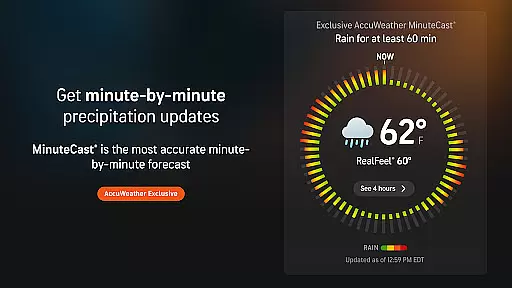
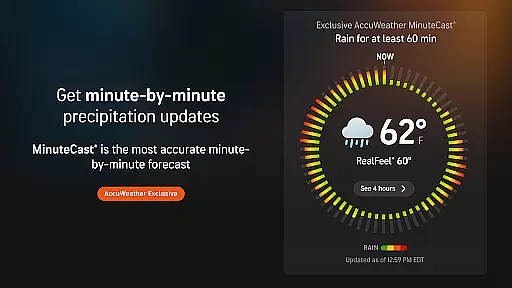
AccuWeather stands out with its innovative features designed to provide the most accurate weather information. The app's MinuteCast® offers hyperlocal precipitation forecasts for the next four hours, pinpointed to the user's exact location. This level of precision is unmatched in the weather app market and demonstrates the app's commitment to accuracy.
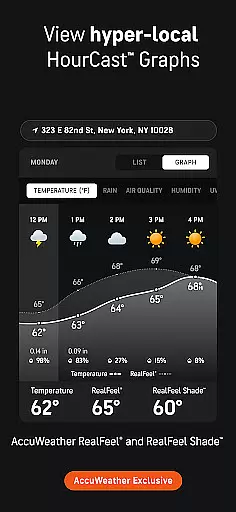
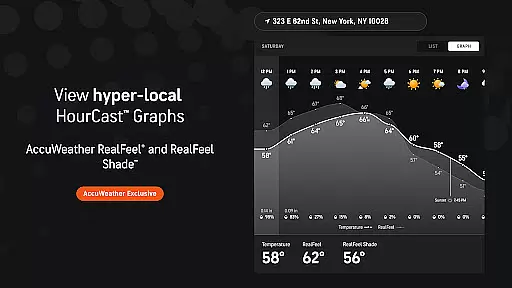
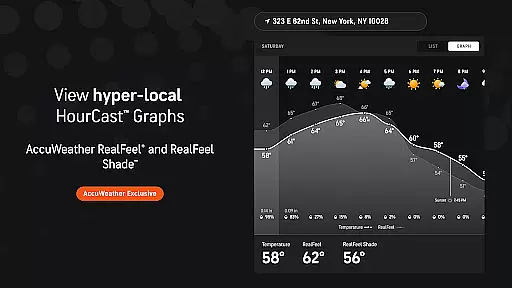
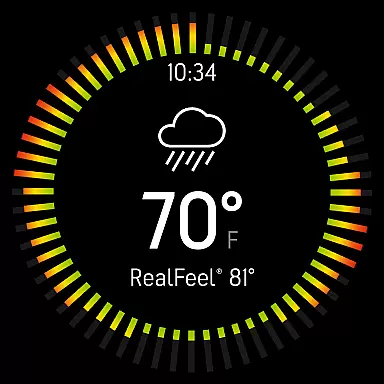
The app also includes unique forecasting tools like the AccuWeather RealFeel® Temperature, which considers multiple factors to describe how the temperature actually feels. Additionally, features such as the AccuWeather Lightning Network™ and WinterCast® provide specialized insights for storm tracking and winter weather predictions. These tools not only enhance user experience but also offer practical value for planning outdoor activities and ensuring safety during severe weather.
For AccuWeather, the integration with its companion app on Android Wear devices ensures that users have access to critical weather information right on their wrists. This seamless connection allows for real-time updates and alerts without needing to reach for a phone.
The app's design for wearable technology maintains the core functionalities while adapting them for smaller screens. Users can quickly check MinuteCastu00ae forecasts, receive severe weather notifications, and view current conditions tailored to their location.
This integration provides convenience and peace of mind, especially during outdoor activities or emergencies when immediate access to weather data is crucial. The ability to sync across devices means users are always informed, whether they're at home or on the go.
AccuWeather boasts extensive compatibility with Wear OS devices, ensuring that users of various smartwatches can benefit from its superior accuracy and detailed weather insights. This broad device support makes it accessible to a wide audience seeking reliable weather information.
The application is optimized for different screen sizes and resolutions found in Wear OS devices, providing clear visuals and easy navigation. Its adaptive layout ensures that all key features are readily available, regardless of the specific device model.
By supporting a range of Wear OS devices, AccuWeather enhances user experience by delivering consistent performance and functionality. This compatibility reinforces the app's position as a trusted weather source, allowing users to stay prepared and informed no matter which Wear OS device they use.
Superior Accuracy™
Real-time Alerts
Hyperlocal Forecasts
Advanced Storm Tracking
Customizable Features
Premium Subscription
Ad-heavy Free Version
Complex Interface
Limited Offline Functionality
High Data Usage

Gym Log & Workout Tracker | Fitness Journal, Training & Weight Lifting Planner
 4.90
4.90
Calming & relaxing sounds for sleeping and stress relief. Stay focused all day!
4.20
Embrace the holiday spirit with this magical animated watch face!
4.40
Christmas - Festive - Christmas Village - Winter - Christmas lights
5.00
Watch face for Wear OS.
4.20
Bold, Modern Hybrid Watch Face for Wear OS. 10 Colors, Rich Info Display.
4.30
Hyper-Realistic Airplane Dashboard Watch Face With 10 Skins and Custom AOD
4.00
A modern hybrid informative watch face for Wear OS designed by BALLOZI
4.80
Back up your contacts & access them anywhere
4.30
The Chevron App allows you to pay for fuel from the comfort of your car!
4.80
A modern premium sporty hybrid watch face for Wear OS by Ballozi
4.70
Rose gold watch face with festive lights & customizable features.
4.60
A realistic hybrid watch face with many customization options.
4.60
Elegant animated Christmas tree with multiple customization options
4.20
The #1 source of faces for your smartwatch!
4.00
Analog watch face with 8 complications and expedition styling
4.0
A heartwarming Christmas scene featuring a cute image of Santa and Rudolf
4.2
Simple Analog-Digital Watchface For Wear OS 3.0 and Up Smartwatches
4.3
Hybrid Vibrant Health Watch Face for Wear OS
4.5


User Reviews