
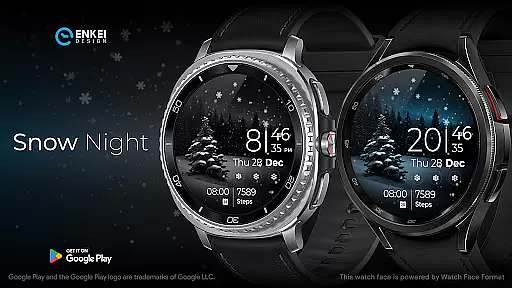
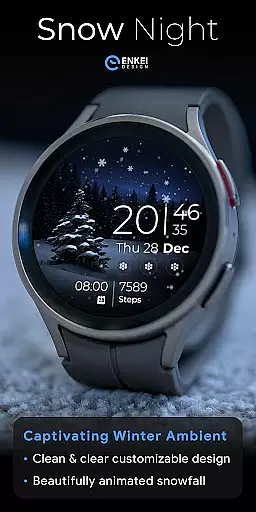
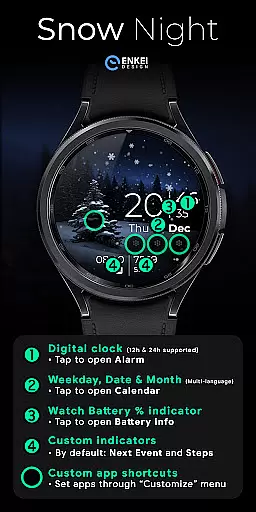
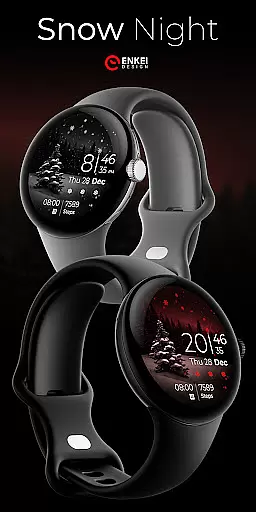
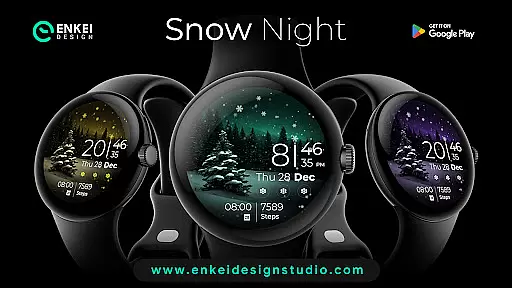
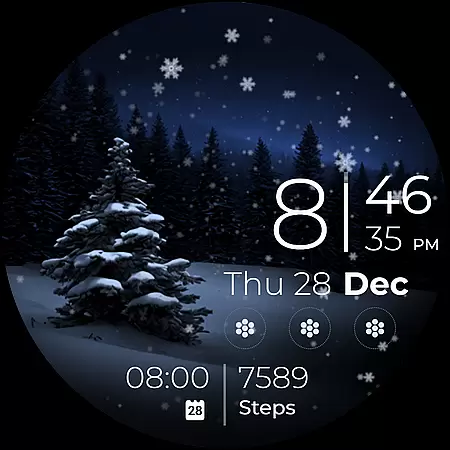
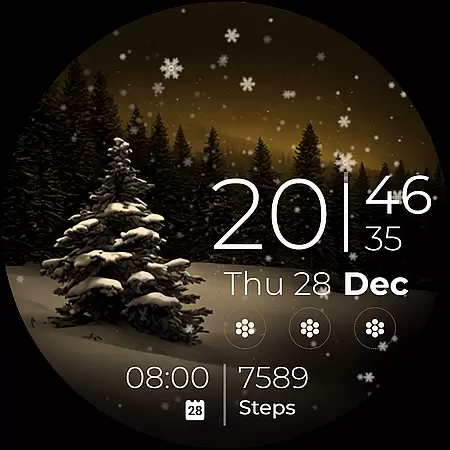
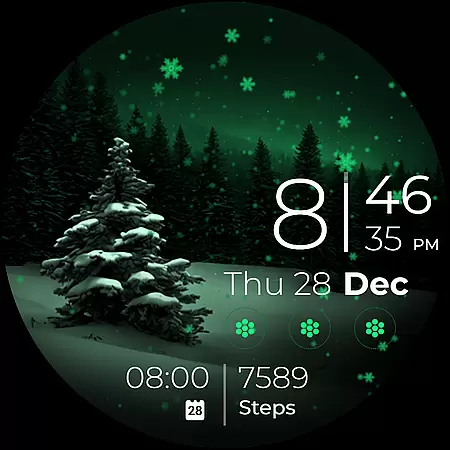
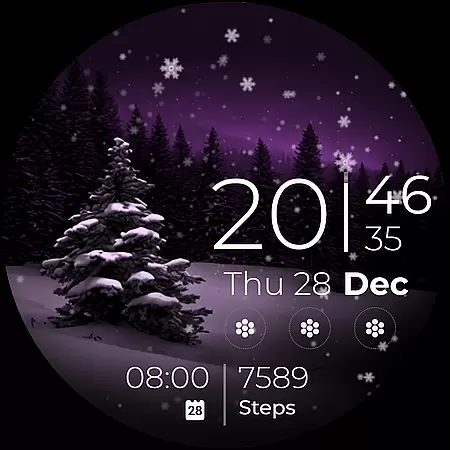
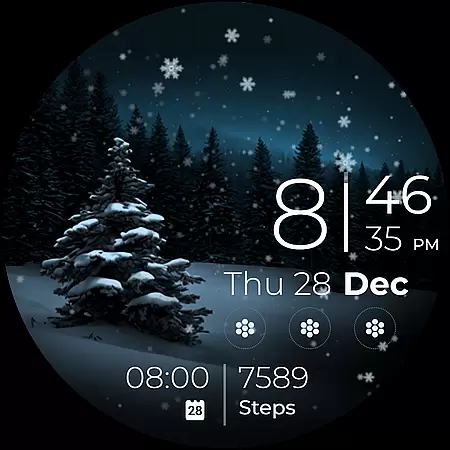
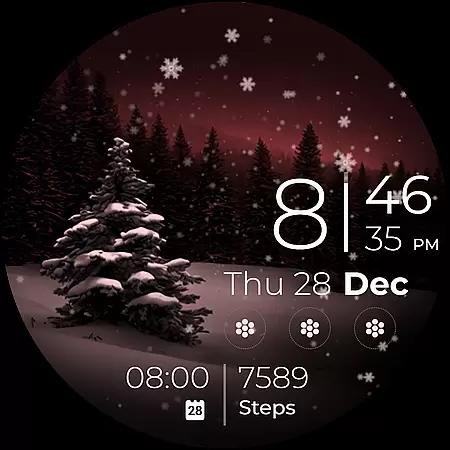
Snow Night is a captivating artistic watch face designed for Wear OS devices, offering a relaxing winter-themed experience. Featuring ambient snowfall animation and customizable options, it provides both aesthetic appeal and functional utility.
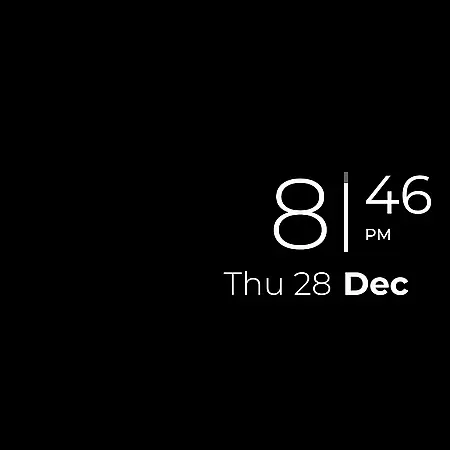
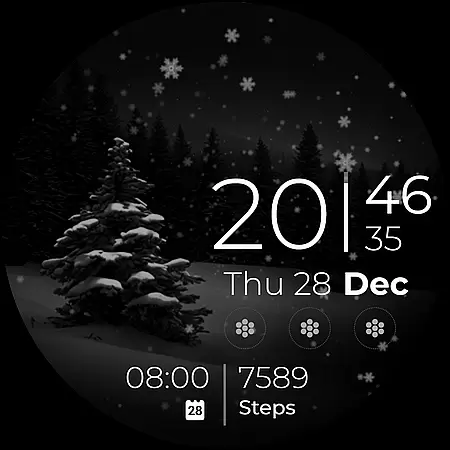
The watch face includes clear digital clock indicators, battery percentage display, and multiple shortcuts for apps and events. With support for AOD (Always-On Display) styles and multi-language date indicators, users can personalize their layout while enjoying the serene snowy visuals.
Ideal for users seeking a blend of artistry and practicality on their smartwatch, Snow Night enhances both style and usability in everyday wear.
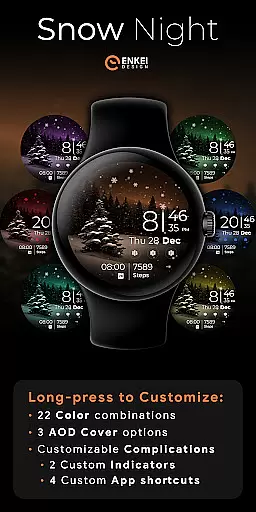
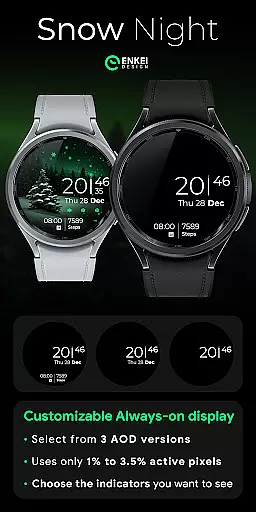
Snow Night stands out with its rich feature set tailored for customization enthusiasts. The watch face offers 22 color combinations and three AOD style options, allowing users to create a personalized look that suits their preferences.
Functionality is enhanced through interactive elements such as tap-to-open shortcuts for alarms, calendars, and battery info. Four customizable app shortcuts and two short-text indicators provide quick access to essential tools without cluttering the interface.
Powered by Watch Face Format, this design supports advanced features like event tracking and step counting while maintaining optimal performance levels, ensuring a seamless user experience.
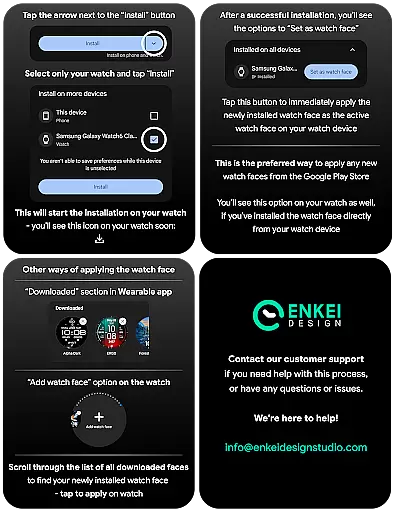
In the realm of wearable technology, seamless companion app integration is crucial for a cohesive user experience. Snow Night excels in this area by ensuring that its phone companion app not only facilitates the direct installation to your watch device but also complements the overall functionality without overshadowing the watch's independence.
The careful design means users can enjoy the full potential of Snow Night with easy access to customization options and features directly from their wrist. The companion app serves as a facilitator rather than a necessity, allowing users to personalize their watch face with minimal hassle.
By focusing on straightforward installation and setup processes, Snow Night ensures that users can swiftly transition from initial installation to enjoying their uniquely customized watch face. This efficient process underscores the importance of a well-integrated companion app in enhancing user satisfaction and engagement.
Snow Night is meticulously crafted to be compatible with devices running Wear OS 5.0 and newer versions (API 34+), guaranteeing an optimized performance on supported devices. This specificity ensures users benefit from the latest advancements in smartwatch technology while enjoying the artistic and customizable elements of Snow Night.
The decision to target newer OS versions reflects a commitment to providing a high-quality experience, leveraging enhanced capabilities and features available within these updates. Users can expect improved stability, security, and access to advanced functionalities inherent to modern Wear OS platforms.
With clear indications about compatibility requirements, Snow Night empowers users to make informed decisions regarding their device usage. This strategic approach not only elevates the user experience but also aligns with industry standards for wearable tech applications seeking to deliver both style and substance through cutting-edge compatibility.
Visually stunning design
Highly customizable layout
Interactive tap shortcuts
Optimized AOD functionality
Multi-language support
Limited to newer Wear OS
Battery usage concerns
Complex setup process
Premium pricing model
Fewer features in AOD mode

Christmas is near, let's count together the days left until Santa comes
 4.1
4.1
A full-featured Amazon Alexa voice assistant that can show you things.
3.70
Deck out your Wear OS Watch face with a beautifully decorated pine wreath!
4.50
Ideal for surviving in the wasteland left after nuclear fallout
4.50
Structured watch face with seven complications and modular UI elements
3.90
Kia Access makes getting your vehicle information easier than ever
4.60
Nutrition, Macro tracker: Food, fitness & healthy diet tracking for weight loss
4.60
Control your Samsung Smart TVs, appliances, and SmartThings-compatible devices
4.60
Track airplanes and follow flights with our real-time flight tracker
4.50
Beautiful, colorful and practical watch face. For Wear OS devices.
5.00
Hybrid watch face for Wear OS with customizable complications by Matteo Dini MD
4.70
To-Do List: daily schedule planner, task organizer, to do reminder app, calendar
4.60
Simple, helpful messaging by Google
4.60
Stylish, Energizing and Modern Watch Face crafted by Dominus Mathias.
4.50
Fast and smart typing with Emojis, GIFs, and more
4.50
Reliable phone calls with spam protection, caller ID and more helpful features
4.40
Find EV charging stations
4.30
Watch face for Wear OS.
4.20
The #1 source of faces for your smartwatch!
4.00


User Reviews