
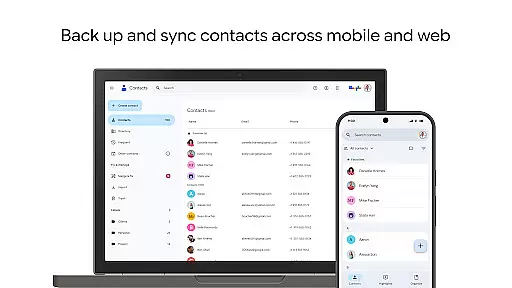
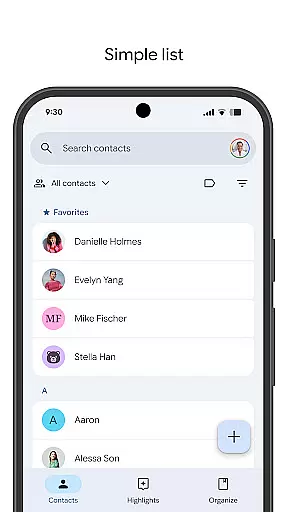
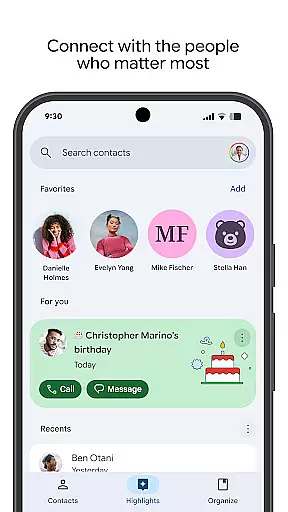
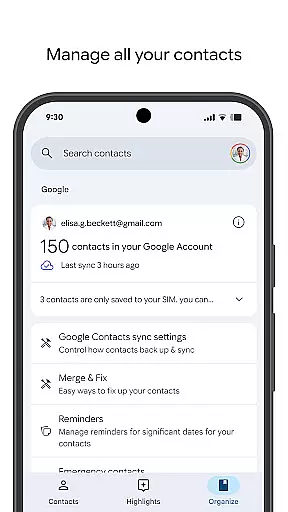
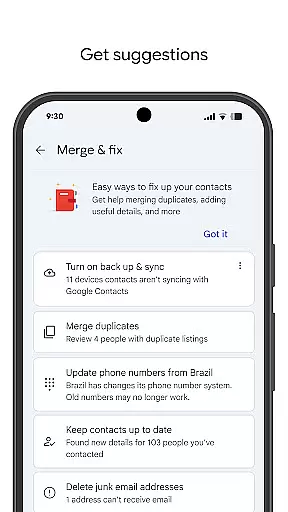
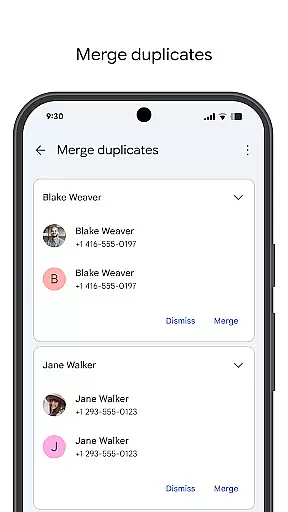
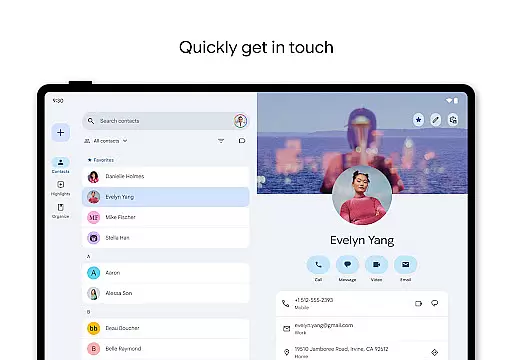
Contacts is a powerful Android Wear application designed to help users manage their contact information seamlessly across multiple devices. The app allows you to back up your contacts directly to your Google Account, ensuring they are always safe and accessible no matter which device you're using. With the ability to restore deleted contacts within 30 days, it provides peace of mind for users who frequently update or change devices.
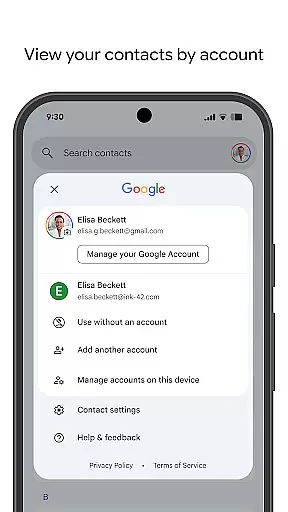
In addition to its backup capabilities, Contacts offers robust organizational tools. Users can categorize contacts by account type, edit detailed information, and merge duplicate entries with ease. The app also enhances user engagement by highlighting important dates such as birthdays and anniversaries, allowing users to set reminders so they never miss an important event. Available on both mobile and Wear OS, this app ensures that your most important connections are always within reach.
One of the standout features of Contacts is its comprehensive backup and sync functionality. By linking with your Google Account, the app automatically saves your contact data, making it available across all signed-in devices. This feature not only prevents data loss but also simplifies the transition to a new phone by providing instant access to your contact list.
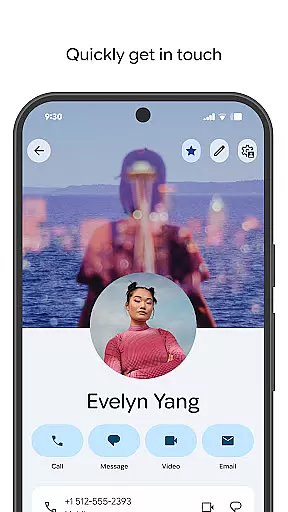
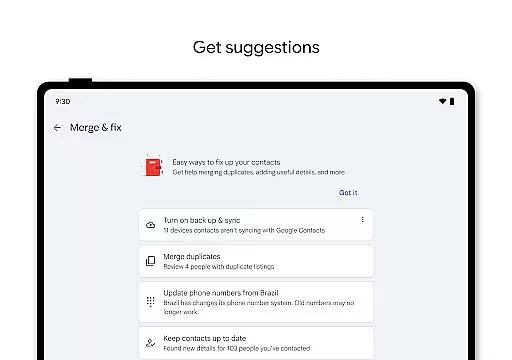
The app's organizational tools are equally impressive. Contacts allows users to view and manage their contacts by specific accounts, such as work or personal profiles. It includes intuitive editing options for updating phone numbers, email addresses, and photos. Additionally, the app offers intelligent suggestions for merging duplicates and enriching contact details, streamlining the maintenance of your address book.
For those seeking more personalized interactions, Contacts provides social reminders and quick access to recently engaged contacts. You can view upcoming milestones like birthdays and anniversaries, set notifications for these events, and easily retrieve contacts you've recently interacted with. These features ensure that you stay connected with the people who matter most in your life.
Companion app integration is essential for a seamless user experience across multiple devices. The Contacts app excels in this area by providing robust synchronization capabilities with your Google Account.
This ensures that all your contact information is securely backed up and accessible from any device where you're signed in. Whether you switch to a new phone or use a tablet, your contacts are always up-to-date and available.
The app also offers features like recovering deleted contacts within the last 30 days, which adds an extra layer of security and convenience. This comprehensive backup solution helps users maintain their connections without worrying about data loss.
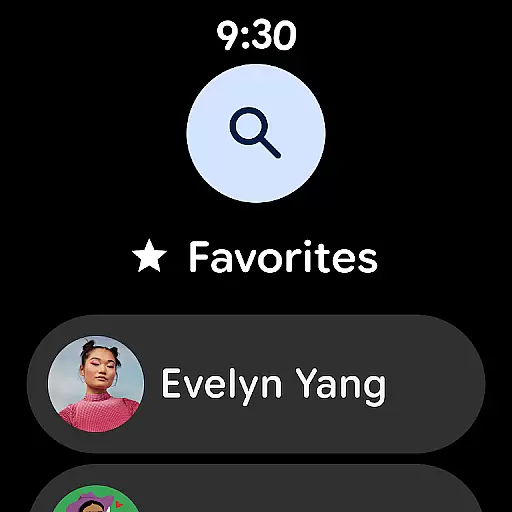
For users with Wear OS devices, the Contacts app provides excellent compatibility and functionality. It includes specific features tailored for smartwatches, enhancing the overall utility and accessibility.
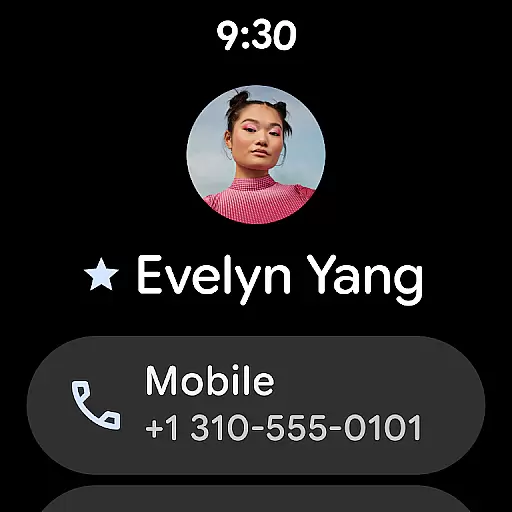
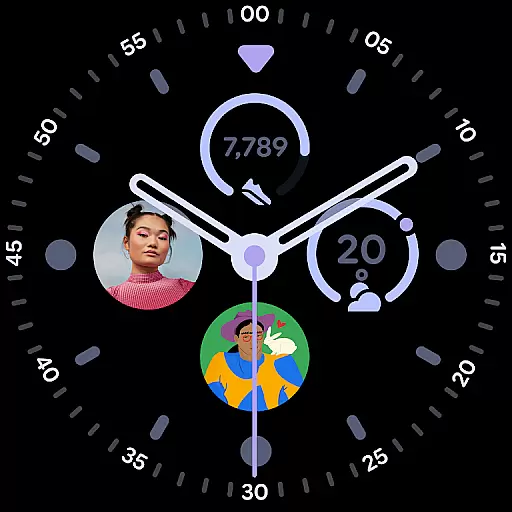
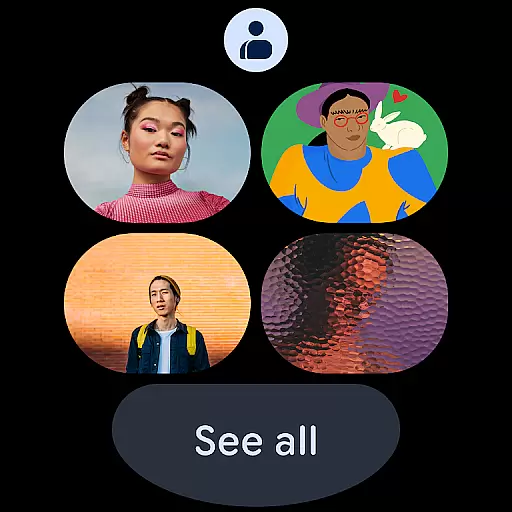
With dedicated tiles such as favorite contacts and individual contact complications, managing and accessing important contacts on your wrist becomes effortless. These features allow quick access to frequently contacted people directly from your watch face.
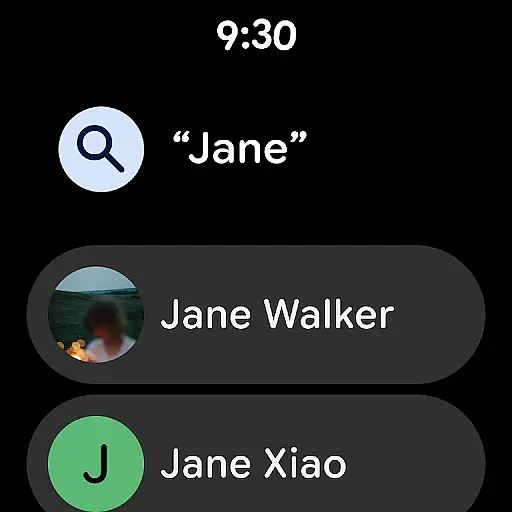
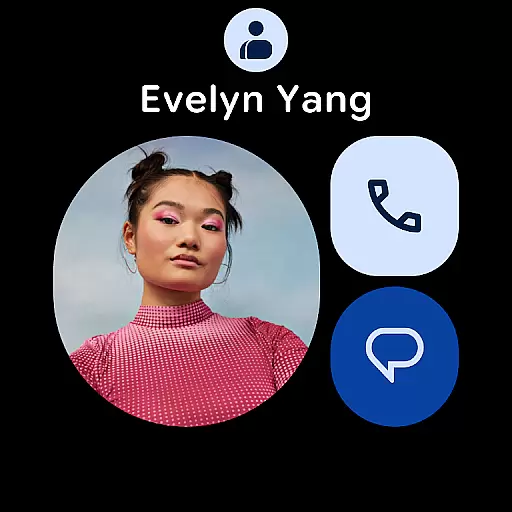
Moreover, the app ensures that all interactions remain intuitive and efficient, making it easy to navigate through your contacts even on smaller screens. This level of integration highlights the app's commitment to delivering a cohesive ecosystem experience.
User-friendly interface
Automatic backup
Cross-device sync
Intelligent organization
Social reminders
Limited offline access
Google Account required
Occasional sync delays
No advanced search
Basic customization

an Analog Watch Face for winter season with freeze winter background for Wear OS
 4.0
4.0
Rose gold watch face with festive lights & customizable features.
4.60
A full-featured Amazon Alexa voice assistant that can show you things.
3.70
sleep, alarm, snoring, stress, healing, focus, sound therapy, circadian rhythm
4.10
The #1 source of faces for your smartwatch!
4.00
Period, ovulation & pregnancy tracker. Fertility insights & menstrual calendar.
4.90
A digital watch face that celebrates Christmas.
4.00
Hybrid Vibrant Health Watch Face for Wear OS
4.5
A white realistic classic analog watch face with many customization options.
4.40
Digital, flexibly customizable watch face. For Wear OS 5.0, API 34+ and later.
5.00
Be an elegant and classy secret agent, with this carefully detailed watch face
4.70
The most customizable minimal watch face. For Wear OS 5.0, API 34+ and later
4.70
Nutrition, Macro tracker: Food, fitness & healthy diet tracking for weight loss
4.60
Gym & home workout plans with strength training, exercise tracking, HIIT & more.
4.60
Stylish, Energizing and Modern Watch Face crafted by Dominus Mathias.
4.50
Daily Weather forecast with 15 weather images for Day & Night plus Big Bold time
4.10
Structured watch face with seven complications and modular UI elements
3.90
Contemporary digital watch face with five complications
4.3
Stunning modern digital watch face with 7 complications and strong contrast
4.0


User Reviews