
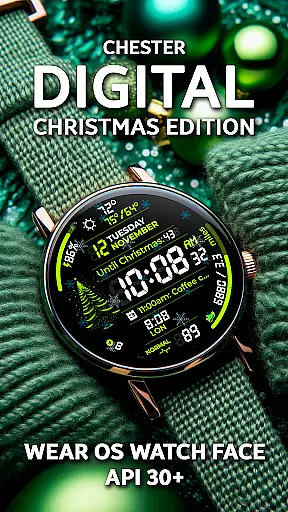
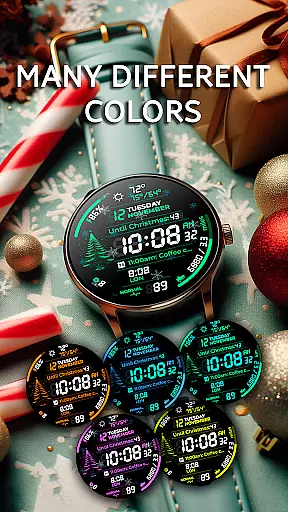
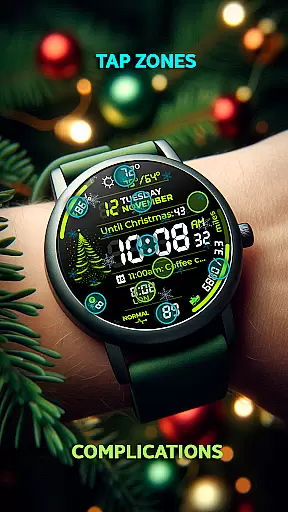
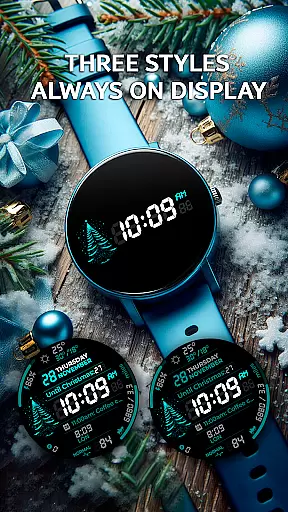
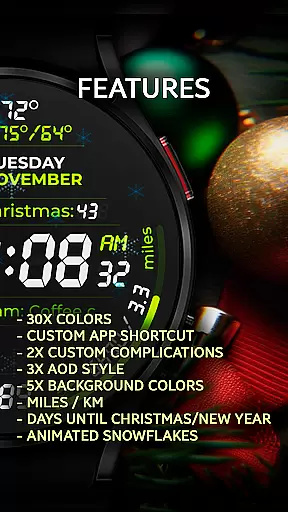
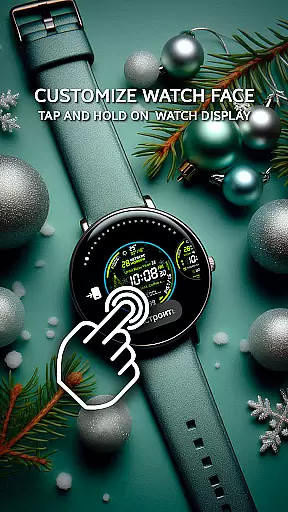
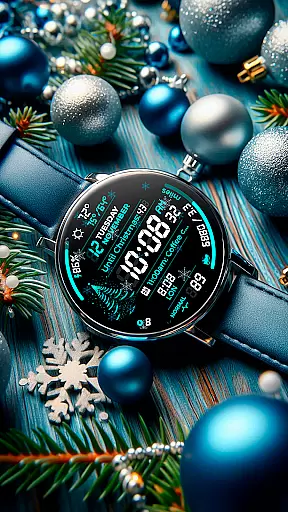
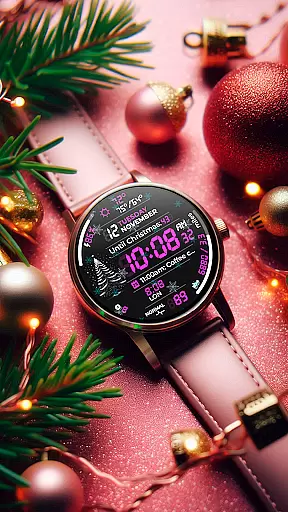
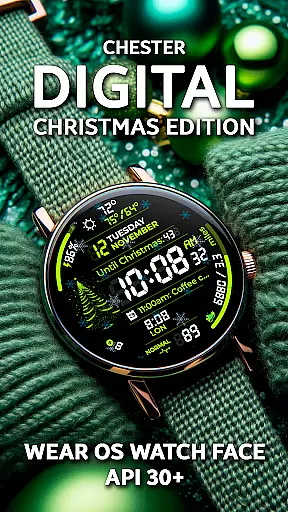
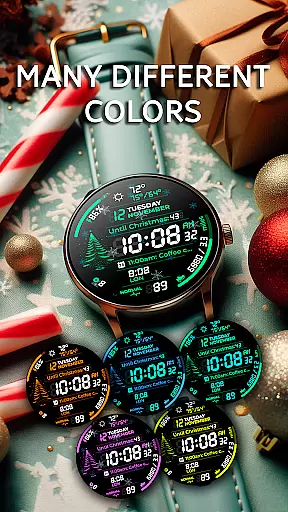
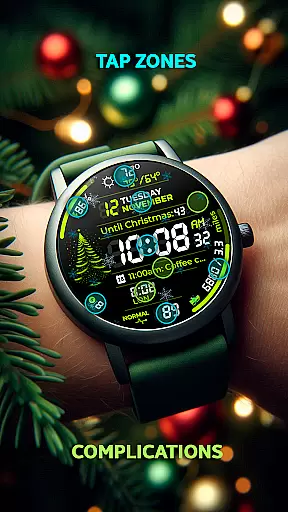
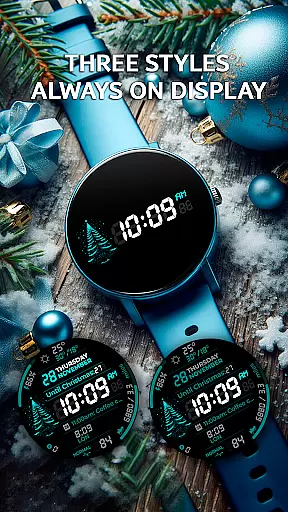
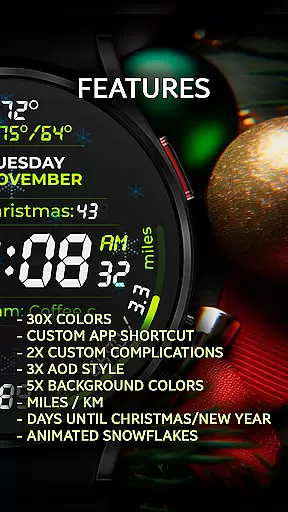
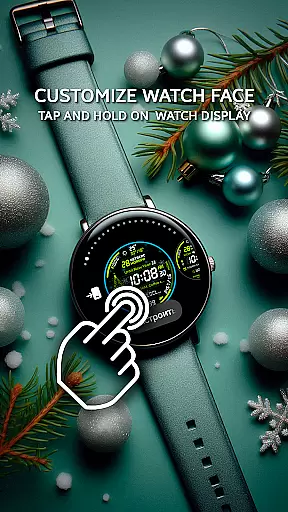
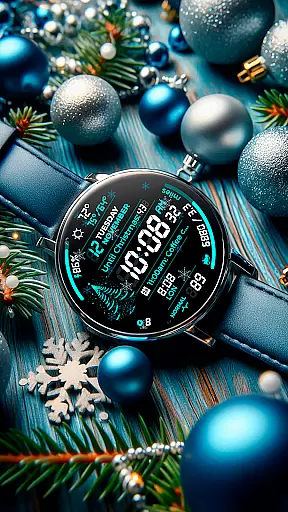
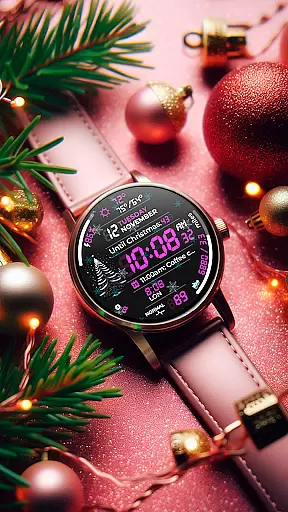
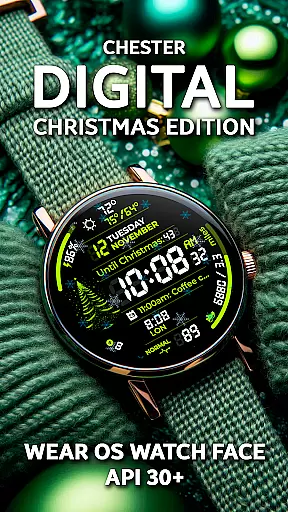
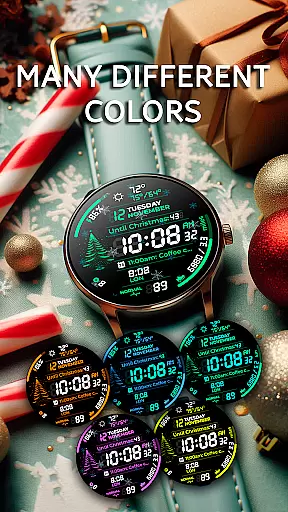
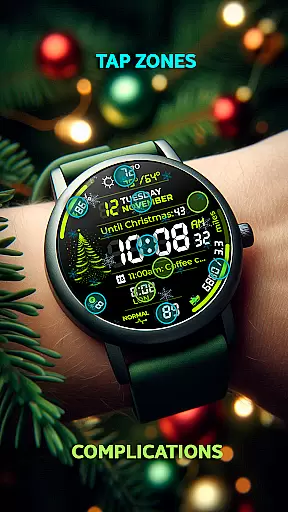
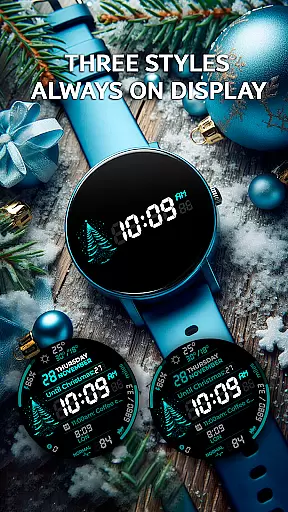
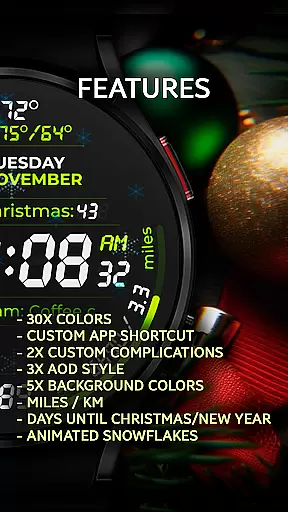
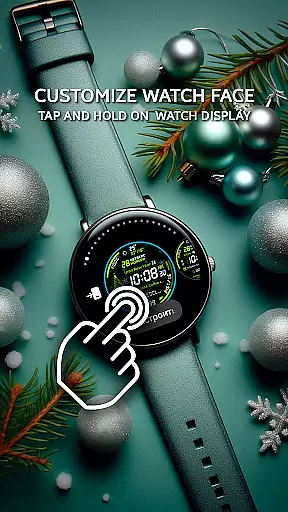
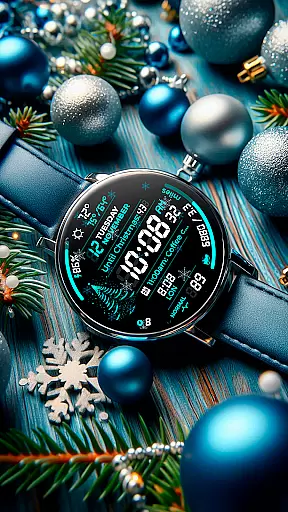
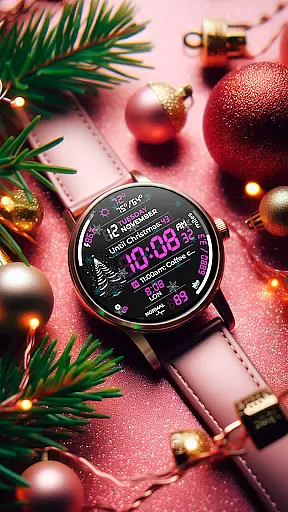
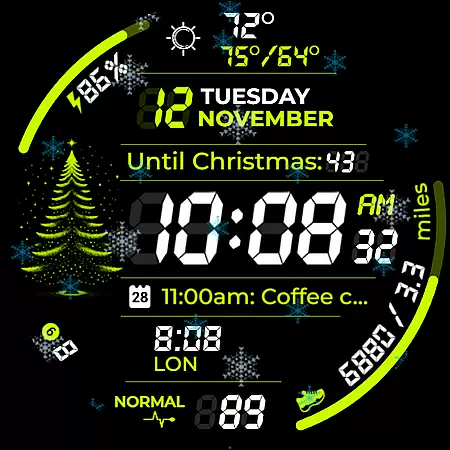
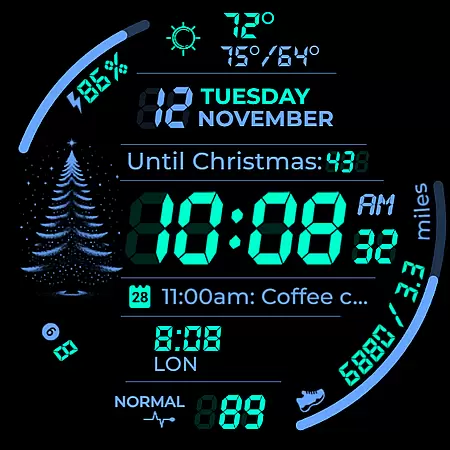
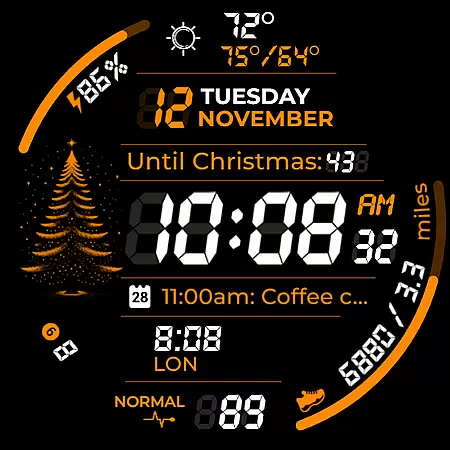
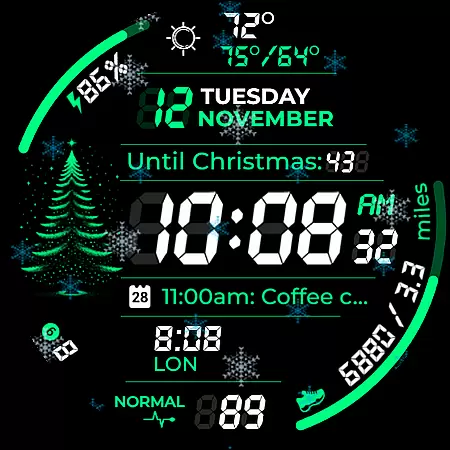
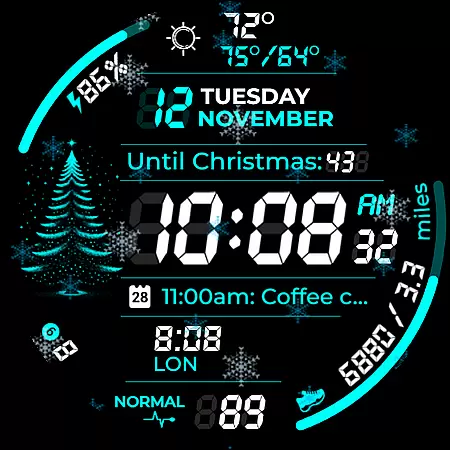
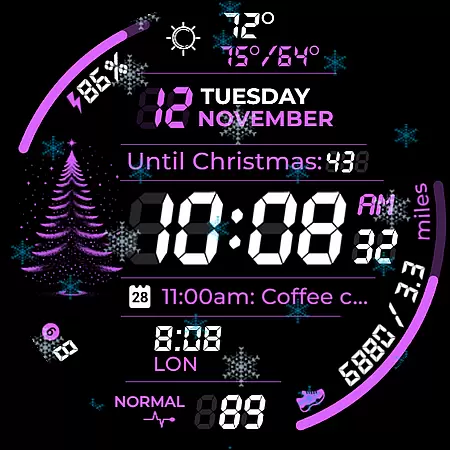
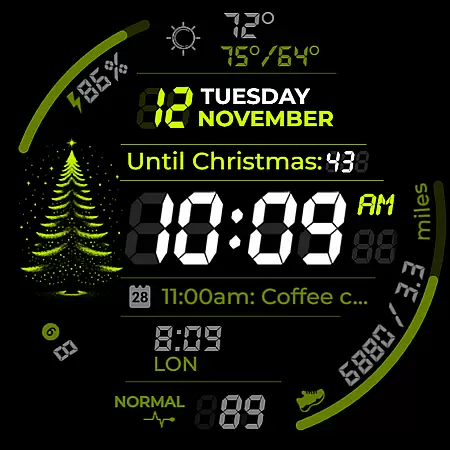
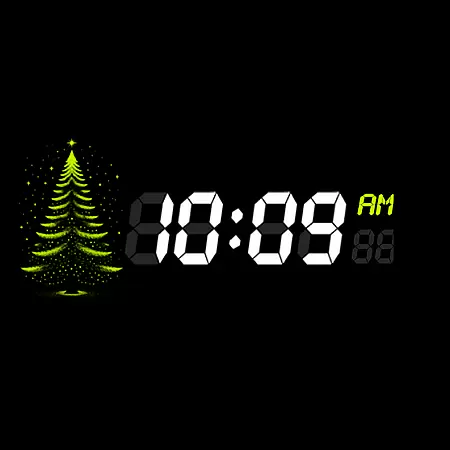
Chester Digital: Christmas is a festive watch face designed for Wear OS, offering users a customizable and interactive experience. With 30 color schemes, app shortcuts, and complication zones, it provides both style and functionality. The watch face features AOD styles, background color options, distance tracking, and interactive tap zones, making it versatile for various needs.
Users can enjoy holiday-specific features like a snowflake animation, countdown to Christmas/New Year, and full calendar reminders. It also displays weather updates and unread notifications, ensuring users stay informed. Compatible with Wear OS API 30+ devices, this watch face brings holiday cheer while maintaining practical utility.
Chester Digital: Christmas stands out with its extensive customization options. Users can choose from 30 vibrant color schemes and five background colors, allowing for a personalized look that matches their style. The inclusion of app shortcuts and two complication zones ensures quick access to essential functions and information right on the watch face.
The watch face offers three Always-On Display (AOD) styles, keeping users connected even when the screen is dimmed. Weekly and yearly tracking, along with full calendar reminders displaying event names and times, help users stay organized. Additionally, features like distance tracking in miles or kilometers, weather updates showing maximum and minimum temperatures, and a countdown to Christmas/New Year enhance its practicality and festive spirit.
Companion app integration is essential for a seamless wearable experience. Chester Digital: Christmas offers robust companion app features that enhance the Wear OS watch face functionality.
This application ensures perfect synchronization between your smartphone and smartwatch. Users can easily customize color schemes, app shortcuts, and complication zones through the companion app interface.
The integration extends to real-time updates of calendar events, weather information, and notification counters. This connectivity allows users to stay informed and organized without needing to check their phones constantly.
By leveraging the companion app, users benefit from a unified ecosystem where all settings and data are instantly updated across devices. This creates a reliable and efficient user experience that maximizes the potential of wearable technology.
Device compatibility is crucial for ensuring optimal performance across various Wear OS devices. Chester Digital: Christmas is designed to work seamlessly with all Wear OS API 30+ devices.
This watch face supports popular models such as Google Pixel Watch, Galaxy Watch series, and other Wear OS compatible devices. The application automatically adjusts to different screen sizes and resolutions while maintaining its visual appeal.
However, it's important to note that this watch face is not suitable for rectangular watches. The design specifically caters to round watch faces to preserve the intended aesthetic and functional elements.
With comprehensive compatibility coverage, users can enjoy consistent performance regardless of their specific Wear OS device model. This broad support demonstrates the developer's commitment to accessibility and user satisfaction across multiple platforms.
Highly customizable
Festive animations
Practical features
Compatibility with Wear OS
User-friendly interface
Not suitable for rectangular watches
Limited to Wear OS API 30+
Requires additional setup
Premium features may need purchase
Complex for beginners

Gym Log & Workout Tracker | Fitness Journal, Training & Weight Lifting Planner
 4.90
4.90
Calming & relaxing sounds for sleeping and stress relief. Stay focused all day!
4.20
Christmas and New Year - Themed Watchface
4.3
Stunning modern digital watch face with 7 complications and strong contrast
4.5
Easy Voice Recorder is your everyday companion to record important moments.
4.70
Be an elegant and classy secret agent, with this carefully detailed watch face
4.70
Sleek, highly customizable watch face inspired by Galaxy Watch Circle Dashboard.
4.1
Minimalistic design modern digital watch face.
4.3
Hybrid watch face for Wear OS with customizable complications by Matteo Dini MD
4.70
WTW M17 is a premium and luxurious hybrid watch face
4.70
A modern premium sporty hybrid watch face for Wear OS by Ballozi
4.70
To-Do List: daily schedule planner, task organizer, to do reminder app, calendar
4.60
A white realistic classic analog watch face with many customization options.
4.40
Elegant animated Christmas tree with multiple customization options
4.20
Your music, your playlists, and more—offline and unlimited.
4.20
Daily Weather forecast with 15 weather images for Day & Night plus Big Bold time
4.10
The #1 source of faces for your smartwatch!
4.00
A full-featured Amazon Alexa voice assistant that can show you things.
3.70
A watch face that fuses motorsport precision with contemporary smartwatch design
4.1


User Reviews