
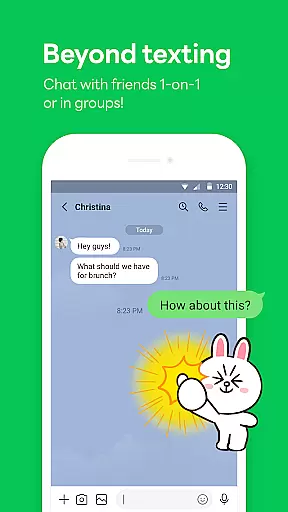
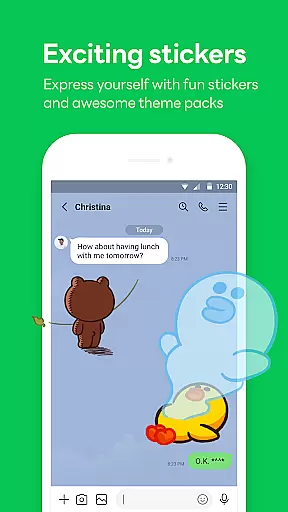

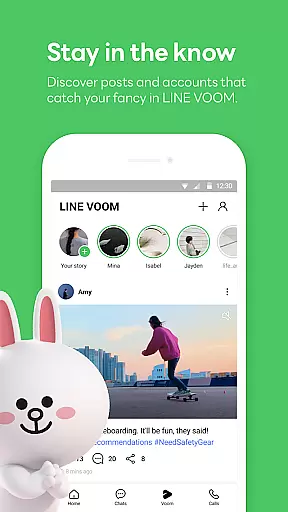
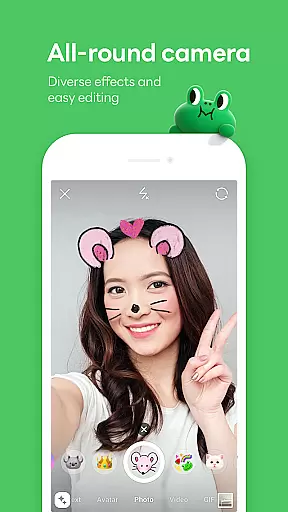
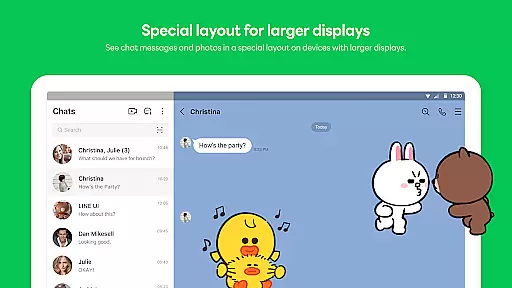
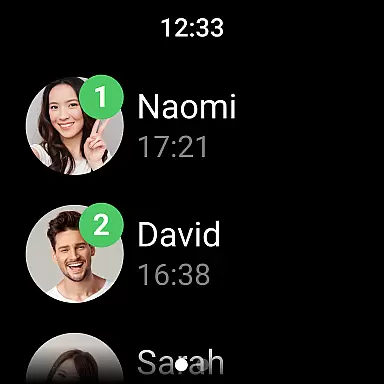
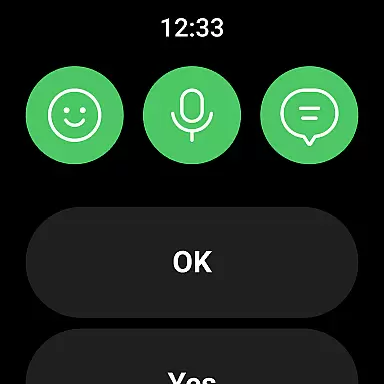
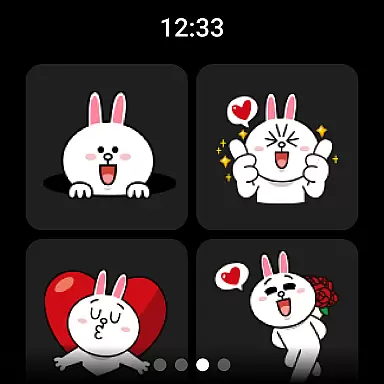


LINE is a comprehensive communication app that bridges the gap between family, friends, and loved ones through free voice and video calls, messages, and an extensive range of expressive stickers. Available globally on mobile, desktop, and Wear OS, LINE offers seamless connectivity across devices, ensuring you stay connected wherever you are. With features like Keep Memo for personal storage and Letter Sealing for enhanced privacy, LINE not only makes communication fun but also secure.
The app goes beyond basic messaging by providing users with customizable themes, easy access to services via the Home tab, and integration with smartwatches. This versatility allows users to tailor their experience while enjoying the convenience of cross-platform synchronization. Whether for personal or professional use, LINE's innovative features make daily communication more engaging and efficient.
LINE stands out with its diverse communication options including high-quality voice and video calls, text messaging, and a vast library of creative stickers. The app's Home feature provides centralized access to friends lists, birthday reminders, sticker shops, and various content services, streamlining user interactions. Additionally, the inclusion of customizable themes and emojis enables users to personalize their chat experience according to their preferences.
One of LINE's key strengths is its cross-platform compatibility, allowing users to chat seamlessly across smartphones, Wear OS devices, and PCs. The incorporation of Keep Memo offers a private space to store temporary messages, photos, and videos, while Letter Sealing ensures end-to-end encryption for messages, call history, and location data. These robust security measures guarantee user privacy in all communications. Furthermore, smartwatch integration enhances accessibility, enabling users to check messages directly from their wrists.
Companion app integration is essential for users who want a seamless experience across multiple devices. LINE offers robust companion app features that ensure your conversations, stickers, and settings are consistently synchronized.
The app supports real-time data sharing between mobile devices, desktops, and Wear OS. This means you can start a conversation on your phone and continue it on your smartwatch or computer without missing a beat.
Users benefit from this integration by having uninterrupted access to their messages and calls. Whether at home, in the office, or on the go, LINE ensures that all your devices work harmoniously together.
This synchronization not only enhances convenience but also boosts productivity, allowing users to manage their communications more effectively regardless of the device they are using.
LINE's compatibility with Wear OS and various devices ensures that users can enjoy a versatile communication experience. The app is optimized to function smoothly on different platforms, including smartphones, tablets, and smartwatches.
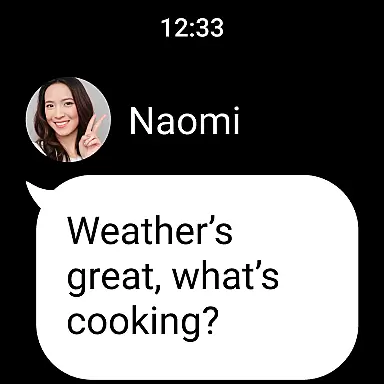
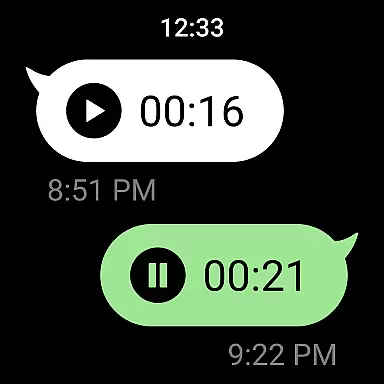
For Wear OS, LINE provides a dedicated interface that allows users to check messages, receive notifications, and even respond to chats directly from their smartwatches. This feature is particularly useful for those who are always on the move and need quick access to their communications.
Device compatibility extends beyond just Wear OS. LINE supports a wide range of Android devices, ensuring that users with different hardware can still enjoy the full benefits of the app. This inclusivity helps LINE cater to a broader audience.
By focusing on cross-device functionality, LINE guarantees that its users have a reliable and consistent experience, making it easier to stay connected no matter where they are or what device they are using.
User-friendly interface
Free voice and video calls
Extensive sticker collection
Cross-platform support
Strong privacy protection
Requires significant storage space
High data usage without Wi-Fi
Limited functionality on older OS versions
Occasional connection issues
Complex setup for new users

Calming & relaxing sounds for sleeping and stress relief. Stay focused all day!
 4.20
4.20
Christmas is near, let's count together the days left until Santa comes
4.5
Be an elegant and classy secret agent, with this carefully detailed watch face
4.70
3 Complications. All shadow on/off. 30 Themes color palette...
4.4
Authentic military-tactical design with ZULU time! Realistic and functional!
3.80
Fitness interactive virtual pet super fighter boy watch face
4.3
Kia Access makes getting your vehicle information easier than ever
4.60
Connect to your Bluelink equipped Hyundai vehicle from your smartphone.
4.50
Bold weather Digital watchface with forecast & optional animated background
4.40
Real-time weather radar with temperatures, warnings, hurricanes, and widgets
4.80
Gym & home workout plans with strength training, exercise tracking, HIIT & more.
4.60
Current temperature, weather hourly, weather radar by the weather forecast app
4.40
Digital watch face with big numbers and many customization for Wear OS devices
4.40
Wear Os Watch Face - Animated Snow Effect & Magic Spark - 6 Scenes
4.10
Structured watch face with seven complications and modular UI elements
3.90
A full-featured Amazon Alexa voice assistant that can show you things.
3.70
Your local weather forecast, storm tracker, radar maps & live weather news
3.40
Analog watch face with 8 complications and expedition styling
4.0
Stunning modern digital watch face with 7 complications and strong contrast
4.5


User Reviews