
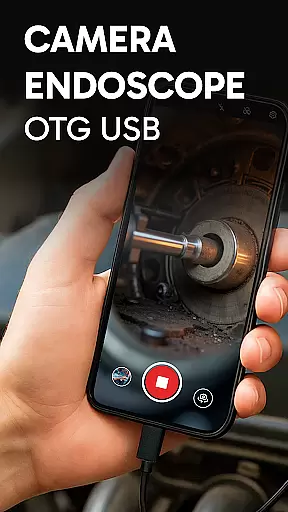
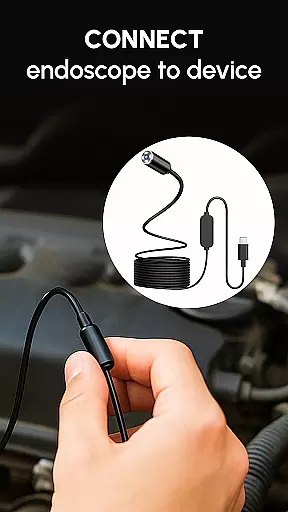
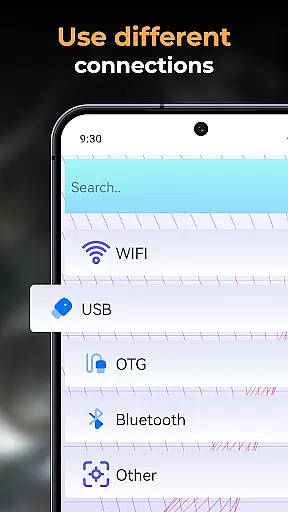
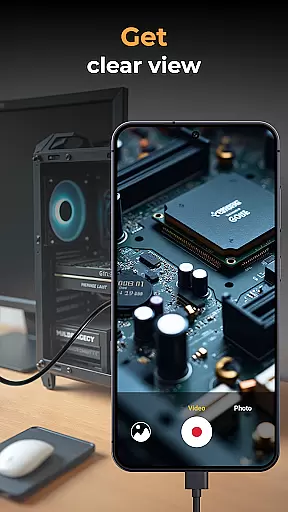
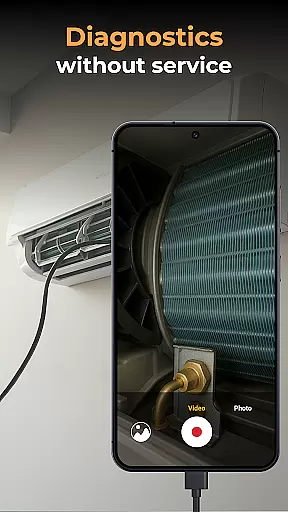
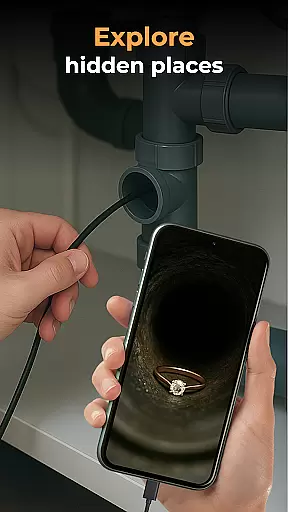
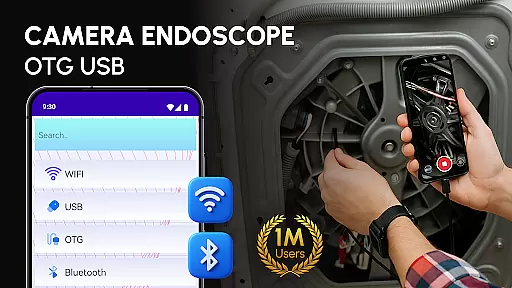
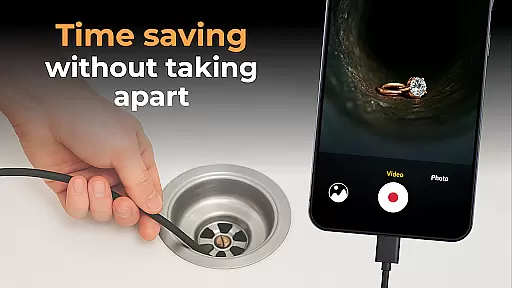
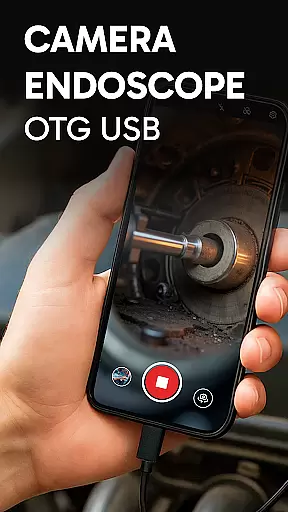
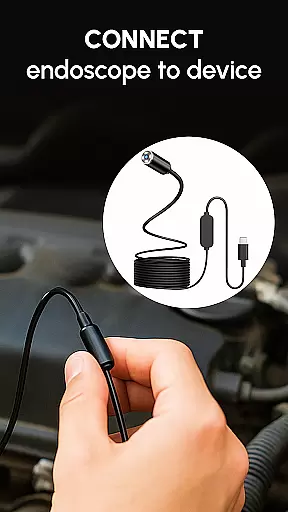
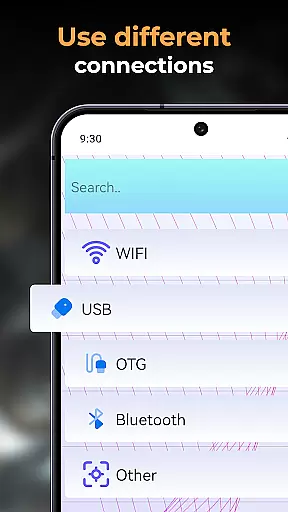
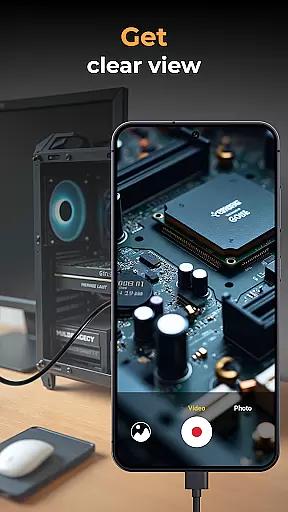
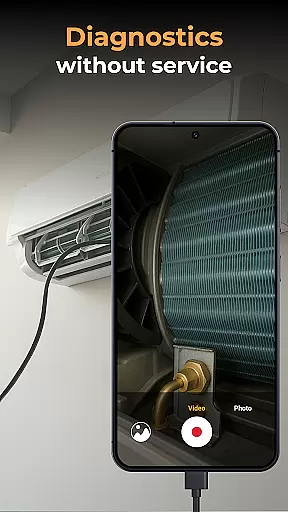
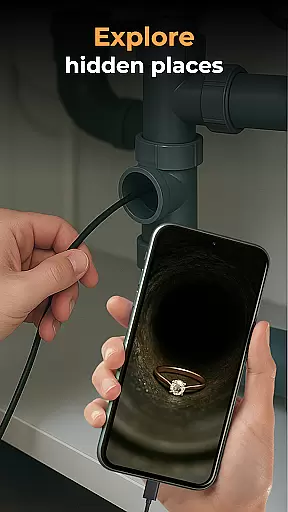
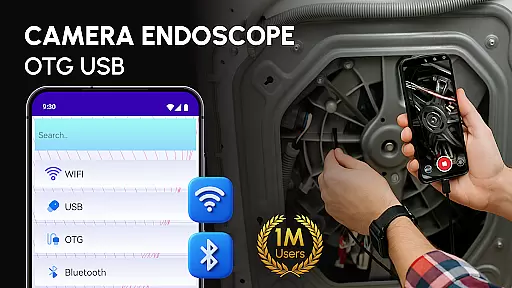
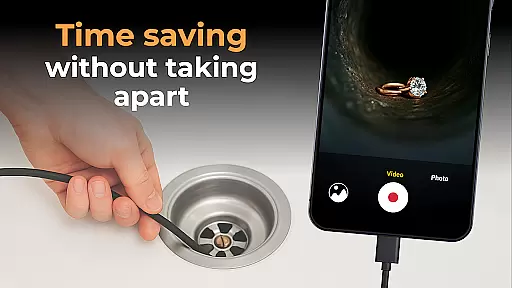
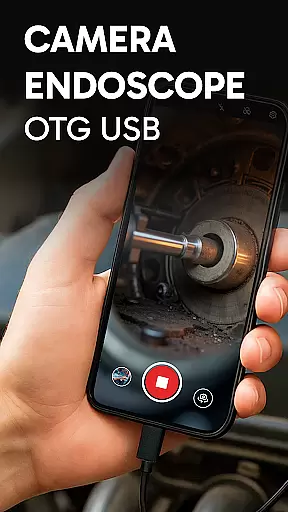
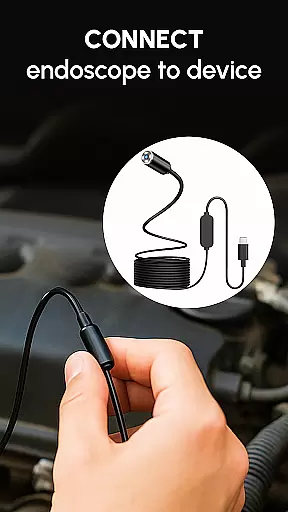
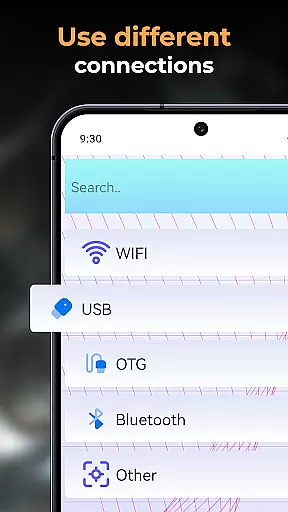
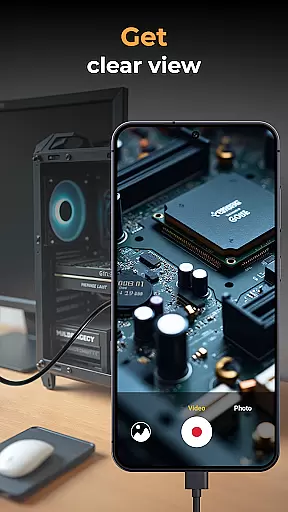
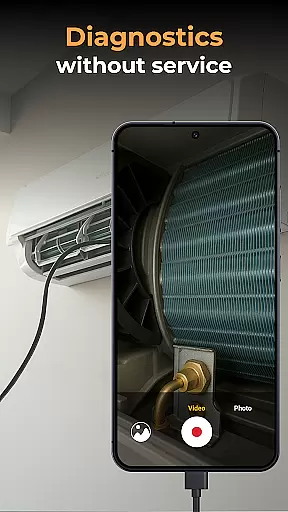
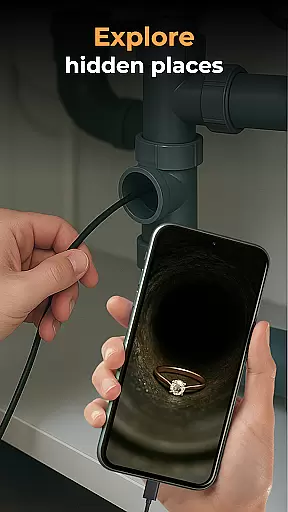
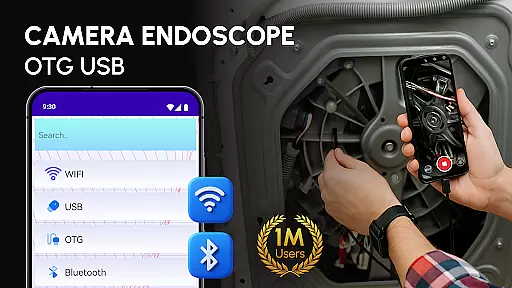
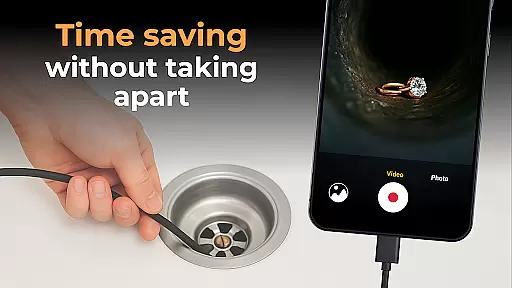
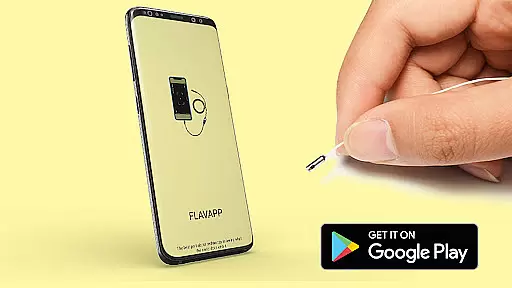
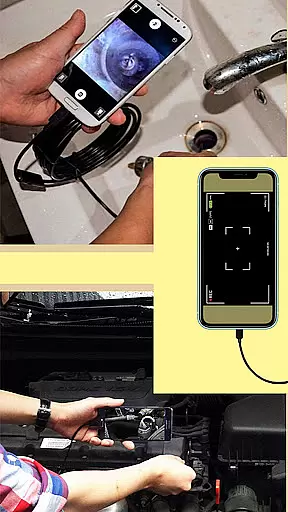
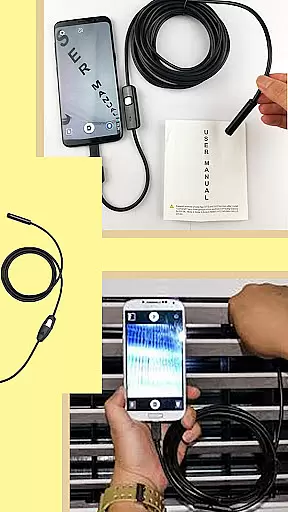
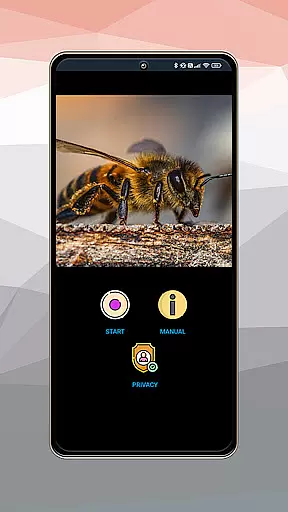
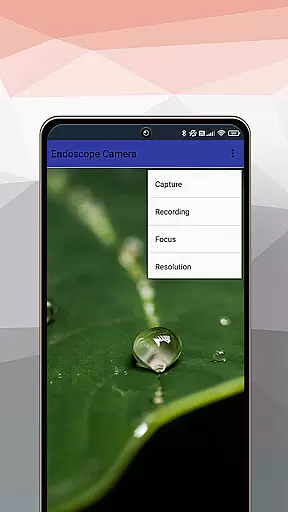
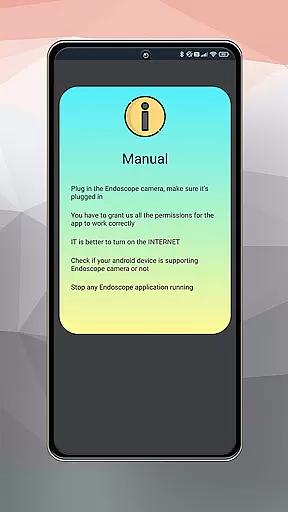
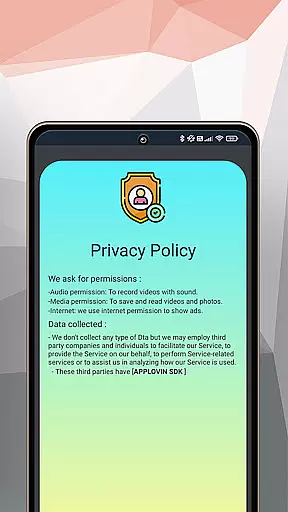
Camera endoscope / OTG USB is an innovative application that transforms your Android device into a powerful inspection tool. Designed for both professional and personal use, this app allows users to connect external cameras such as borescopes and microscopes via USB OTG interface. Whether you're examining tight spaces or inspecting small components, the app provides real-time video capturing capabilities with high-quality image resolution.
The application's key strength lies in its versatility and ease of use. Compatible with various external devices, it supports essential functions like video recording, photo capture, and media management. Users can conveniently store, view, delete, and share their captured content through the built-in gallery. This makes it an ideal solution for technicians, DIY enthusiasts, and hobbyists who need reliable inspection tools on the go.
What sets Camera endoscope / OTG USB apart is its ability to simplify complex tasks. With plug-and-play functionality, users can quickly set up their devices and start exploring hard-to-reach areas. The app's intuitive interface ensures seamless operation, making it accessible even to non-technical users. From plumbing work to electronics diagnostics, this app delivers professional-grade performance in a portable package.
One of the standout features of Camera endoscope / OTG USB is its comprehensive support for various external devices. The app seamlessly integrates with different types of endoscopes, borescopes, and microscopes, providing users with flexibility in their inspection tasks. Its real-time video capturing capability allows for precise examination of objects, while the high-quality image resolution ensures every detail is captured accurately.
The media management system within the app is another notable feature. Users can easily organize their photos and videos through the built-in gallery, which supports essential functions like viewing, deleting, and sharing files. The simple yet effective interface enables quick access to these features by using basic touch commands. Additionally, the app's compatibility with multiple devices through OTG Connector Software enhances its usability across different hardware configurations.
Performance optimization is where Camera endoscope / OTG USB truly shines. The app maintains stable and fast connections with connected devices, ensuring smooth operation during critical inspections. Its plug-and-play functionality eliminates complicated setup procedures, allowing users to begin their work immediately after connecting their equipment. These technical advantages, combined with user-friendly design elements, make the application a valuable tool for professionals and hobbyists alike.
When evaluating an application like Camera Endoscope / OTG USB, functionality completeness refers to the app's ability to offer a wide range of features that cater to the needs of its users. This particular app excels in providing comprehensive support for USB OTG cameras, transforming your Android device into a versatile inspection tool.
The app covers various aspects of camera usage, including real-time video capturing, compatibility with external devices such as borescopes and microscopes, and seamless integration through an OTG connector. These capabilities ensure that whether you're a DIY enthusiast or a professional technician, the app meets your inspection needs effectively.
Users benefit from high-quality video and image recording, coupled with a built-in gallery for storing and managing media files. The availability of simple media management functions like delete, view, and share further enhances the user experience by allowing efficient organization of work-related or personal content.
Ultimately, the completeness and coverage of Camera Endoscope / OTG USB make it an indispensable tool for anyone requiring detailed inspections of hard-to-reach areas. Its plug-and-play feature supports multiple devices, ensuring broad compatibility and ease of use across different scenarios.
Usability and operational smoothness are critical factors that determine how effectively users can interact with an application. For Camera Endoscope / OTG USB, these aspects are evident in its straightforward setup process and reliable performance during inspections.
The app is designed to be user-friendly, offering easy navigation and quick access to essential features. With just a compatible device and a USB OTG cable, users can load the app and immediately start using the live camera view. This simplicity ensures that even those new to endoscopic tools can operate them without hassle.
Operational smoothness is further highlighted by the stable and fast connections the app maintains with external cameras. Whether inspecting pipes or examining tiny machine parts, users can rely on consistent performance that aids in accurate diagnostics and exploration.
In summary, Camera Endoscope / OTG USB stands out not only for its extensive functionality but also for its commitment to delivering a smooth and intuitive user experience. By prioritizing usability, the app empowers users to focus on their tasks rather than struggling with complex operations.
User-friendly interface
Wide device compatibility
High-quality image capture
Efficient media management
Real-time video functionality
Limited advanced features
Requires compatible hardware
No cloud storage option
Basic editing tools
Occasional connection issues

Record with Double Camera Video Recording using Dual Camera Front and Back Video
 3.00
3.00
Do you want to drive easy ? do you wanna full mirror link Mobile with your car
4.10
SmartCast mirrors Android phone to TV screen With Cast Screen, Chromecast.
4.80
use your smartphone as Remote control drones .
4.20
Mobs maker Minecraft help MCPE creators make their own mob by using Blockbench
3.50
CloudEye 365 is a easy-handling APP
3.60
Ps2 plugins for 64 bit artitechture
3.70
Experience virtual reality on your smartphone with Cardboard.
3.50
Expo is a free & open source platform to build apps using JavaScript and React.
4.70
Tune your game graphics with our GFX optimizer for optimal gaming experience
4.50
MirrorLink for connecting your Android phone to your car’s infotainment screen.
4.50
Manage apps & elevate your gaming experience with Game Launcher: Gaming Hub app.
4.30
Game Booster GFX for smoother gaming experience. Enjoy 120 FPS and 4x Game Space
4.20
charging your phone by other phone easly
4.00
Use your Phone as Drone Controller.
3.70
Connect your phone to any endoscope camera, USB camera, or borescope with ease.
3.70
Mobile Connect To TV - HDMI USB & WiFi Screen Mirroring
3.70
A great tool help you to format Micro SD memory Card
3.10
Mirror Link Car Display to share your screen with car dashboard wirelessly
4.3


User Reviews