
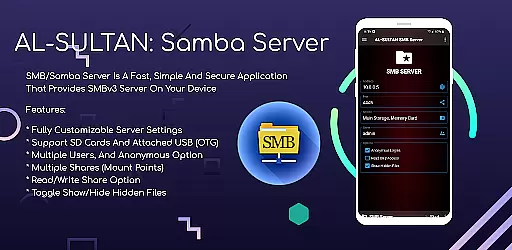
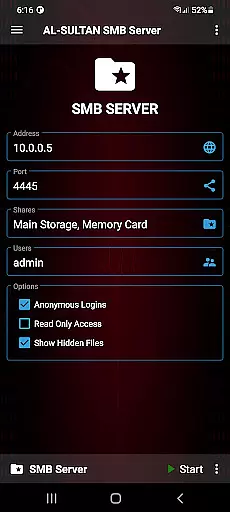
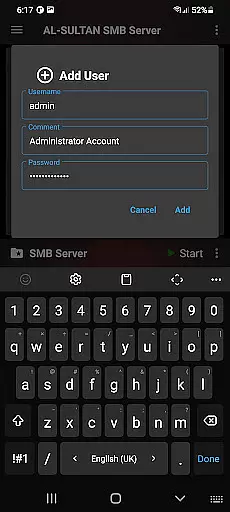
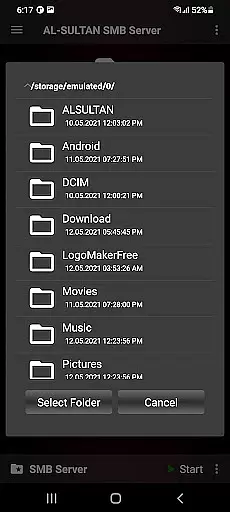
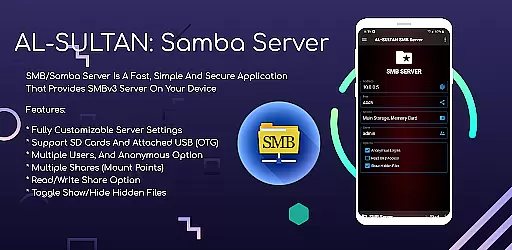
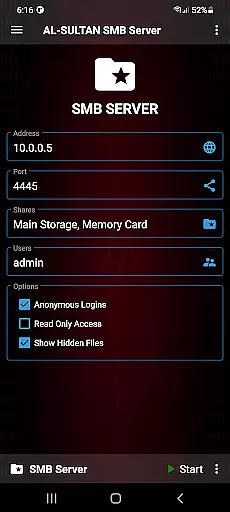
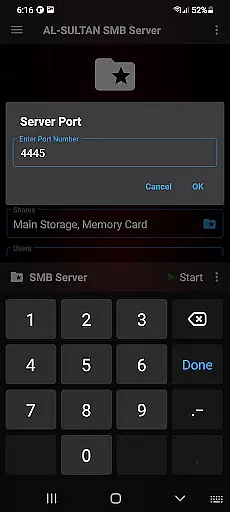
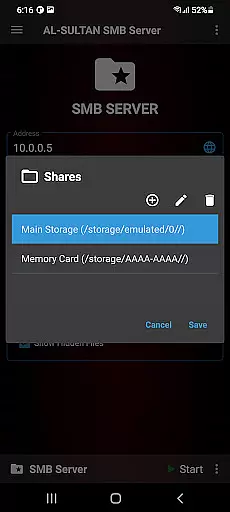
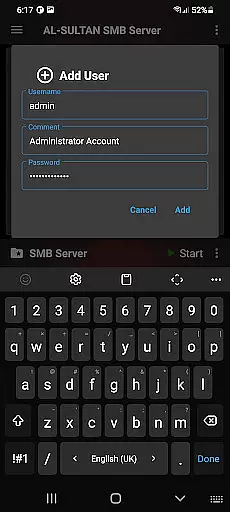
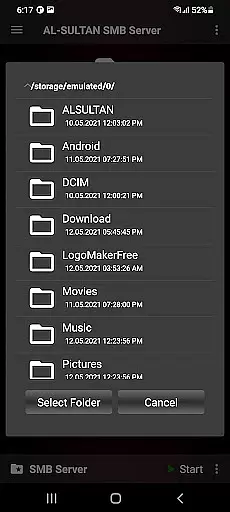
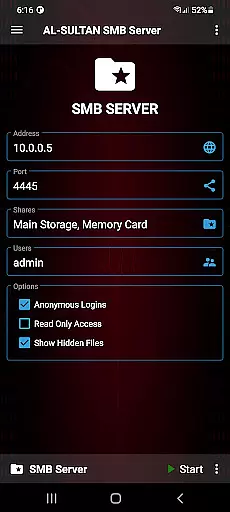
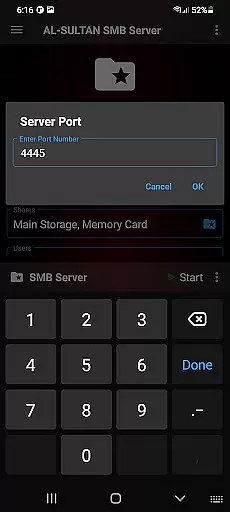
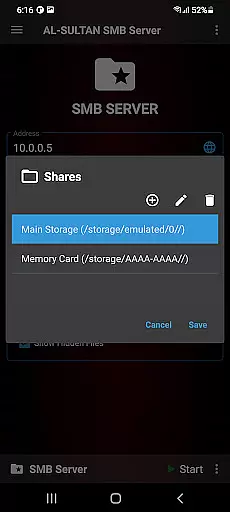
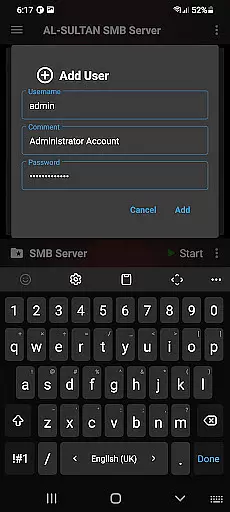
SMB/Samba Server Pro is a premium communication application designed to transform your device into a secure SMBv3 server. This app allows users to easily share files across devices, making it an ideal solution for both personal and professional environments.
The application offers fully customizable server settings, giving users complete control over their network shares. With support for SD cards and USB OTG devices, multiple user accounts, and various sharing options, SMB/Samba Server Pro provides a comprehensive file-sharing solution that works seamlessly with your existing hardware setup.
Whether you need to set up a home media server or manage enterprise-level file sharing, this app ensures fast and secure data transfer while maintaining ease of use.
SMB/Samba Server Pro stands out with its robust feature set tailored for advanced file sharing needs. The app supports SMBv3 protocol, ensuring the highest level of security and performance for your network communications.
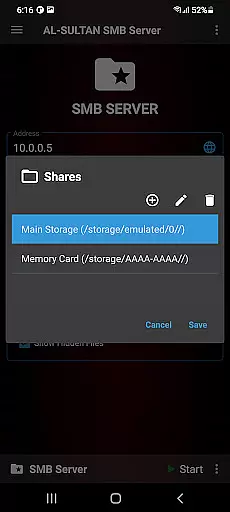
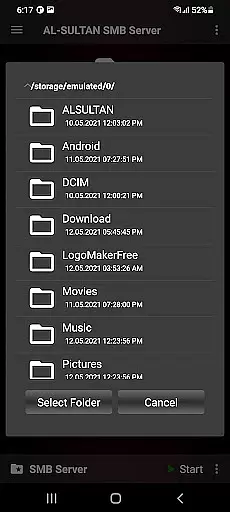
One of the key strengths of this application is its flexibility in configuration. Users can create multiple shares (mount points) with specific read/write permissions, toggle visibility of hidden files, and enable root support for advanced access. The ability to manage multiple user accounts, including anonymous access options, makes it suitable for diverse networking scenarios.
Additionally, the app's support for external storage like SD cards and USB OTG devices expands its functionality, allowing users to maximize their available storage resources while maintaining organized file structures.
Real-time messaging speed and reliability are crucial for any communication application, ensuring that messages are delivered instantly and consistently. SMB/Samba Server Pro excels in this area by providing a fast and secure environment for sharing files across devices.
The app supports SMBv3, the latest version of the protocol, which enhances both speed and security. This ensures that file transfers between devices occur without delay, offering users a seamless experience when accessing shared resources on their network.
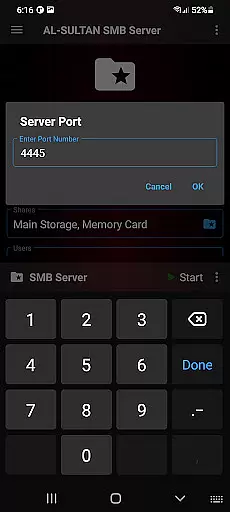
With customizable server settings, users can optimize performance according to their needs. Whether it's adjusting buffer sizes or tweaking other parameters, SMB/Samba Server Pro allows for fine-tuned control over how data is transmitted, thus maintaining high-speed transfers.
Moreover, the support for multiple shares and read/write options means that teams can collaborate effectively, with reliable access to necessary files whenever required. The robust architecture of SMB/Samba Server Pro guarantees minimal latency and maximum uptime, making it an ideal choice for real-time file sharing.
Media sharing support is a vital feature for applications in the communication category, enabling users to exchange various types of media files effortlessly. SMB/Samba Server Pro facilitates this through its comprehensive set of features designed for efficient file management and sharing.
One key aspect is the ability to handle different storage options, including SD cards and USB OTG devices. This flexibility allows users to share large media files without worrying about device storage limitations, enhancing the overall media sharing experience.
In addition to supporting multiple storage mediums, the app also provides options for creating multiple user accounts and anonymous access. This makes it easy for families or teams to share media files securely, knowing that only authorized individuals have access to sensitive content.
Furthermore, the toggle option for showing or hiding hidden files adds another layer of convenience, especially when organizing and sharing media libraries. With these capabilities, SMB/Samba Server Pro stands out as a powerful tool for managing and distributing media files across networks efficiently.
Highly customizable server settings
Supports multiple storage options
Secure SMBv3 protocol implementation
Multiple user account management
Comprehensive sharing capabilities
Requires technical knowledge
Paid version only
No automatic backup feature
Limited beginner-friendly features
Root access may compromise security

Save 10% automatically on your first international mobile top up.
 4.60
4.60
Phone Dialer with Caller ID, Address Book & Contacts Manager.
4.30
SMS & MMS Messaging App to easily send messages or schedule SMS on Chat
4.10
At select facilities, you now have an easy way to video visit your loved ones!
3.30
Watchgram for Telegram: Experience seamless Telegram messaging on your watch
1.80
A softphone with crystal clear SIP Calling & Reliable VoIP dialer
4.00
BE PRIVATE
Anonymous. No Trace. Fast.
4.20
Get through your inbox faster with the mail app designed to simplify your life.
4.40
Telegram is a messaging app with a focus on speed and security.
4.00
Messenger for SMS - texting message app, faster, simpler & safer, for you.
4.70
Enhance browsing with AI-powered features and Copilot.
4.70
Identify unknown numbers, block spam calls, customize calls with cool themes.
4.60
Browse fast on Opera Mini, with Data Saving, News, Football Scores, and Download
4.60
Group Chat That’s Fun & Games
4.30
SMS Messenger is a lightning-fast messaging app.
4.20
Share the moment!
4.10
Messages is Private SMS Messenger 2023 with text message, instant messaging.
4.00
This app enables the phone to receive and send FT8 traffic!
3.80
Fun, free app that lets kids video call and message family and close friends.
3.80


User Reviews