
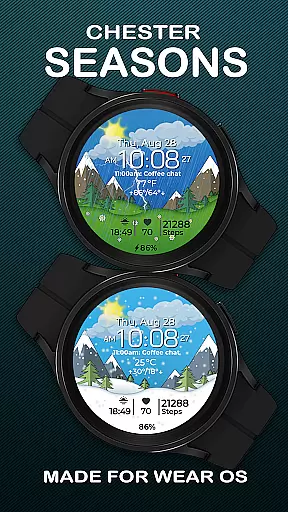
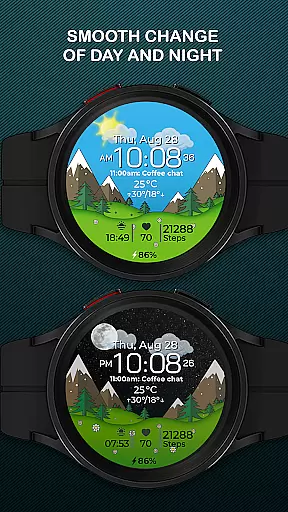
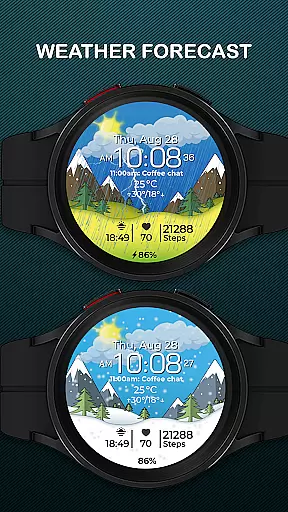
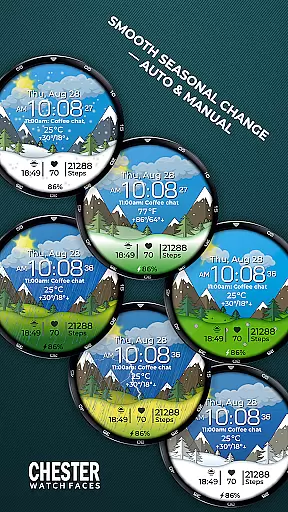
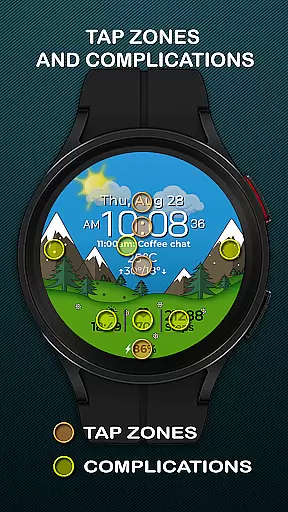
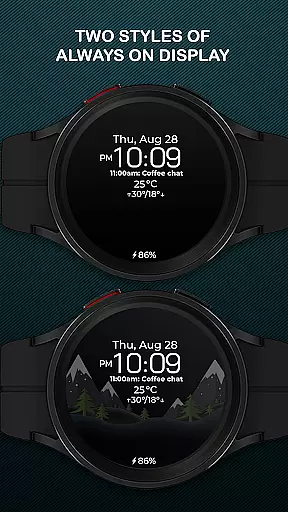
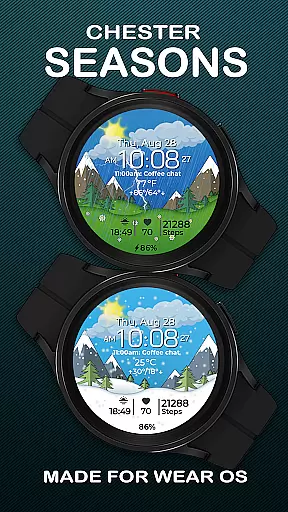
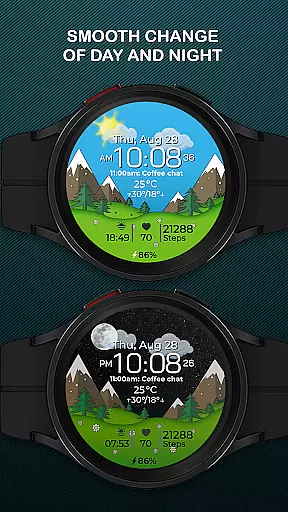
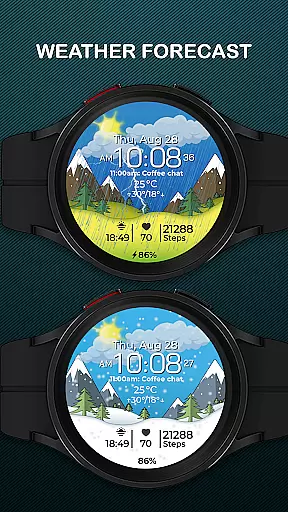
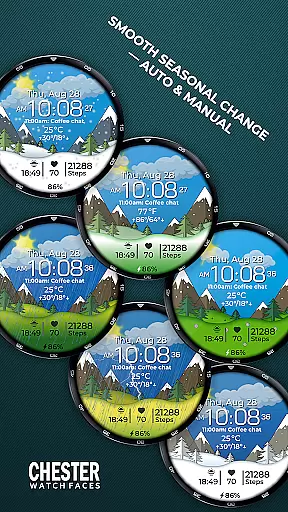
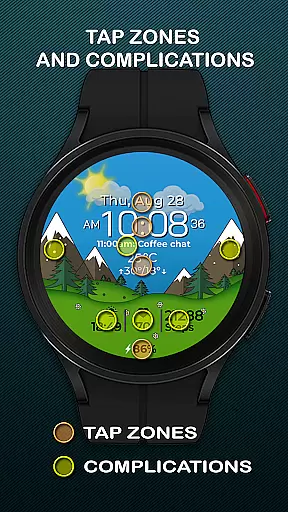
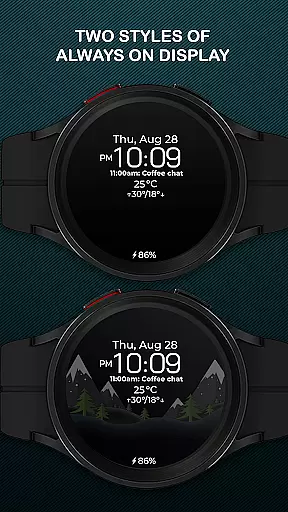
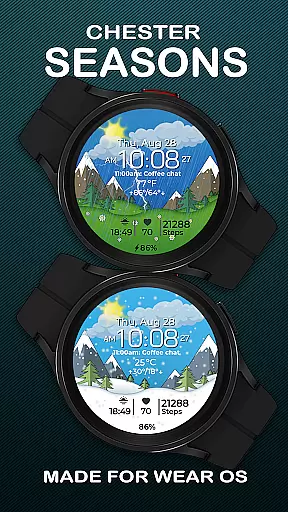
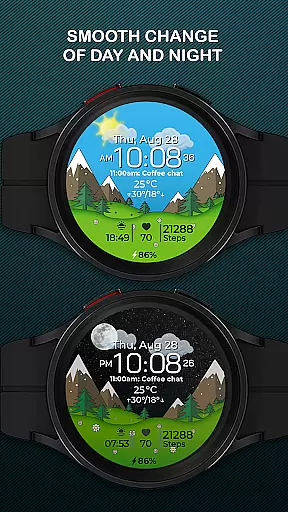
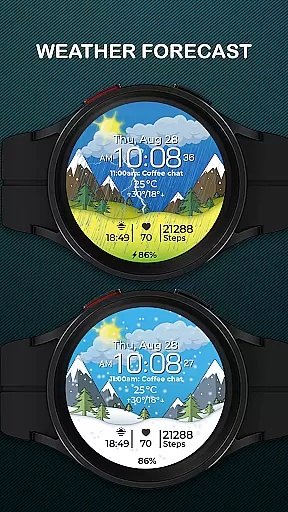
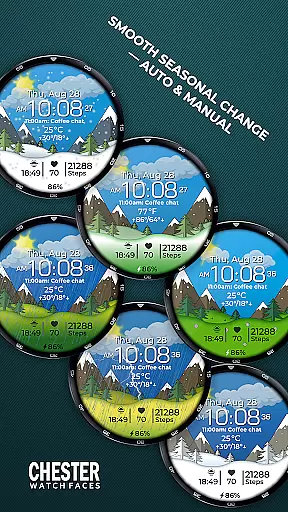
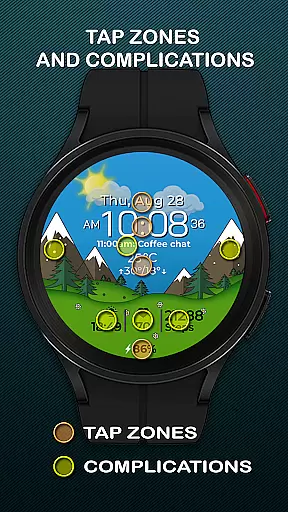
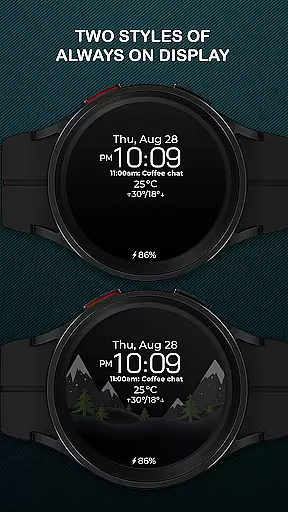
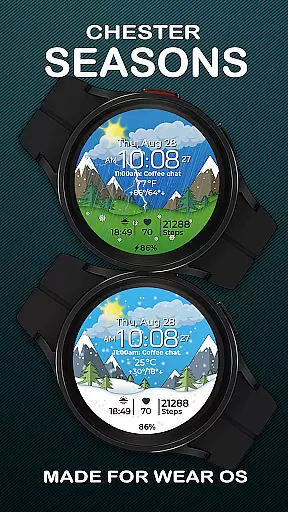
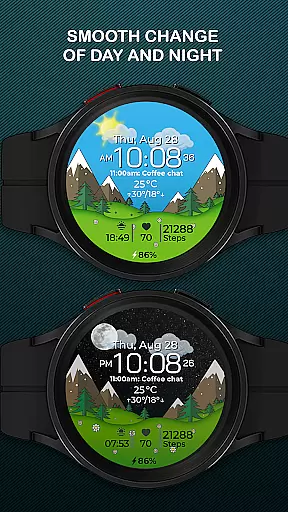
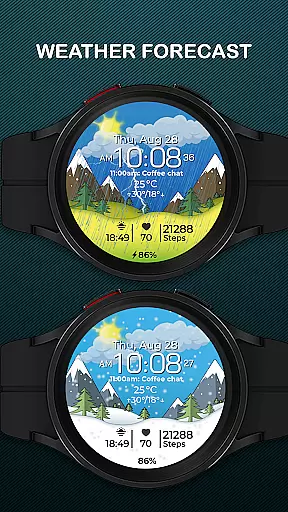
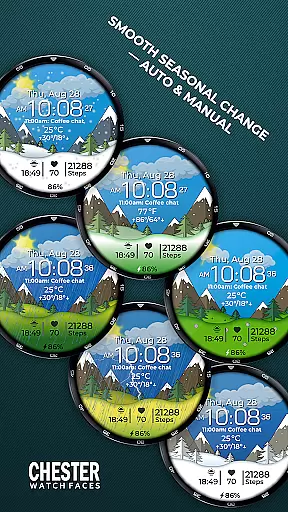
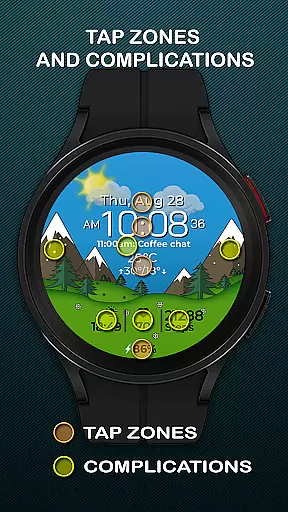
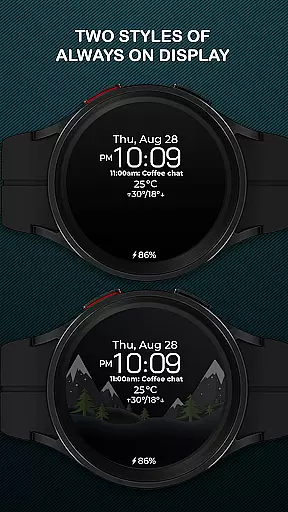
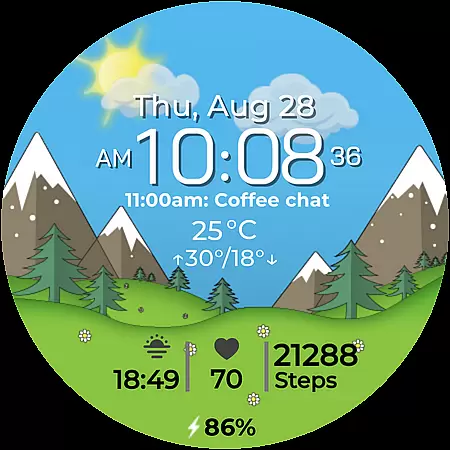
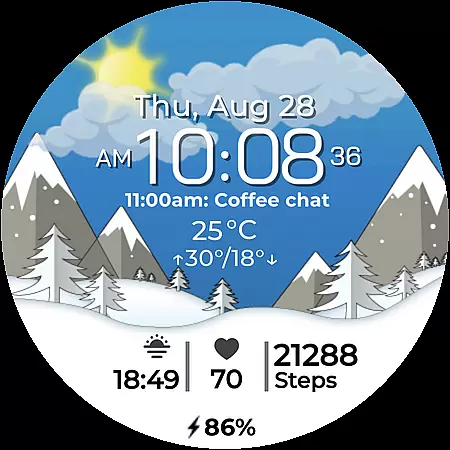
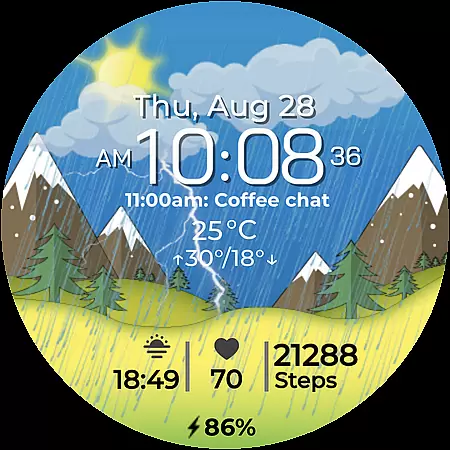
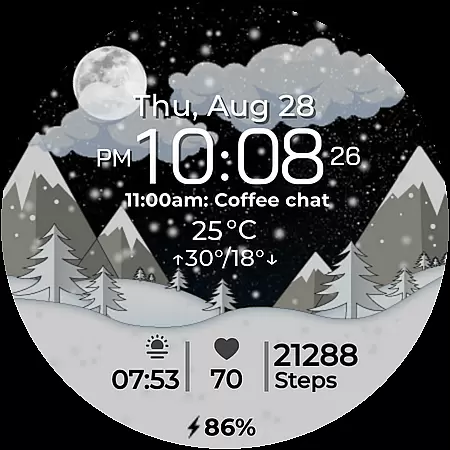
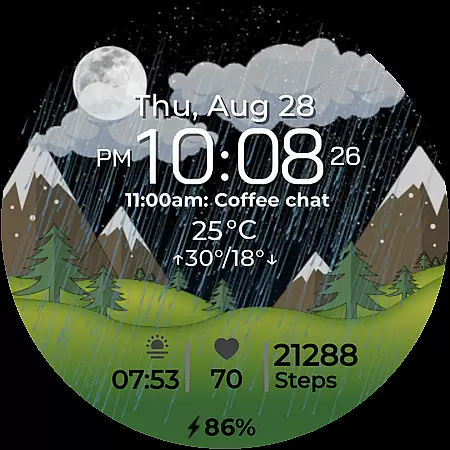
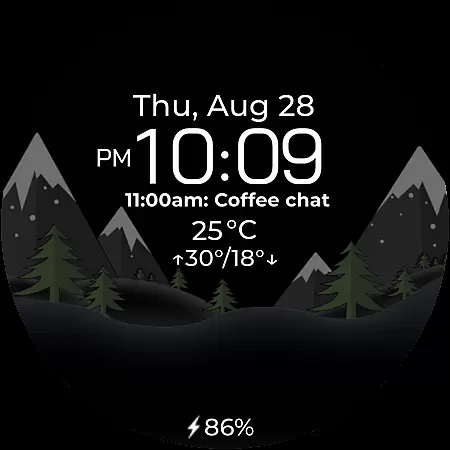
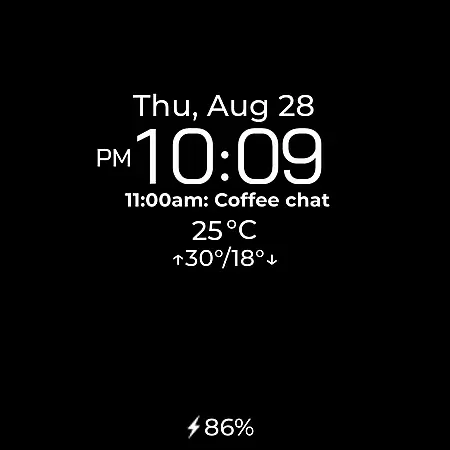
Chester Seasons is a sophisticated watch face for Wear OS devices, offering both aesthetic appeal and practical functionality. Designed for users seeking more than basic timekeeping, this app provides rich customization options, complications, and dynamic seasonal animations that bring your smartwatch to life.
With features like battery level indicators, weather display, and interactive tap zones, Chester Seasons ensures you stay informed while enjoying visually stunning designs. The smooth day-night transitions and seasonal changes make it an ideal choice for those wanting a smartwatch that adapts to their lifestyle and environment.
Chester Seasons stands out with its comprehensive feature set tailored for Wear OS users. The watch face displays time, date, and battery status while offering four customizable complications for displaying additional information. Three quick access zones allow easy navigation to apps and workouts.
Unique to this app are the smooth day-night and seasonal transitions, which can be set automatically or manually. Weather updates with current conditions and daily temperature ranges in both Celsius and Fahrenheit ensure you're always prepared. These features collectively create a personalized and engaging experience on compatible Wear OS devices.
Companion app integration is essential for a seamless wearable experience. Chester Seasons watch face offers robust connectivity with its companion app, ensuring that all your preferences and settings are perfectly synchronized.
The app allows users to customize various aspects of the watch face, from complications to seasonal themes. This synchronization ensures that your smartwatch reflects your personal style while maintaining functional utility.
Through the companion app, users can access advanced features such as weather updates, fitness tracking, and quick app launches. These integrations enhance the overall usability of the watch face, making it more than just a timepiece.
By leveraging the companion app's capabilities, Chester Seasons provides a cohesive ecosystem where your Wear OS device becomes an extension of your digital life, offering both aesthetic appeal and practical functionality.
Ensuring broad device compatibility is crucial for any Wear OS application. Chester Seasons is designed to work seamlessly with a wide range of Wear OS devices, particularly those running API 30 and above.
This compatibility includes popular models like the Google Pixel Watch and Samsung Galaxy Watch series. By supporting these devices, Chester Seasons guarantees that users can enjoy its stylish and dynamic features without worrying about technical limitations.
However, it's important to note that certain advanced features, such as weather display and manual seasonal changes, require Wear OS API 34 or higher. This ensures optimal performance and user experience across different hardware configurations.
With its focus on compatibility, Chester Seasons transforms your smartwatch into a versatile accessory that adapts to both your lifestyle and the changing seasons, regardless of your specific device model.
Stylish design
Rich customization
Interactive features
Seasonal animations
Weather integration
No rectangular support
Limited older OS
Complex settings
Battery intensive
Premium cost

Calming & relaxing sounds for sleeping and stress relief. Stay focused all day!
 4.20
4.20
A customizable Christmas watch face for Wear OS with a countdown.
4.20
Embrace the festive spirit with our Christmas Countdown watchface for Wear OS
4.10
A watch face that fuses motorsport precision with contemporary smartwatch design
4.3
Contemporary digital watch face with five complications
4.4
Authentic military-tactical design with ZULU time! Realistic and functional!
3.80
sleep, alarm, snoring, stress, healing, focus, sound therapy, circadian rhythm
4.10
Monitor health with the stress test and pulse checker in the heart rate app.
4.60
Toyota app currently supports 2010 or newer vehicles (2018 or newer for Hawaii).
4.50
Gym Log & Workout Tracker | Fitness Journal, Training & Weight Lifting Planner
4.90
Easy Voice Recorder is your everyday companion to record important moments.
4.70
A modern premium sporty hybrid watch face for Wear OS by Ballozi
4.70
Highly customizable hybrid watch face for Wear OS, perfect for everyday use.
4.60
Simple, helpful messaging by Google
4.60
Current temperature, weather hourly, weather radar by the weather forecast app
4.40
Bold, Modern Hybrid Watch Face for Wear OS. 10 Colors, Rich Info Display.
4.30
The ultimate destination for kids ages 3-8 to explore the Marvel Universe!
4.30
"PER27 Galaxy Digital" is a digital Wear OS watch face designed by PERSONA
4.10
Wear Os Watch Face - Animated Snow Effect & Christmas Lights
4.2


User Reviews