
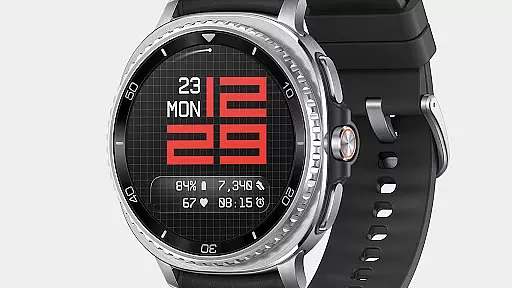
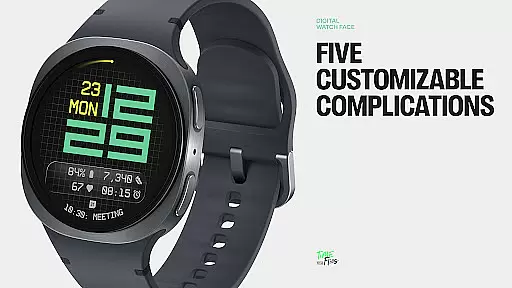
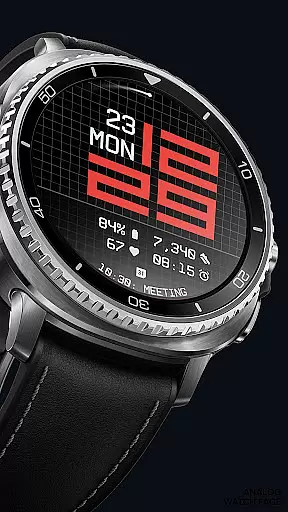
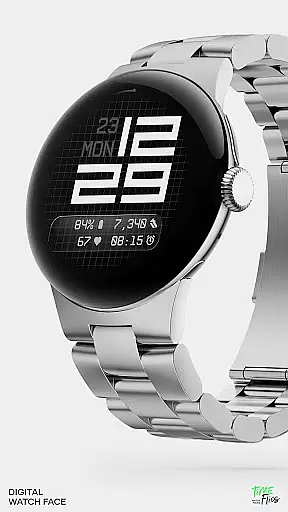
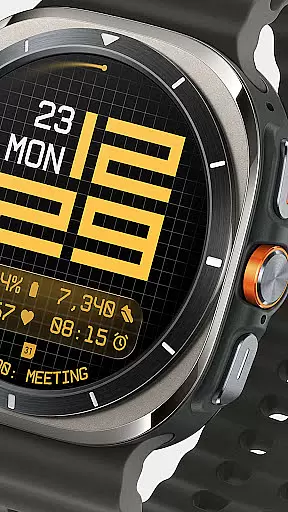
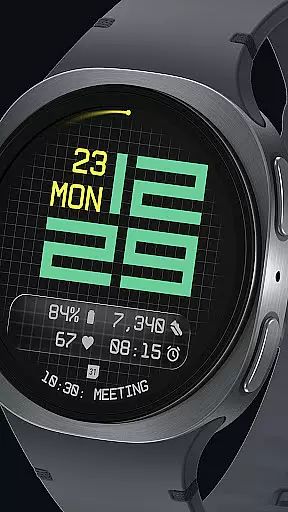
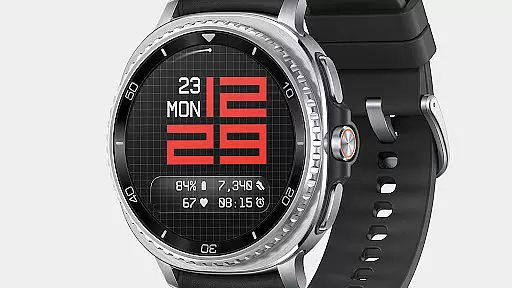
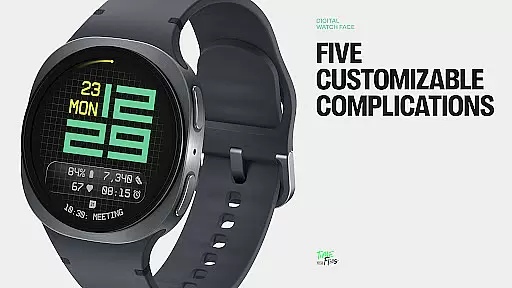
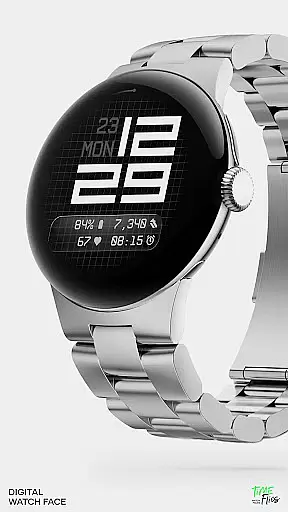
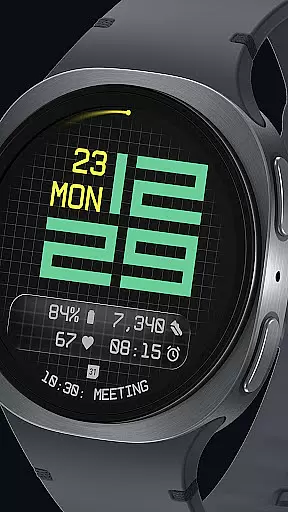
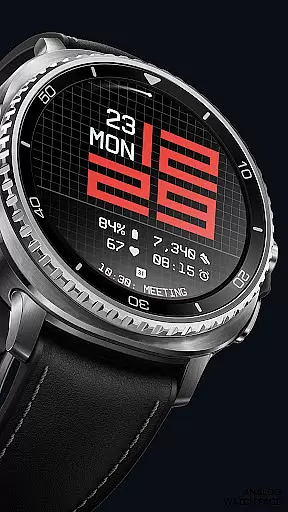
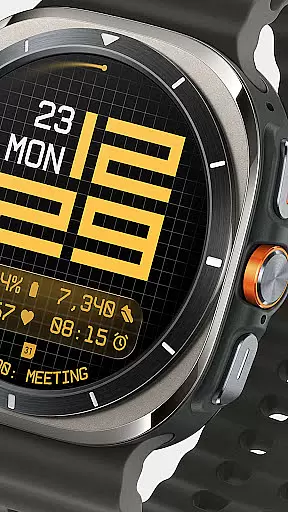
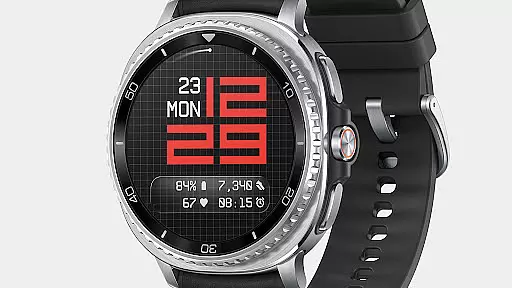
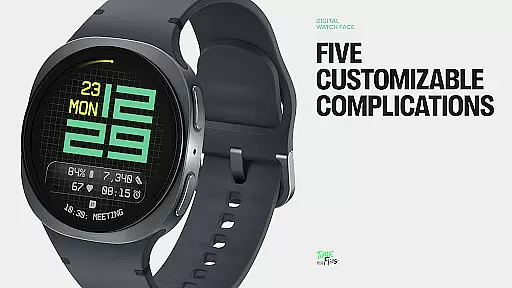
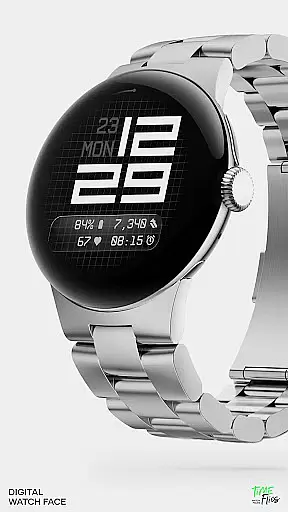
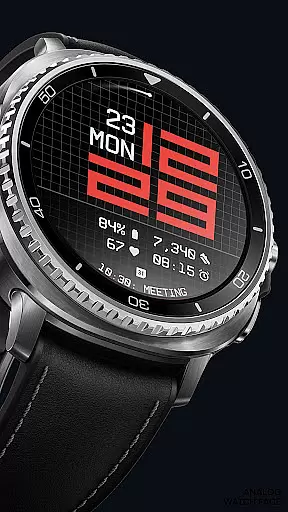
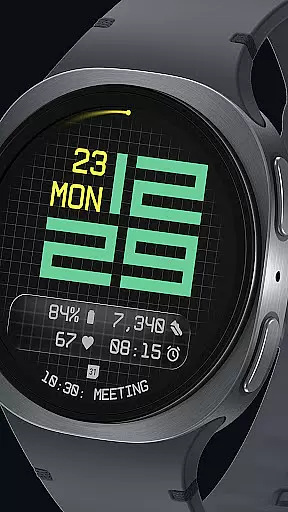

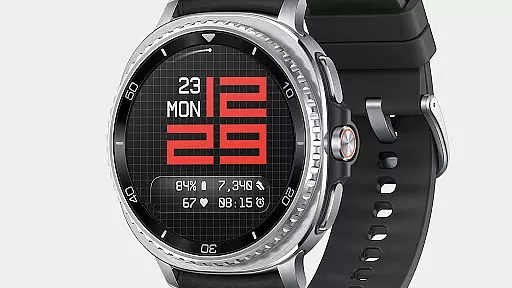
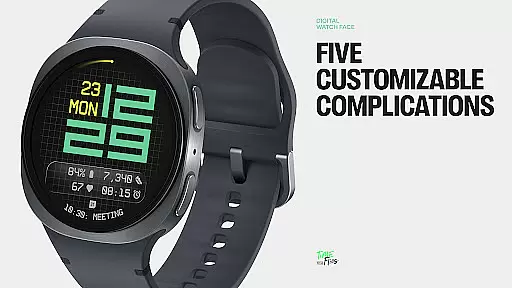
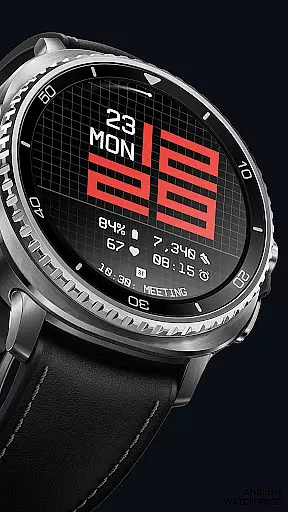
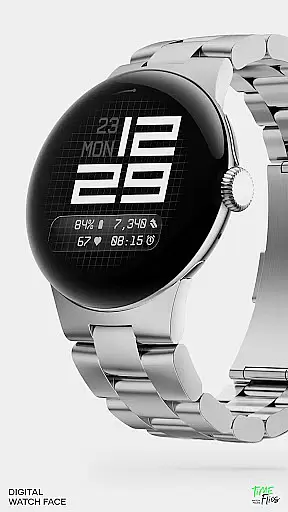
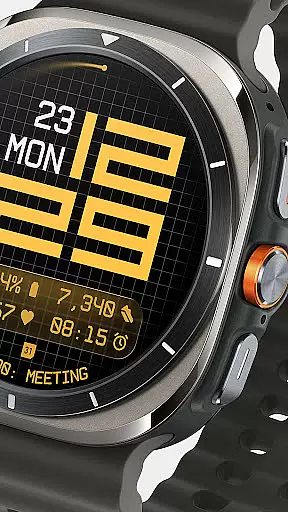
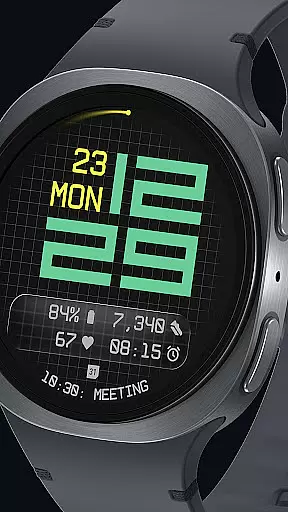
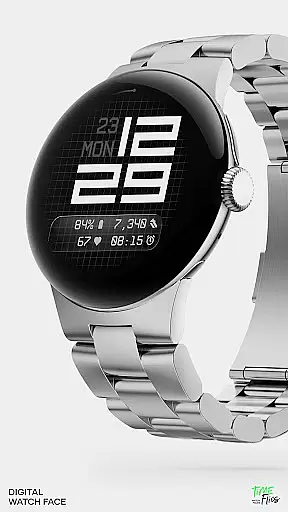
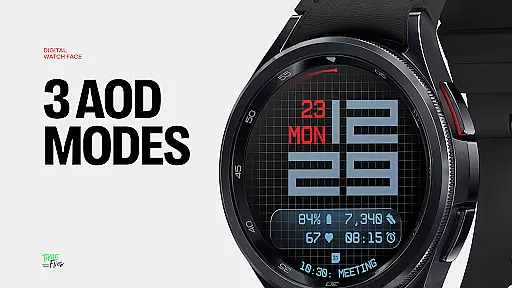
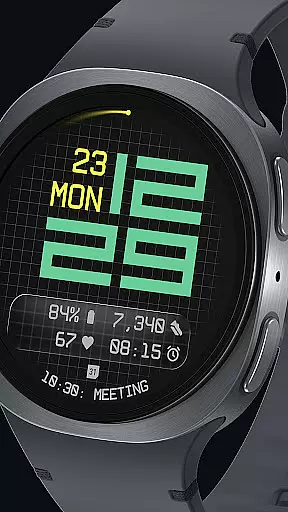
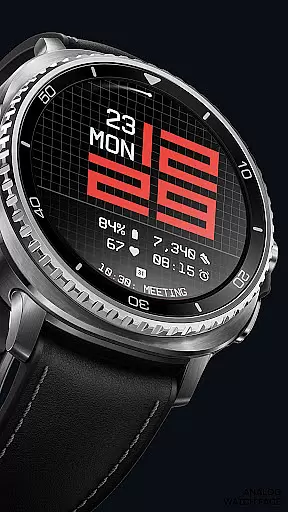
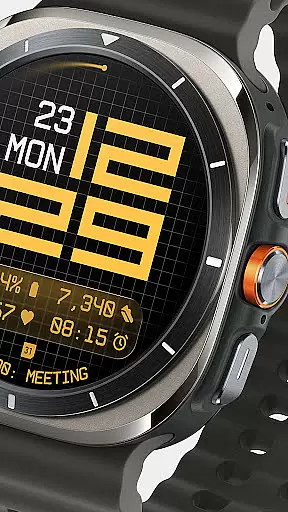
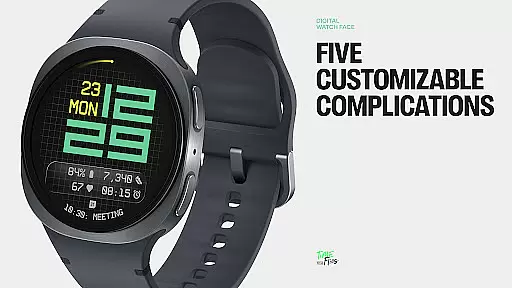
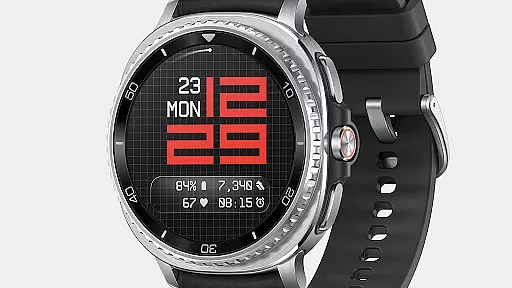
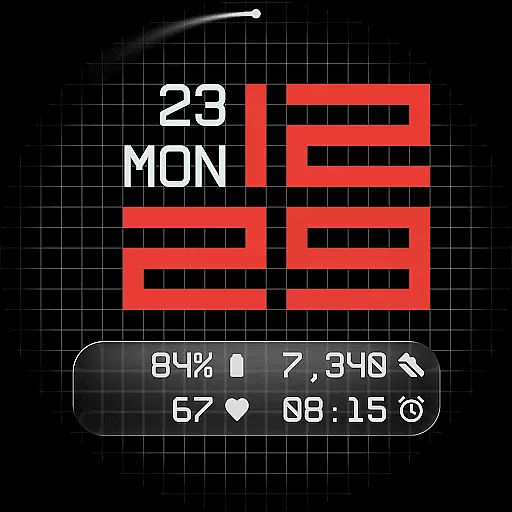
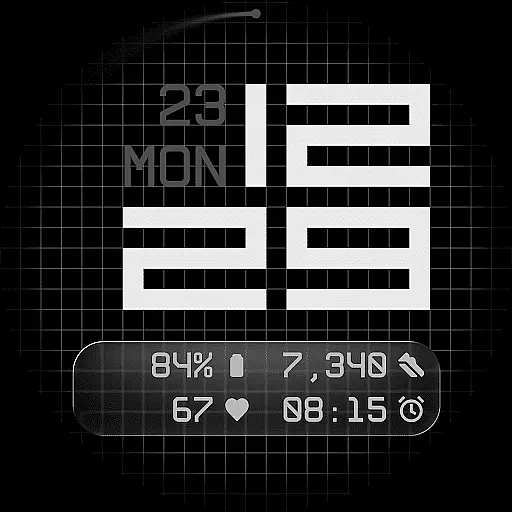
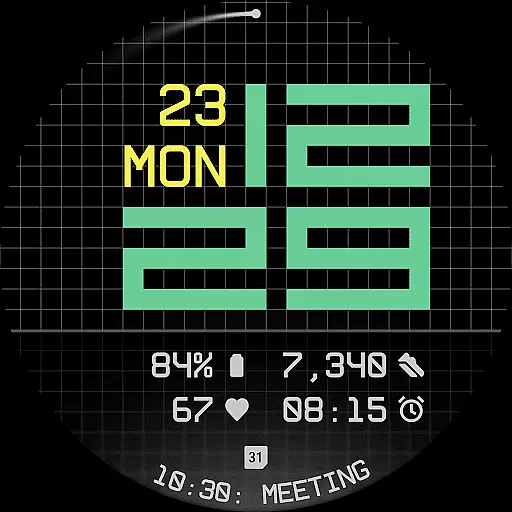
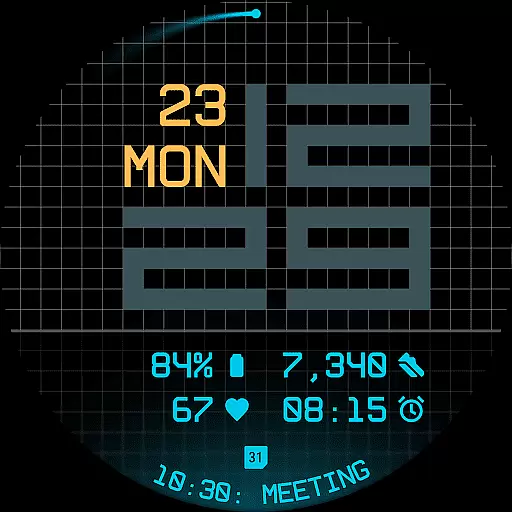
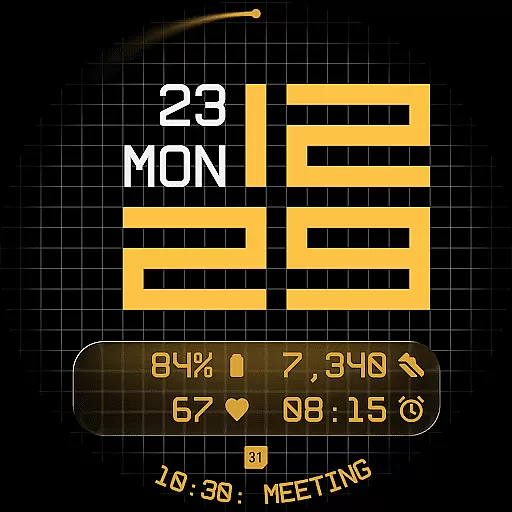
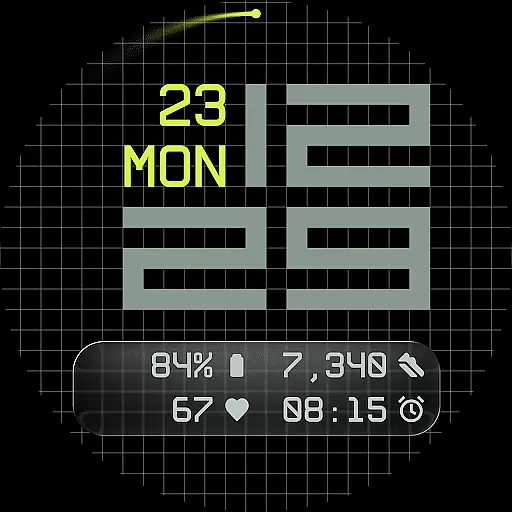
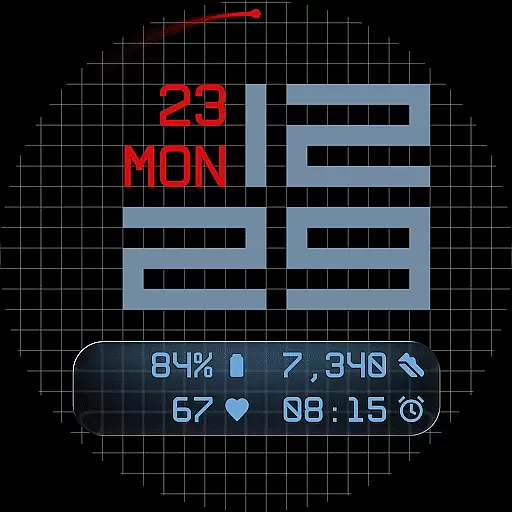
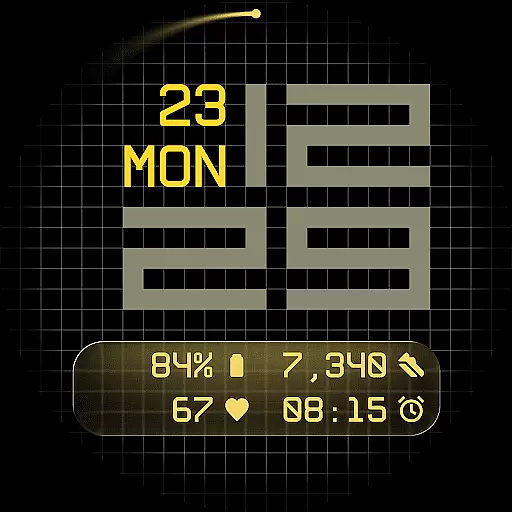
Fast Lane Watch Face is a contemporary digital watch face designed for Wear OS smartwatches, blending typographic clarity with modern aesthetics. The time display features a modular numerical structure inspired by automotive instrument panels, offering a sleek and functional appearance. With five customizable complications, users can personalize their watch face to display essential information such as calendar events or moon phases.
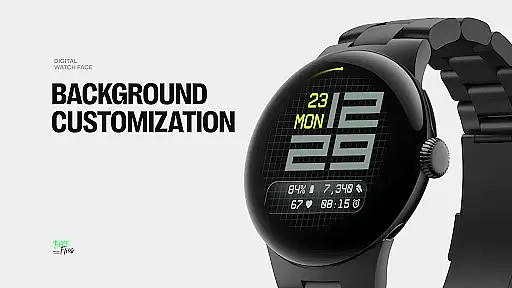
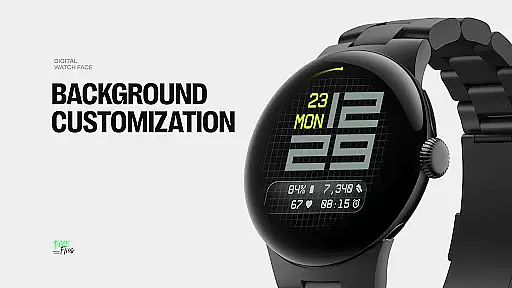
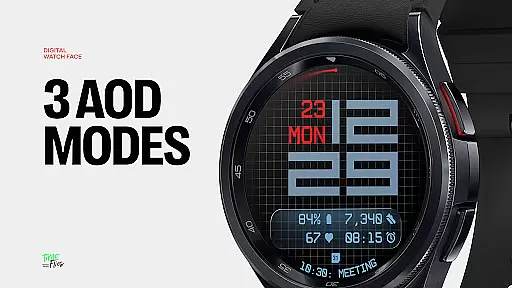
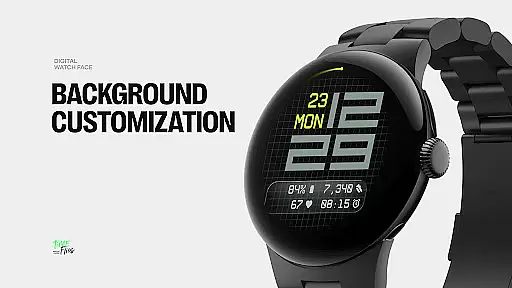
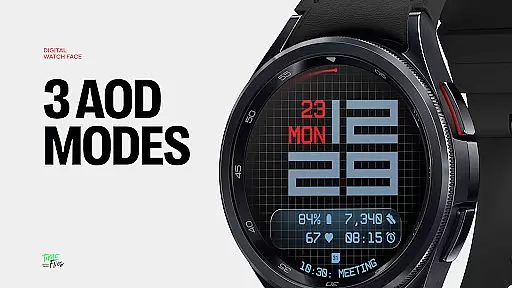
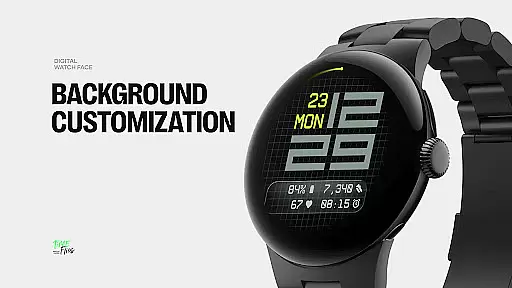
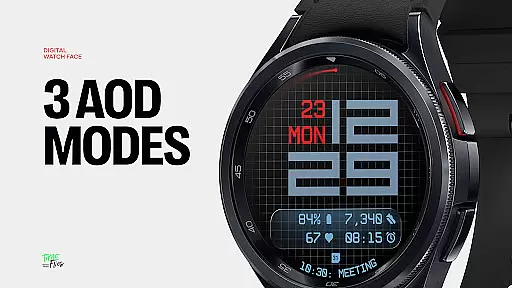
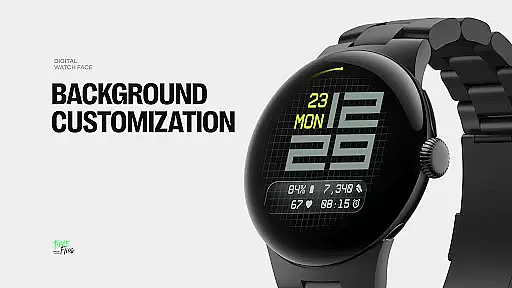
The design incorporates a refined grid system that adds subtle texture to the background while maintaining visual coherence. Users can choose from multiple display styles, including a minimal grid, blurred circular accents, or a translucent UI-inspired glass island. Additionally, Fast Lane offers 30 color themes and optional seconds indicators, ensuring adaptability to any device and lighting condition. Its Always-On Display modes further enhance usability, making it a versatile choice for smartwatch enthusiasts.
Fast Lane Watch Face stands out with its highly configurable UI layers and contemporary design elements. The watch face provides three distinct background options: a stylized grid, a softly blurred segment, or a translucent UI plate that hosts complications. These layers allow users to tailor the visual experience to their preferences while maintaining a cohesive look.
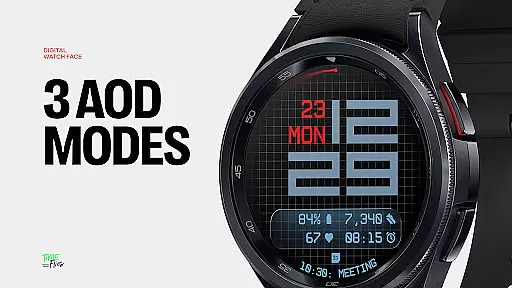
One of the key highlights is the inclusion of five complications - four short-text slots and one long-text slot - enabling maximum information density without cluttering the display. The day and date are seamlessly integrated into the layout, ensuring quick access to essential details. Furthermore, the watch face supports 30 color themes and three Always-On Display modes, offering flexibility for various settings and uses. Built using the Watch Face File Format, Fast Lane ensures optimized performance and energy efficiency across all Wear OS devices.
Companion app integration is crucial for enhancing the functionality of wearable devices. Fast Lane Watch Face offers seamless synchronization with its dedicated Android companion app, Time Flies. This connection allows users to browse the full collection of watch faces and install new styles effortlessly.
The Time Flies app serves as a hub for personalization, ensuring that users can easily tailor their Wear OS experience. Through this app, updates and additional features are delivered directly to the user, maintaining the freshness and relevance of the watch face.
By integrating with the companion app, Fast Lane Watch Face ensures that all interactions are smooth and efficient. Users benefit from an optimized experience that combines the convenience of mobile apps with the practicality of smartwatch interfaces.
Ensuring broad device compatibility is essential for any Wear OS application. Fast Lane Watch Face is designed to operate seamlessly across all Wear OS devices, providing users with a consistent experience regardless of their hardware choice.
The watch face employs the Watch Face File Format, guaranteeing optimized performance and energy efficiency. This technical foundation supports a wide range of devices, from older models to the latest releases, without compromising on speed or battery life.
With thirty color themes available, Fast Lane adapts to various device designs and lighting conditions. This flexibility ensures that every user can find a visual style that suits their preferences and environments, making it a versatile choice for Wear OS enthusiasts.
Highly customizable
Modern aesthetic design
Multiple display styles
Optimized energy efficiency
Versatile complication options
Limited to Wear OS
Companion app required for full features
Complex customization may overwhelm new users
Some features locked behind Always-On mode
Design might not appeal to traditionalists

Wear Os Watch Face - Animated Snow Effect & Christmas Lights
 4.3
4.3
Sleek, highly customizable watch face inspired by Galaxy Watch Circle Dashboard.
4.1
Bold, Modern Hybrid Watch Face for Wear OS. 10 Colors, Rich Info Display.
4.30
Authentic military-tactical design with ZULU time! Realistic and functional!
3.80
Stylish digital watch face for Wear OS devices with customizable features
4.0
Your second brain for organizing your life: to-do, calendar, reminder.
4.70
Funny animated watch face for Thanksgiving
4.4
Minimalistic design modern digital watch face.
4.5
A white realistic classic analog watch face with many customization options.
4.40
MyNISSAN® lets you remotely control your car from your phone.*
4.50
Digital watch face. For Wear OS devices.
4.40
Reliable phone calls with spam protection, caller ID and more helpful features
4.40
A digital watch face that celebrates Christmas.
4.00
Watch the sharpness of the sky on your wrist..
3.70
Christmas and New Year - Themed Watchface
4.0
Christmas is near, let's count together the days left until Santa comes
4.0
A watch face that fuses motorsport precision with contemporary smartwatch design
4.3
Stunning modern digital watch face with 7 complications and strong contrast
4.2
Simple Analog-Digital Watchface For Wear OS 3.0 and Up Smartwatches
4.2


User Reviews