
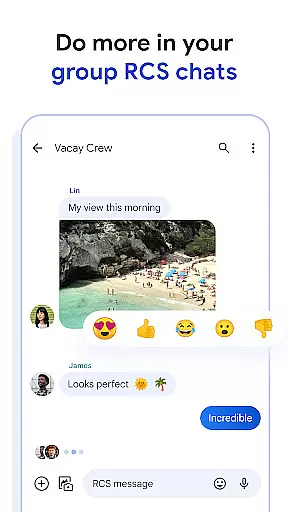
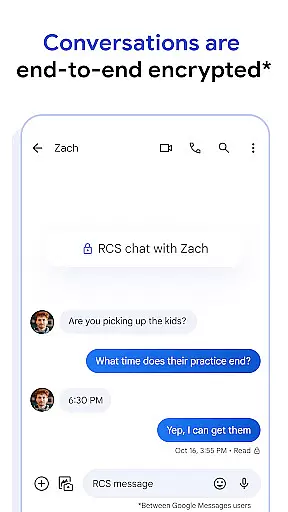
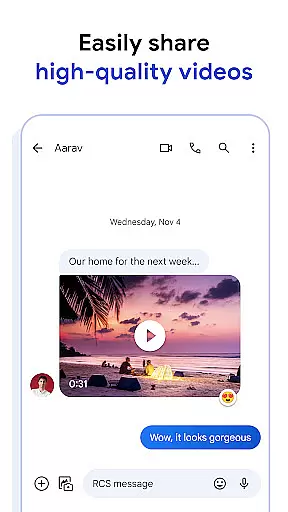
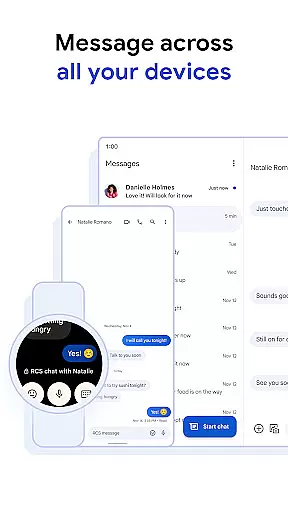
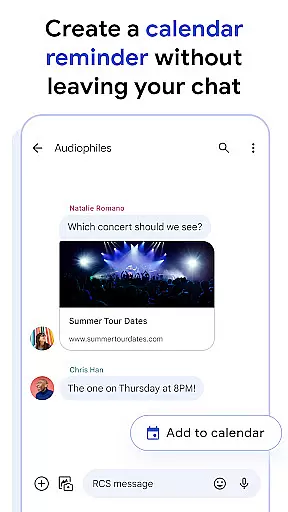
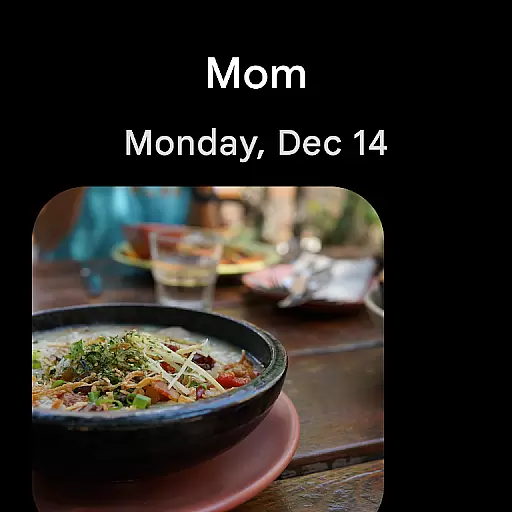
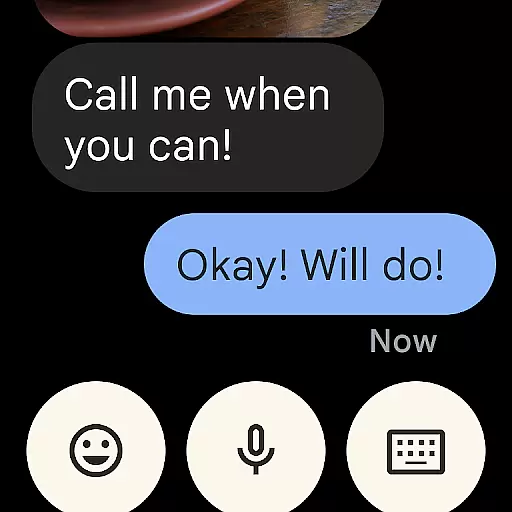
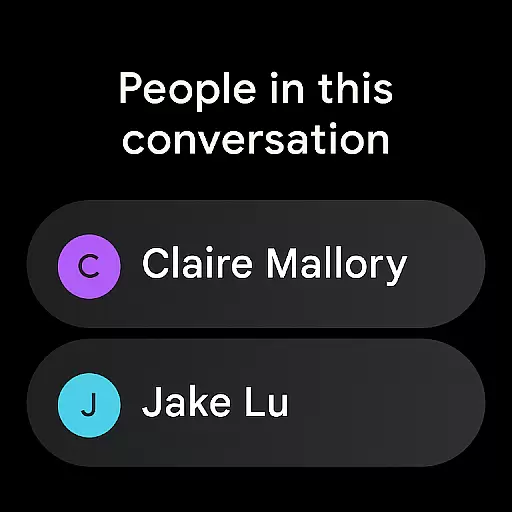
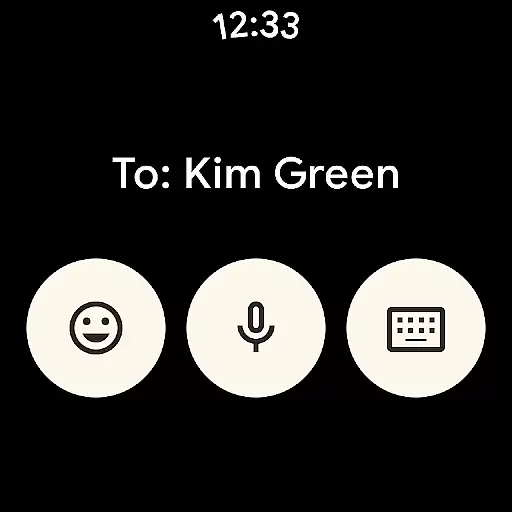
Google Messages is the official messaging app from Google, designed to enhance communication for over a billion users worldwide. Built on Rich Communication Services (RCS), it replaces traditional SMS and MMS with advanced features like high-resolution media sharing, dynamic group chats, and seamless cross-platform connectivity, including iPhone users. The app ensures privacy with end-to-end encryption and offers AI-powered tools such as Magic Compose to craft perfect messages. Available on Android devices and Wear OS, Google Messages provides a richer, safer, and more expressive messaging experience.
With RCS support varying by region and carrier, Google Messages delivers an innovative approach to modern messaging. Its integration across devices allows users to start conversations on their phones and continue them effortlessly on tablets or computers. Whether you're sharing photos, engaging in group discussions, or customizing your chat experience, this app transforms how you connect with others.
Google Messages stands out with its robust feature set tailored to improve user interaction. At its core is RCS technology, enabling high-quality photo and video sharing, real-time typing indicators, and dynamic group chats that include iPhone users. This creates a unified messaging experience across different platforms. Additionally, customization options like chat bubble colors and selfie GIFs allow users to personalize their conversations, making interactions more engaging and fun.
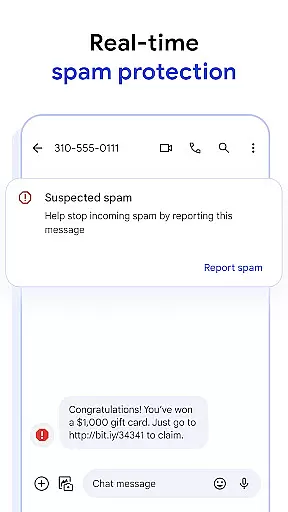
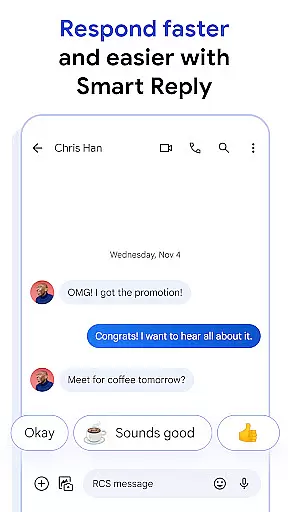
Privacy and security are prioritized through end-to-end encryption, ensuring only the intended recipient can access messages and attachments. Advanced spam protection further enhances safety. AI-powered tools such as Magic Compose provide intelligent suggestions to refine your messages. The app's seamless synchronization across devices, including Wear OS, ensures uninterrupted communication whether you're using a phone, tablet, or computer.
Companion app integration is a crucial feature for Android Wear applications, ensuring seamless connectivity between the smartphone and wearable devices. Google Messages excels in this area by providing users with a unified messaging experience across multiple devices.
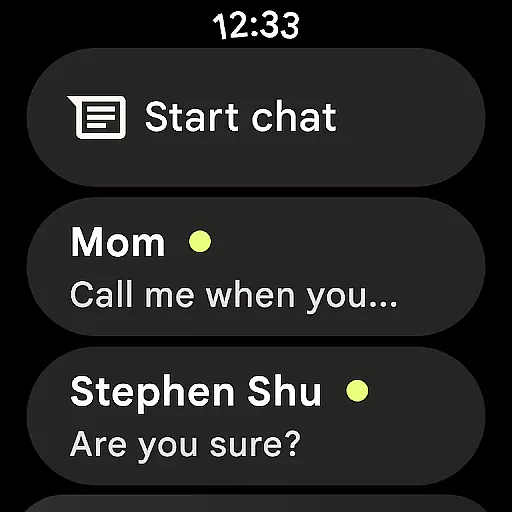
The app allows you to start conversations on your phone and effortlessly continue them on your Wear OS device. This synchronization ensures that all messages, including RCS-enhanced content like high-resolution photos and videos, are accessible regardless of which device you're using.
Users benefit from real-time updates and consistent chat history across devices. Whether you're commuting, exercising, or simply away from your phone, the ability to respond to important messages directly from your smartwatch enhances convenience and productivity.
This level of integration demonstrates Google's commitment to creating a cohesive ecosystem where users can transition between devices without interrupting their messaging flow, making communication more flexible and efficient than ever before.
Device compatibility is essential for any Android Wear application, and Google Messages delivers exceptional support for Wear OS devices. The app is optimized to work seamlessly across various smartwatches running Wear OS, ensuring broad device coverage.
Google has implemented adaptive design principles that automatically adjust the user interface based on the watch's screen size and resolution. This approach guarantees optimal readability and usability, whether you're using a small or large display smartwatch.
The application maintains full functionality on Wear OS devices, including RCS features, typing indicators, and media sharing capabilities. Users can enjoy the same rich communication experience they've come to expect from the mobile version, adapted specifically for wrist-based interaction.
This comprehensive compatibility strategy ensures that regardless of which Wear OS device you own, Google Messages will provide a consistent, reliable, and feature-rich messaging experience, extending the power of modern communication to your smartwatch.
End-to-end encryption
Rich Communication Services
AI-powered message suggestions
Cross-device compatibility
Dynamic group chats
Limited RCS availability
Requires data plan
Beta testing needed
Feature limitations by region
Device-specific restrictions

"PER27 Galaxy Digital" is a digital Wear OS watch face designed by PERSONA
 4.10
4.10
A Wintery Snow Globe on Your Wrist; now celebrating Christmas!
4.2
Elegant animated Christmas tree with multiple customization options
4.20
Contemporary digital watch face with five complications
4.1
Structured watch face with seven complications and modular UI elements
3.90
Your second brain for organizing your life: to-do, calendar, reminder.
4.70
Nutrition, Macro tracker: Food, fitness & healthy diet tracking for weight loss
4.60
A modern hybrid informative watch face for Wear OS designed by BALLOZI
4.80
Spam call blocker and caller ID for automatic call protection!
4.40
Christmas - Festive - Christmas Village - Winter - Christmas lights
5.00
The Chevron App allows you to pay for fuel from the comfort of your car!
4.80
Ideal for surviving in the wasteland left after nuclear fallout
4.50
Current temperature, weather hourly, weather radar by the weather forecast app
4.40
Bold weather Digital watchface with forecast & optional animated background
4.40
Embrace the festive spirit with our Christmas Countdown watchface for Wear OS
4.10
Animated Watch Face and Customizable with 24 Backgrounds. Perfect for Christmas!
3.90
Authentic military-tactical design with ZULU time! Realistic and functional!
3.80
Watch face designed for Thanksgiving Day. 7 Background Styles included.
3.20
Wear Os Watch Face - Animated Snow Effect & Christmas Lights
4.4


User Reviews