
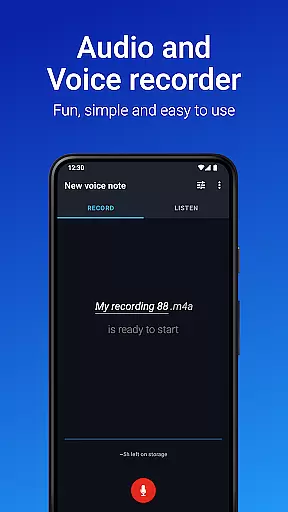
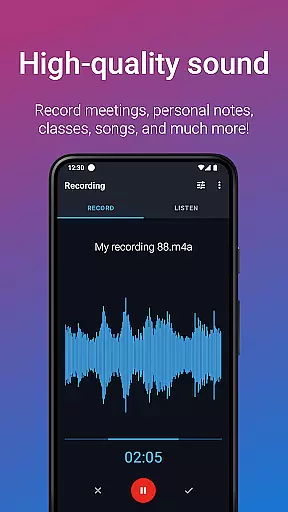
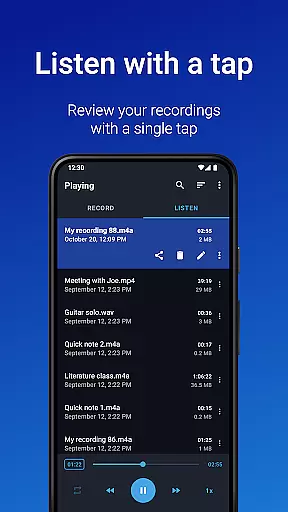
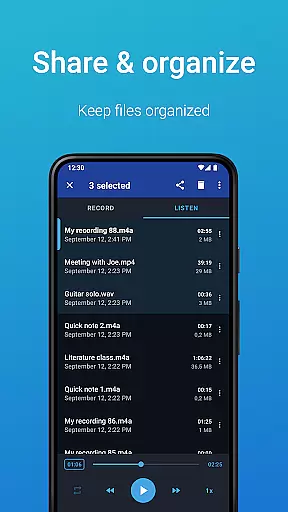
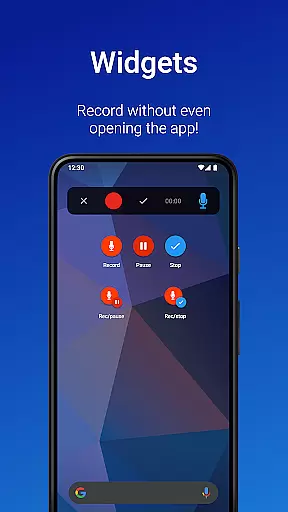
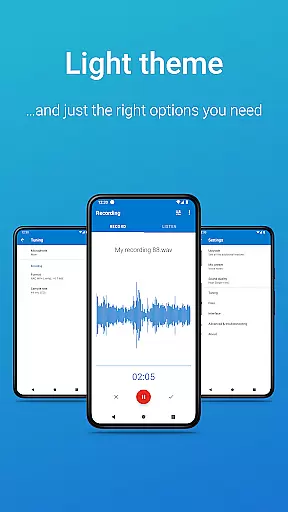
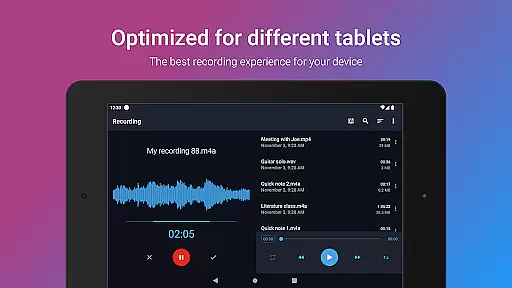
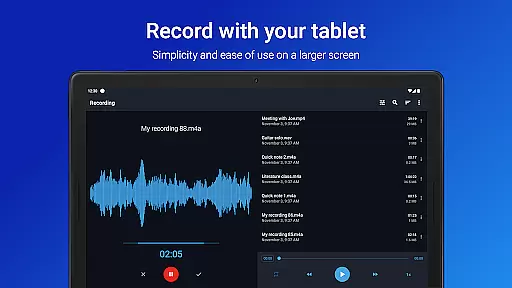
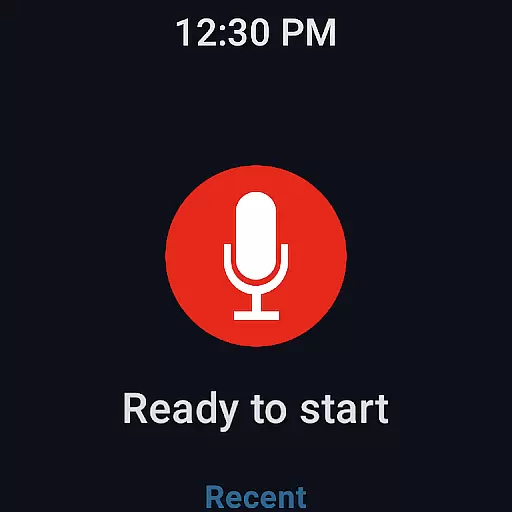
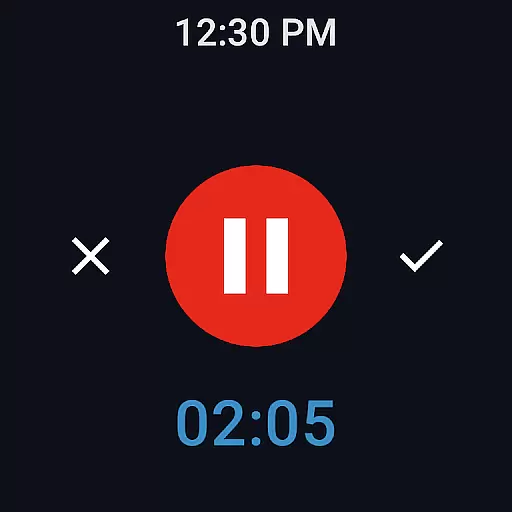
Easy Voice Recorder is a versatile audio recording application designed for Android Wear and mobile devices. It allows users to capture high-quality recordings of meetings, lectures, music, and more without any time restrictions. The app offers multiple recording formats including PCM, MP4, and AMR, providing flexibility in managing storage space while maintaining excellent sound quality.
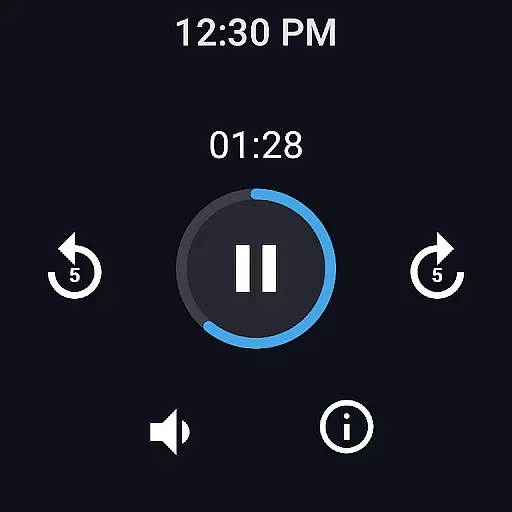
Beyond basic recording capabilities, Easy Voice Recorder includes advanced features such as playback speed control, making it ideal for students who need to review lecture content at their own pace. Business professionals can benefit from the app's ability to share recordings via email or messaging apps directly from their device. Additionally, its Wear OS support enables smartwatch users to start new recordings effortlessly using widgets and shortcuts.
This app is particularly useful in educational settings where capturing detailed class information is crucial. Its intuitive interface and customizable settings make it suitable for various use cases, from personal voice notes to professional interviews. With both free and Pro versions available, users can choose the feature set that best suits their needs.
Easy Voice Recorder stands out with its comprehensive feature set tailored for diverse recording needs. One of its key strengths is the ability to record in multiple formats, including high-quality PCM and MP4, as well as space-saving AMR. This versatility ensures that users can optimize their recordings based on quality and storage requirements. The inclusion of Wear OS support further enhances accessibility, allowing users to initiate recordings directly from their smartwatch.
The app provides powerful tools for managing and sharing recorded content. Users can quickly start new recordings through intuitive widgets and shortcuts, even when the app is running in the background. Sharing options are abundant, enabling seamless distribution of files via email or popular messaging platforms. For those seeking additional functionality, the Pro version unlocks features like automatic uploads to Google Drive or Dropbox, MP3/FLAC/AAC format support, and advanced editing capabilities.
Customization is another area where Easy Voice Recorder excels. It offers adjustable settings for different scenarios, such as switching between voice notes, meetings, lectures, and music recording modes. Playback speed controls cater to students needing to review material efficiently, while business users appreciate the convenience of sharing recordings instantly. These features collectively enhance productivity and user experience across various contexts.
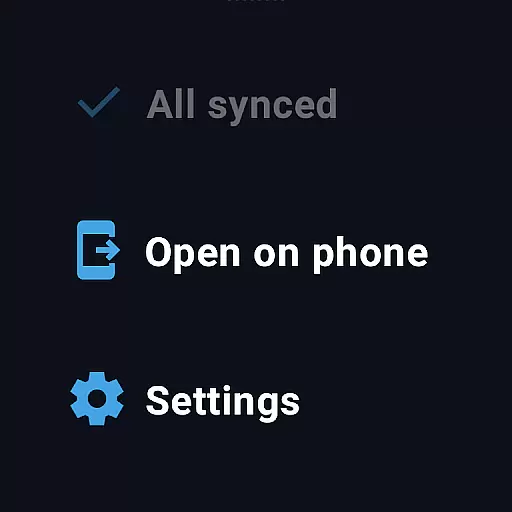
Companion app integration is essential for a seamless wearable experience. Easy Voice Recorder excels in this area by offering full synchronization between your mobile device and Wear OS smartwatch.
The app allows users to start, pause, and stop recordings directly from their smartwatch interface. This feature ensures that users never miss an important moment, even when their phone isn't immediately accessible.
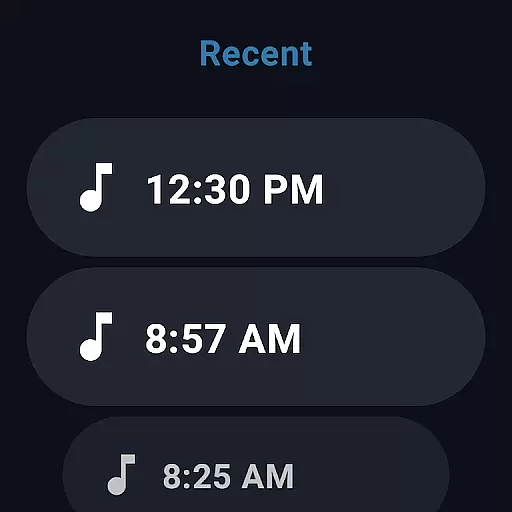
Recordings are automatically synced across devices, making it easy to manage and share files from either platform. The unified experience provides flexibility and convenience, especially during activities like meetings or workouts where carrying a phone may not be ideal.
This robust integration enhances productivity by enabling quick access to recording functions through intuitive watch tile shortcuts. Users can effortlessly capture ideas or document events without interrupting their current task.
Wear OS and device compatibility ensures that applications function optimally across different Android wearables. Easy Voice Recorder supports a wide range of Wear OS devices, providing consistent performance regardless of the smartwatch model.
The application is optimized to work efficiently with various screen sizes and resolutions common among Wear OS devices. This adaptability guarantees a smooth user interface experience without compromising functionality or battery life.
Users benefit from the ability to utilize their existing Wear OS devices without worrying about compatibility issues. Whether recording lectures, meetings, or personal notes, the app maintains its core features across supported hardware.
By prioritizing broad device support, Easy Voice Recorder demonstrates its commitment to accessibility and user satisfaction. This inclusive approach allows more individuals to take advantage of voice recording capabilities on their preferred wearable technology.
User-friendly interface
Multiple recording formats
Wear OS compatibility
Background recording option
Playback speed adjustment
Limited free version features
No automatic backup in free version
Bluetooth mic support in Pro only
Editing tools require Pro upgrade
Folder management in Pro version

Wear Os Watch Face - Animated Snow Effect & Christmas Lights
 4.5
4.5
Christmas - Festive - Christmas Village - Winter - Christmas lights
5.00
Your second brain for organizing your life: to-do, calendar, reminder.
4.70
The #1 source of faces for your smartwatch!
4.00
Professional weather radar and more
3.90
Retro digital watch face with customizable colors and a unique lighting effect
4.60
A modern hybrid informative watch face for Wear OS designed by BALLOZI
4.80
Hybrid watch face for Wear OS with customizable complications by Matteo Dini MD
4.70
Your local weather forecast, storm tracker, radar maps & live weather news
3.40
Beautiful, colorful and practical watch face. For Wear OS devices.
5.00
Highly customizable hybrid watch face for Wear OS, perfect for everyday use.
4.60
A realistic hybrid watch face with many customization options.
4.60
MyNISSAN® lets you remotely control your car from your phone.*
4.50
Fast and smart typing with Emojis, GIFs, and more
4.50
Find EV charging stations
4.30
"PER27 Galaxy Digital" is a digital Wear OS watch face designed by PERSONA
4.10
Get helpful reminders, take progress photos and find answers to your questions.
3.90
Authentic military-tactical design with ZULU time! Realistic and functional!
3.80
Christmas is near, let's count together the days left until Santa comes
4.1


User Reviews