

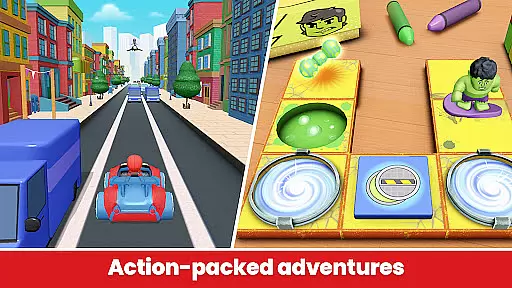
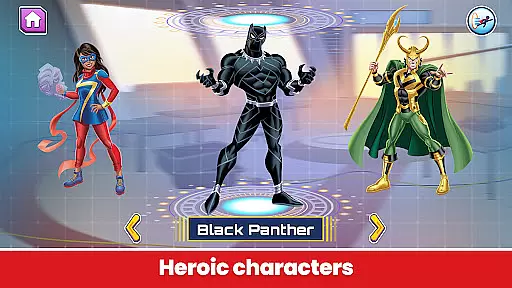
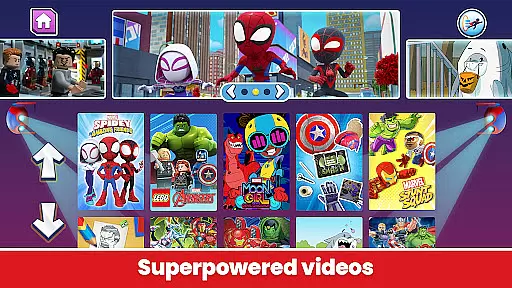
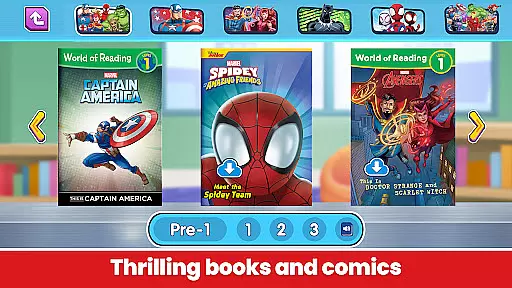

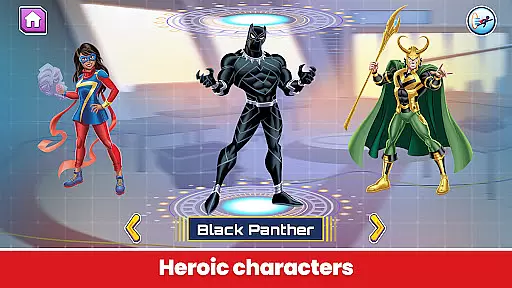
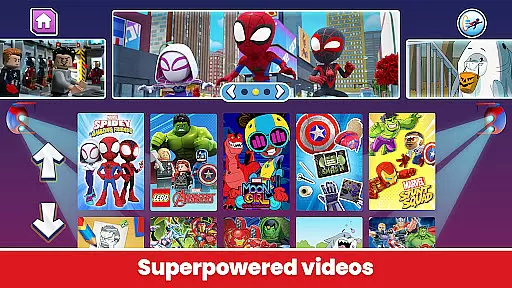
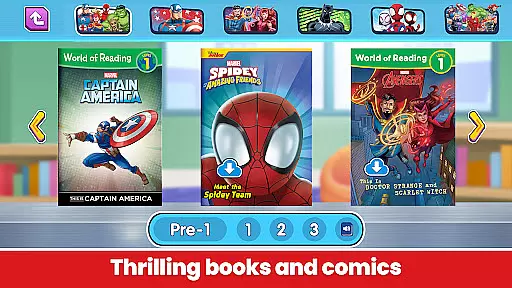
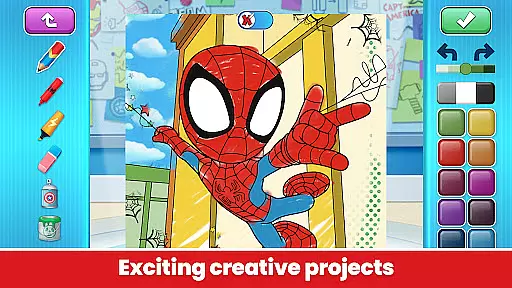
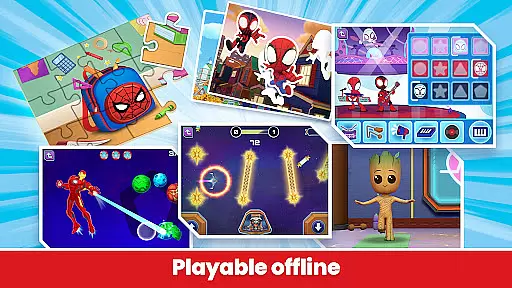

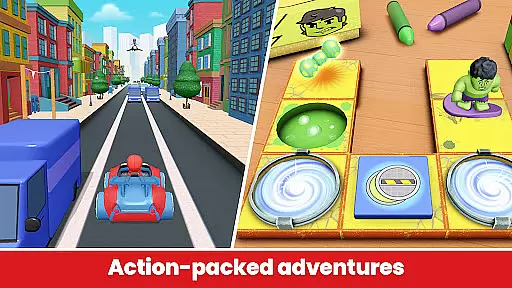
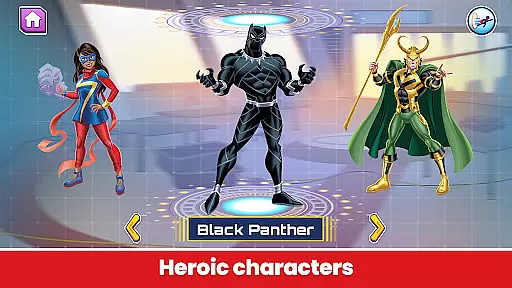
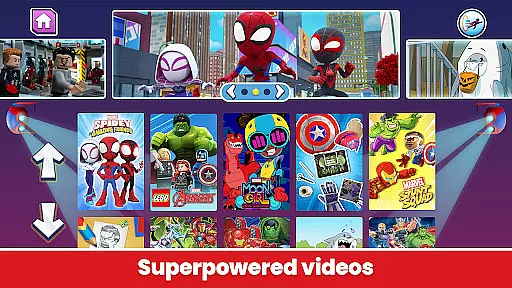
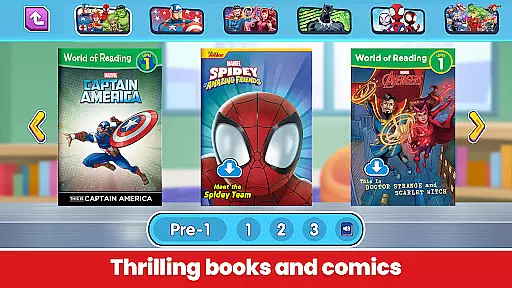

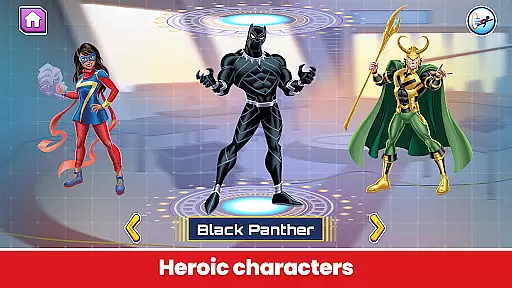
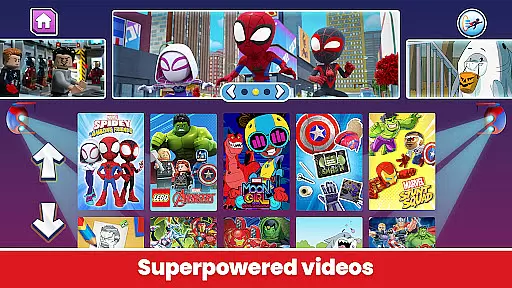
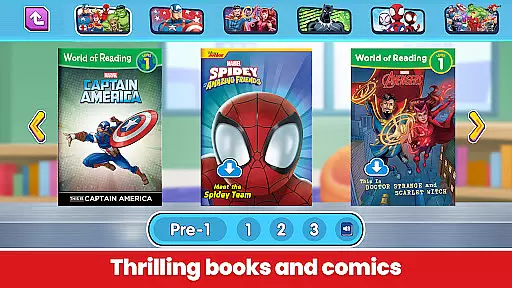
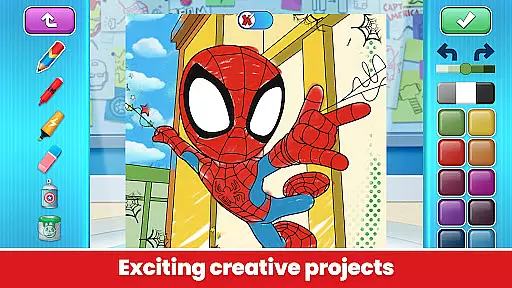
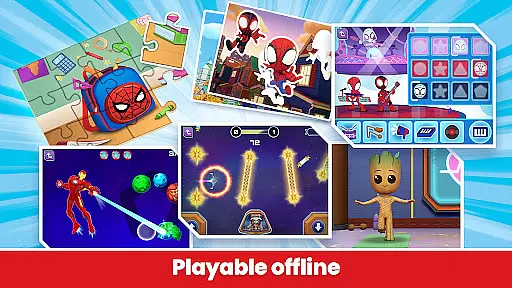
Marvel HQ is an engaging app designed for children aged 3-8, offering a vast universe of Marvel-themed content. It provides access to comics, videos, activities, and creative tools that foster learning and fun. Kids can code with Hulk, watch episodes of Spidey and His Amazing Friends, read stories, and even nurture their own Groot. The app enhances problem-solving, critical thinking, cognition, knowledge, memory, literacy, and artistic development.
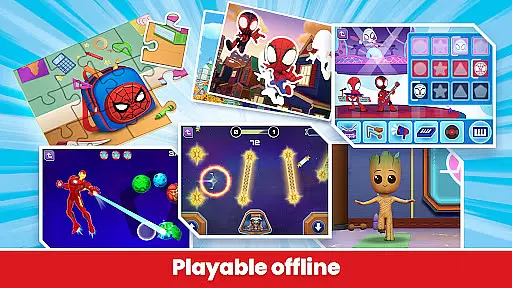
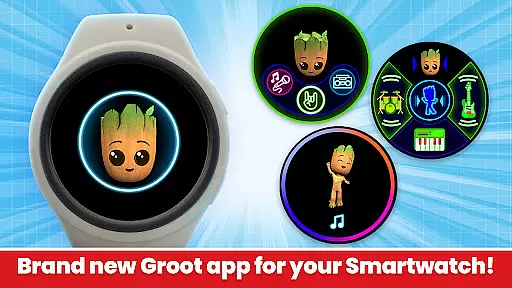
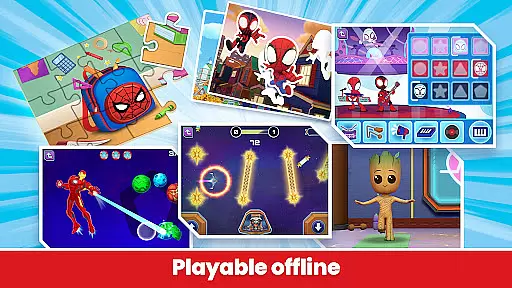
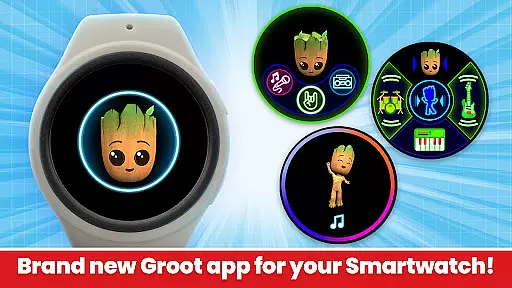
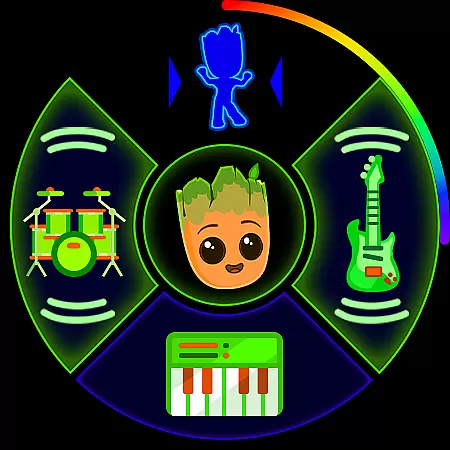
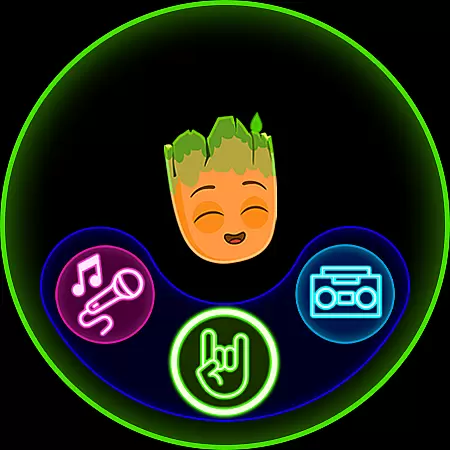
This app is COPPA-certified, ensuring a safe and age-appropriate environment. It supports offline play, regular content updates, and has no third-party ads or in-app purchases for subscribers. Additionally, the new Wear OS version offers unique experiences like Groove with Groot, allowing kids to create music and engage with animated features on their smartwatches.
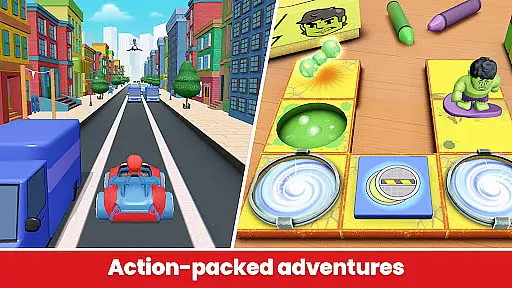
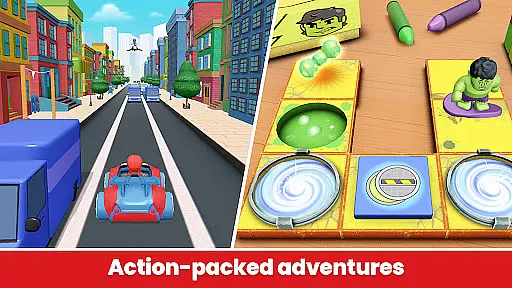
Marvel HQ stands out with its diverse range of features tailored for young Marvel fans. The app includes interactive activities such as coding challenges with Hulk and navigating asteroid fields with Rocket and Groot, which are designed to enhance problem-solving skills. It also offers digital comics and learn-to-read stories supported by actor narration, promoting independent reading among children.
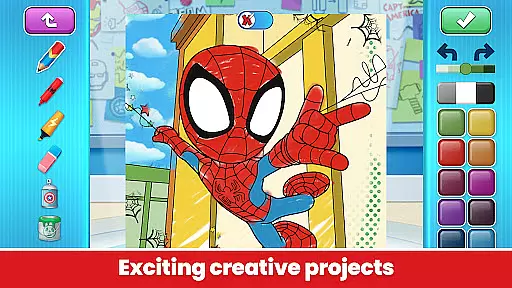
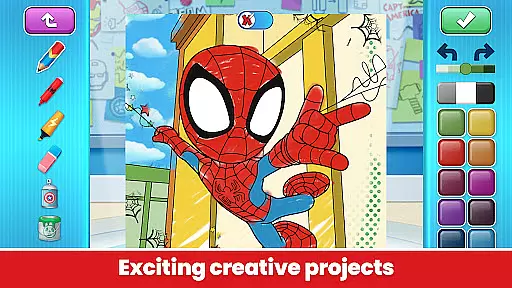
Creativity is encouraged through coloring and drawing tools, instructional videos, and the ability to nurture a virtual Groot. The app's responsible design promotes healthy digital habits, while its COPPA certification ensures child safety. With offline play capabilities, regular updates, and exclusive Wear OS features like Groove with Groot, Marvel HQ provides a comprehensive and secure entertainment experience.
Marvel HQ offers seamless companion app integration, ensuring that users can enjoy a cohesive experience across multiple devices. The main app provides a vast array of activities, videos, comics, and creative tools designed for children aged 3-8, while the Wear OS version complements this by offering unique features tailored for smartwatches.
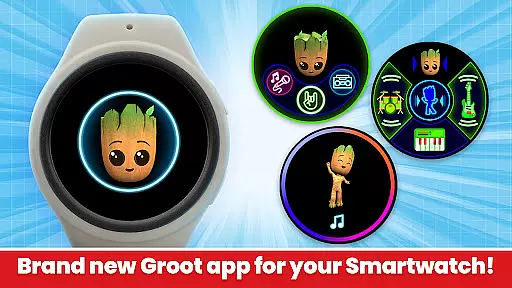
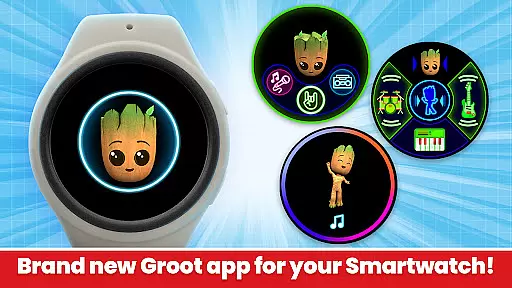
The integration between the primary app and its Wear OS counterpart is smooth and intuitive. For instance, Groove with Groot on Wear OS lets kids become Groot's personal DJ by creating and mixing their own tunes. This feature not only entertains but also encourages creativity and musical exploration, all within a child-friendly interface.
Users benefit from real-time synchronization between devices, allowing them to start an activity on one device and continue it on another without losing progress. This interconnected ecosystem enhances user engagement and ensures that children have continuous access to their favorite Marvel content, whether at home or on the go.
Marvel HQ is fully compatible with Wear OS devices, providing an optimized and engaging experience for young users. The app takes advantage of the unique capabilities of smartwatches, offering interactive features like Groove with Groot, where kids can create music and participate in dance challenges.
The Wear OS version of Marvel HQ includes an animated Groot watch face with extra complications, adding an element of fun and personalization to the wearable experience. These features are designed to be both entertaining and educational, promoting creativity and self-expression through play.
Device compatibility extends beyond just functionality; Marvel HQ ensures that all content is age-appropriate and safe for children. With regular updates and new content additions, the app remains fresh and exciting, encouraging ongoing use and exploration. Parents can rest assured knowing that their children are engaging with a secure and enriching digital environment.
User-friendly interface
Educational content
Regular updates
Safe environment
Offline access
Limited free content
Subscription required
No Family Library sharing
High data usage
Device compatibility issues

Highly customizable hybrid watch face for Wear OS, perfect for everyday use.
 4.60
4.60
Christmas is near, let's count together the days left until Santa comes
4.0
Analog watch face with 8 complications and expedition styling
4.2
Digital, flexibly customizable watch face. For Wear OS 5.0, API 34+ and later.
5.00
Structured watch face with seven complications and modular UI elements
3.90
A modern hybrid informative watch face for Wear OS designed by BALLOZI
4.80
Premium hybrid watch face with many customizations for Wear OS devices.
4.40
Simple, helpful messaging by Google
4.60
Track your active life in one place and share the journey with friends.
4.40
The most customizable minimal watch face. For Wear OS 5.0, API 34+ and later
4.70
Real-time results, stats, schedules and player profiles for all leagues
4.60
Beautiful artistic animated digital watch face, with a customizable layout!
4.40
Christmas watch face. For Wear OS devices.
4.30
Bold, Modern Hybrid Watch Face for Wear OS. 10 Colors, Rich Info Display.
4.30
A customizable Christmas watch face for Wear OS with a countdown.
4.20
Get helpful reminders, take progress photos and find answers to your questions.
3.90
Watch the sharpness of the sky on your wrist..
3.70
Artistic Digital Watchface
4.0
3 Complications. All shadow on/off. 30 Themes color palette...
4.2


User Reviews