
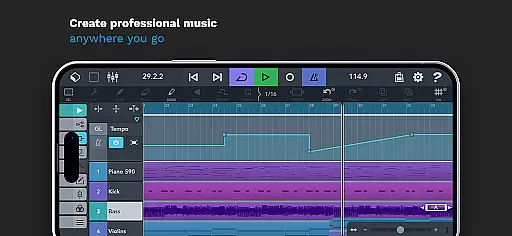
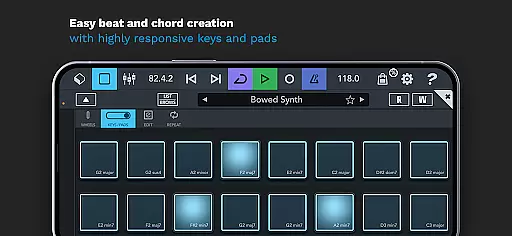
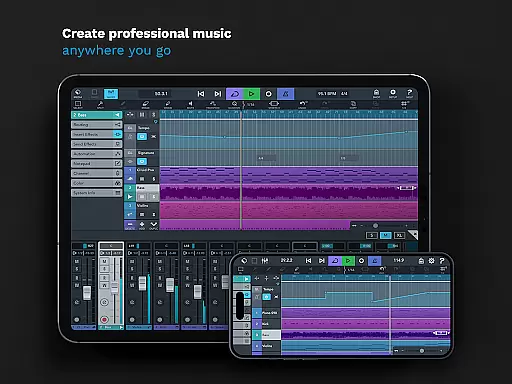
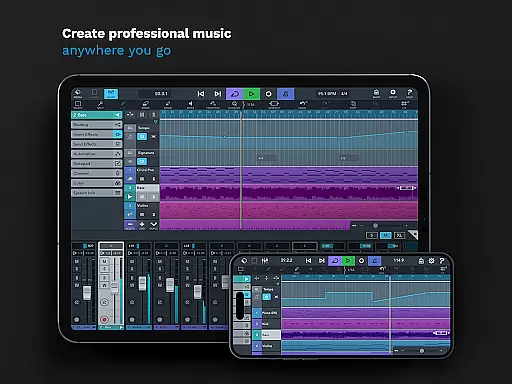
Cubasis 3 is a multi-award winning mobile DAW and full music production studio that allows musicians to capture their ideas and turn them into professional-sounding songs. With its powerful 32-bit floating-point audio engine and support for high-resolution audio up to 24-bit/48 kHz, Cubasis 3 delivers exceptional sound quality. The app provides an intuitive interface for recording, mixing, editing audio, and creating beats and loops directly on Android devices and Chromebooks.
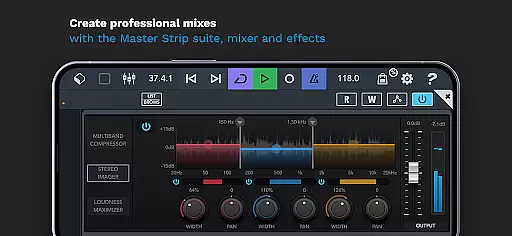
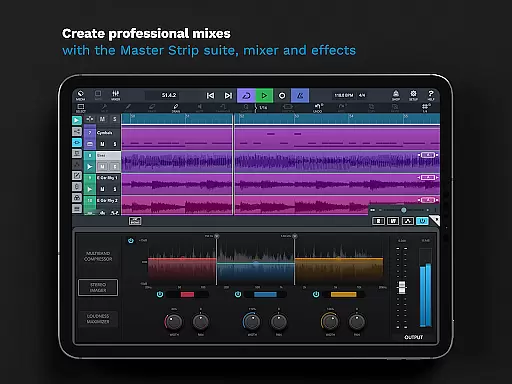
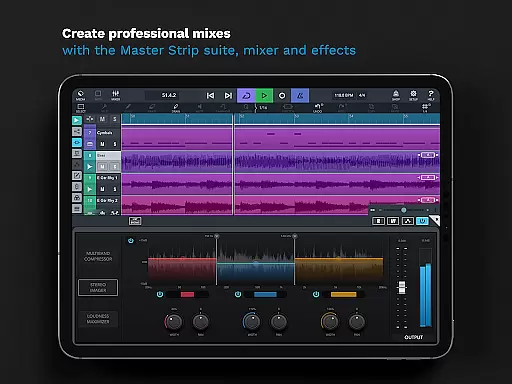
One of the standout features of Cubasis 3 is its unlimited number of audio and MIDI tracks, making it suitable for complex music projects. It includes professional-grade tools such as the Master Strip Suite, mixer with studio-grade channel strips, and over 17 effects processors. Users can expand their creative possibilities by integrating external gear and third-party apps. Whether you're sketching song ideas or producing full tracks, Cubasis 3 offers a complete solution for mobile music production.
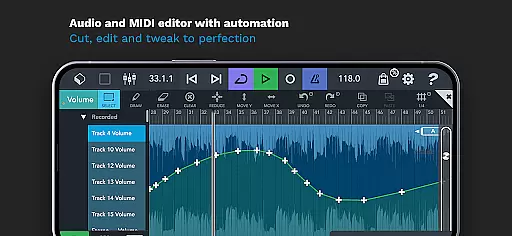
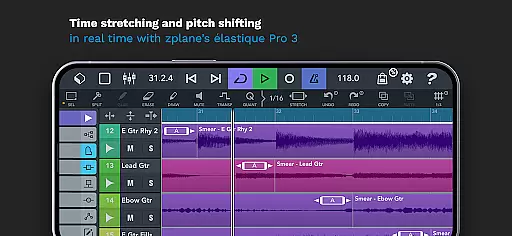
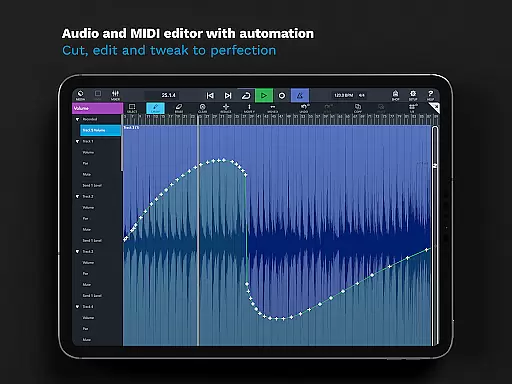
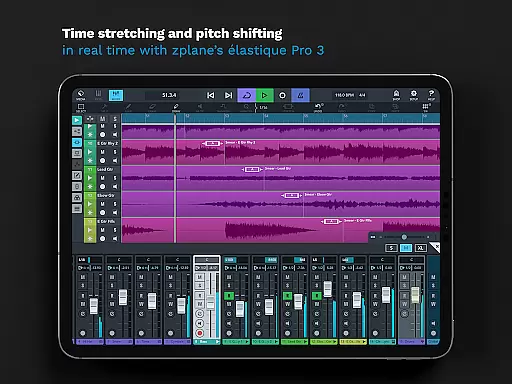
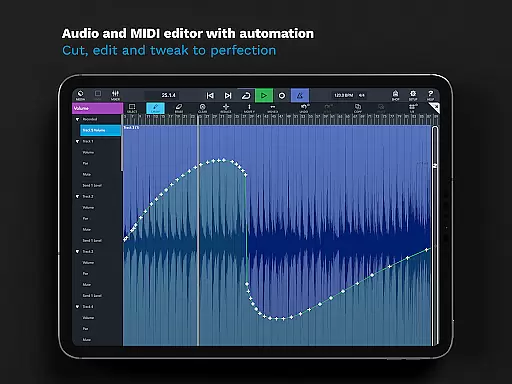
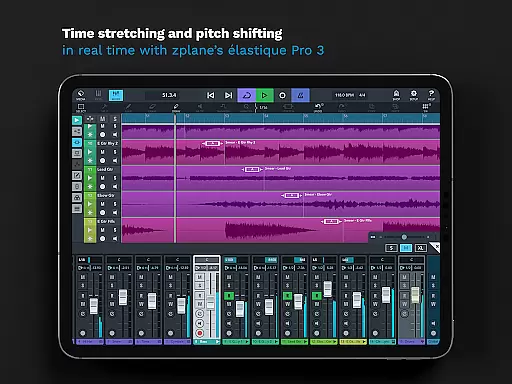
Cubasis 3 stands out with its comprehensive set of features designed for both amateur and professional music producers. The app includes advanced audio and MIDI editing capabilities, allowing users to cut, edit, and tweak their recordings with precision. Real-time time-stretching and pitch-shifting powered by zplane's élastique 3 ensure that tempo adjustments are seamless and natural-sounding.
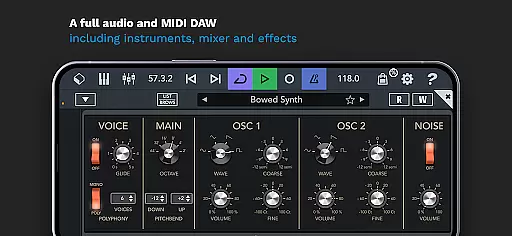
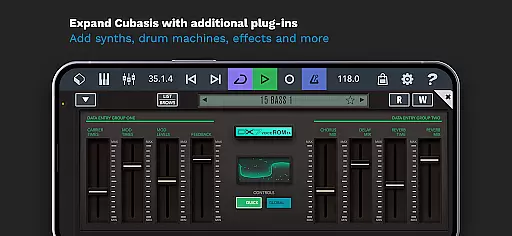
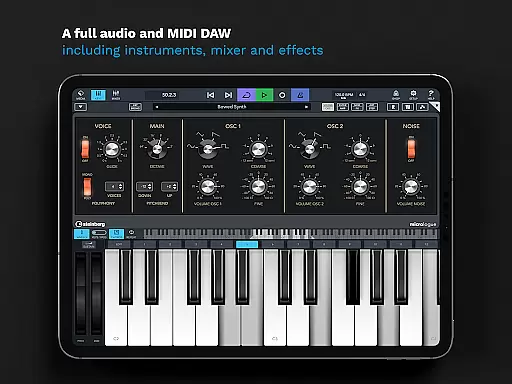
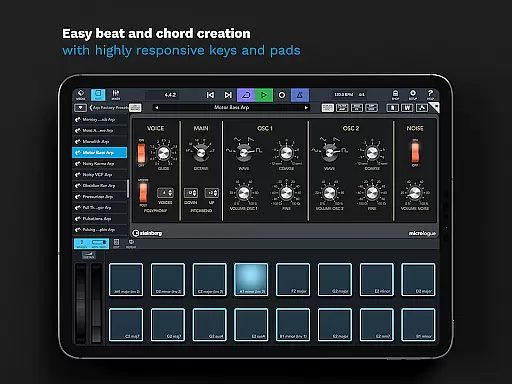
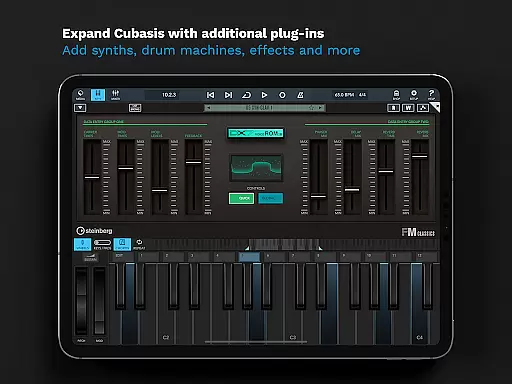
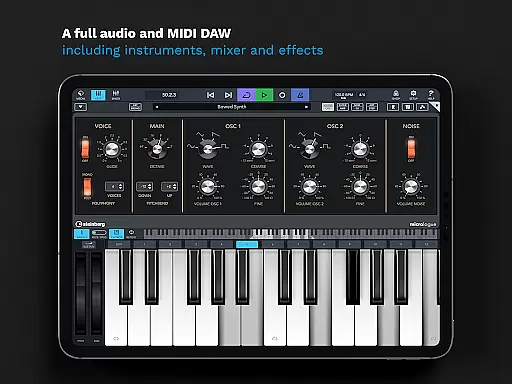
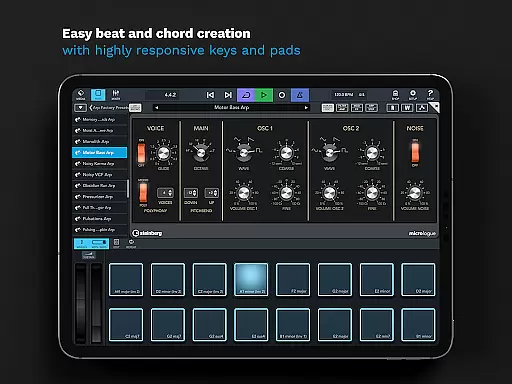
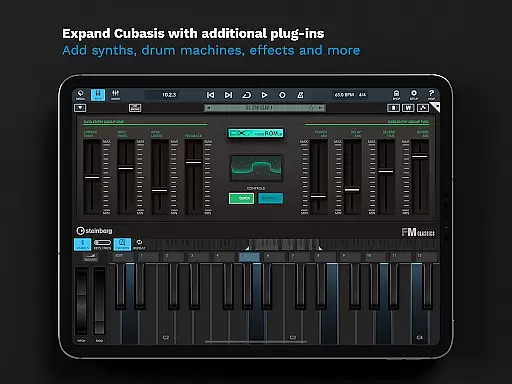
The app also comes equipped with virtual instruments like the Micrologue analog synthesizer and MicroSonic, which offer a wide range of sounds from acoustic pianos to drum kits. Additionally, the Mixer provides studio-grade channel strips per track and supports sidechain functionality. Automation options, DJ-like Spin FX, and compatibility with various hardware controllers make Cubasis 3 a versatile tool for any musician looking to create high-quality music on the go.
Cubasis 3 offers an extensive music library that caters to a wide range of musical genres and styles. With over 120 virtual instrument sounds, users can access a variety of acoustic and electronic instruments, from pianos to synthesizers. This vast selection ensures that creators have the necessary tools to produce high-quality compositions directly on their mobile devices.
Copyright authenticity is a crucial aspect of Cubasis 3's music library. The app provides professionally crafted presets and sounds that are fully licensed, giving users peace of mind when incorporating them into their projects. This means musicians can focus on their creative process without worrying about legal issues related to sample usage.
The inclusion of Micrologue, a virtual analog synthesizer, and MicroSonic, which houses an array of instrument sounds, further expands the creative possibilities within Cubasis 3. These features not only enhance the diversity of the sound library but also ensure that all audio content is original and authentic.
By prioritizing both size and authenticity, Cubasis 3 positions itself as a comprehensive solution for artists who require a reliable and legal source of music production elements. Users can trust that their final productions will be built upon a solid foundation of legitimate, high-quality sounds.
Audio quality is paramount in music production, and Cubasis 3 excels in delivering pristine sound through its advanced audio engine. The app supports a 32-bit floating-point audio processing capability, ensuring that every note and effect retains clarity and depth throughout the production process.
In addition to its robust audio engine, Cubasis 3 offers an impressive Audio I/O resolution of up to 24-bit/48 kHz. This level of detail captures the nuances of each recording with precision, making it possible for producers to achieve professional-grade results on their mobile devices.
Real-time time-stretching and pitch-shifting powered by zplaneu2019s u00e9lastique 3 technology allow for seamless adjustments without compromising audio integrity. Musicians can manipulate tempo and key while maintaining the original quality of the sound, providing flexibility during the editing phase.
With these sophisticated audio quality options, Cubasis 3 empowers creators to craft complex arrangements and mixes that meet industry standards. Whether producing tracks for personal enjoyment or professional release, users can rely on Cubasis 3 to deliver exceptional sound fidelity across all stages of music creation.
Professional-grade audio engine
Unlimited audio and MIDI tracks
Real-time time-stretching and pitch-shifting
Comprehensive MIDI support
Intuitive user interface
Limited hardware support on Android
Additional in-app purchases required
Steep learning curve for beginners
High system requirements
Occasional performance issues

 4.70
4.70
Pay Once, no monthly payment
4.60
Most Advanced AI Song Generator and Music Creator. Rap, Pop, Rock, Gospel & more
4.70
Next generation modular control surface
4.10
Bass Booster Pro takes auto-equalizing to the next level!
4.30
Smart piano keyboard, Classical to Pop, Real-time multiplayer connection!
4.20
MilkDrop for Android TV
3.00
Uninterrupted Tunes, Unmatched Vibes
3.90
Get alarms that fit your lifestyle and wake up to the sounds you love.
4.80
Full-featured, High-Quality Groovebox Workstation, perfect for Live Performance!
4.80
Play your hearts out on TouchTunes jukeboxes & connect with fellow music lovers.
4.80
Recording studio w/ 10k beats, pro vocal FX and a network of 20M rappers & fans!
4.60
Fun & Easy Voice Changer – Record, Edit & Add Hilarious Effects!
4.50
Manage your Sonos system directly from your home-screen!
4.40
The official Sonos app
4.10
Turn your Android phone into a professional audio analyser with up to 120 bands.
4.00
The iconic iOS metronome app is now on Android.
3.70
Control your MIDI USB or Bluetooth devices in app and avoid some trampling
3.30
Remove ads permanently from Music Visualizer
4.4


User Reviews