
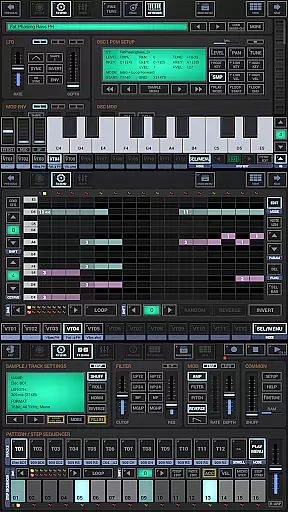
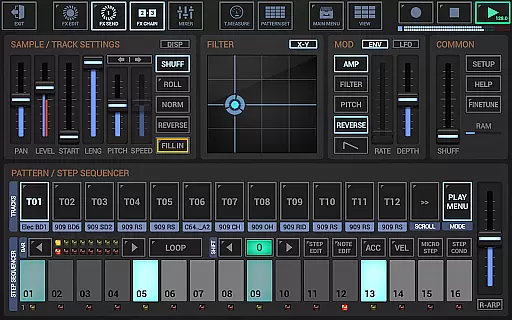
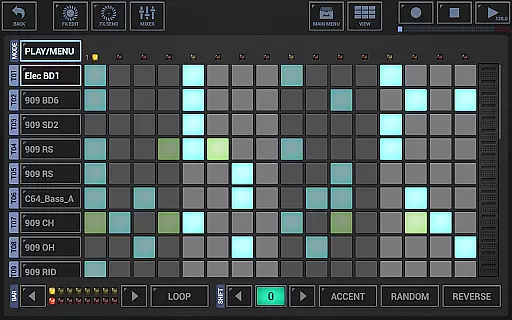
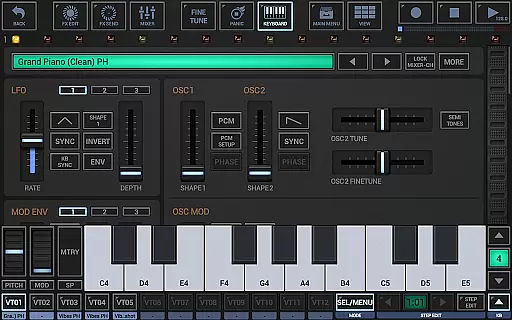
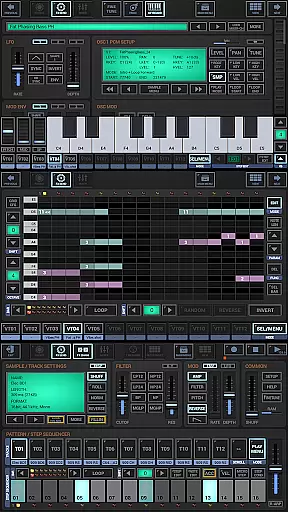
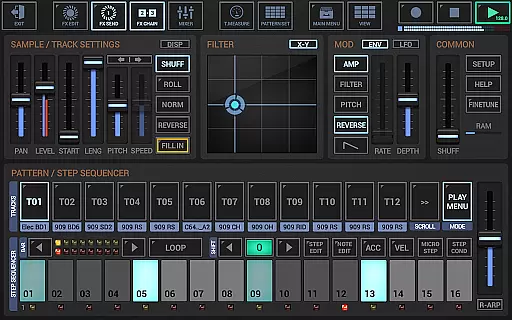
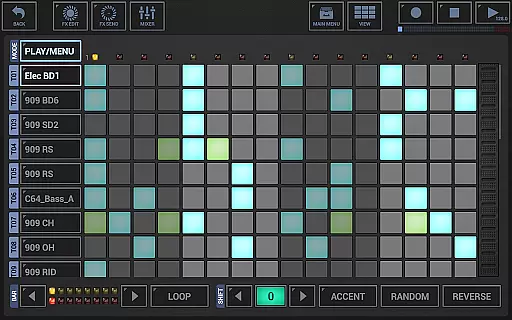
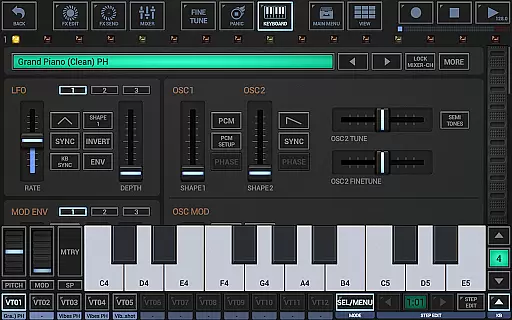
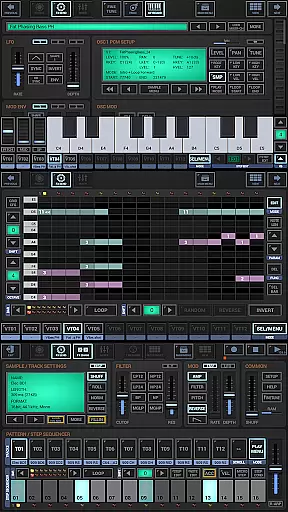
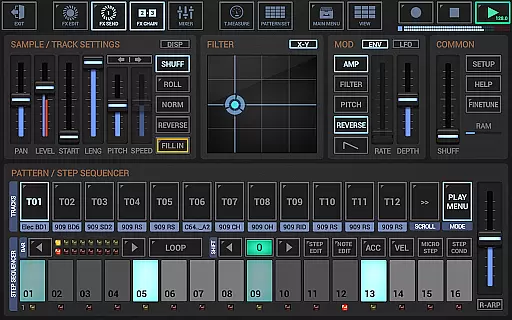
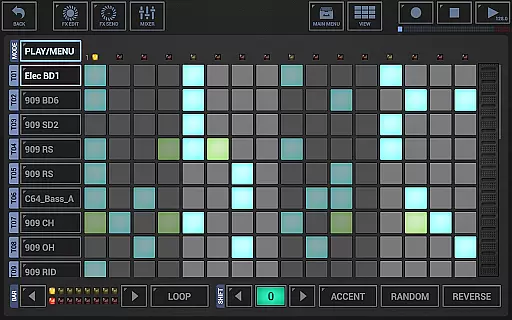
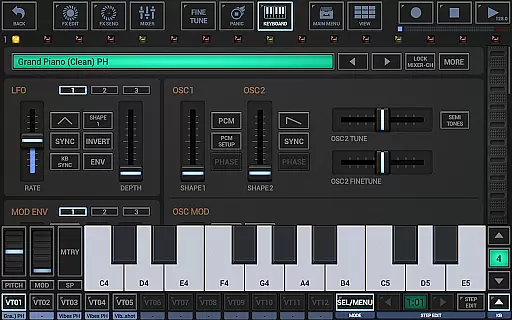
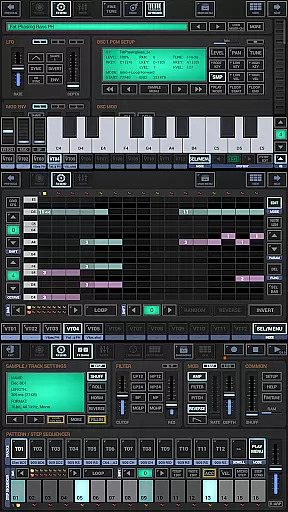
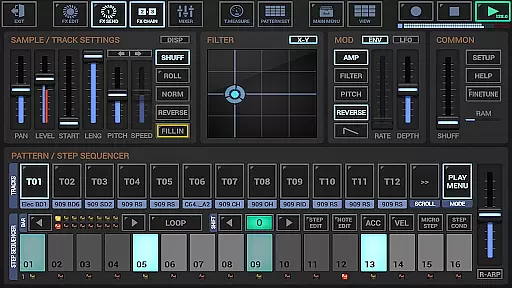
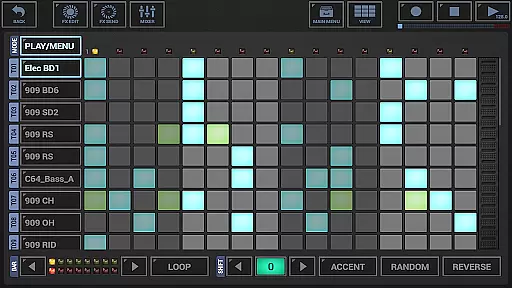
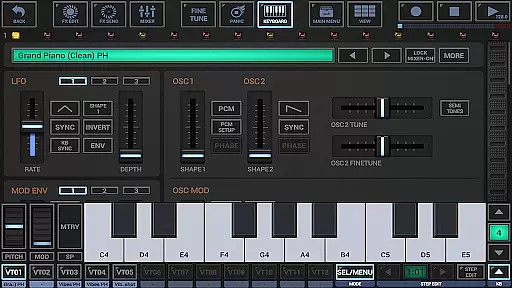
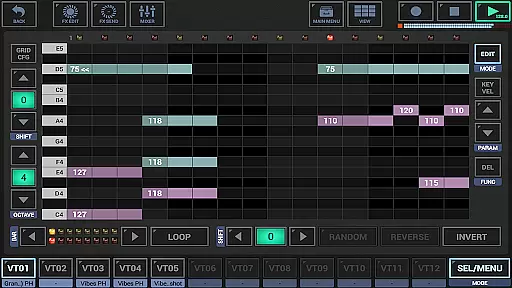
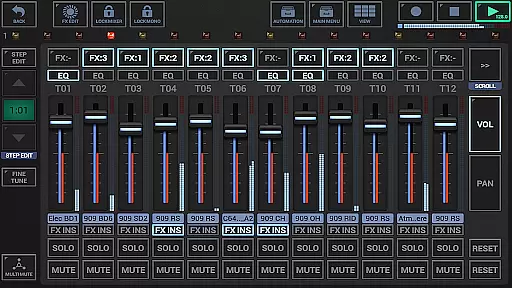
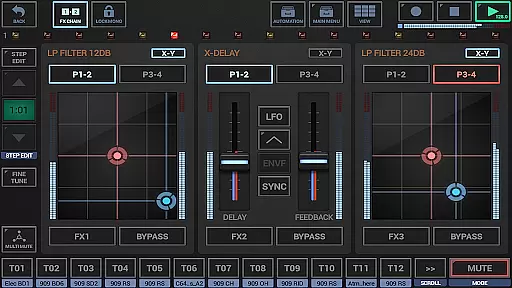
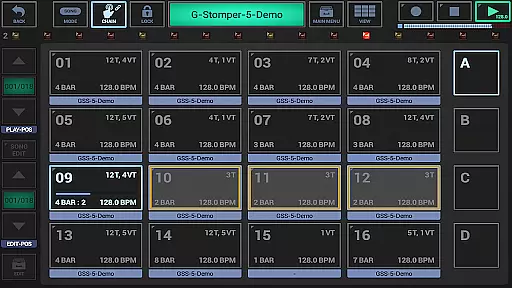
G-Stomper Studio is a comprehensive music production tool optimized for electronic live performances in studio quality. This feature-packed application combines a step sequencer-based drum machine, a sampler, and the VA-Beast synthesizer to deliver an all-in-one solution for mobile music creation. Whether you're crafting beats or designing complex synthetic sounds, G-Stomper Studio provides the tools needed to produce impressive studio-quality tracks on your mobile device.
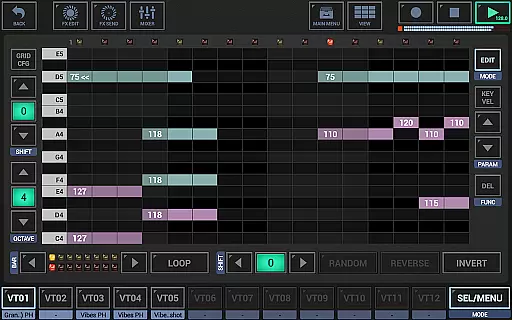
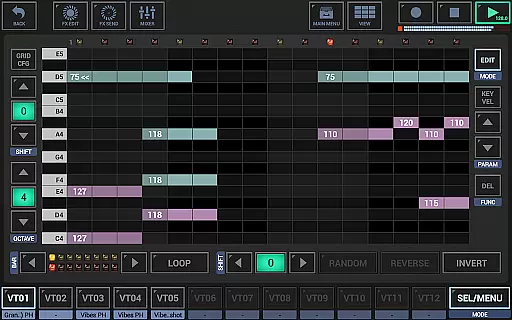
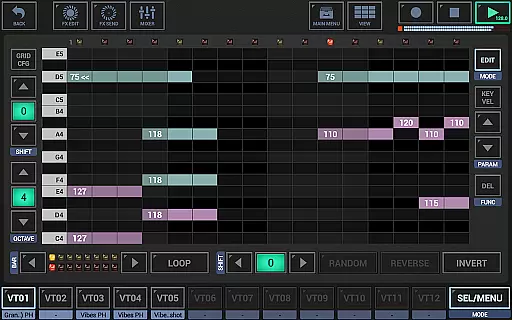
The app includes a Track Grid Sequencer, Piano Keyboard, 24 Drum Pads, an Effect Rack, and a Master Section, allowing users to create both rhythm and melody with precision. Its intuitive interface and advanced features like Ableton Link support, full round-trip MIDI integration, and high-quality audio engine make it suitable for both beginners and experienced sound designers. With its versatile capabilities, G-Stomper Studio empowers musicians to unleash their creativity wherever they go.
G-Stomper Studio stands out with its integrated VA-Beast synthesizer, a polyphonic virtual analog synthesizer capable of producing a wide range of complex synthetic sounds. Designed for both beginners and experienced sound designers, the VA-Beast offers an extensive array of factory sounds while also providing the flexibility to design custom sounds quickly and efficiently. The clear layout and powerful sound capabilities make it the ultimate mobile synthesizer for creating studio-quality tracks.
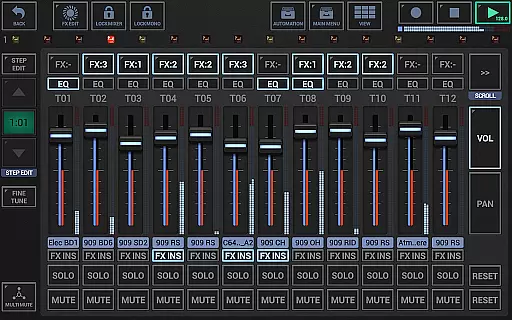
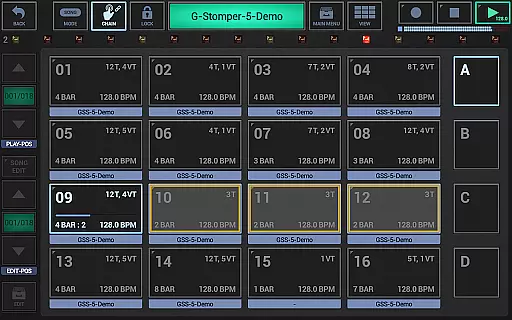
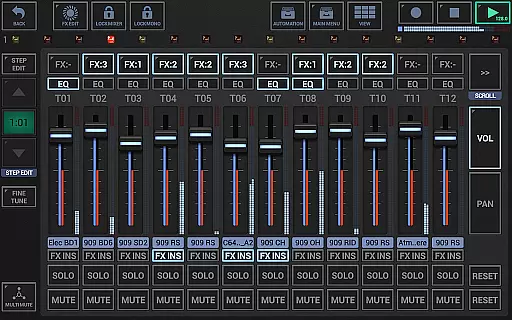
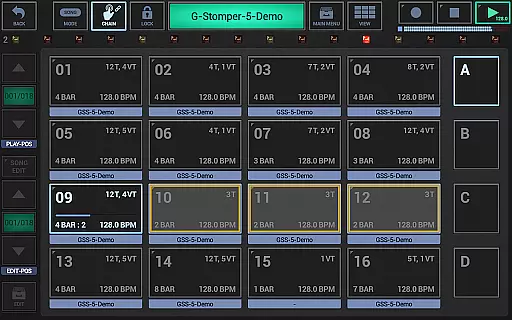
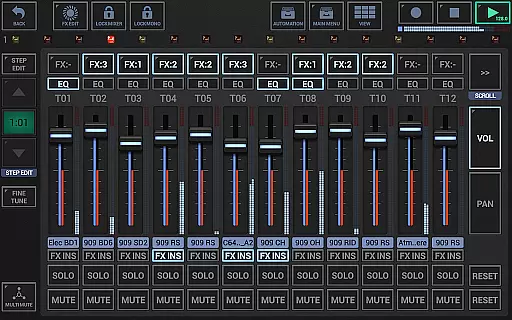
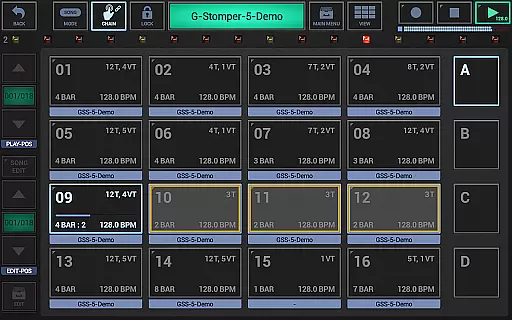
In addition to the VA-Beast, G-Stomper Studio offers a variety of instruments and pattern sequencers including a drum machine, sampler track grid, and polyphonic step sequencer. The mixer section features a line mixer with up to 36 channels, each equipped with a parametric 3-band equalizer and insert effects. The app also includes a live pattern/song arranger, graphical sample editor/recorder, and supports various file formats for user samples. These features collectively provide a robust platform for music production, enabling seamless integration with other digital audio workstations through MIDI and WAV file export functionalities.
G-Stomper Studio offers an extensive music library that caters to a wide array of musical genres and styles, ensuring that musicians have access to the sounds they need for their compositions. The inclusion of a polyphonic virtual analog synthesizer, VA-Beast, allows users to produce complex synthetic sounds in impressive studio quality.
With support for user samples in various formats such as uncompressed WAV or AIFF up to 64bit, and compressed MP3, OGG, FLAC, the app guarantees that creators can incorporate their unique sounds while maintaining copyright authenticity. This feature is crucial for artists who wish to use original content without infringing on intellectual property rights.
The app's ability to import MIDI files and songs as pattern sets, including song arrangement, further expands the music library at a musician's disposal. This ensures that users can seamlessly integrate their previous work into new projects, enhancing workflow efficiency.
Additionally, G-Stomper Studio's provision for exporting patterns as MIDI and sharing exported music empowers users to collaborate with others within the music industry. By facilitating the exchange of authentic, high-quality musical content, the app supports a creative and lawful approach to music production.
Audio quality is paramount in music production, and G-Stomper Studio excels in this area by providing a high-quality audio engine that utilizes 32-bit float DSP algorithms. This ensures that all sounds produced within the app are clear, dynamic, and true to the original recordings, offering musicians professional-grade audio quality options.
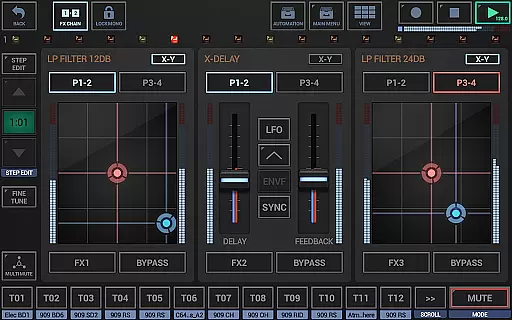
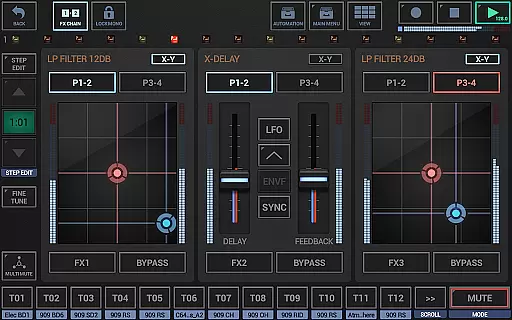
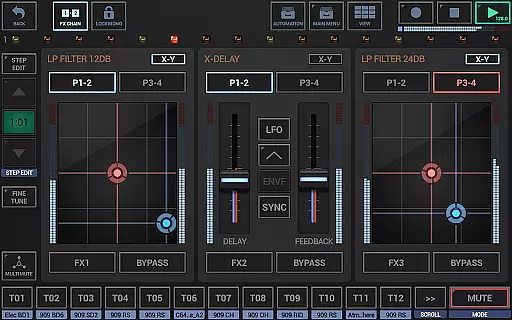
The app includes 47 effect types, ranging from dynamic processors to resonant filters, distortions, delays, reverbs, vocoders, and more. These effects, coupled with sidechain support, tempo sync, LFOs, and envelope followers, allow users to fine-tune their audio output with precision and creativity.
G-Stomper Studio also supports real-time sample modulation and per track/voice multi-filters, which contribute to the depth and texture of the audio. Musicians can manipulate sound parameters on-the-fly, resulting in rich and varied compositions that stand out for their sonic excellence.
Furthermore, the full version of the app enables features like WAV file export and real-time audio recording of live sessions at resolutions of 8 to 32 bits and sample rates up to 96kHz. Such capabilities ensure that the final output retains the highest level of audio fidelity, making it suitable for professional distribution and playback across various platforms.
High-quality audio engine
Intuitive user interface
Comprehensive feature set
Real-time sample modulation
Supports multiple file formats
Steep learning curve
Requires powerful hardware
Complex for beginners
Limited free version
Heavy resource usage

Your HD audio recorder on the go for music, meetings, ambience, animal sounds…
 4.30
4.30
Permanently backup Now Playing. Maps, filters & listening stats.
4.00
Network/Cloud Streaming, Visualization, Graphic Equalizer and Sound Effects.
4.20
Advanced 10-Band Audio Graphic Equalizer Sound Booster Pro
4.30
Guzheng Master supports many playing techniques as an acoustic Guzheng
4.50
24,000 free audio books and no ads!
4.90
Play your hearts out on TouchTunes jukeboxes & connect with fellow music lovers.
4.80
Turn your Android phone into a professional audio analyser with up to 120 bands.
4.00
Offline Tunes, Unlimited Vibes
3.90
Simple & Intuitive Metronome
4.70
SqueezePlayer turns your Android phone or tablet into a SqueezeBox on its own!
4.60
A complete sound package for the sound engineer or enthusiast
4.60
Formerly known as Spotistats! View your top tracks, artists, albums and more!
4.40
The Music Journey in Your Hands
4.30
Time Trainer: accurate metronome w tools to help you develop your internal time!
4.20
A sleek, no-frills player designed for true music lovers.
4.20
Learn to play the piano using falling notes!
3.80
Powerful beat maker & DJ mixer to remix tracks, make music, & perform DJ mix
3.70
The iconic iOS metronome app is now on Android.
3.70


User Reviews