
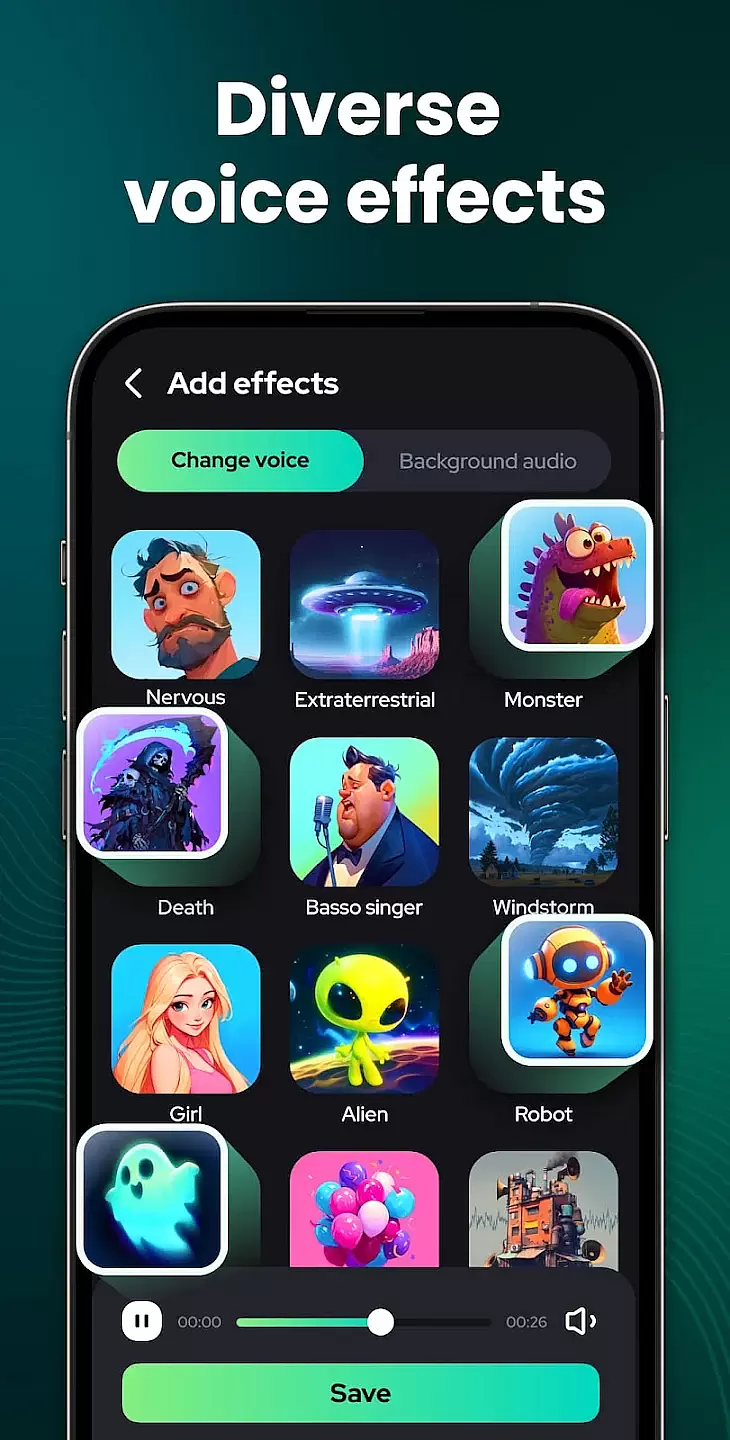
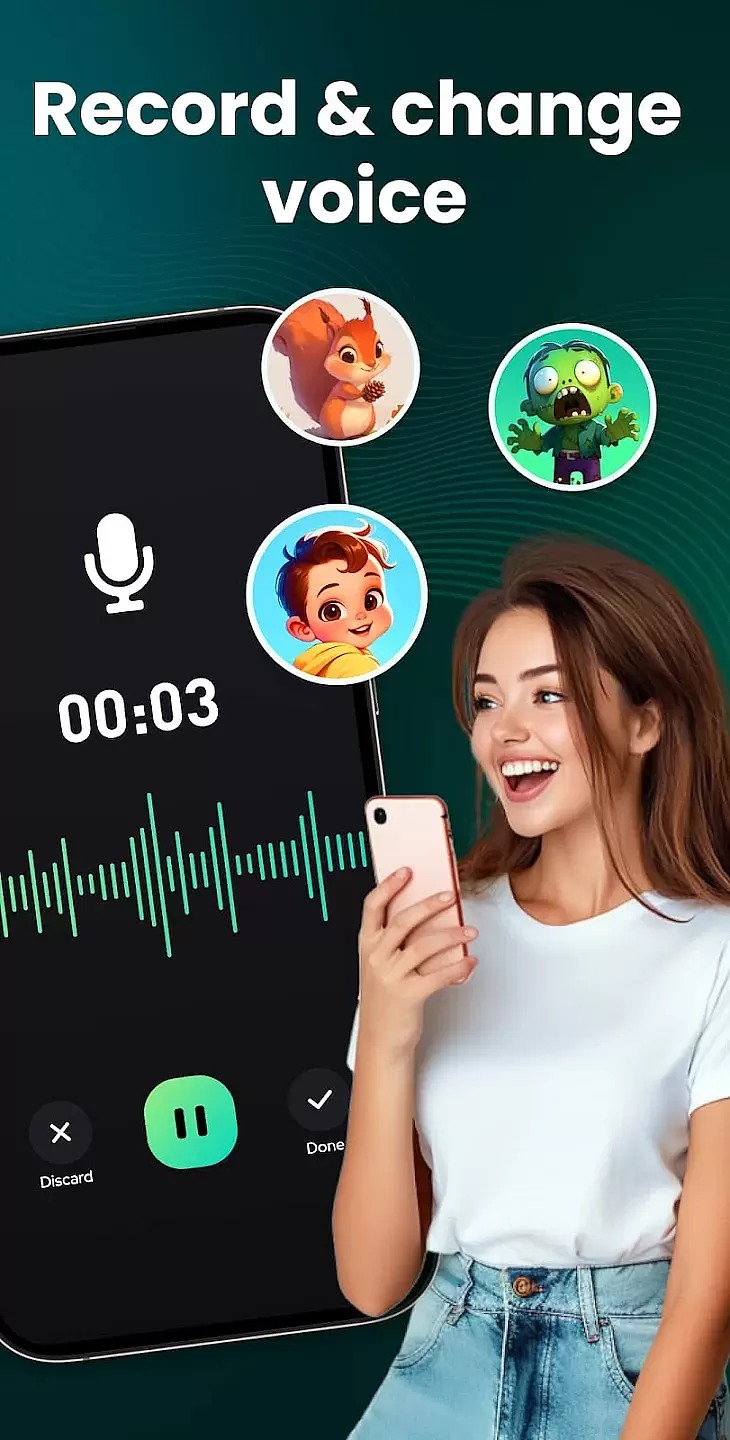
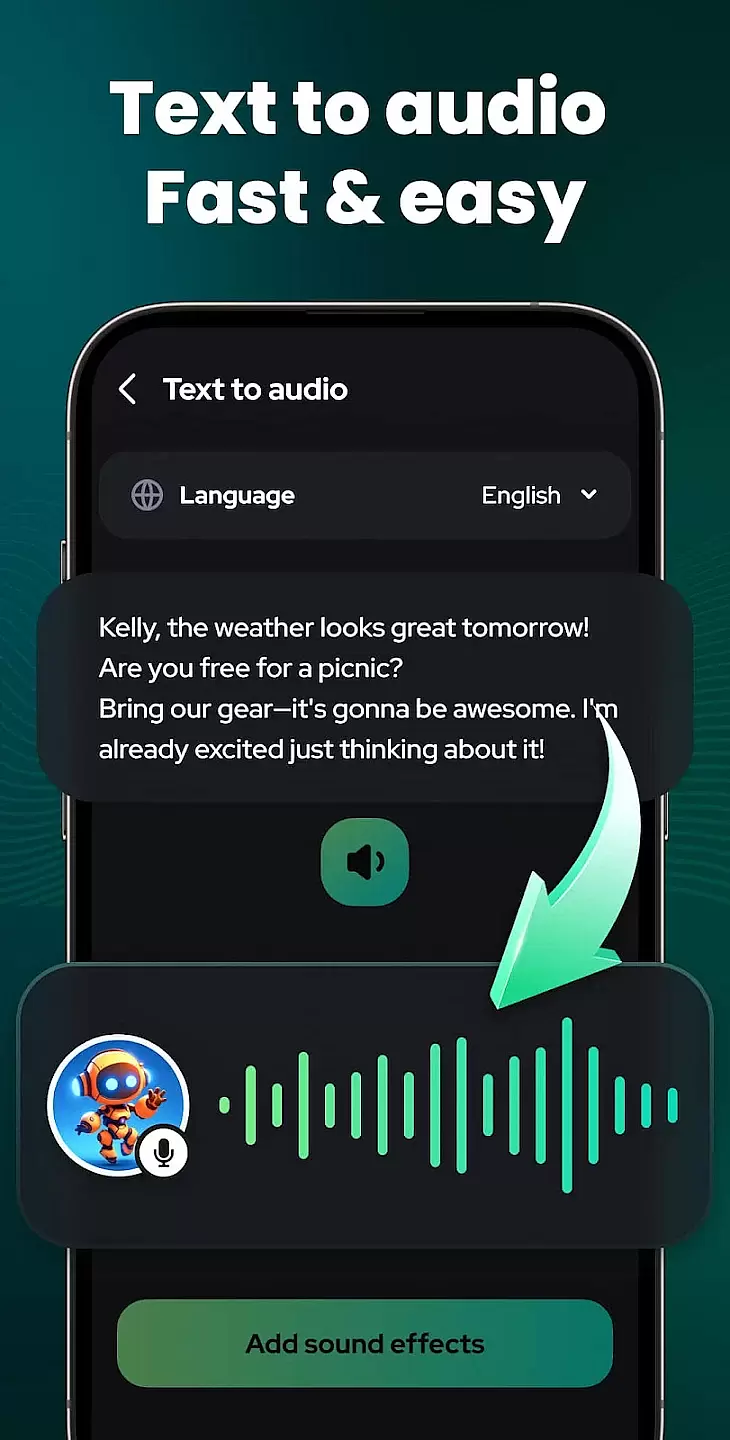
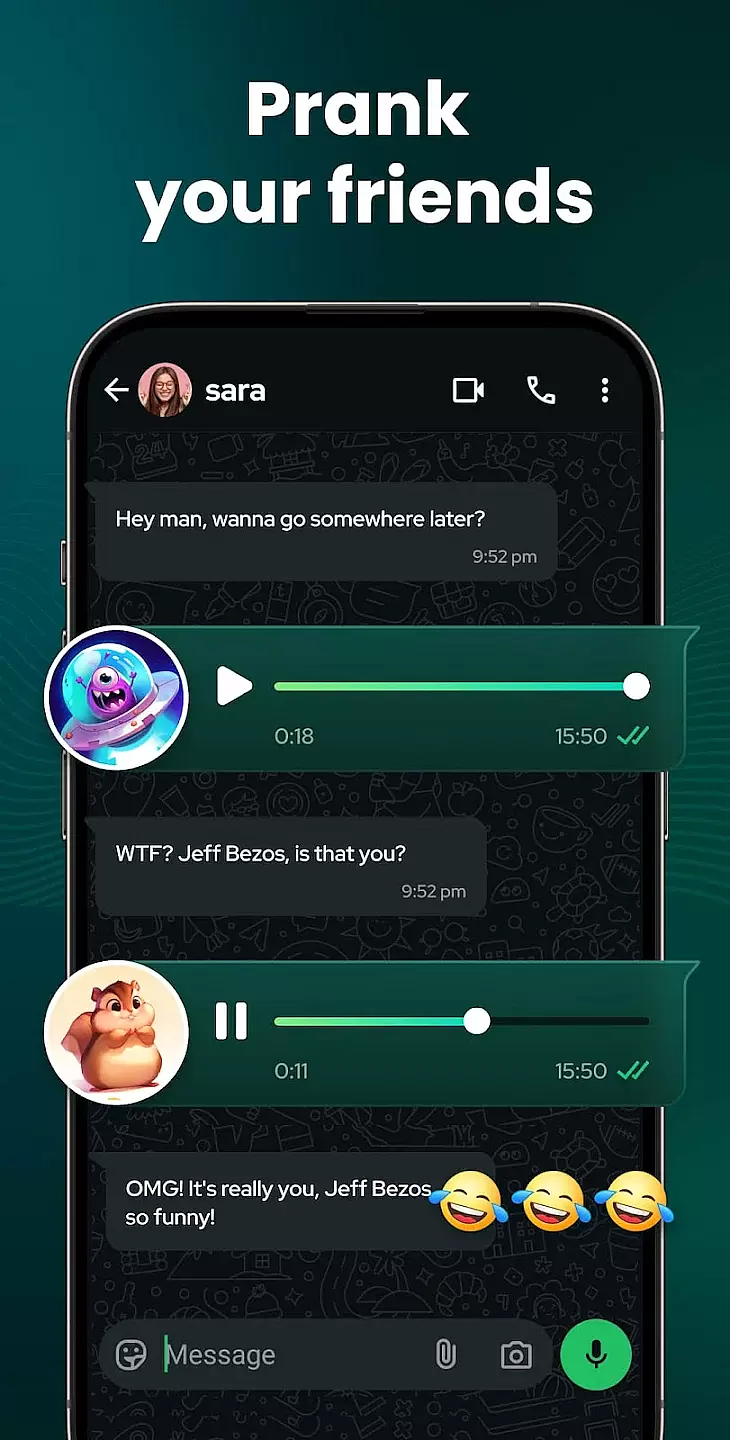
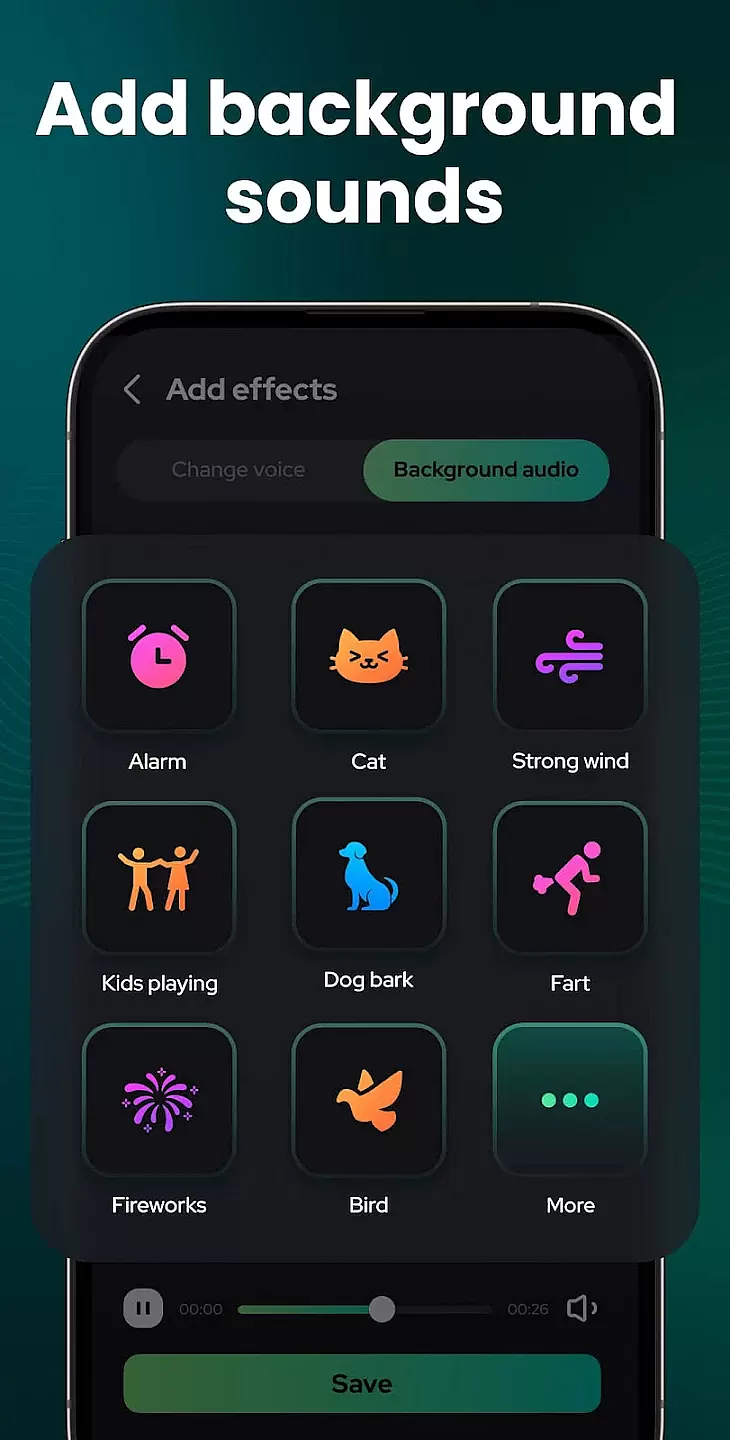
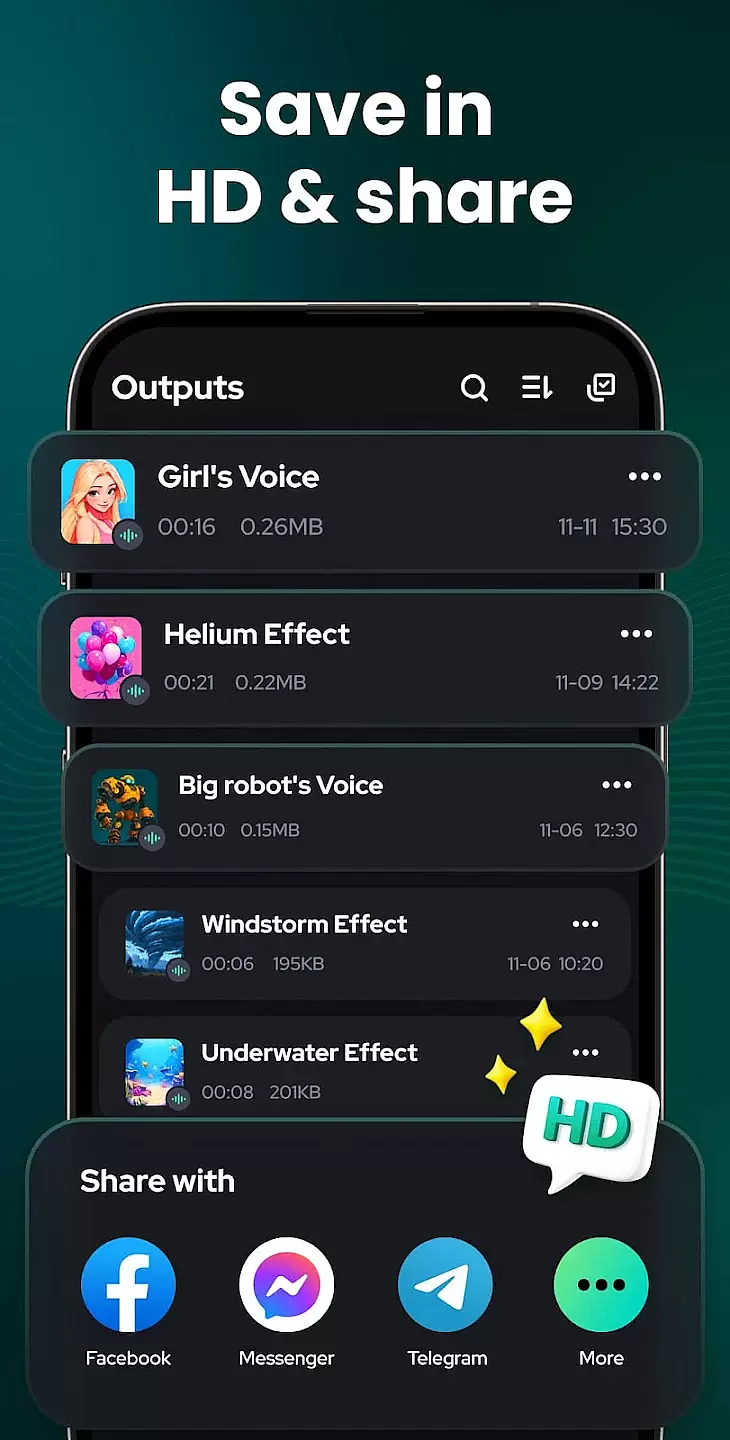
Voice Changer - Sound Effects is an innovative audio tool designed for both entertainment and professional use. This app allows users to modify their voice with various effects, making it perfect for creating engaging content or simply having fun. It offers a wide range of sound filters and effects that can be applied in real-time or to pre-recorded audio files.
Whether you're a content creator looking to add unique audio elements to your videos or someone who enjoys playful interactions during calls, this app provides the necessary tools to transform your voice creatively. The intuitive interface ensures that users of all skill levels can easily navigate and apply these effects without any hassle.
The app boasts an impressive array of features tailored to enhance user experience. With over 30 different sound effects ranging from robotic tones to animal sounds, users have endless possibilities for customization. The real-time processing capability allows instant application of effects during live calls or recordings.
Additionally, Voice Changer - Sound Effects supports saving modified audio files directly to your device, enabling easy sharing across multiple platforms. Users can also adjust effect intensity and mix different effects to create personalized audio outputs. These robust features make it stand out among similar applications by offering unparalleled versatility and creativity.
Voice Changer - Sound Effects offers an extensive music library that caters to a wide range of preferences. The app includes numerous sound effects and audio clips, ensuring users have plenty of options for their audio editing needs.
Each audio clip within the app is carefully curated to ensure copyright authenticity. This means users can enjoy peace of mind knowing that all sounds are legally available for use, thus avoiding any potential copyright issues.
The vast selection allows users to experiment with different audio effects, enhancing their projects with high-quality sounds. Whether it's for professional audio production or casual fun, the variety ensures there's something for everyone.
Regular updates to the music library ensure that users always have access to the latest sound effects. This commitment to keeping content fresh and relevant makes Voice Changer - Sound Effects a reliable tool for all audio enthusiasts.
One of the standout features of Voice Changer - Sound Effects is its diverse audio quality options. Users can choose from various settings to match their specific needs, whether they require high-fidelity audio or smaller file sizes for quick sharing.
The app supports multiple audio formats, providing flexibility in how users save and export their edited files. This versatility ensures compatibility with different devices and platforms, making it easy to integrate the audio into various projects.
Advanced audio settings allow users to fine-tune their sound output. Options such as bitrate adjustment and sample rate selection give users control over the final audio quality, catering to both beginners and experienced audio editors.
By prioritizing audio quality, Voice Changer - Sound Effects ensures that users can achieve professional-sounding results. This focus on delivering high-quality audio experiences sets the app apart in the Music & Audio category.
User-friendly interface
Wide variety of effects
Real-time processing
Customizable options
Easy file sharing
Limited free version
Occasional ads
In-app purchases required
High battery usage
Compatibility issues

VB-AUDIO Software / VBAN-Receptor allows listening to any VBAN Streams
 4.10
4.10
DJ Music Mixer - DJ Remix: remix songs, make beat music & record mix of DJ.
4.40
Visualize the guitar fretboard, master scales & play through changes like a pro!
4.50
Guzheng Master supports many playing techniques as an acoustic Guzheng
4.50
AI Music Maker: Generate And Compose AI Tunes & AI Songs & AI Music & AI Melody!
4.60
Unleash your creativity! Turn simple prompts into full fledged songs.
4.70
Learn to play the piano using falling notes!
3.80
Let your Android device with the sound effects you want
4.50
Be a true music maker: create beats, mix and make music like a real DJ!
4.30
Voice recorder - Audio recorder. Best recorder for recording
4.90
Offline Music Player & MP3 Player.Powerful equalizer, Lyrics, Themes, Tag Editor
4.80
Most Advanced AI Song Generator and Music Creator. Rap, Pop, Rock, Gospel & more
4.70
SqueezePlayer turns your Android phone or tablet into a SqueezeBox on its own!
4.60
Time Guru will strengthen your internal sense of musical time via random muting.
4.30
Learn and play 2M+ music tabs & chords on guitar, ukulele, bass, and more
4.30
Next generation modular control surface
4.10
USB audio recording and playback finally possible on Android 3.1 or higher!
3.90
The Skullcandy App Experience
3.20
Music Streaming suite for Ampache, Nextcloud Music and compatible backends.
4.0


User Reviews