
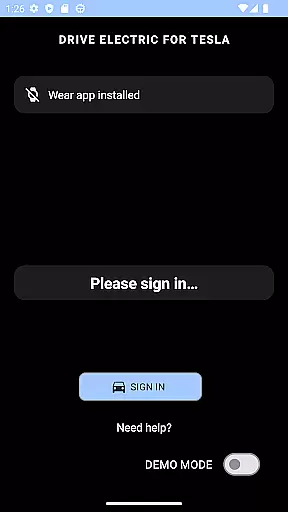
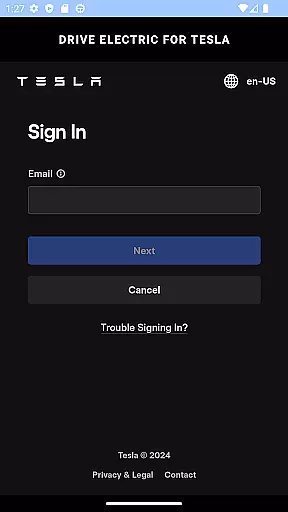
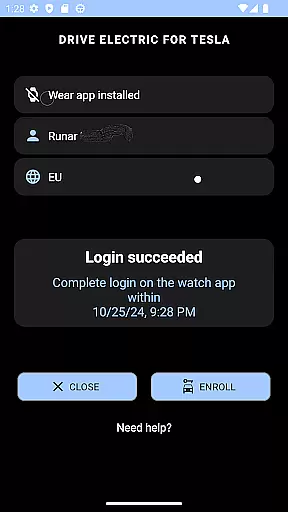
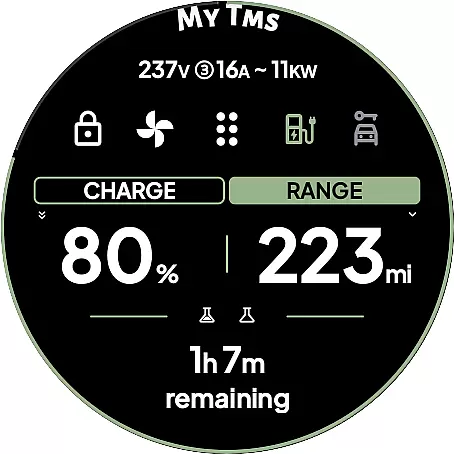
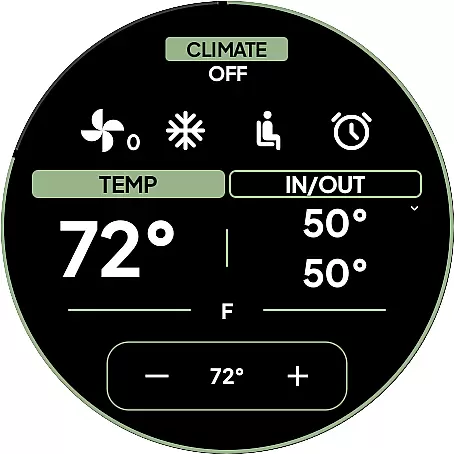
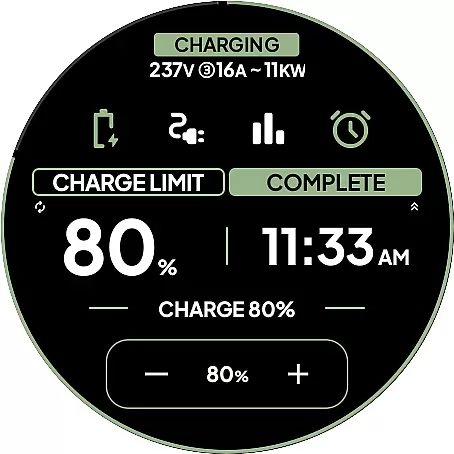
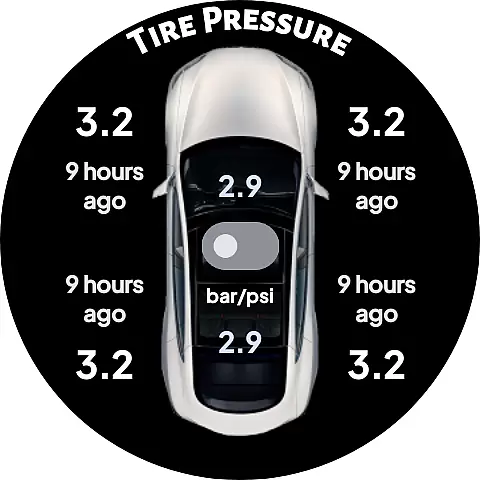
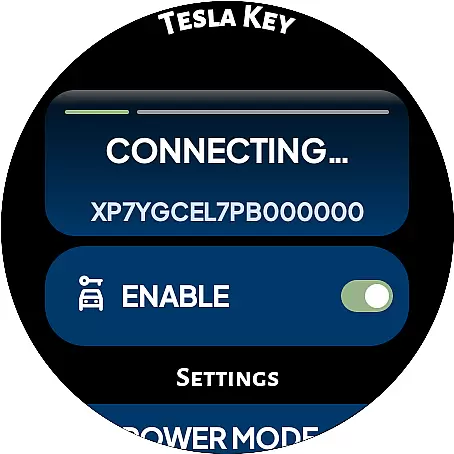
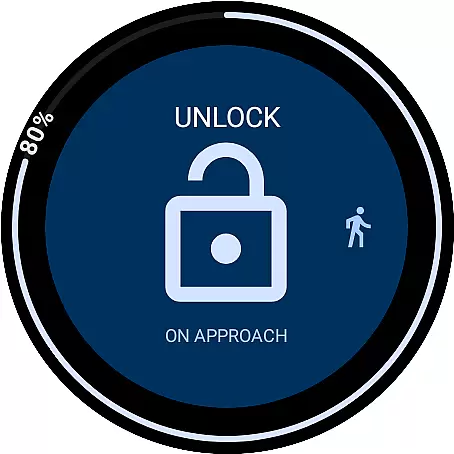
DRIVE Electric for Tesla is a cutting-edge Wear OS smartwatch application that transforms your watch into a convenient and secure key for Tesla vehicles. By integrating NFC, Bluetooth, and optional internet-based access, the app allows users to interact with their cars without needing a phone nearby. This functionality is particularly beneficial for modern Tesla models equipped with NFC and Bluetooth LE technology.
The app offers both proximity-based features like unlocking and driving via Bluetooth, as well as remote commands through an optional subscription service. With its intuitive design, DRIVE Electric ensures quick access to essential vehicle functions while maintaining top-tier security protocols. Whether you're managing your vehicle from a distance or tapping your watch to unlock the car, this app provides a seamless experience tailored for Tesla owners who value convenience and innovation.
DRIVE Electric for Tesla stands out with its robust feature set designed to enhance user interaction with their vehicles. The app supports both NFC and Bluetooth connectivity, enabling users to unlock, drive, and send commands when near their Tesla. For added convenience, a premium subscription unlocks remote access capabilities via the Fleet API, allowing control even when away from the vehicle.
One of the app's notable innovations is the On Approach feature, which lets users delay commands until they reach their car—perfect for situations like carrying groceries. Additionally, the app includes six customizable tiles for instant access to frequently used commands, a battery-level watch complication, and location-based tools like compass and map views to locate your parked car. These features collectively ensure a highly personalized and efficient user experience, all while prioritizing direct communication with Tesla's servers and maintaining strict security standards.
DRIVE Electric for Tesla exemplifies comprehensive lifestyle category coverage by integrating advanced smartwatch functionalities with everyday vehicle use. This app is designed to enhance convenience and accessibility, particularly for Tesla owners who value seamless integration between their digital devices and vehicles.
The app supports key features such as NFC and Bluetooth access, which allow users to unlock and drive their vehicles without needing a physical key or phone. Additionally, it offers remote access through a monthly subscription, catering to those who prefer managing their vehicles from a distance. These capabilities ensure that users can interact with their cars in multiple ways, fitting various lifestyle needs.
Beyond basic access, the app includes practical tools like compass and map views to locate parked vehicles, optional PIN code security for added protection, and quick-access tiles for commands. Such features address common pain points of vehicle ownership, making daily interactions smoother and more efficient.
By covering these diverse aspects, DRIVE Electric for Tesla not only meets essential user requirements but also enhances overall convenience and security, demonstrating its robust lifestyle category coverage.
Content authenticity and expert credibility are crucial factors for apps like DRIVE Electric for Tesla, ensuring users receive reliable and trustworthy information. The app's description clearly states that it does not store or share user credentials with third parties, maintaining high standards of data privacy and security.
Furthermore, DRIVE Electric for Tesla communicates directly with Teslau2019s servers or the vehicle itself using NFC or BLE, bypassing any third-party servers. This direct communication ensures that all interactions are authentic and secure, reinforcing the app's credibility among users who prioritize data integrity.
The app also provides detailed instructions and disclaimers, advising users on permissions and potential risks. For instance, it recommends enabling location access for Bluetooth functionality and suggests securing the app with a PIN code to prevent unauthorized access if the smartwatch is lost or stolen. These proactive measures reflect the developer's commitment to transparency and user safety.
Overall, DRIVE Electric for Tesla establishes strong content authenticity and expert credibility by prioritizing user privacy, offering transparent operational details, and implementing robust security measures, thereby building trust and confidence among its users.
Fast NFC access
Secure BLE connection
Customizable tiles
Remote Fleet API
Direct Tesla server link
Paid subscription required
Limited older model support
No Tizen compatibility
Location permission needed
Third-party risks

Big bold weather watch face with dynamic backgrounds and 3 complications
 4.3
4.3
Premium floor cleaning robots
4.50
View over 160,000 line dance stepsheets from the CopperKnob website.
3.30
Smart & Healthy Living
4.60
Creativity and savings for kids, beginners and experts in arts and crafts
3.50
Vehicle ownership simplified. Get the myChevrolet® app today.
4.60
Your store’s deals, where you are.
4.80
The Wyze app is your gateway to a smarter life and a safer home.
4.40
Control your Tapo smart devices from anywhere.
4.60
Countdown to Christmas 2025 with festive games & activities in a virtual village
4.80
A unique and customizable watch face which rotates its layout every minute.
4.80
Stay connected with your loved ones & vehicles | Share live GPS location updates
4.60
Crochet made easy: step-by-step tutorials, beginner patterns & projects
4.60
Redecor your home with Home AI interior design, room planner and home designer.
4.50
Share opinions, get paid cash
4.30
Connect to your Shark ROBOT™ from anywhere using the SharkClean™ App.
3.60
Falling Fruit is a massive collaborative map of food in our cities.
3.20
A watch face with transparency and fluid visuals inspired by liquid glass design
4.5
A daily quote for success
4.0


User Reviews