
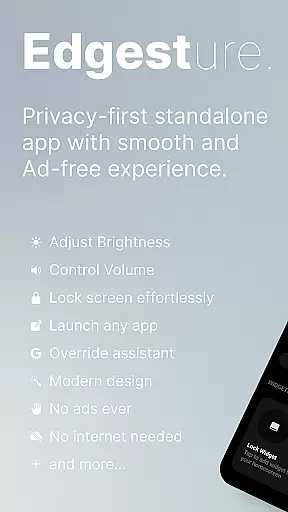
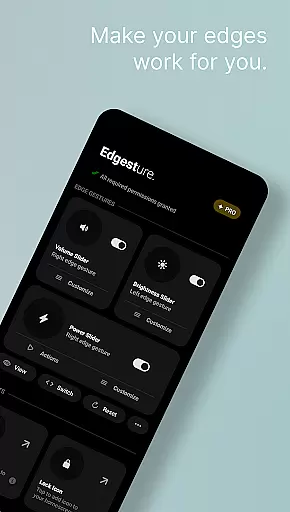
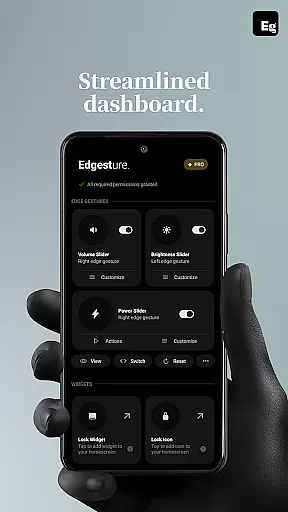
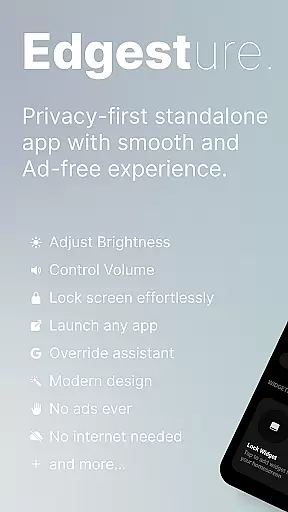
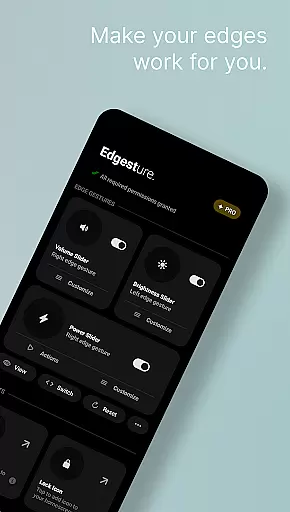

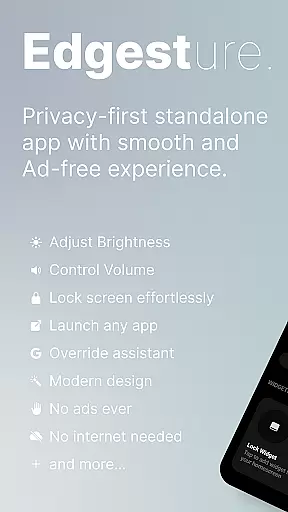
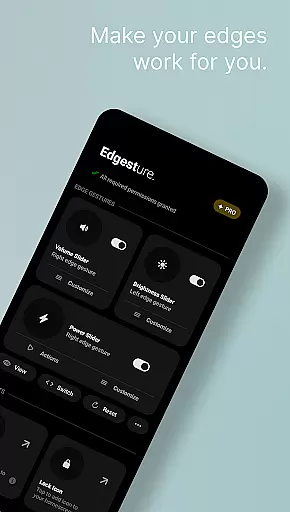
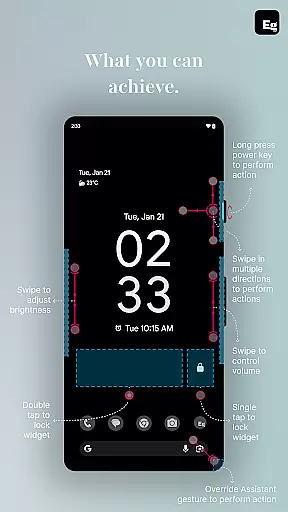
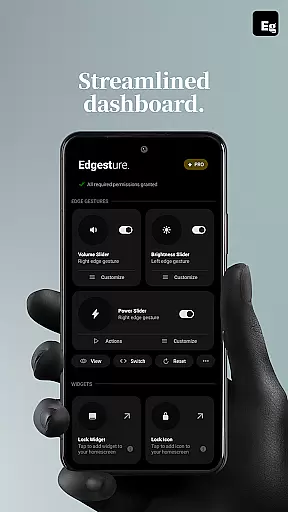
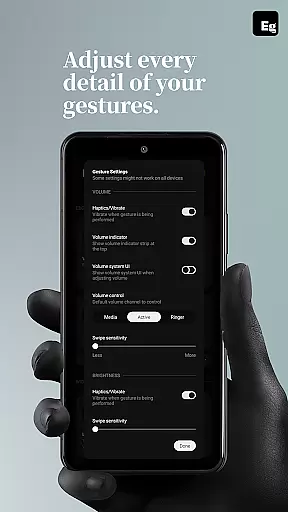
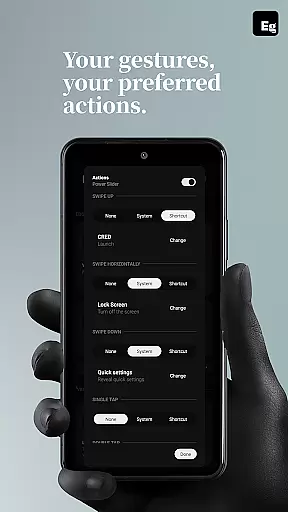
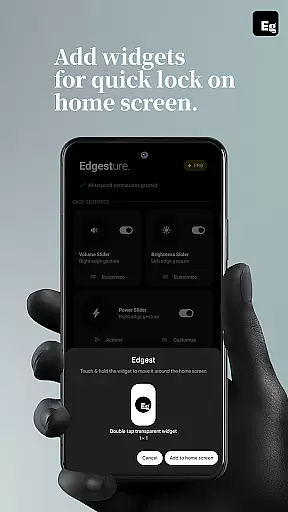
Edgest is a powerful personalisation tool that revolutionises how you interact with your smartphone through intuitive edge gestures and custom controls. The app allows users to take complete control of their device by assigning personalised gestures for navigation, app launching, and system actions. With features like volume and brightness control directly from the screen's edge, customizable gesture shortcuts, and lock screen widgets, Edgest enhances both convenience and efficiency.
Beyond basic navigation, Edgest offers advanced functionalities such as media playback control, quick settings tiles, and override assistant triggers. These features are designed to boost productivity while maintaining a simple, ad-free user experience. Whether you're looking to streamline daily tasks or create a more personalized smartphone interface, Edgest provides the tools to make your device truly yours.
This application is particularly useful for power users who want to maximize their phone's potential without compromising on simplicity or performance. By enabling faster access to essential functions and favourite apps, Edgest transforms the standard smartphone experience into something more fluid and tailored to individual needs.
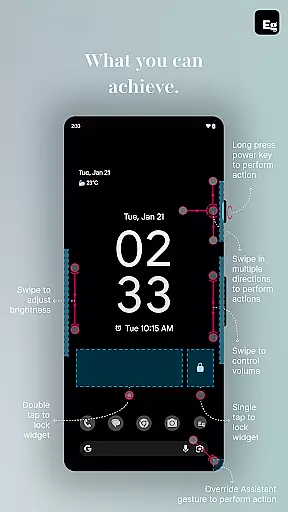
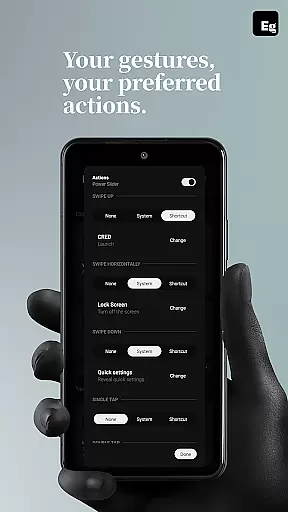
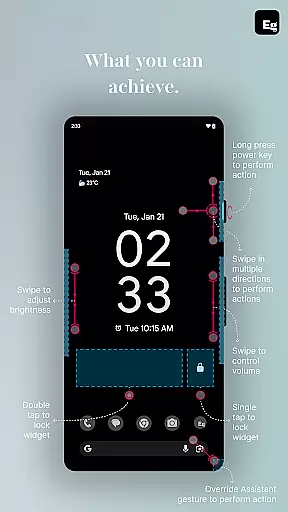
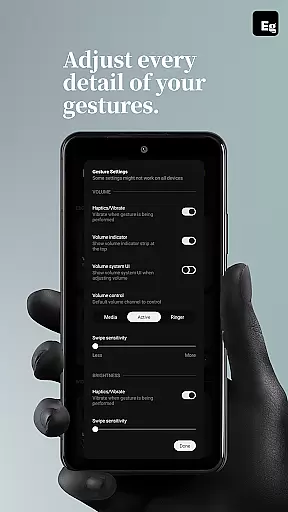
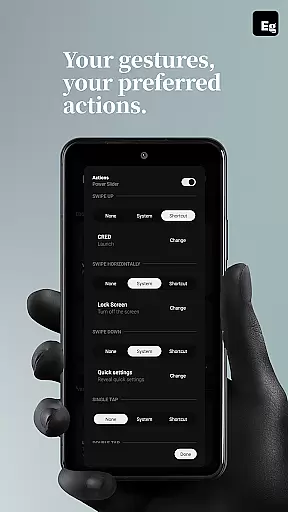
Edgest stands out in the personalisation category due to its comprehensive feature set focused on gesture-based navigation and control. One of the key highlights is the ability to use screen edge gestures for instant access to favourite apps and system actions. Users can customize swipe, tap, and long-press gestures to perform tasks like adjusting volume, controlling brightness, or locking the device without opening additional menus.
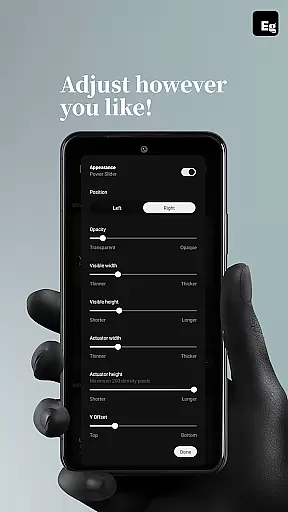
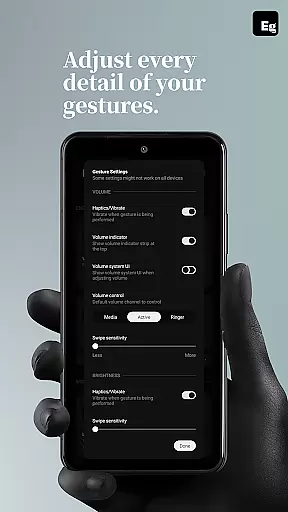
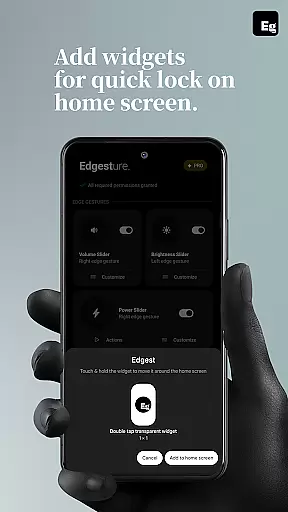
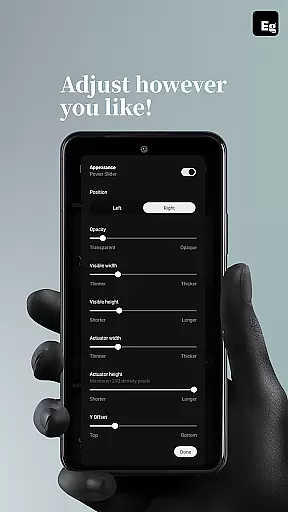
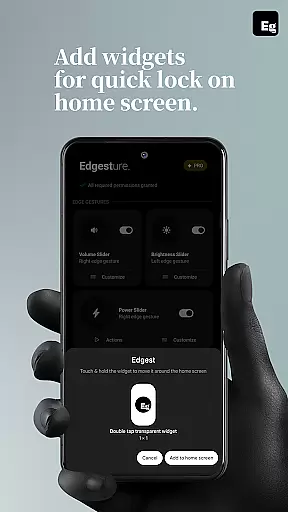
The app also includes innovative tools like quick settings tiles and media control options. These allow users to manage music playback, notifications, and other system functions directly through gestures or dedicated tiles. Additionally, Edgest supports lock screen widgets with single or double-tap lock options, offering an alternative to traditional power button usage. This level of customization extends to gesture sensitivity, animation speed, and feedback settings, ensuring a tailored experience.
What sets Edgest apart is its commitment to simplicity and user privacy. Unlike many similar tools, it operates without ads, tracking, or hidden charges. Its use of the AccessibilityService API is strictly limited to executing specific system commands, ensuring no unnecessary data access. This makes Edgest not only a highly functional utility but also a secure and reliable choice for enhancing your smartphone experience.
Edgest Edge Gestures & Control offers an extensive range of customization options that allow users to tailor their device interaction according to personal preferences. The app supports edge gestures, custom gestures, and instant access shortcuts to favorite actions, making it a versatile tool for personalization.
With features like volume control, brightness adjustment, and media playback control directly from the screen's edge, Edgest ensures that users can perform essential tasks without navigating through menus. This level of customization extends to creating unique gestures for launching apps, opening system menus, or triggering specific shortcuts, enhancing the overall user experience.
The ability to add a quick settings tile for instant access to custom actions further enriches the personalization aspect. Users can lock their screen with simple tap gestures, manage media controls, and even override assistant triggers to execute custom actions, providing a seamless and intuitive interaction model.
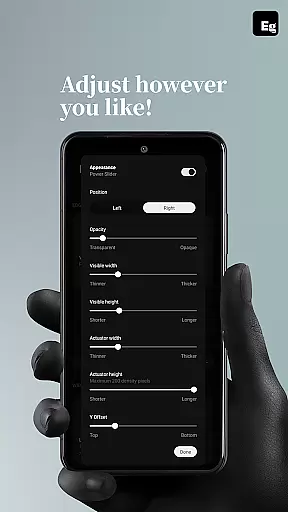
Ultimately, Edgest empowers users by offering highly customizable gesture navigation that adapts to individual needs. Whether adjusting gesture sensitivity, animation speed, or feedback, the app provides a personalized and efficient way to interact with smartphones, boosting productivity and ease of use.
While Edgest Edge Gestures & Control focuses primarily on gesture-based navigation and shortcuts, its design emphasizes theme compatibility to ensure a cohesive visual experience across different devices and user preferences. The app integrates smoothly with various themes, maintaining visual consistency without compromising functionality.
Users can expect the lock screen widget and gesture controls to blend seamlessly with their chosen device themes. Whether using a light or dark mode, Edgest maintains clarity and usability, ensuring that all interactive elements are easily accessible and visually appealing.
This compatibility extends to the app's customizable gesture shortcuts and quick settings tiles, which adapt to match the aesthetic of any theme. By doing so, Edgest not only enhances functionality but also preserves the integrity of the user's preferred visual environment.
In summary, Edgest guarantees that its powerful personalization features do not disrupt the thematic elements of a user's device. This thoughtful design approach allows users to enjoy both enhanced control and a unified appearance, making daily interactions more enjoyable and efficient.
Intuitive gesture navigation
Customizable shortcuts
No ads or tracking
Lightweight design
Enhanced productivity
Limited to Android
Requires learning curve
Premium features locked
Accessibility permission needed
Not beginner-friendly

A light in the dark, a unique style and an andless cutomization!
 4.30
4.30
Shimeji adds cute animated characters to your screen, lively and fun.
4.70
Color phone with cool effects for call screen, flash alert & ringtones music
4.50
Design your screen with unique, vibrant clocks
3.80
Embrace the Night. Unleash the power of darkness with Raven Dark Icon Pack
4.60
HappyLighting is a Bluetooth lamp control software.
3.40
Adorable pets roam and play right on your phone screen!
3.30
300+ widgets inspired by Material You and Material 3 expressive design.
4.60
set a new experience for the Android mobile phone
4.20
Winter's Journey: digital watch face for Galaxy Watch & Wear OS
4.80
Gun Chase - Let the chase begin.
4.80
Ultimate Gallery Lock App - Hide Pictures, Videos and Lock Apps Instantly!
4.60
Zip lock screen with magic wallpaper to decorate your phone with fun zipper lock
4.60
Ninja Turtles Cowabunga SE watch face for Wear OS
4.50
3D, live, and moving wallpapers & themes in 4K and HD for your device.
4.50
Transform your device in a game console
4.40
Wear Os Watch Face - Seasonal - Animated Snow Effect - 9 Animals
4.20 4.10
4.10
Struggling to find apps? Use this app to locate and open any app on your phone!
2.20


User Reviews