
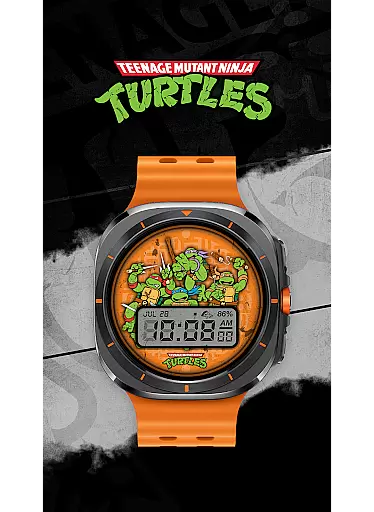
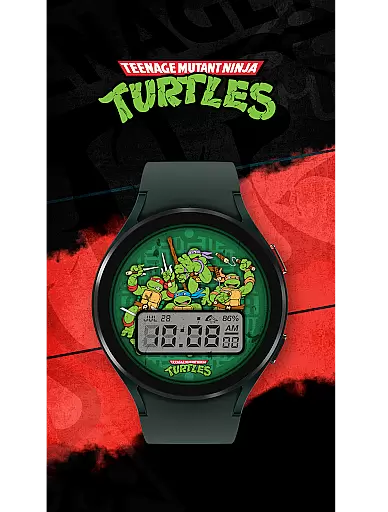
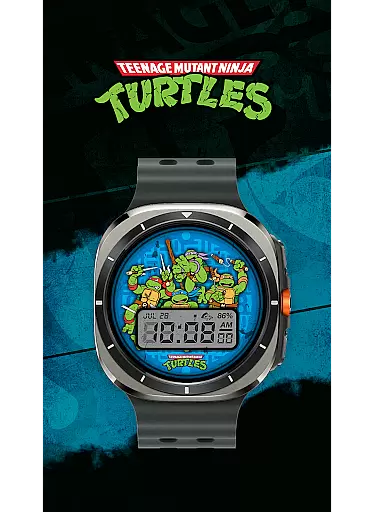
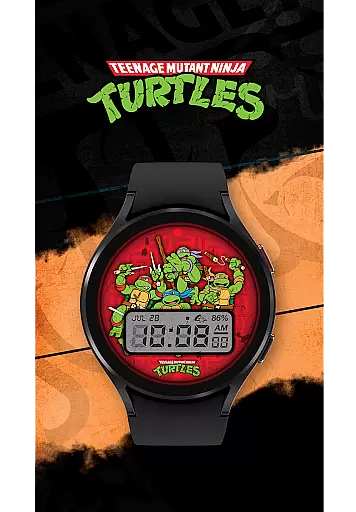
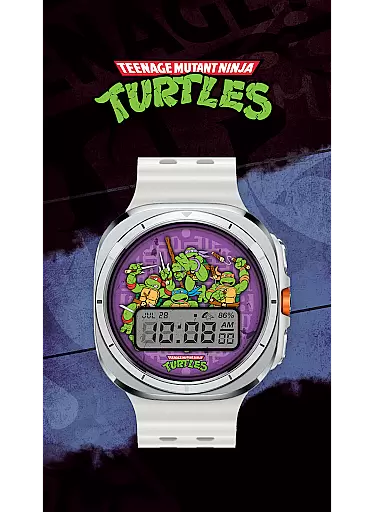
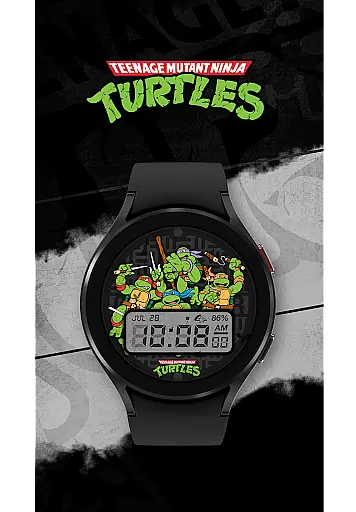
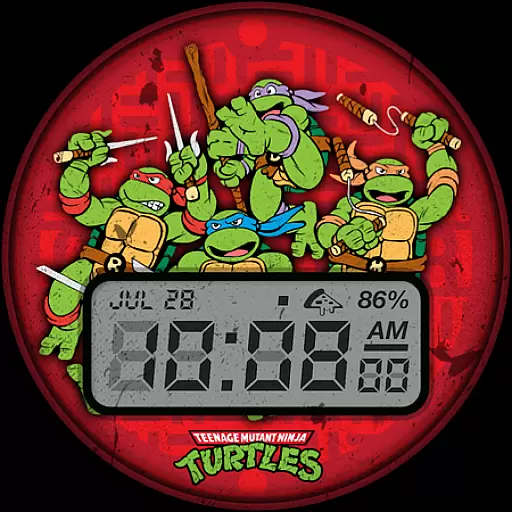
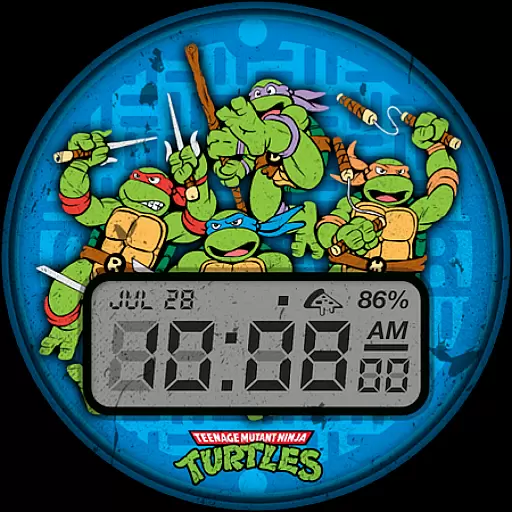
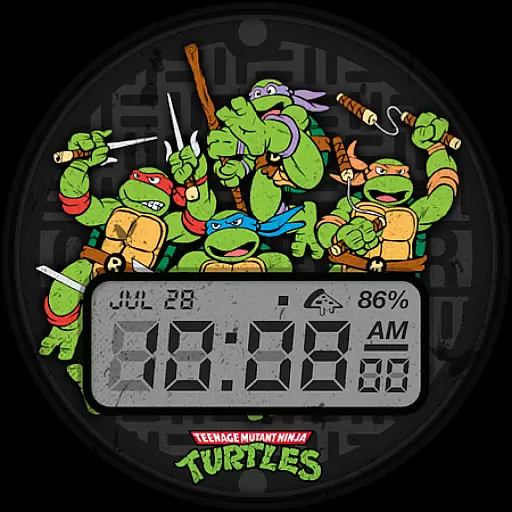
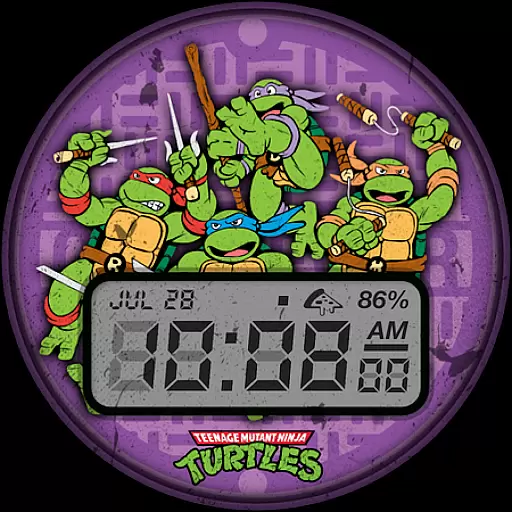
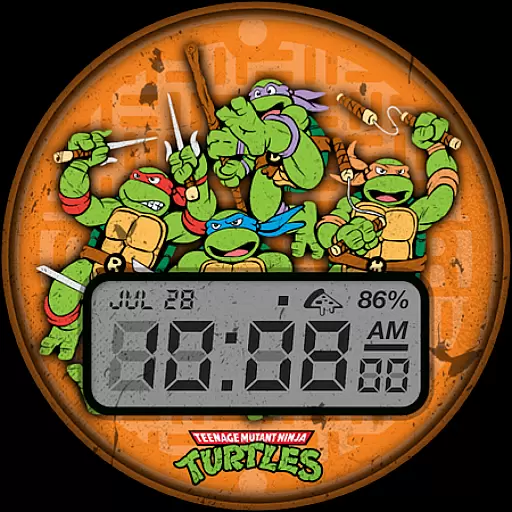
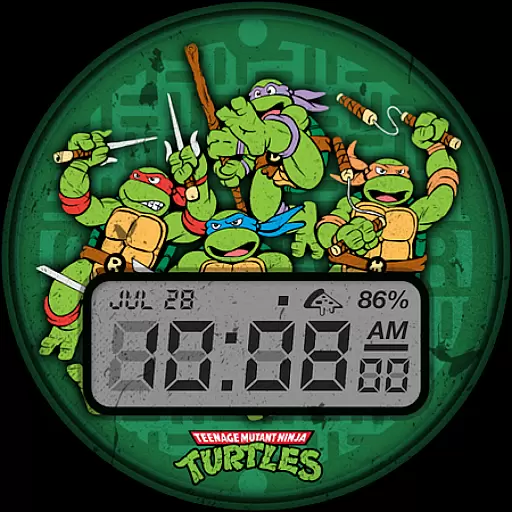
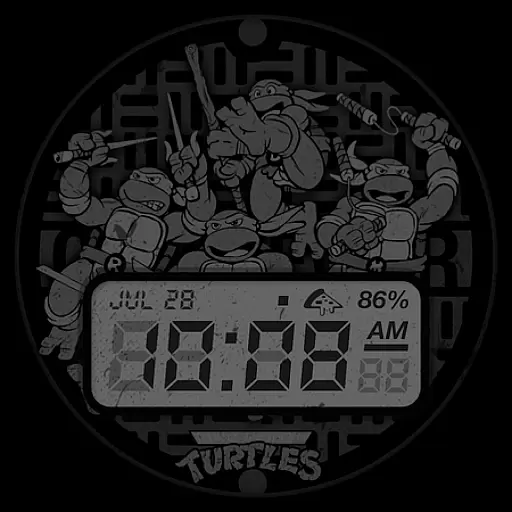
TMNT - Cowabunga SE Watch Face brings the nostalgia of retro-style graphics to your Wear OS smartwatch. Compatible with all Wear OS devices, including Galaxy Watch7 and Ultra, this watch face offers a perfect blend of style and functionality.
The design provides essential information at a glance, featuring a 12h/24h digital clock, date display, battery level indicator, and customizable complications. With six color options available, users can personalize their watch face to match their unique style while enjoying the practicality of quick-access information.
Whether you're a fan of the Teenage Mutant Ninja Turtles or simply appreciate a clean, retro aesthetic, this watch face is ideal for those seeking both form and function on their smartwatch.
TMNT - Cowabunga SE Watch Face stands out with its array of practical features designed for everyday use. The digital clock supports both 12h and 24h formats, catering to user preferences, while the date and battery level indicators provide crucial information without cluttering the display.
One of the key highlights is the customizable complication, which comes with Day and Date as default options but allows users to tailor it to their needs. This flexibility ensures that each user can optimize their watch face for maximum utility.
With six distinct color options, personalization is effortless, enabling users to switch up their look based on mood or outfit. These thoughtful features combine to create a watch face that's not only visually appealing but also highly functional for daily wear.
Customization is at the heart of TMNT - Cowabunga SE Watch Face, offering users a versatile experience on their Wear OS smartwatches.
This watch face stands out with its six color options and a customizable complication that defaults to showing the day and date. Users can tailor these elements to match their personal style or mood, making their smartwatch not just a tool but a fashion statement.
The ability to switch between a 12h and 24h digital clock format adds another layer of personal adaptation, accommodating international preferences and ensuring clarity and convenience in timekeeping.
By providing these customization features, TMNT - Cowabunga SE empowers users to enjoy a personalized gadget that reflects their individuality while delivering essential information at a glance.
TMNT - Cowabunga SE Watch Face ensures seamless integration across all Wear OS smartwatches, including the latest models like Galaxy Watch7 and Ultra.
Its design maintains visual consistency and functional reliability regardless of the device, offering users a worry-free experience when switching between different Wear OS devices.
The retro-style theme does not compromise on modern compatibility needs; it supports basic yet crucial information display such as time, date, and battery level without any glitches.
This compatibility assures users that they can enjoy both style and substance, experiencing the nostalgic charm of Cowabunga without sacrificing the advanced capabilities of their smartwatch technology.
Compatible with all Wear OS
Six vibrant color options
Customizable complications
Retro-style design
Battery level indicator
Limited to Wear OS
No advanced fitness tracking
Default complications only
Requires manual updates
Basic customization options

Ultra realistic gold analog watch face with lots of customization options.
 4.50
4.50
Capture moments that pass like a storm, second by second.
4.4
Wear Os Watch Face - Seasonal - Animated Snow Effect - 9 Animals
4.20
Make your phone look simple & luxury, like iDevice
4.60
Sparkle your screen with Glitter Wallpapers For Girls and Cute Backgrounds!
4.80
Shimeji adds cute animated characters to your screen, lively and fun.
4.70
Custom edge gestures for volume control, brightness, apps, and shortcuts.
4.2
Icons made of colorful linear lines
4.60
Install amazing sticker packs: endless styles, always cool.
4.70
Dark icon pack based on One 8
4.80
Vertically oriented rectangular icons
4.70
A launcher for Samsung Good Lock and Good Guardians modules without ads
4.70
Nothing Icon pack with more than 3750+ highly crafted icons.
4.70
Glass style colourful icons with a One UI look and feel
4.60
Want to make your phone more special than ever?
4.60 4.50
4.50
Unique Fonts, typefaces and stylish text. Fonts for Instagram, Whatsapp & others
4.20
Unleash Your Creativity and Connect with Loved Ones with Lockscreen Drawing!
4.20
Emoji Maker app - Design custom emojis and effortlessly blend them with Mixer
3.80


User Reviews