
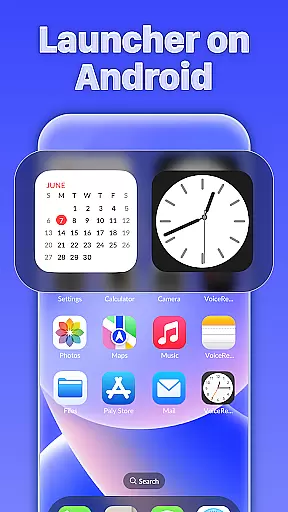
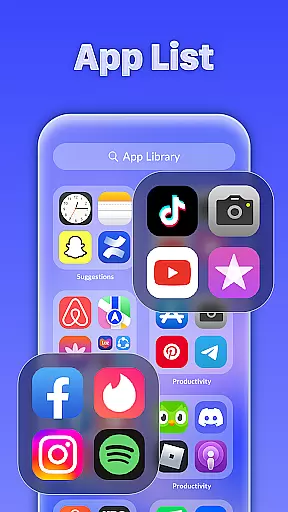
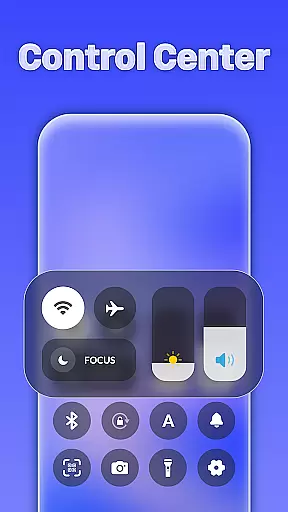
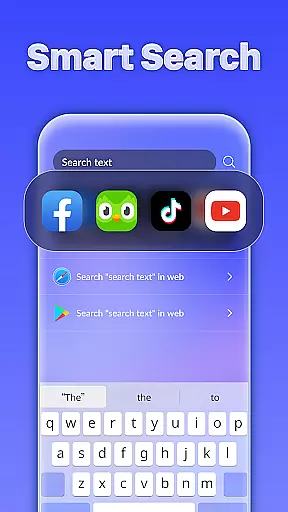
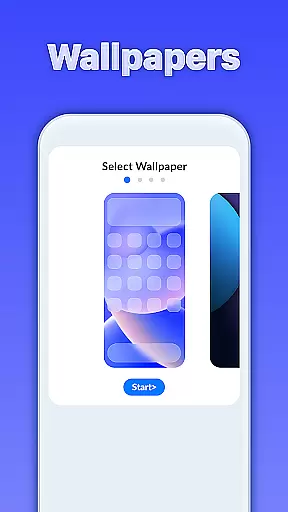
iLauncher OS redefines the Android experience by offering a sophisticated and visually appealing interface that enhances your device's aesthetics. This launcher provides an innovative app organization system through its App Library, mimicking real operating systems. With intelligent features like Smart Search, users can easily find what they need by swiping down on the home screen.
Additionally, iLauncher OS includes stylish folders for better app management and a weather forecast feature to keep you informed about upcoming conditions. These elements combine to create a more luxurious and functional mobile experience, making daily device interactions smoother and more enjoyable.
iLauncher OS stands out with its unique set of features designed to elevate your Android experience. The App Library offers a novel approach to organizing apps, similar to modern operating systems, ensuring a clutter-free home screen. Smart Search functionality allows users to quickly locate apps or files by simply swiping down anywhere on the home screen, providing instant access to desired content.
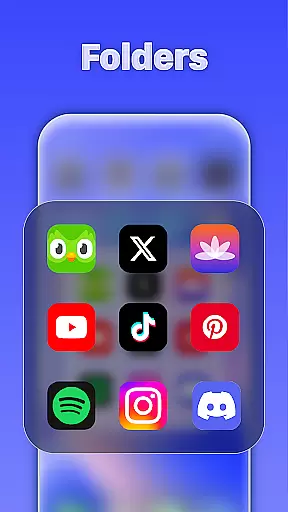
The Style Folder feature lets you drag and drop apps to create organized groups, streamlining navigation. Furthermore, the integrated weather forecast keeps you updated on current and upcoming weather conditions. Each feature is crafted to enhance usability while maintaining a sleek design, setting iLauncher OS apart as a top choice for personalization enthusiasts seeking both form and function in their mobile experience.
iLauncher OS revolutionizes the Android experience by offering a wide array of customization options that allow users to personalize their devices like never before. The App Library feature provides a novel way to organize applications, mimicking the intuitive organization found in real operating system devices.
With Smart Search, customization extends beyond mere aesthetics. Users can access intelligent search features simply by swiping down on the home screen, streamlining the way they interact with their device and find necessary apps or information swiftly.
The Style Folder option adds another layer of personal touch. By enabling users to drag and drop apps to create folders, iLauncher OS mirrors desktop-like functionality, making app management both visually appealing and highly efficient.
This extensive variety in customization empowers users to tailor their smartphone experience according to their preferences, ensuring that each interaction with their device feels both unique and luxurious.
Theme compatibility is at the heart of iLauncher OS's design philosophy, ensuring that visual consistency is maintained across all themes used within the launcher environment. This means users can apply various themes without worrying about losing the cohesive look and feel of their mobile interface.
In addition to aesthetic uniformity, iLauncher OS integrates functional elements seamlessly into its theme system. For instance, weather forecasts are displayed in a manner consistent with the chosen themeu2019s style, preserving both form and function while providing essential information such as upcoming weather conditions.
By focusing on compatibility, iLauncher OS ensures that whether you prefer minimalist designs or more elaborate graphical interfaces, every element from app icons to functional widgets will align perfectly with your selected theme.
Ultimately, this attention to theme compatibility enhances user satisfaction by delivering an elegant, unified appearance that complements individual tastes while maintaining operational coherence throughout the device's interface.
User-friendly interface
Highly customizable
Efficient search tool
Stylish folder options
Integrated weather updates
May consume more resources
Limited widget support
Occasional bugs reported
Not suitable for older devices
Some features require premium

Realistic animated snow on your wrist, with 10 images landscapes to choose from
 4.00
4.00
A launcher for Samsung Good Lock and Good Guardians modules without ads
4.70
Gun Chase - Let the chase begin.
4.80
Turn text & photos into stunning AI videos, art, and creative visual stories.
4.50
Stylish Pink Cute Hippo keyboard with 10000+ customized keyboard themes!
4.60
Unleash Your Creativity and Connect with Loved Ones with Lockscreen Drawing!
4.20
400+ Beautifully crafted widgets inspired by NOTHING.
4.70
Fast SMS & group chat - use GIFs and emojis from your home screen launcher.
4.50
Custom ringtones songs, music ringtones for Android phones
4.60
100+ Stylish Fonts, Emojis, Symbols keyboard for Instagram & TikTok!
4.80
Enjoy a variety of amazing live wallpapers and colorful EDGE lighting borders!
4.80
Vertically oriented rectangular icons
4.70
A retro cartoon style watch face and a punch right in the face of the copyright
4.60
Ultra realistic gold analog watch face with lots of customization options.
4.50
Vibrant Adaptive Icons with Material You and Enhanced Monet Colors.
4.50
Yandex Browser — stylish and secure, with voice search and data compression
4.40 4.10
4.10
Ultimate widget creator. Design custom widgets for a truly unique home screen!
3.90
Your go to Weather App & Home Screen. Get your weather at a swipe of a finger!
3.80


User Reviews