
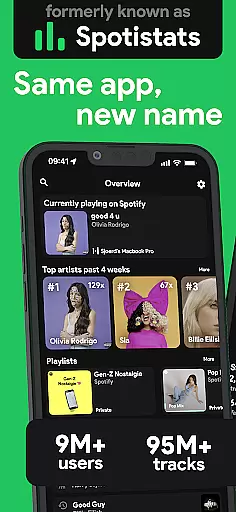
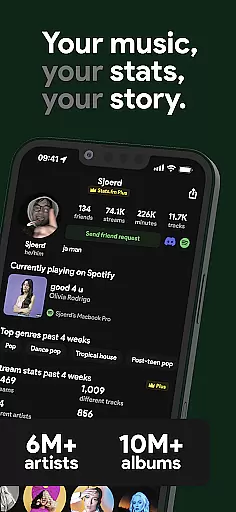
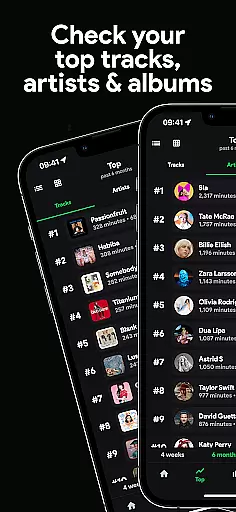
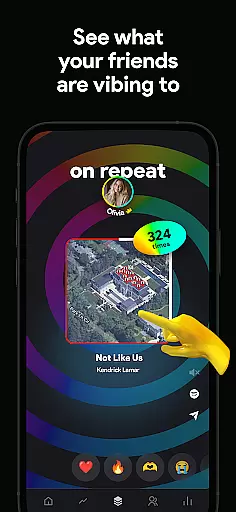
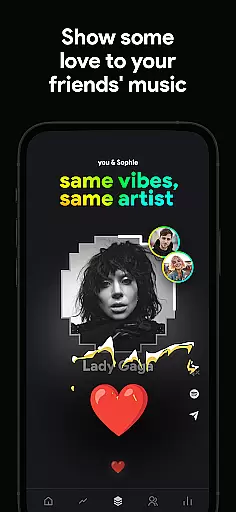
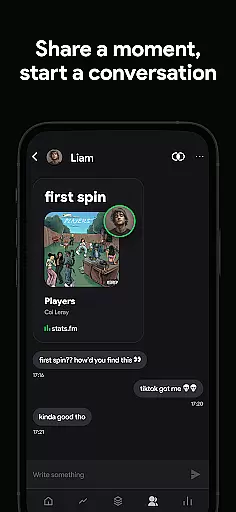
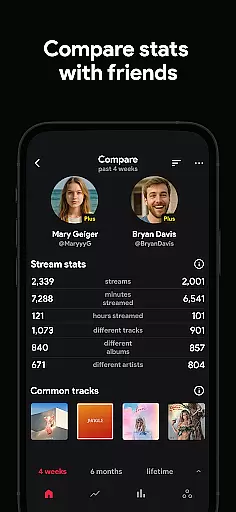
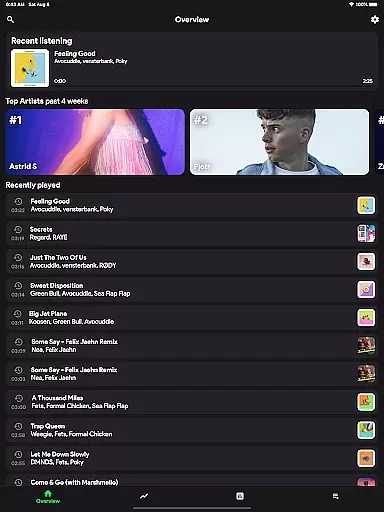
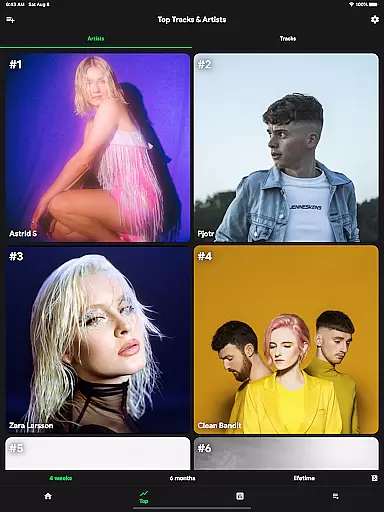
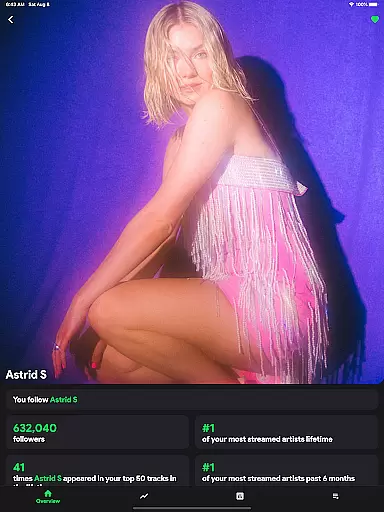
stats.fm for Spotify is an essential music analytics companion that provides users with detailed insights into their listening habits. With over 10 million global users, the app offers comprehensive statistics on tracks, albums, and artists, allowing you to explore your most listened songs and artists across various time periods.
Beyond basic stats, this Music & Audio app lets you dive deep into your streaming history, showing metrics like play counts, minutes streamed, and even the type of music you prefer. You can also compare your musical journey with friends, adding a social dimension to your stats. Whether you want to flex on friends or discover your listening patterns, stats.fm has you covered.
The app's Plus feature takes it a step further by letting you see how many times you've listened to your favorite songs. It's perfect for those who don't want to wait for Spotify Wrapped or find it lacking. With stats.fm, you get all your music stats in one place, making it the ultimate tool for any music enthusiast.
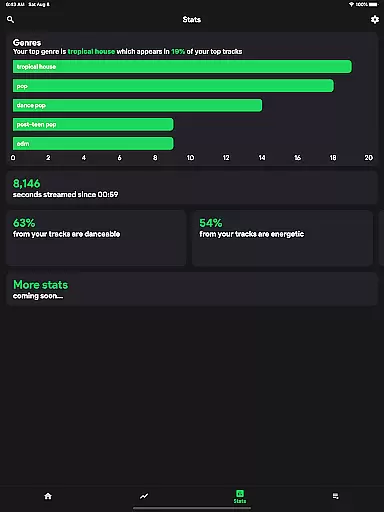
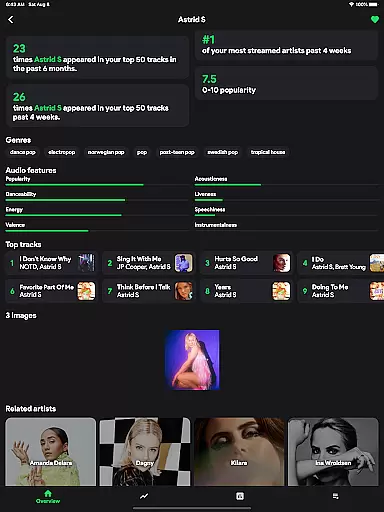
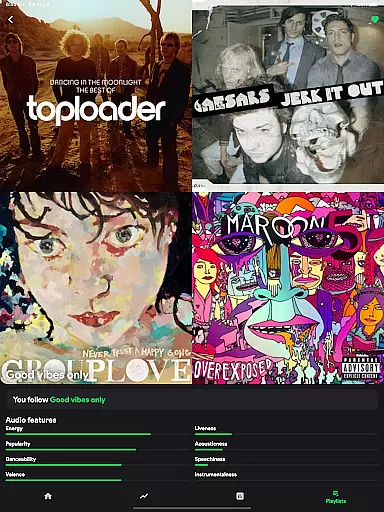
One of the standout features of stats.fm for Spotify is its ability to provide detailed and accurate stats about your beloved songs, artists, or playlists. This includes playcounts, minutes listened, and even the popularity of the song or artist on Spotify itself. For albums and artists, you can view your top tracks and understand what type of music it is based on attributes like liveliness, energy, and danceability.
Another remarkable aspect is the listening clock and other cool graphs that show when and how much you listen. The app doesn't stop at individual stats; it allows you to search and add friends to compare your musical tastes. This fosters a sense of community and friendly competition among users.
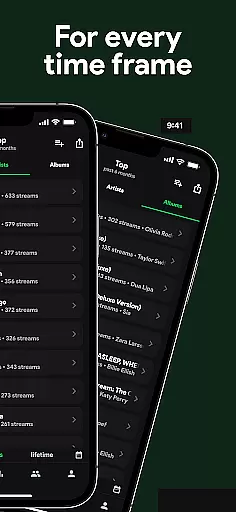
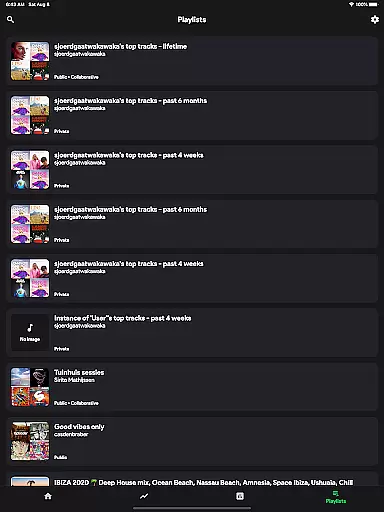
For those interested in a more granular analysis, stats.fm offers lifetime streaming history and top listener data. These features make it easy to track your personal journey through music, providing both depth and context to your listening habits. All these capabilities are wrapped up in an intuitive interface that makes navigating your stats a breeze.
When it comes to music streaming services, the size of the music library and the authenticity of its content are crucial factors for users. stats.fm for Spotify boasts an impressive library with over 14 million albums and 6 million artists. This extensive collection ensures that users have access to a wide variety of music across different genres and languages.
The app's vast database is not just about quantity but also quality. It provides detailed statistics about tracks, albums, and artists, which indicates a commitment to authentic and accurate music data. Users can explore their top tracks, artists, and even genres, gaining insights into their listening habits with reliable information.
For those who are particular about the integrity of music content, stats.fm offers peace of mind. The app emphasizes the importance of accurate playcounts and popularity metrics on Spotify, ensuring that the music you engage with is legitimate and properly credited to its creators.
Audio quality is a significant aspect of the music listening experience, and stats.fm for Spotify places a strong emphasis on providing users with various audio quality options. While specific bitrate details are not provided in the app description, the focus on delivering high-quality streaming experiences is evident through its detailed stats on track liveliness, energy, and danceability.
Users can expect a customizable audio experience that caters to their preferences. Whether you're an audiophile seeking the highest fidelity or someone who prioritizes convenience over quality, stats.fm has features designed to enhance your auditory journey. The app allows you to discover what type of music you listen to, from lively beats to instrumental tunes, all in the comfort of your desired audio setting.
Moreover, stats.fm goes beyond mere playback by offering advanced analytics on your listening behavior. You can view how many times you've listened to your favorite songs and the total minutes streamed, all while enjoying the flexibility of adjusting audio quality settings to suit different devices and network conditions.
User-friendly interface
Comprehensive music stats
Social comparison features
Detailed streaming history
Active community engagement
Premium features require payment
Some features need data import
Limited without Spotify account
Occasional sync issues
Design could be more modern

Over 100 million tracks available for high quality streaming and download
 4.60
4.60
DJ Music Mixer Pro is a real DJ controllers and DJ Music Studio to remix DJ.
4.40
Music Streaming suite for Ampache, Nextcloud Music and compatible backends.
4.0
USB audio recording and playback finally possible on Android 3.1 or higher!
3.90
Learn to play the piano using falling notes!
3.80
Music, News & Sports Radio Tuner App. Tune in Live FM & AM Radio Stations.
4.80
The Minimalistic Premium Music Player. Handmade with passion for music
2.20
Sheet music reader, piano & music note player. Play music score & learn to read.
3.90
Versatile MP3 recorder with auto-backup to Dropbox and Google Drive
4.10
Responsive piano with great sounds, graphics, and songs
4.80
Unleash your creativity! Turn simple prompts into full fledged songs.
4.70
Bass Booster & Volume Equalizer Pro improves your music and video sound quality
4.60
Save hundreds of dollars for a physical strobe tuner and instead use this app.
4.50
Master Salsa Rhythm quickly and with a lot of fun!
4.30
A sleek, no-frills player designed for true music lovers.
4.20
The original SP-1200 experience on your iPad
4.20
Offline and always ad-free - stream in the highest quality available.
4.10
Turn your phone into a musical instrument from the future!
3.90
MilkDrop for Android TV
3.00


User Reviews