

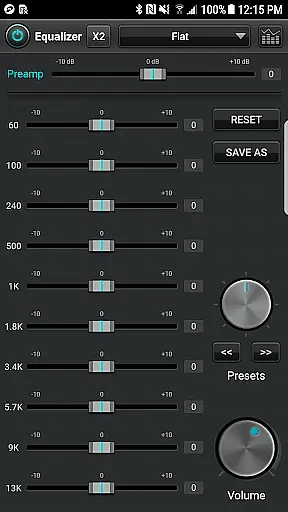
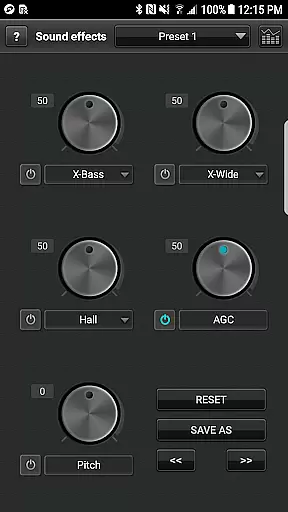
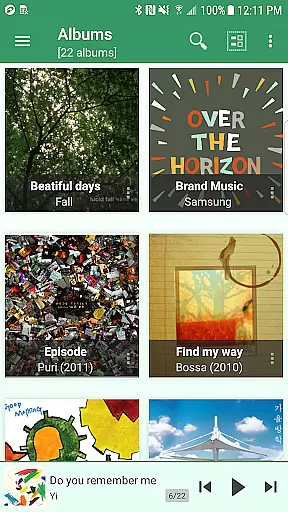
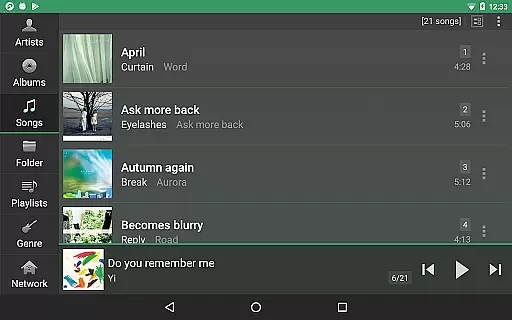
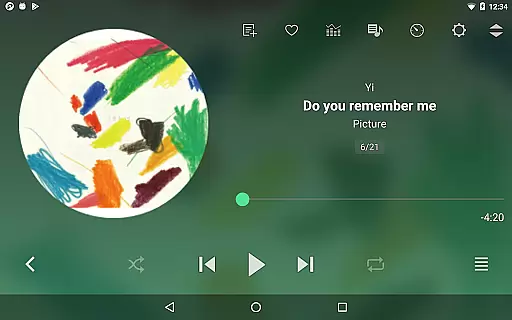
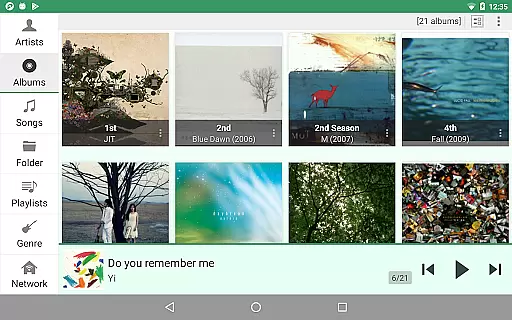
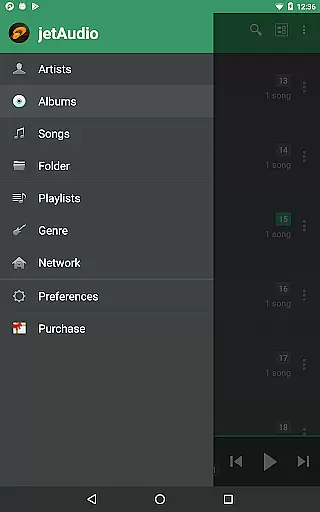
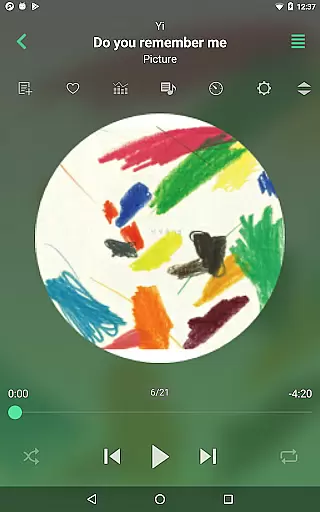
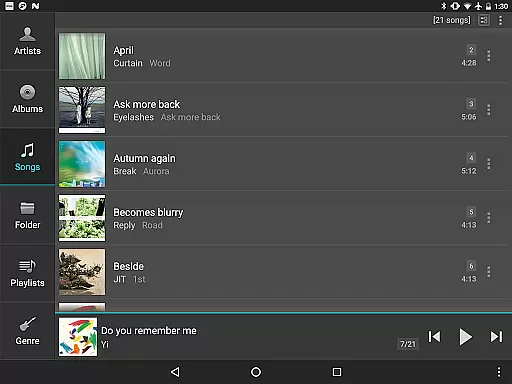
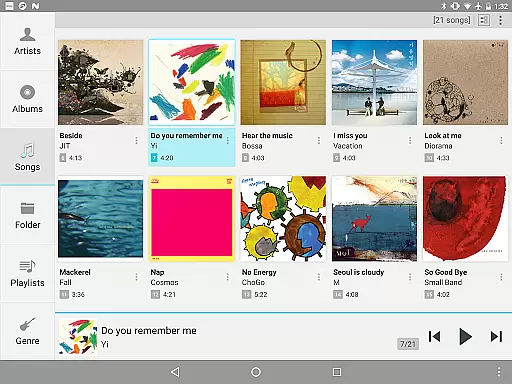
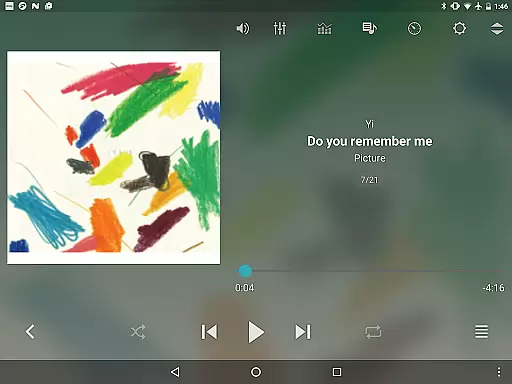
jetAudio+ Hi-Res Music Player is a top-tier media player that brings high-quality sound to your Android device. With its wide range of supported formats and advanced sound effects, it caters to audiophiles seeking an exceptional listening experience. The app includes features like 20-band graphic equalizer, tag editing, and pitch shifter, which are exclusive to the Plus version.
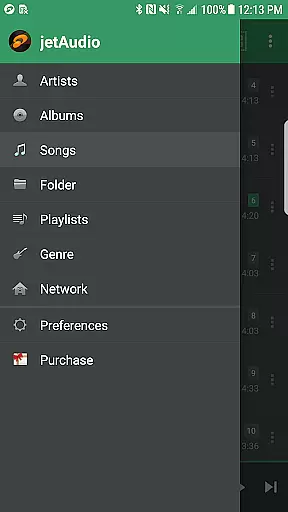
Users can stream music from local network folders or cloud services such as Google Drive and Dropbox. jetAudio offers various playback controls including speed adjustment and crossfading. Its customizable user interface and lock screens enhance usability while the expanded notification bar and MIDI playback provide additional convenience.
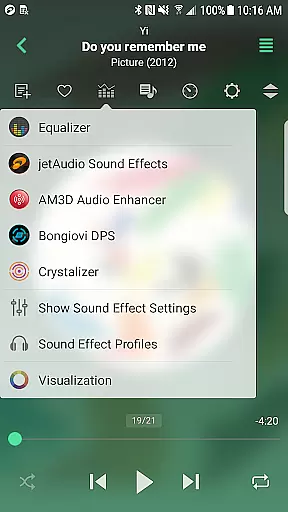
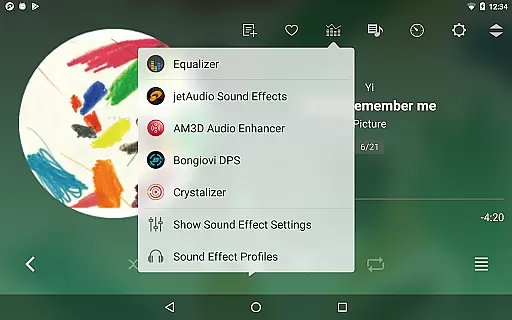
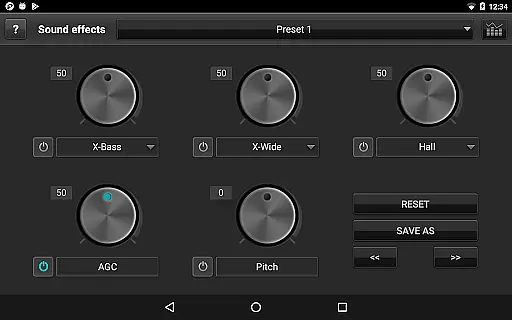
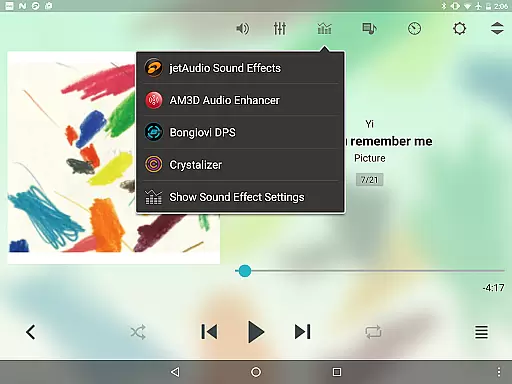
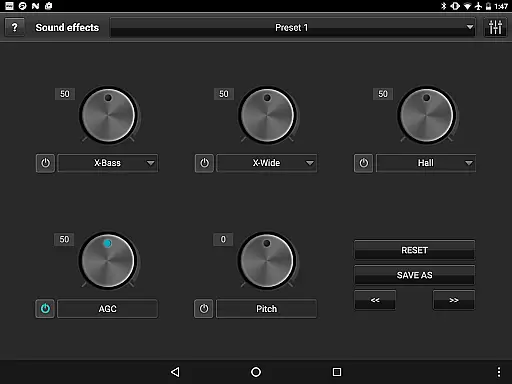
One of the standout features of jetAudio+ is its ability to play almost any digital music file with high-quality sound enhancements. It supports formats like MP3, FLAC, OGG, and more, ensuring compatibility across different audio types. The inclusion of advanced sound effects such as X-Wide, Reverb, and X-Bass enriches the auditory experience.
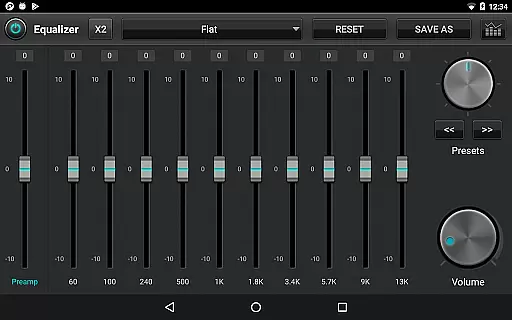
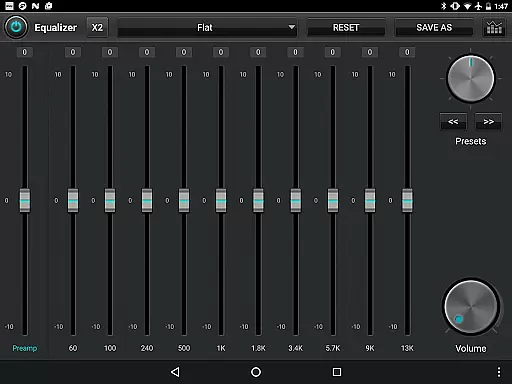
For those who prefer customization, jetAudio+ offers a 20-band graphic equalizer and tag editor for multiple file types. Users can adjust playback speed precisely and enjoy gapless playback. Additionally, the app provides convenient streaming options from both local networks and popular cloud storage services, making it versatile for various listening scenarios.
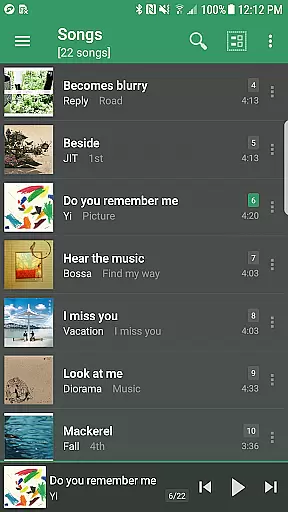
jetAudio+ Hi-Res Music Player offers an extensive music library that supports a wide range of audio formats including MP3, WAV, FLAC, and OGG. This ensures users have access to high-quality sound regardless of their file type preferences.
The application emphasizes copyright authenticity by enabling playback of legally purchased and downloaded music files. Users can manage their digital rights management (DRM)-free tracks with confidence, knowing they are engaging with content in compliance with legal standards.
With the ability to stream from cloud services like Google Drive and Dropbox, jetAudio+ extends its music library beyond the device, providing seamless integration with users' existing collections while maintaining the integrity of copyright.
Additionally, the inclusion of a Tag Editor for various formats allows users to maintain accurate metadata, ensuring proper attribution and organization of their music files, thus enhancing the overall authenticity of their personal music library.
One of the standout features of jetAudio+ is its superior audio quality options. The app provides a 20-band graphic equalizer in the Plus version, allowing users to fine-tune their listening experience with precision.
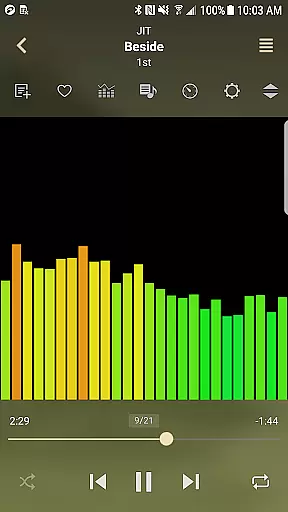
Enhancements such as Wide, Reverb, and X-Bass effects contribute to a richer sound profile, catering to audiophiles who demand the best from their music playback. These effects emulate a concert-like experience even through headphones or standard speakers.
Playback speed control and pitch shifter features enable users to adjust audio output according to their preferences without compromising on quality. Whether it's for professional use or leisure, these tools ensure that the sound remains clear and distortion-free.
Furthermore, support for high-resolution audio formats guarantees that listeners enjoy studio-quality sound, making jetAudio+ a top choice for those who prioritize audio fidelity in their music player applications.
High-quality sound output
Wide format compatibility
Customizable equalizer settings
Cloud and network streaming
User-friendly interface
Paid Plus version required
Some features locked behind in-app purchases
Advertisements in Basic version
Complex for beginners
Limited free features

The Music Journey in Your Hands
 4.30
4.30
Performance-Synthesizer & Multi-Track-Sequencer, polyphonic + multi timbral!
4.70
Gorgeous UI, Powerful music Search and Equalizer, the great choice for you!
4.70
Walkout Song DJ is the most intuitive app to manage your sports music.
4.70
Bass Booster & Volume Equalizer Pro improves your music and video sound quality
4.60
Record, Mix & Master with all n-Track effects, 64-bit audio and Stem Separation.
4.70
Voice recorder - Audio recorder. Best recorder for recording
4.90
Let your Android device with the sound effects you want
4.50
Simple mp3 and mp4 player with advanced features.
3.40
Tune in to the greatest hits on UK Radio | The home of Capital, Smooth & Heart.
4.90
Full-featured, High-Quality Groovebox Workstation, perfect for Live Performance!
4.80
Fun & Easy Voice Changer – Record, Edit & Add Hilarious Effects!
4.50
Enhance the sound quality of your devices, listen to what you want
4.50
Play KORG’s revolutionary touch-based instrument on a variety of devices.
4.40
Powerful 10-Band equalizer pro with sound booster improves Android audio quality
4.30
The alternative folder based music player.
4.20
VB-AUDIO Software / VBAN-Receptor allows listening to any VBAN Streams
4.10
The Skullcandy App Experience
3.20
Simply convert wav to mp3. Clear. Reliable. Safe.
4.5


User Reviews