
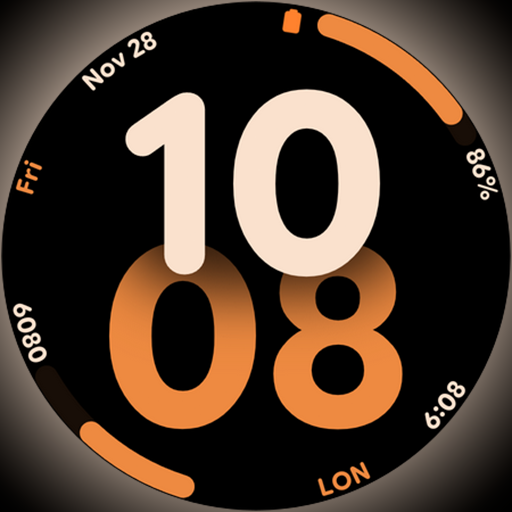
Big bold digital watch face with 30 colors, 6 complications and AOD.
 4.2
4.2
Get roadside help, discounts, travel tools & more — AAA is with you everywhere.
4.80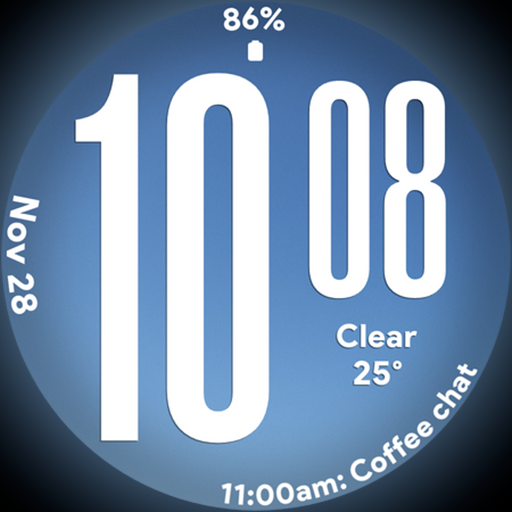
Big bold weather watch face with dynamic backgrounds and 3 complications
4.0
Paranormal EVP, Ghost Box, Spirit box, ITC, Haunted, Spirit communication device
3.70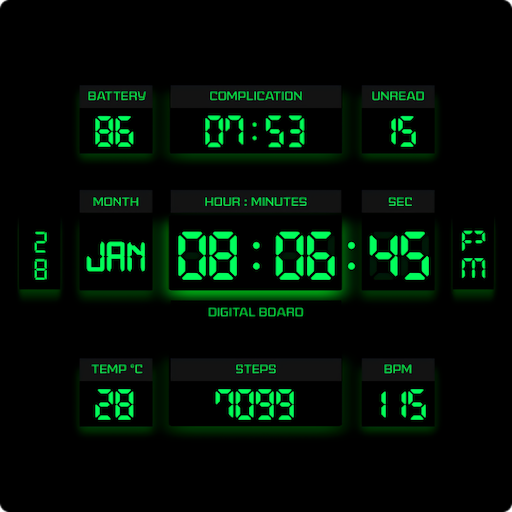
This minimalist yet classic board design brings a futuristic twist to your wrist
4.20
Discover your Nationality, Family Origin, and Ancestry from one selfie
4.50
Your home in your hand
3.80
My Diary - Daily Journal with lock: Diary journal app and secret diary with lock
4.80
Decorate your home screen with custom icons, color widgets, themes & wallpapers
4.70
Discover the "To Be a Christian" App: Your Guide to Deepening Faith!
5.00
Stay connected with your loved ones & vehicles | Share live GPS location updates
4.60
Smart & Healthy Living
4.60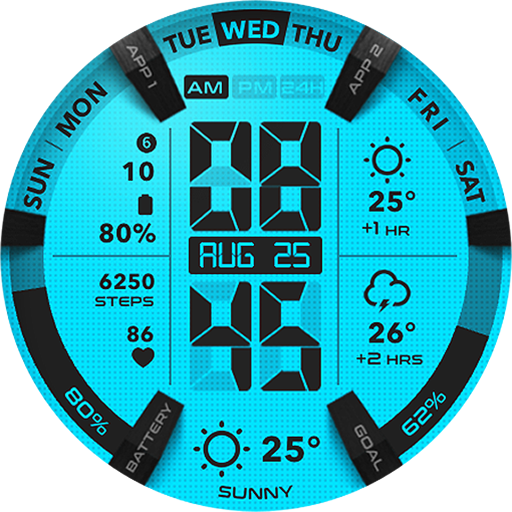
Retro animated weather with hourly forecast Watch Face for Wear OS
4.60
This app is intended to support professional EMDR therapy.
4.50
Get your life organized with My Agenda!
4.30
Smart controls for your Ember Smart Mugs
4.10
Design and brew great homebrewing beer, mead, cider and wine recipes on the go!
3.60
Easily manage your child's playtime, spending messaging and more.
3.50
LineLearner, the quick way to learn lines.
2.90


