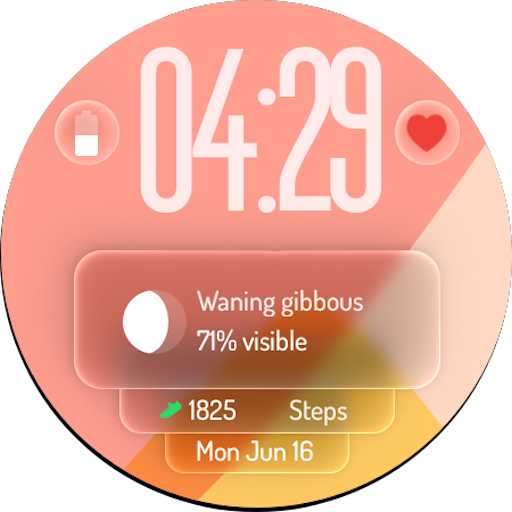
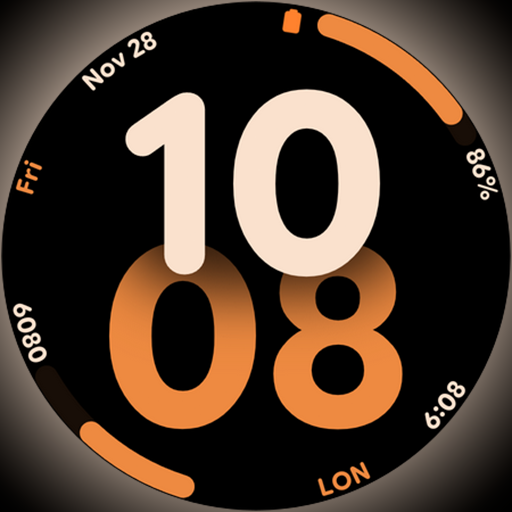
Big bold digital watch face with 30 colors, 6 complications and AOD.
 4.5
4.5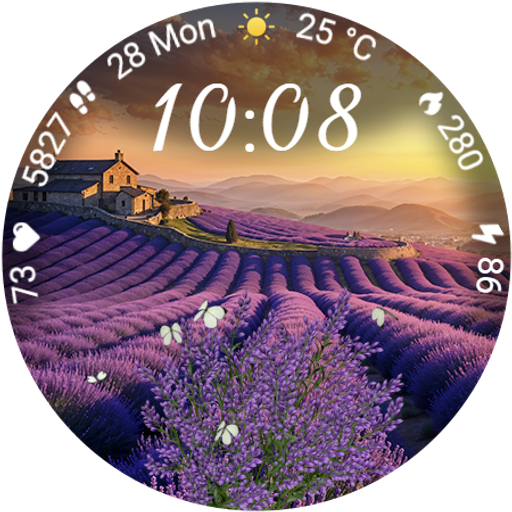
Immerse yourself in the serenity of lavender fields and white butterflies
4.2
Connect to your Shark ROBOT™ from anywhere using the SharkClean™ App.
3.60
Crochet made easy: step-by-step tutorials, beginner patterns & projects
4.60
LineLearner, the quick way to learn lines.
2.90
Vehicle ownership simplified. Get the myChevrolet® app today.
4.60
Redecor your home with Home AI interior design, room planner and home designer.
4.50
Your store’s deals, where you are.
4.80
Remotely monitor the time and temperature of food cooking on your grill.
4.60
Tap to the beat with interactive videos — warm up your reflexes & have fun
4.70
Kasa Smart is your portal to your TP-LINK Smart Home.
4.70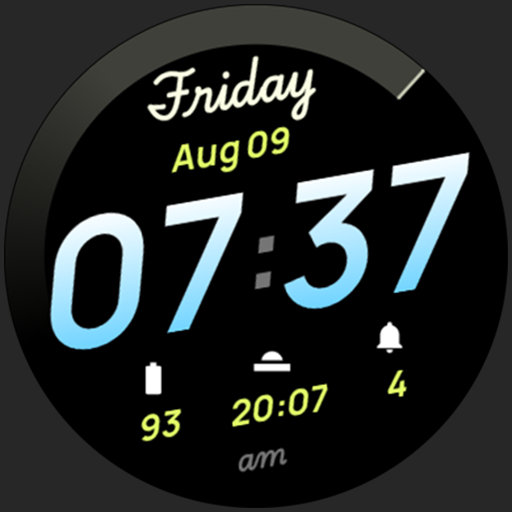
Simple, stylish & fresh watch face. Customize colors, gradients & complications.
4.70
The App can control Roborock vacuum cleaners from anywhere with rich features.
4.60
The go to app for taking unlimited notes!
4.50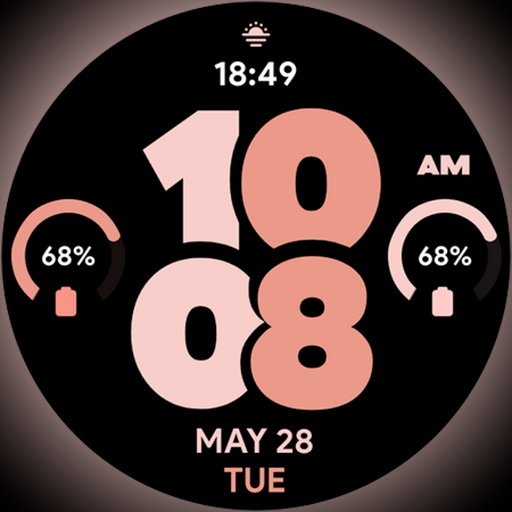
Material You inspired colors with BIG and Bold looks for Wear OS watches.
4.20
Communicate with your vehicles and Powerwalls anytime, anywhere
3.60
Falling Fruit is a massive collaborative map of food in our cities.
3.20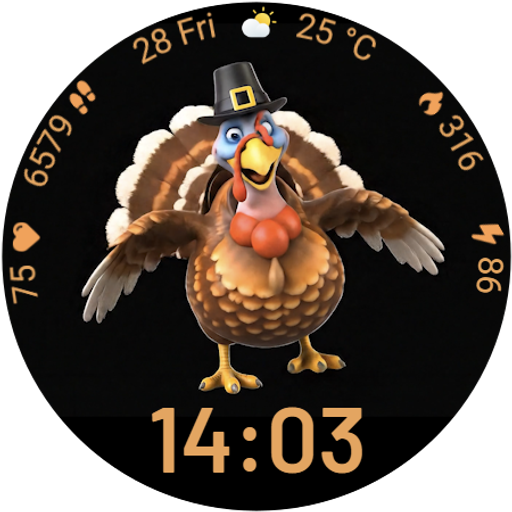
Cute animated Thanksgiving watchface for your WearOS smartwatch
4.3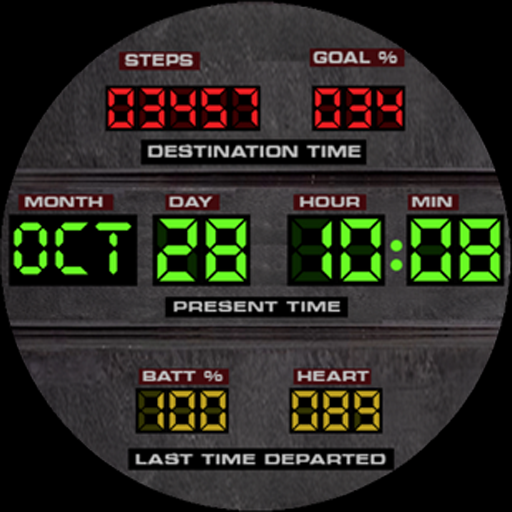
Futuristic watchface inspired by Back to the Future: sleek, retro, timeless
4.3


