
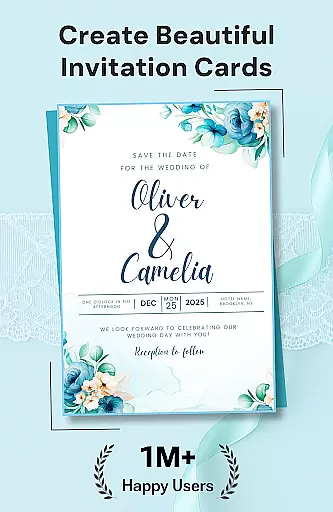
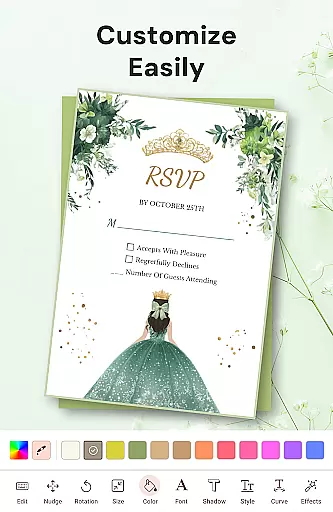
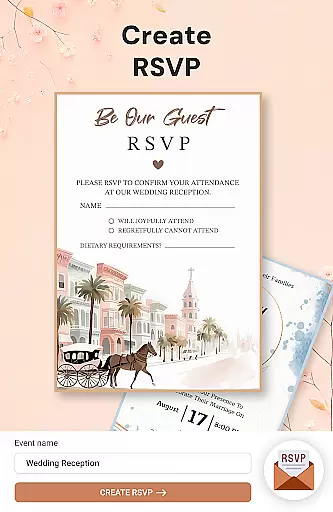
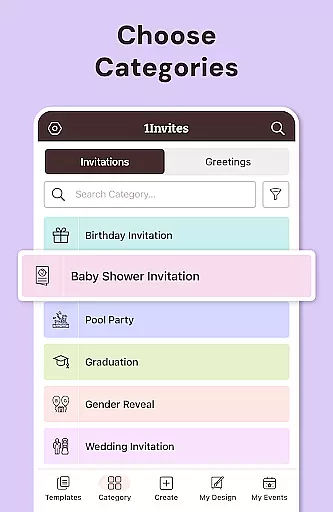
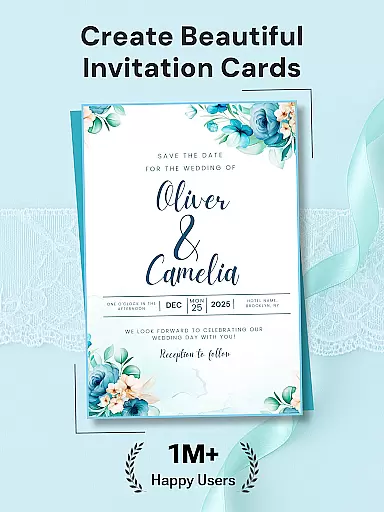
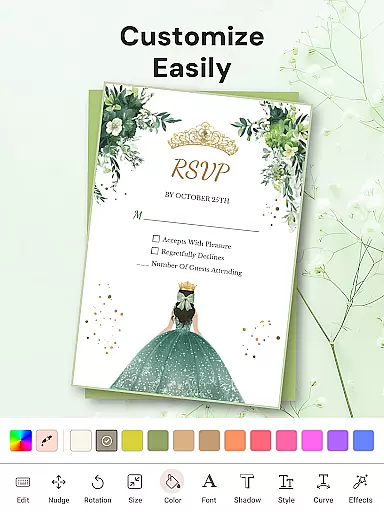

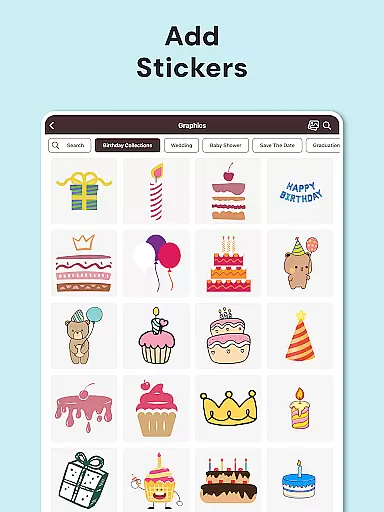
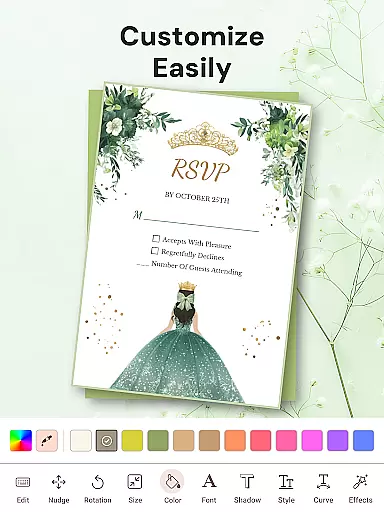

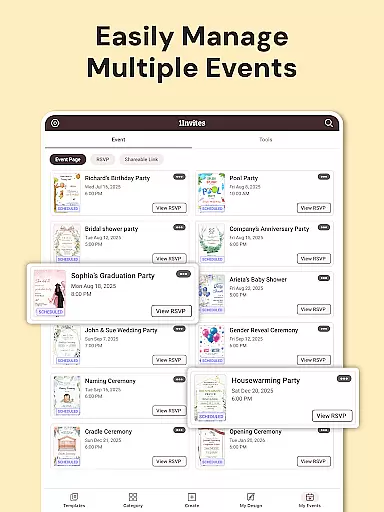
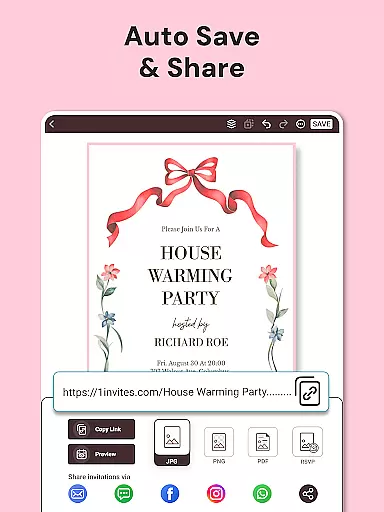






1Invites is a comprehensive event management application that combines professional invitation design with smart RSVP tracking. The app offers over 20,000 customizable templates for various occasions including weddings, birthdays, and corporate events. With its intuitive editor, users can easily personalize invitations using fonts, stickers, and decorative elements without any design experience.
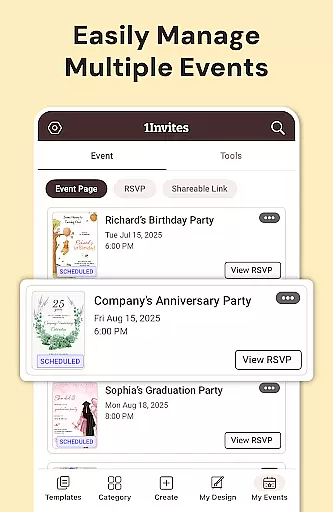
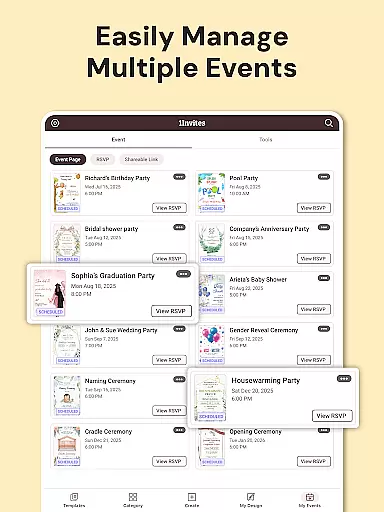
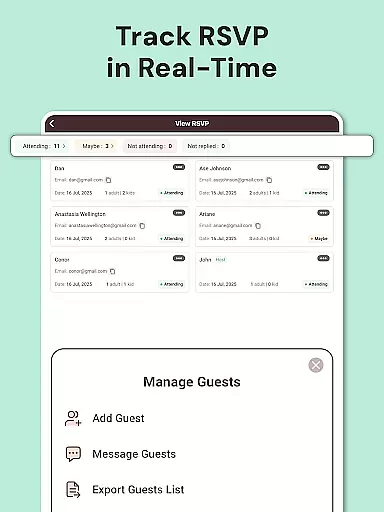
Beyond just designing invitations, 1Invites provides complete event planning tools. Users can create events, manage guest lists, track responses in real-time, and even embed clickable links for location maps or event websites. This all-in-one solution eliminates the need for separate spreadsheets or endless follow-up messages, making event management more efficient and stress-free.
The app's value lies in its ability to streamline the entire event planning process. From creating beautiful invitations to managing guest confirmations and dietary preferences, 1Invites ensures that users can focus on celebrating rather than administrative tasks. Its seamless integration of design and functionality makes it an ideal choice for anyone looking to plan memorable events with ease.
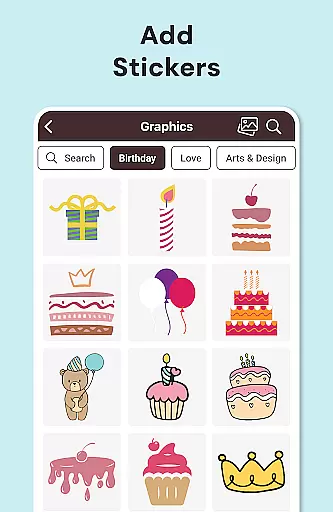
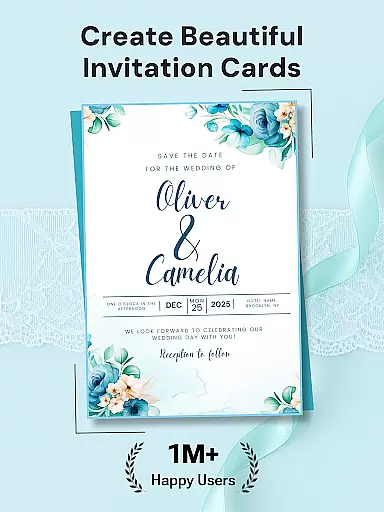
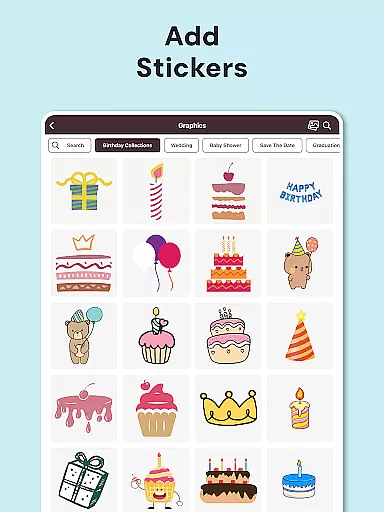
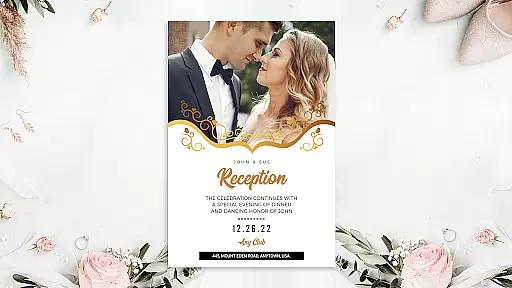
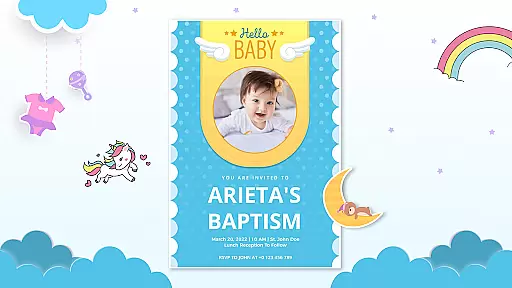
1Invites stands out with its extensive feature set tailored for both invitation creation and event management. The app includes a powerful Invitation Card Maker equipped with 20,000 premium templates suitable for over 100 types of events. Each template can be customized extensively using rich design libraries featuring fonts, stickers, frames, and other decorative elements, allowing users to create unique and personalized invitations effortlessly.
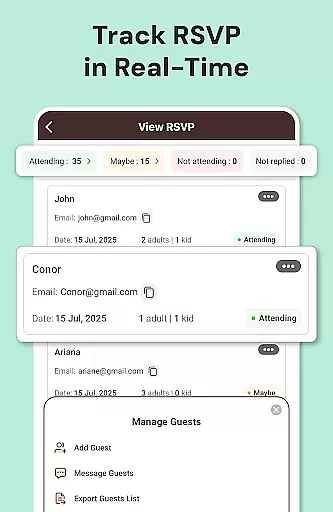
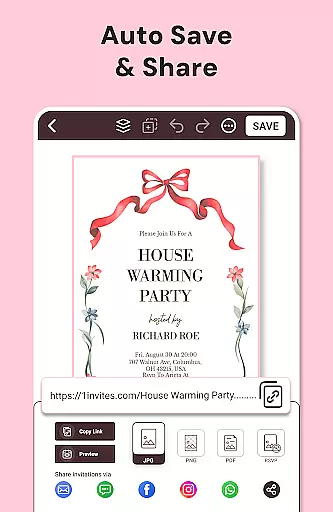
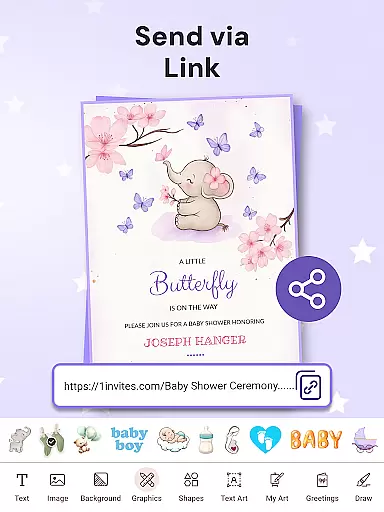
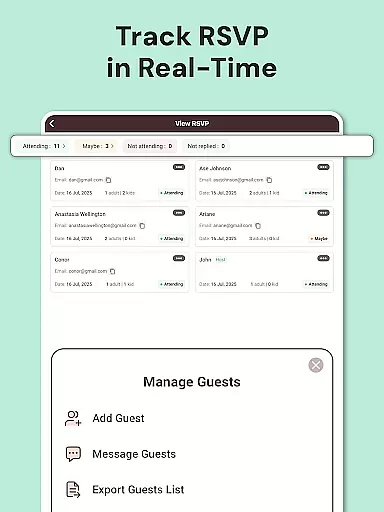
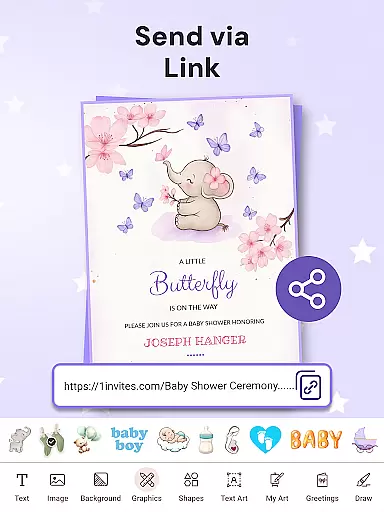
In addition to its design capabilities, 1Invites offers robust RSVP Management System. Users can create detailed events, add guest lists, and send digital invitations via WhatsApp, email, or social media. The built-in RSVP Tracker automatically collects responses, categorizing them into attending, declined, and pending statuses. Smart PDF Links enable embedding of URLs for maps, websites, or gift registries directly within the invitation.
Other notable features include a Photo Editor for perfecting images, multiple export options for digital sharing or high-quality printing, and reminder notifications for pending RSVPs. These functionalities ensure that every aspect of event planning is covered, from initial invitation design to final guest list confirmation, providing a seamless and integrated user experience.
Task creation and detail customization are essential features for any event planning application, allowing users to define specific parameters and requirements for their events. With 1Invites, users can create comprehensive event profiles that include date, time, venue, and guest lists, all within a single platform. This level of detail ensures that every aspect of the event is meticulously planned and easily accessible.
The app provides an intuitive interface where users can customize invitations with personalized touches such as photos, colors, and style elements. This customization extends to the functional details of the event, empowering users to tailor each invitation to fit the unique theme and tone of their gathering. Whether it's a wedding or corporate event, the ability to fine-tune these details makes each invitation a reflection of the planner's vision.
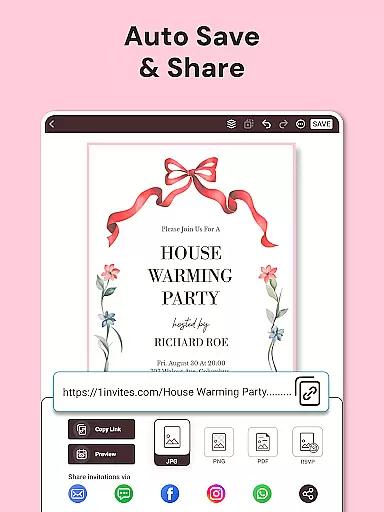
Moreover, 1Invites supports the integration of smart links within digital invitations, directing guests to important information like Google Maps for location, event websites, or gift registries. This feature not only enhances the guest experience by providing instant access to key event details but also streamlines the planning process by consolidating all necessary information in one place.
Ultimately, the task creation and customization capabilities of 1Invites ensure that users can execute their events with precision and ease, eliminating the guesswork and manual follow-ups traditionally associated with event planning. By offering a seamless blend of design flexibility and functional planning tools, 1Invites stands out as an indispensable resource for anyone looking to host memorable and flawlessly organized events.
Reminder settings in event management apps play a crucial role in ensuring that both planners and guests stay informed and up-to-date with event details. 1Invites offers a robust reminder system that automatically notifies guests of pending RSVPs, helping to boost response rates and assist planners in finalizing their arrangements without unnecessary delays.
This feature allows users to configure reminders according to their specific needs, whether they require notifications days before the event or last-minute alerts. The flexibility of the reminder settings means that users can set multiple reminders at different intervals, guaranteeing that no guest is left uninformed and every detail is accounted for leading up to the event day.
In addition to enhancing guest communication, the reminder functionality within 1Invites contributes significantly to stress reduction for event organizers. Knowing that the system will prompt guests to respond eliminates the need for manual follow-ups, freeing planners to focus on other critical aspects of their events. It's this automation and attention to detail that make the planning process more efficient and less overwhelming.
By incorporating sophisticated reminder settings, 1Invites not only keeps all parties engaged but also elevates the overall event management experience. Users can rest assured that their events will run smoothly from start to finish, with timely communications bolstering attendance and participation. This strategic approach to reminders underscores 1Invites' commitment to delivering a comprehensive and user-friendly event planning solution.
User-friendly interface
Extensive template library
Real-time RSVP tracking
Smart PDF link embedding
Comprehensive event tools
Limited free templates
Premium features locked
Occasional bugs reported
High cost for full access
Learning curve for new users

Create Birthday Cards in Birthday Invitation Maker and Birthday Card Creator App
 3.00
3.00
It is an Event Planning Application.
4.3
Microsoft Build is an annual developer conference hosted by Microsoft
4.20
Find tickets to upcoming concerts, sports events, festivals, shows, attractions
4.70
Create invitation cards for birthdays, weddings, Christmas and more.
4.80
For weddings, parties & events
4.60
The official app for Sched events! View your event schedule here.
4.20
Octrober 2025: We've updated the MyGenMobile App with a new look and feel!
4.40
Save money on concert, sport, and theater tickets, and discover upcoming events.
4.80
TodayTix is the easiest way to get tickets to the best shows in your city.
4.90
Birthday Greetings provides Birthday Card, Frames, Gifs & Father's day Wishes
4.80
Discover events, experiences, and things to do near you - Anytime, Anywhere!
4.70
Events, Meetings, Photo Shoots
4.50
The calendar app in this 2026 year see all dates.
4.20
Manages display and transfer of tickets from the Mundo Tickets platform
3.80
TV Garden - World Live TV : Play & cast your videos seamlessly!
3.20
Mobile Event Guide for Greater NY Dental Meeting
4.0
Buy event tickets easily with our user-friendly App. Stay updated on hot events
4.4
The Official Football Ticketing App for Fans in Qatar
4.1


User Reviews