






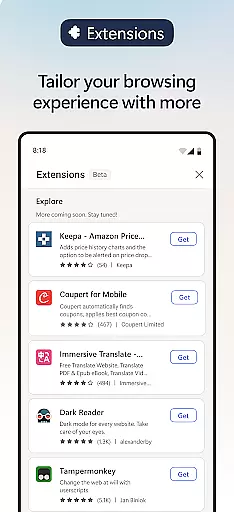
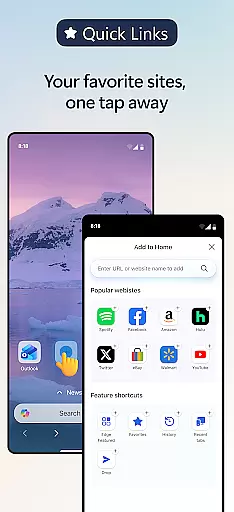
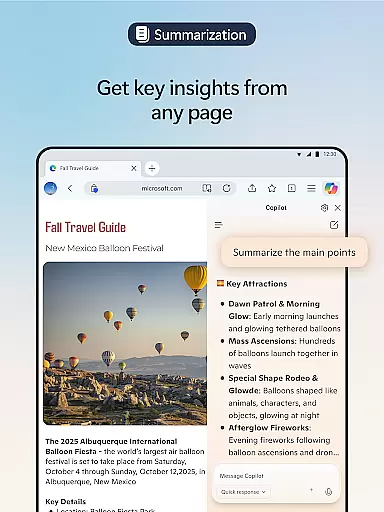
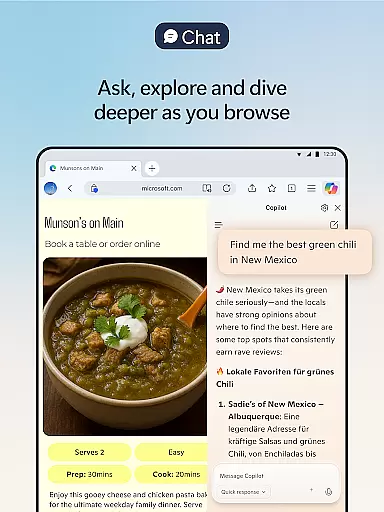

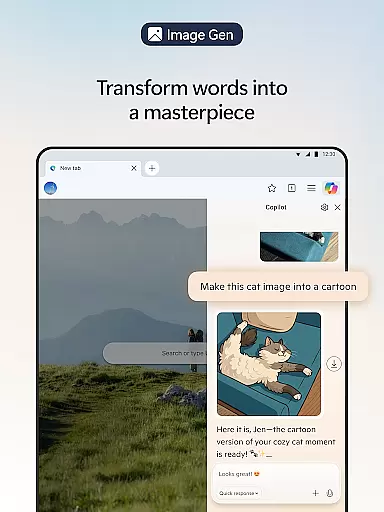
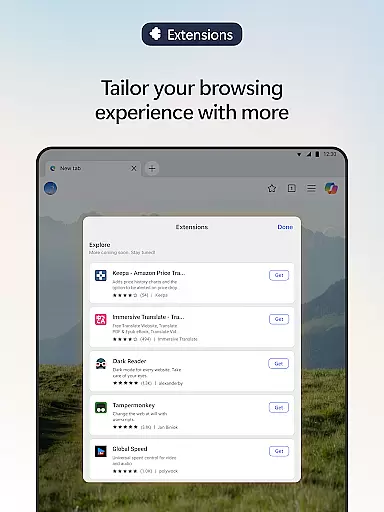
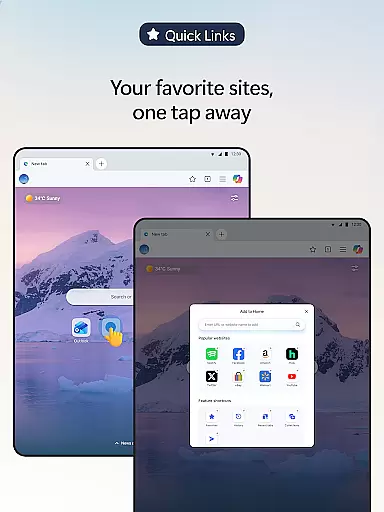
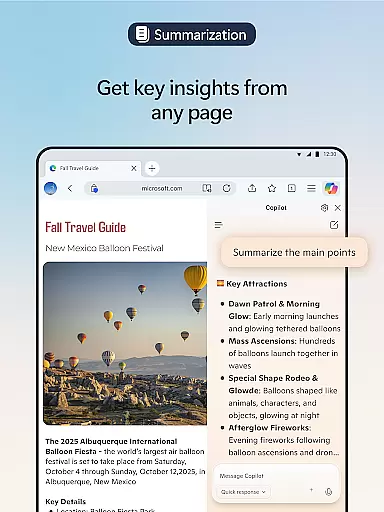
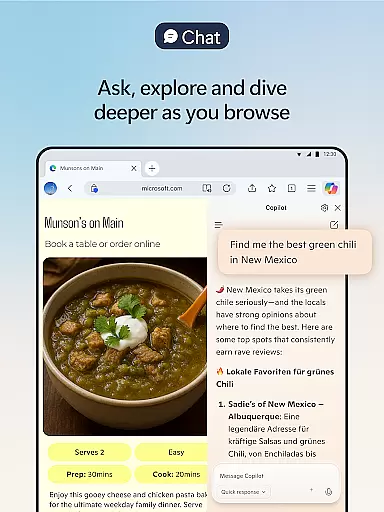

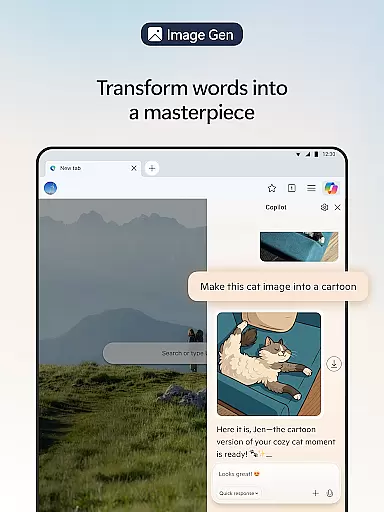
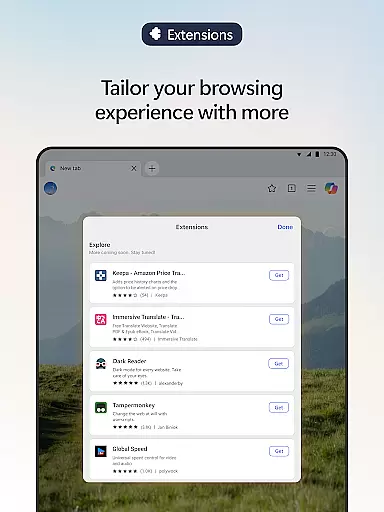
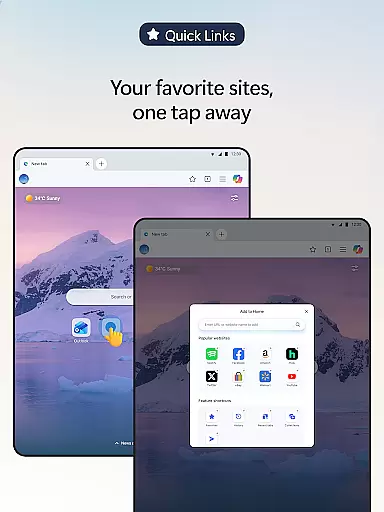
Microsoft Edge is a cutting-edge AI-powered web browser that integrates Copilot, your personal AI assistant, to revolutionize the browsing experience. With advanced capabilities powered by GPT-5, it offers features like summarizing long articles and videos, answering content-related queries, and even generating images. The browser also supports extensions for enhanced personalization, such as cookie management and website theme customization.
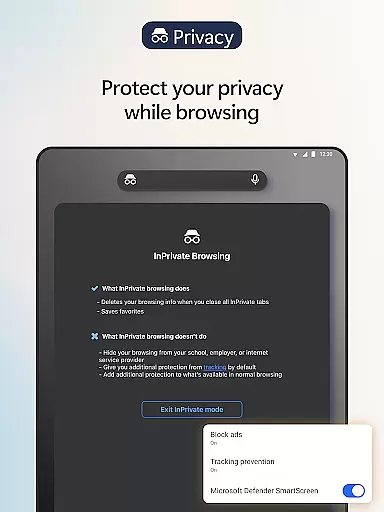
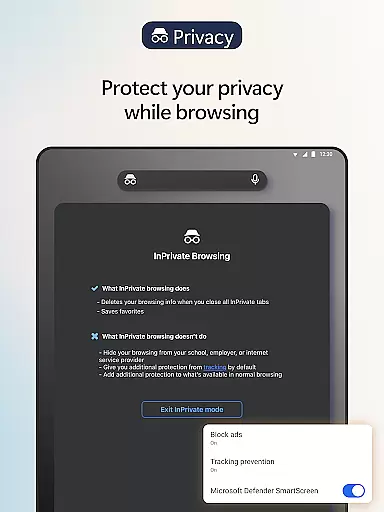
Beyond its innovative AI tools, Microsoft Edge prioritizes user privacy and security. It includes robust features like tracking prevention, InPrivate browsing, AdBlock, and Microsoft Defender SmartScreen to ensure a safer online experience. Whether you're looking to browse efficiently, safeguard your data, or customize your workflow, Microsoft Edge delivers a smarter, faster, and more secure way to navigate the web.
Microsoft Edge stands out with its AI-driven functionalities designed to enhance productivity and creativity. At its core is Copilot, an AI assistant that transforms how users interact with online content. Copilot can summarize web pages, PDFs, and videos in seconds, provide cited insights, and answer complex questions about the content you're exploring. Additionally, it supports voice commands for hands-free brainstorming, story writing, and more.
The browser also excels in content creation and customization. With Copilot's AI-powered writing tools, users can compose polished drafts, translate text across multiple languages, and generate images based on simple descriptions. Extensions further extend Edge's utility, enabling cookie management, speed control for media, and personalized themes. These features collectively make Microsoft Edge not just a browser but a comprehensive tool for modern digital tasks.
Real-time messaging speed and reliability are crucial for a seamless communication experience. Microsoft Edge, with its built-in Copilot AI assistant, ensures that your interactions are both swift and dependable. The AI models from OpenAI and Microsoft guarantee rapid responses while maintaining the depth of information provided.
The browser's architecture is designed to handle multiple real-time tasks without compromising performance. Whether you're engaging in voice chats with Copilot or receiving instant summaries of web pages, Edge delivers a consistently fast and reliable messaging environment. This allows users to stay productive and connected without worrying about lags or downtime.
Moreover, Microsoft Edge integrates seamlessly with various extensions that further enhance real-time communication capabilities. From managing cookies to controlling playback speeds for multimedia content, these tools ensure an uninterrupted flow of information. As a result, users can focus on their conversations and tasks without technical hindrances.
Media sharing support is essential for modern web browsers, enabling users to exchange files effortlessly. Microsoft Edge excels in this area by offering robust media sharing features powered by advanced AI technologies. With Copilot, users can translate, proofread, and generate content across multiple languages, making global collaboration easier than ever before.
Edge also provides comprehensive tools for handling different types of media within the browser itself. Extensions such as AdBlock Plus not only remove unwanted ads but also streamline the sharing process by focusing on relevant content. Additionally, Read Aloud functionality enhances accessibility by allowing users to listen to shared documents in natural-sounding voices.
Security is another critical aspect of media sharing in Microsoft Edge. Features like Tracking Prevention, InPrivate browsing, and Microsoft Defender SmartScreen protect user data during file exchanges. These safeguards ensure that sensitive information remains confidential while still providing a smooth and efficient media sharing experience.
AI-powered browsing
Advanced privacy tools
Voice command support
Customizable extensions
Fast page summaries
Resource-intensive
Limited offline use
Complex for beginners
Frequent updates
Extension compatibility

We’re taking the yada yada out of wireless—now we’ve taken it out of your app.
 4.70
4.70
Secure Messaging App to Enhance Messenger Texting Experience and Organize SMS.
3.50
Use this Dialer app alone or as a TREK: Total Interface companion.
4.70
Adblock & VPN Browser: Blocks banners, pop-ups and video ads, fast downloader!
4.60
Google's fast and secure browser
4.10
Chill zone on your phone: relax with fun reels & hype shorts!
4.20
Manage Phone Calls, call history, and contacts easily with Phone Pro.
4.1
Manage your mobile phone plan, check unlimited 5g data usage and track rewards
4.50
SMS Messenger is a lightning-fast messaging app.
4.20
Messenger, an MMS & SMS messages app with Blockers, Driving mode & Private box
4.60
Stay in touch with the people who matter most.
4.60
Faster version of Messages. Messenger for your contacts.
4.50
Get through your inbox faster with the mail app designed to simplify your life.
4.40
Federated instant messaging for your mobile device (Jabber, XMPP, Snikket)
4.10
Share the moment!
4.10
Messages: Fast, simple SMS app with scheduling and smart features.
4.00
WazzapMigrator: transfer your WhatsApp history from iPhone to Android
4.00
TeamSpeak - Secure Chat for Gaming & Business
3.10
Auto Reply SMS, Text Messaging, Away SMS Response, Busy SMS messages, Block Text
3.10


User Reviews