
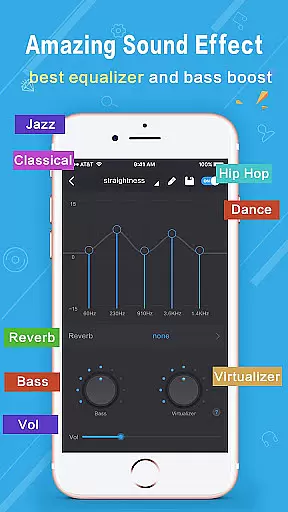
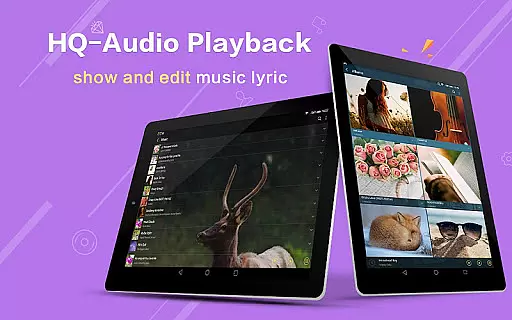
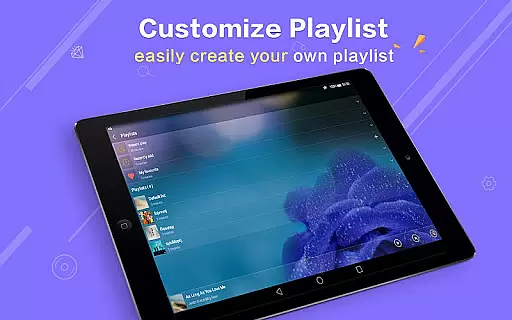
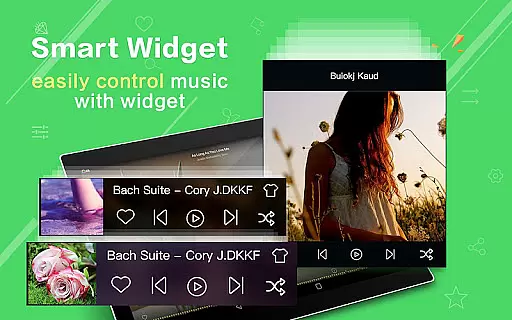
Music Player Plus is a feature-rich audio player designed to elevate your music listening experience. This powerful app combines an intuitive interface with advanced functionalities, making it the perfect choice for both casual listeners and audiophiles. The app's standout feature is its professional-grade equalizer that offers over 22 preset styles including Classic, Jazz, and Rock, allowing users to customize their sound experience.
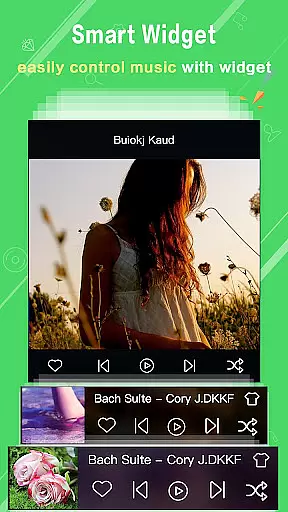
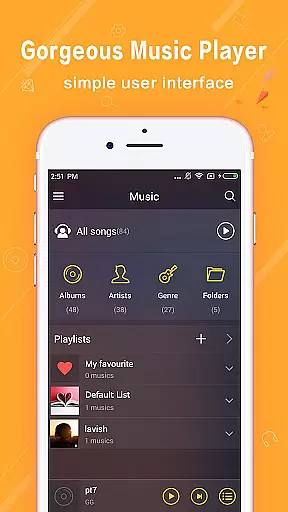
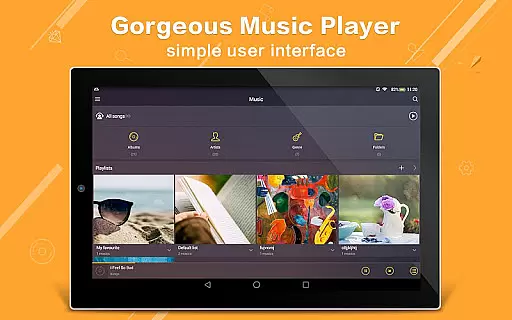
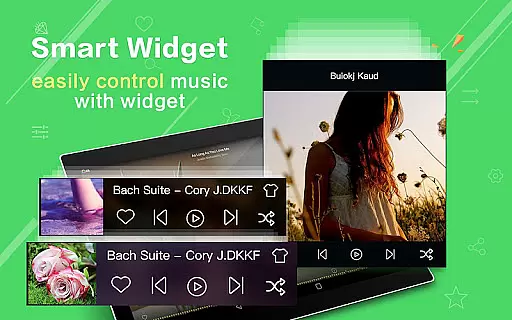
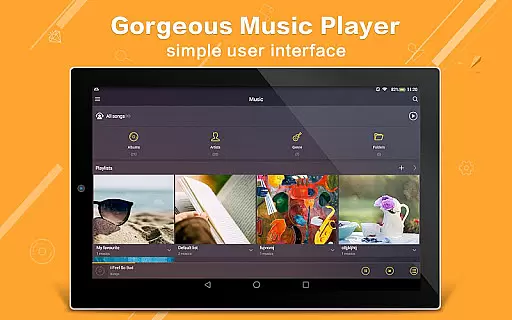
Beyond its core playback capabilities, Music Player Plus provides comprehensive file management through its multi-format support and folder-based organization system. Users can easily browse and play music by albums, artists, playlists, or folders while enjoying the flexibility of custom background skins and widgets. Whether you're looking to manage large music libraries or simply want better control over your listening experience, this app delivers exceptional value through its combination of practical features and aesthetic customization options.
Music Player Plus distinguishes itself through its extensive feature set that caters to various user needs. The app's powerful equalizer stands out with its 22+ preset tone styles and customizable settings, enabling users to fine-tune their audio experience across different genres. Its unique folder-based navigation system allows for efficient music management, while the automatic lyric matching function enhances the overall listening experience.
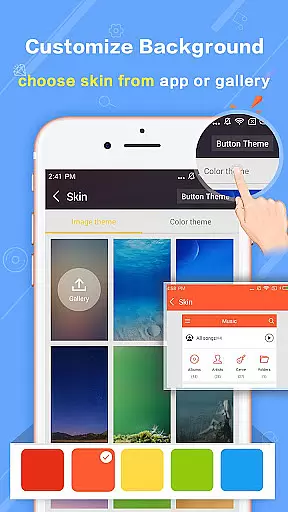
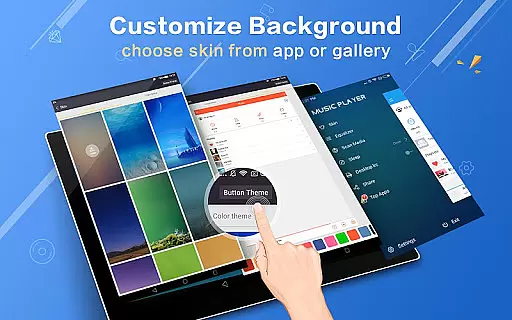
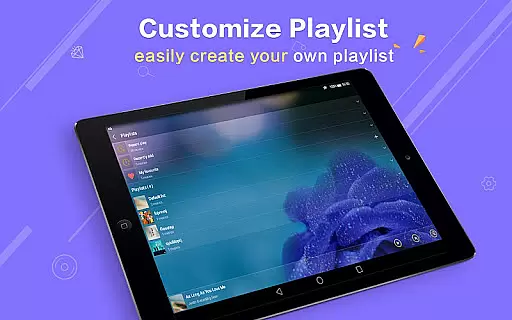
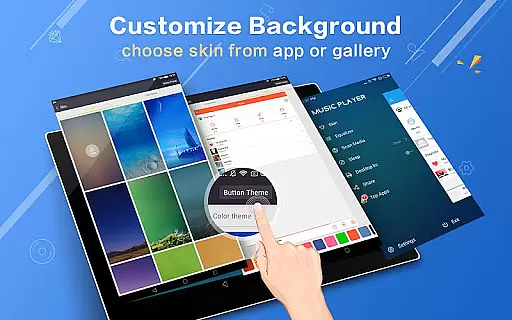
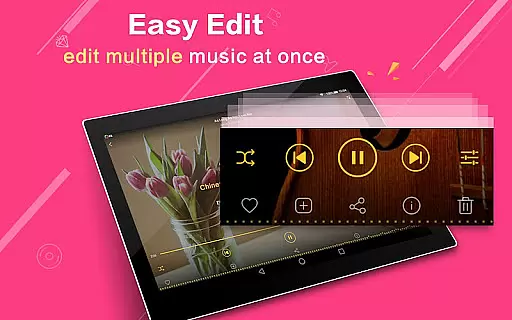
The application's visual customization options are equally impressive, offering 22+ replaceable background skins plus the ability to use personal gallery photos as backgrounds. Practical features like the shake-to-change-song functionality, notification controls, and multi-select operations demonstrate the app's attention to user convenience. With additional support for genre lists, playlist creation, and Bluetooth controls, Music Player Plus establishes itself as a comprehensive solution for managing and enjoying digital music collections.
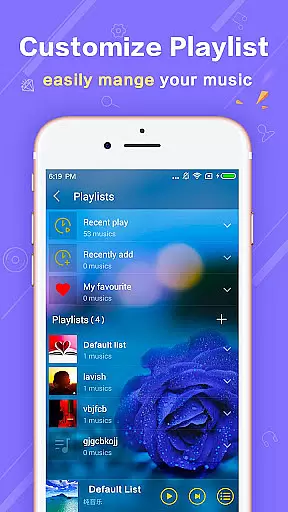
Music Player Plus offers an extensive music library that supports all popular audio file formats, ensuring users can access and play their entire collection without compatibility issues. The app's ability to browse music by albums, artists, playlists, and folders demonstrates its comprehensive approach to music management.
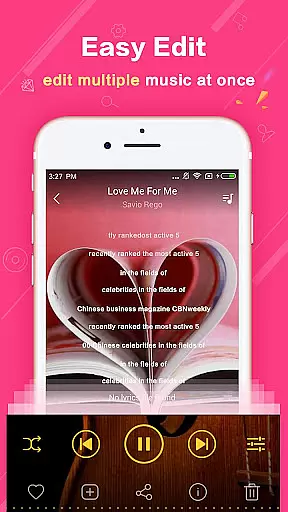
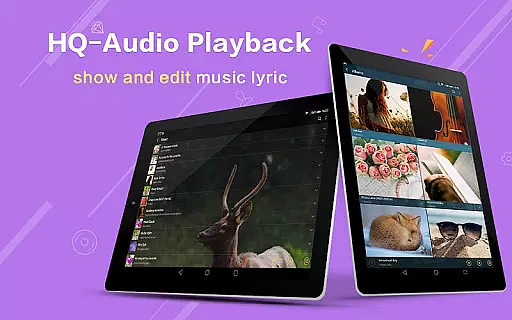
The application goes beyond basic playback by providing genre lists and supporting lyric files, which are automatically scanned and matched with corresponding tracks. This feature not only enhances the listening experience but also ensures proper attribution and display of songwriters' work, contributing to copyright authenticity.
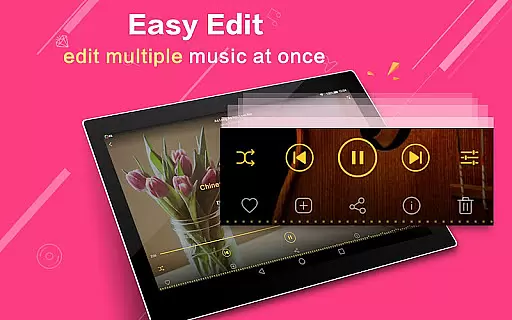
With the freedom to re-edit album and artist names, users can maintain accurate metadata for their music files. This level of customization and control over one's music library is crucial for both casual listeners and audiophiles who demand precision in their audio collections.
The app features a powerful equalizer with over 22 preset music tone styles, including Normal, Classic, Dance, Folk, Heavy, Hip Hop, Jazz, Pop, and Rock, allowing users to tailor their listening experience to match different musical genres or personal preferences.
For those seeking even more control, Music Player Plus enables custom tone music styles and manual adjustment of the equalizer settings. This flexibility empowers users to fine-tune audio output according to their specific taste or equipment capabilities, resulting in superior sound quality.
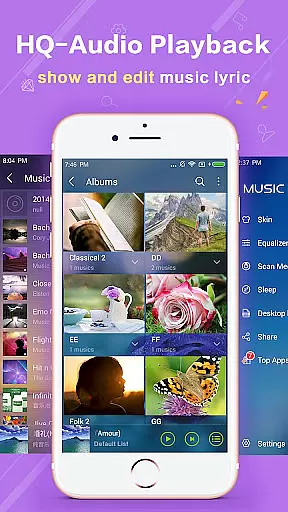
Furthermore, the support for high-quality audio playback through various output methods such as headset and Bluetooth controls ensures that listeners enjoy optimal sound fidelity regardless of their chosen listening setup. These features collectively contribute to an enhanced auditory experience.
User-friendly interface
Powerful equalizer
Customizable skins
Efficient search
Ads-free experience
No cloud integration
Limited sharing
Heavy on storage
Complex UI
Few social features

SqueezePlayer turns your Android phone or tablet into a SqueezeBox on its own!
 4.60
4.60
Equalizer, Bass Booster and Volume Booster (Eq & Bass) improve sound quality
4.30
The Skullcandy App Experience
3.20
Tune in to the greatest hits on UK Radio | The home of Capital, Smooth & Heart.
4.90
Save hundreds of dollars for a physical strobe tuner and instead use this app.
4.50
Your song collections with lyrics and chords on Android smartphones and tablets.
4.80
More downloads than any other metronome. Includes drum machine & tempo trainer.
4.80
The original SP-1200 experience on your iPad
4.20
Manage your Sonos system directly from your home-screen!
4.40
JBL PartyBox APP works with 110/310/710/120/320/520/Encore/Encore 2/Encore Ess 2
4.80
Offline Music Player & MP3 Player.Powerful equalizer, Lyrics, Themes, Tag Editor
4.80
Responsive piano with great sounds, graphics, and songs
4.80
Listen radio AM / FM Stations. Live AM / FM Radio App Station. Radio Com.
4.70
Super Sound Editor, Song Maker & Mixer, Vocal Remover, Voice Recorder & Changer!
4.60
DJ Music Mixer Pro is a real DJ controllers and DJ Music Studio to remix DJ.
4.40
Help you quickly get started with Shokz headphones
4.40
Enjoy singing any song, no matter how high or low it is
4.30
Turn your Android phone into a professional audio analyser with up to 120 bands.
4.00
Make music anywhere. Turn your device into an instrument.
4.0


User Reviews