
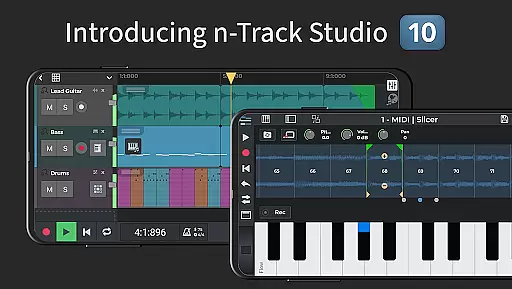
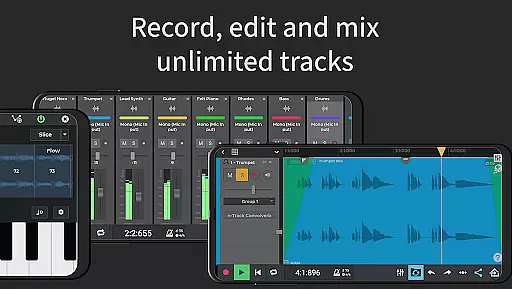
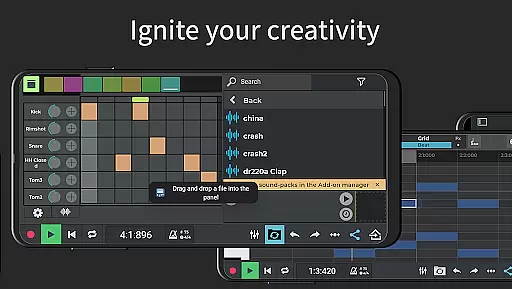
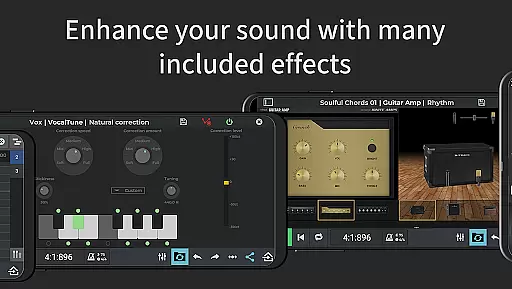
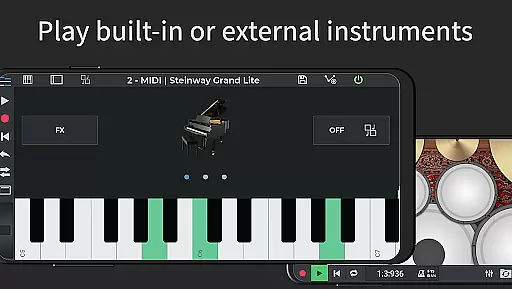
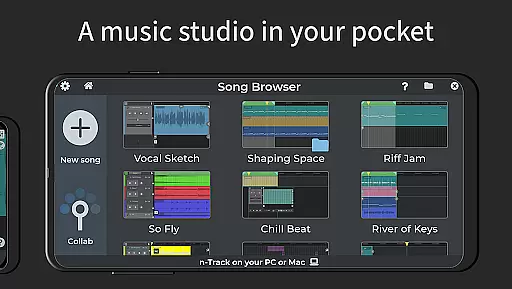
n-Track Studio Pro is a comprehensive music production application that transforms your Android device into a fully functional recording studio. The app allows users to record an unlimited number of audio, MIDI, and drum tracks, making it ideal for both amateur enthusiasts and professional musicians. With features like built-in effects such as Guitar Amps, VocalTune, and Reverb, the app provides everything needed to mix and enhance your recordings.
One of the standout capabilities of n-Track Studio Pro is its powerful editing tools. Users can edit songs using the piano-roll MIDI editor, on-screen MIDI keyboard, and EQ with 2D & 3D spectrum analyzer. Additionally, the app supports importing existing tracks and offers automation of track volumes and pan using envelopes. This makes it not only versatile but also suitable for complex music projects. Whether you're creating simple melodies or intricate compositions, this app caters to various musical needs.
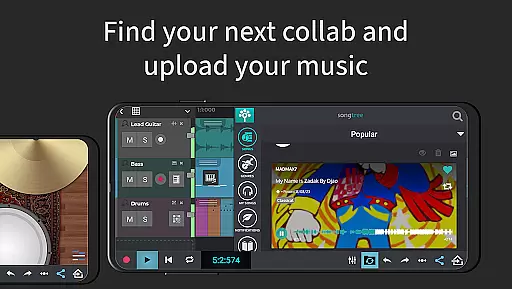
The app also fosters collaboration through its Songtree community feature, allowing artists to share their work and collaborate with others online. By supporting multiple languages and offering advanced features like 64-bit double precision floating point audio engine and multi-channel USB audio interfaces, n-Track Studio Pro ensures high-quality output and broad accessibility. Its ability to export in various formats including WAV and MP3 adds to its practicality, making it a go-to solution for mobile music production.
n-Track Studio Pro boasts an extensive array of features designed to meet the diverse needs of music creators. One of its core functionalities is the virtually unlimited number of audio, MIDI, and drum tracks that users can record and mix. This flexibility is enhanced by the inclusion of built-in synths, step sequencer beat maker, and a loop browser with royalty-free sample packs, enabling users to create rich, layered compositions effortlessly.
In addition to its robust recording capabilities, the app includes a comprehensive suite of editing tools. The piano-roll MIDI editor, on-screen MIDI keyboard, and advanced EQ with 2D & 3D spectrum analyzer allow precise control over every aspect of the music production process. Effects like VocalTune, guitar and bass amp plugins, reverb, echo, chorus, flanger, tremolo, pitch shift, phaser, and compression can be added to any track, providing users with the power to shape their sound meticulously.
Advanced features further distinguish n-Track Studio Pro from other music apps. It supports a 64-bit double precision floating point audio engine, ensuring top-notch audio quality. Users can export audio files in 16, 24, or 32-bit formats and set sampling frequencies up to 192 kHz. The app also facilitates synchronization with other apps or external devices via MIDI clock and MTC sync, making it adaptable to various professional workflows. These sophisticated tools make n-Track Studio Pro a premier choice for serious music producers.
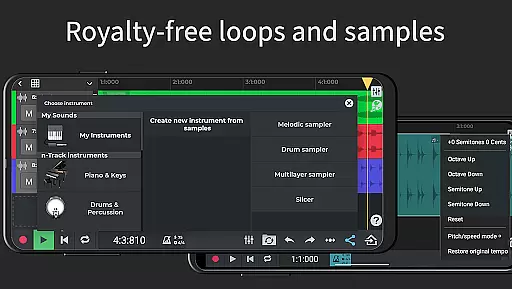
When it comes to music production, having access to a vast and diverse music library is essential. n-Track Studio Pro offers an extensive collection of royalty-free WAV loops and one-shots, ensuring that users have plenty of high-quality sounds at their disposal. This vast library allows musicians to experiment with different genres and styles without worrying about copyright infringement.
The app also provides exclusive release-ready beats and editable n-Track Studio projects, which are invaluable for artists looking to create professional-sounding tracks. These resources not only enhance creativity but also save time by offering ready-to-use components that can be easily integrated into any project. With over 400 sample instruments available, users can craft unique melodies and harmonies tailored to their specific needs.
In addition to its expansive sound library, n-Track Studio Pro supports importing existing tracks, enabling seamless integration of personal audio files. This feature ensures that users can incorporate their own recordings or third-party samples while maintaining full control over the final output's authenticity. By providing these comprehensive tools, n-Track Studio Pro empowers musicians to produce original content confidently.
Audio quality is paramount in music production, and n-Track Studio Pro excels in this area by offering advanced audio processing capabilities. The app features a 64-bit double precision floating point audio engine, which ensures pristine sound quality throughout the recording and mixing process. This high level of precision minimizes distortion and noise, resulting in crystal-clear audio output.
Users can export their creations in various formats, including 16, 24, or 32-bit WAV files, allowing flexibility in meeting different distribution requirements. Additionally, setting the sampling frequency up to 192 kHz (with compatible external devices) further enhances audio fidelity, making it suitable for professional studio environments. These options provide users with the ability to fine-tune their projects according to specific quality standards.
n-Track Studio Pro also includes a range of built-in effects such as EQ with 2D & 3D spectrum analyzers, VocalTune for pitch correction, and various dynamic processors like reverb, echo, chorus, flanger, tremolo, pitch shift, phaser, tube amp simulation, and compression. These tools enable detailed sound shaping and enhancement, ensuring that every track meets the highest audio quality benchmarks. By leveraging these features, musicians can achieve polished and professional results.
Unlimited tracks
High-quality effects
Collaboration platform
Multi-language support
Professional export options
Complex interface
Resource-intensive
Additional in-app purchases
Limited free version
Steep learning curve

Pay Once, no monthly payment
 4.60
4.60
USB audio recording and playback finally possible on Android 3.1 or higher!
3.90
Bass Booster & Volume Equalizer Pro improves your music and video sound quality
4.60
Unleash your creativity! Turn simple prompts into full fledged songs.
4.70
Music, News & Sports Radio Tuner App. Tune in Live FM & AM Radio Stations.
4.80
Powerful 10-Band equalizer pro with sound booster improves Android audio quality
4.30
Master Salsa Rhythm quickly and with a lot of fun!
4.30
Uninterrupted Tunes, Unmatched Vibes
3.90
One-tap booster for max volume - enjoy powerful sound with this audio booster
4.50
JBL PartyBox APP works with 110/310/710/120/320/520/Encore/Encore 2/Encore Ess 2
4.80
Your song collections with lyrics and chords on Android smartphones and tablets.
4.80
More downloads than any other metronome. Includes drum machine & tempo trainer.
4.80
The best music and audio player, with beautiful UI, music search and equalizer.
4.60
A synth that really lets you shape your sounds!
4.50
Bass Booster Pro takes auto-equalizing to the next level!
4.30
Next generation modular control surface
4.10
Sing, record, and create music together — enhanced by smart voice tools.
4.00
The only true audiophile music player with Hi-Fi audio rendering and DSP engine
3.90
Background pads for your band
3.80


User Reviews