
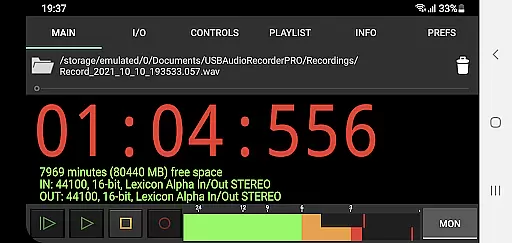
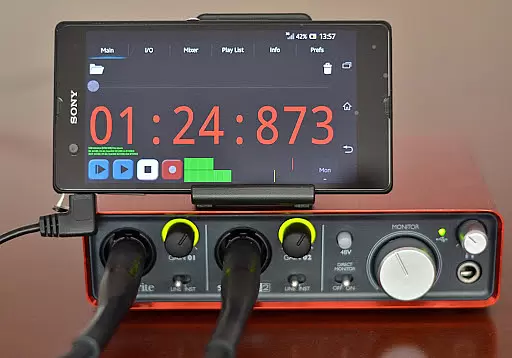
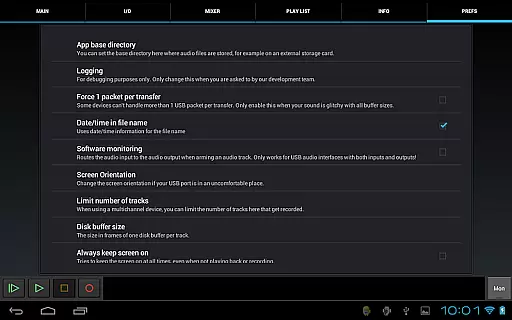
USB Audio Recorder PRO is a specialized audio recording and playback application designed for users who require high-quality audio processing directly through a USB audio interface. The app offers an extensive range of functionalities including mono, stereo, and multichannel recording options, supporting bit depths of 16-, 24-, and 32-bit depending on the connected device. With sample rates reaching up to 384 kHz, it ensures professional-grade audio capture.
The app's unique selling point lies in its custom USB audio driver, which has been developed from scratch to overcome limitations found in many Android devices. This allows users to achieve superior audio quality without needing to root their devices. However, it is important to note that this app does not function as a generic driver; therefore, your USB audio device will only work within this app and cannot be used across other applications.
Designed for audiophiles and professionals alike, USB Audio Recorder PRO is ideal for scenarios where pristine audio quality is paramount. Whether you're recording podcasts, music, or any other audio content, this app provides the tools necessary to ensure exceptional sound fidelity and reliable performance.
USB Audio Recorder PRO stands out with its comprehensive feature set tailored for both casual and professional audio recording needs. One of its key features is the ability to record and play back audio in various formats such as WAV, FLAC, OGG, and AIFF. These formats support high-resolution audio, ensuring that users can capture every detail of their recordings without compromise.
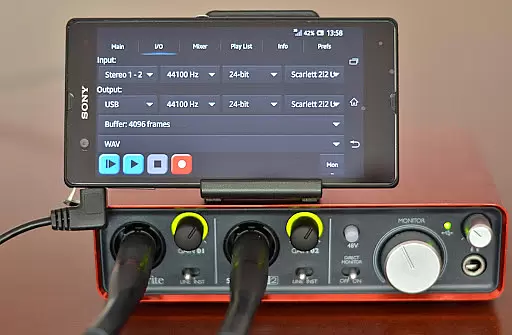
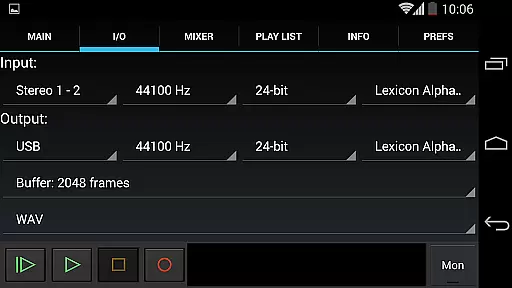
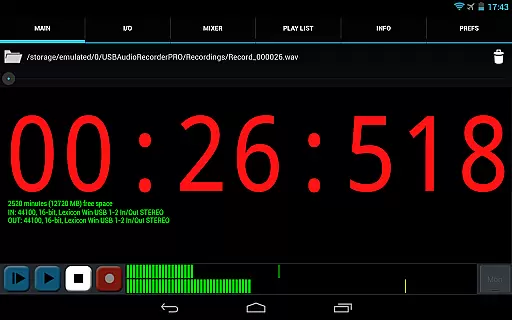
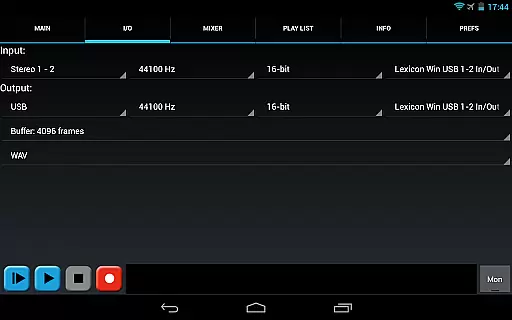
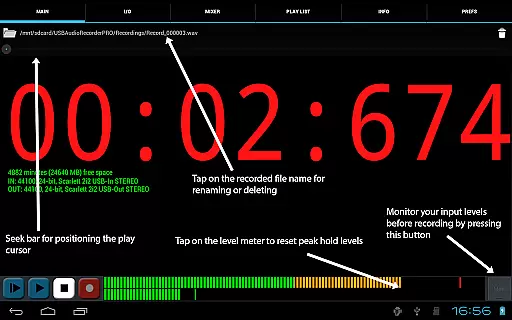
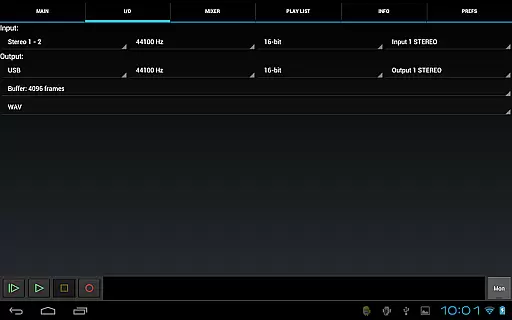
In addition to versatile format support, the app provides advanced controls for optimizing audio input and output. Users can select buffer sizes ranging from 1024 to 16384 frames, allowing them to balance between latency and stability based on their specific requirements. The app also includes level meters with peak hold functionality, enabling precise monitoring and adjustment of audio levels before and during recording sessions.
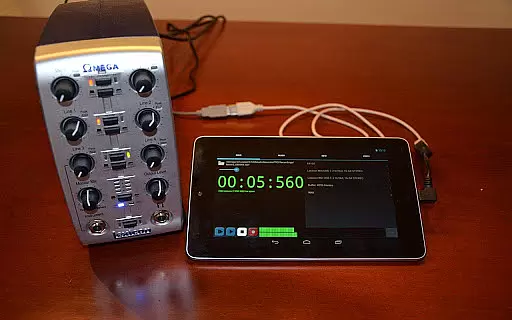
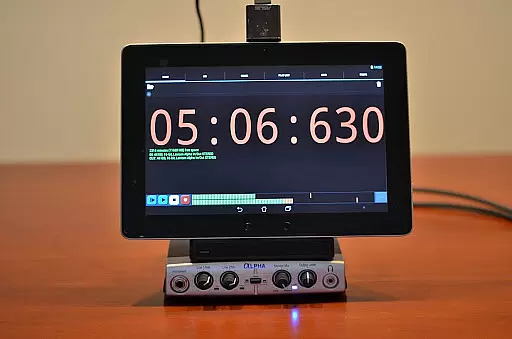
Another notable aspect is the app's compatibility with class-compliant USB audio devices operating under USB 1.1 and 2.0 specifications. While it doesn't support devices requiring proprietary drivers, its broad compatibility ensures that most standard USB microphones and interfaces will work seamlessly. Furthermore, the app integrates with Android devices' internal speakers or headsets, offering flexibility when using input-only devices like USB microphones.
USB Audio Recorder PRO offers a robust platform for managing audio files, ensuring that your music library remains extensive and organized. The app supports high-quality recording in various formats such as WAV, FLAC, OGG, and AIFF, allowing users to expand their library with legally acquired content.
Regarding copyright authenticity, the app strictly adheres to legal standards by not supporting MP3 due to patent restrictions, instead recommending OGG for similar quality and compression. This ensures all recordings are original works, preserving the integrity of the user's music collection.
The ability to playback and record from a wide range of USB audio devices adds another layer of authenticity and diversity to the library. Users can connect class-compliant USB audio interfaces, making it possible to capture studio-grade audio directly into their library.
Moreover, the app facilitates easy sharing of recordings through platforms like SoundCloud, enhancing the distribution of original content while maintaining copyright compliance. This feature empowers creators to manage their intellectual property responsibly.
One of the standout features of USB Audio Recorder PRO is its exceptional audio quality options. Supporting bit depths of 16-, 24-, and 32-bit depending on the connected device, the app ensures that recordings capture every nuance of the sound source with remarkable clarity.
The app also boasts an impressive sample rate capability, reaching up to 384 kHz. This flexibility allows users to tailor the recording settings to match the specifications of their audio equipment, resulting in professional-grade recordings that preserve the fidelity of the original performance.
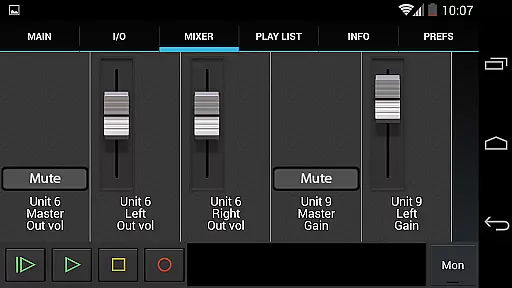
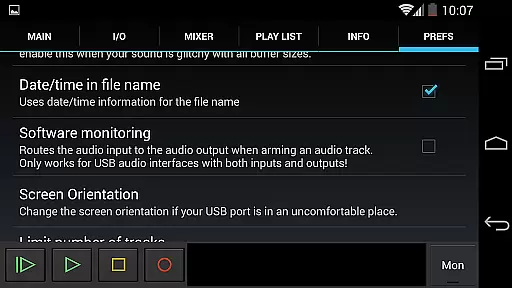
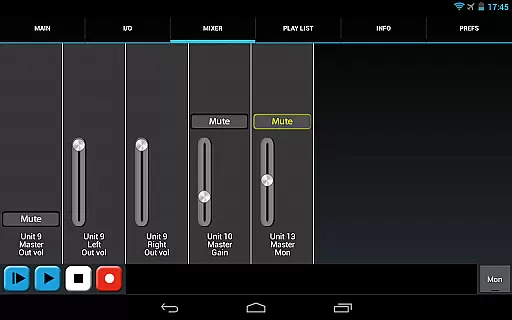
Additionally, the app provides comprehensive control over input and output selections, buffer sizes, and level meters. These tools enable users to fine-tune their recording setup, optimizing the balance between latency and audio quality to suit their specific needs.
With support for mono, stereo, and multichannel recording configurations, USB Audio Recorder PRO caters to a broad spectrum of audio production requirements. Whether capturing a simple vocal track or a complex multichannel ensemble, users can rely on the app to deliver pristine audio quality consistently.
High-quality audio recording
Custom USB audio driver
Multichannel support
No rooting required
Professional-grade features
Limited device compatibility
No MP3 support
Complex setup process
Higher system requirements
Not suitable for beginners

Your HD audio recorder on the go for music, meetings, ambience, animal sounds…
 4.30
4.30
Equalizer, Bass Booster and Volume Booster (Eq & Bass) improve sound quality
4.30
Powerful beat maker & DJ mixer to remix tracks, make music, & perform DJ mix
3.70
Next generation modular control surface
4.10
Music, News & Sports Radio Tuner App. Tune in Live FM & AM Radio Stations.
4.80
Offline Tunes, Unlimited Vibes
3.90
Sing, record, and create music together — enhanced by smart voice tools.
4.00
Uninterrupted Tunes, Unmatched Vibes
3.90
Be a true music maker: create beats, mix and make music like a real DJ!
4.30
Voice recorder - Audio recorder. Best recorder for recording
4.90
Record, Mix & Master with all n-Track effects, 64-bit audio and Stem Separation.
4.70
Learn the notes on the guitar fretboard fast with this easy and fun app
4.60
10-Band Audio Equalizer, Sound / Bass Booster for Spotify Users & Music Players
4.40
The Music Journey in Your Hands
4.30
Permanently backup Now Playing. Maps, filters & listening stats.
4.00
The only true audiophile music player with Hi-Fi audio rendering and DSP engine
3.90
Sheet music reader, piano & music note player. Play music score & learn to read.
3.90
The Cubase remote control app
3.60
MilkDrop for Android TV
3.00


User Reviews