
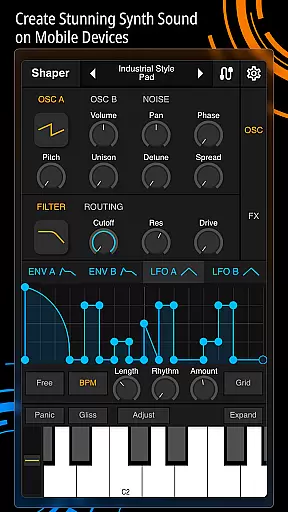
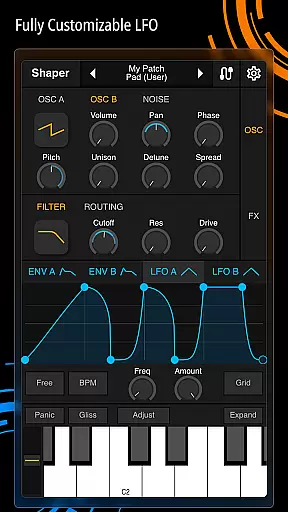
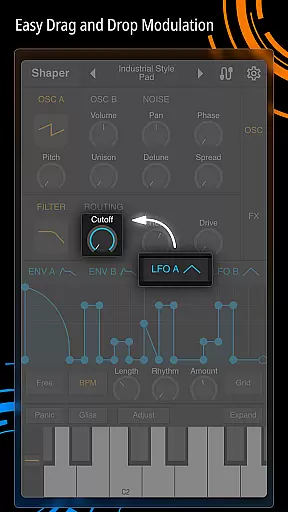
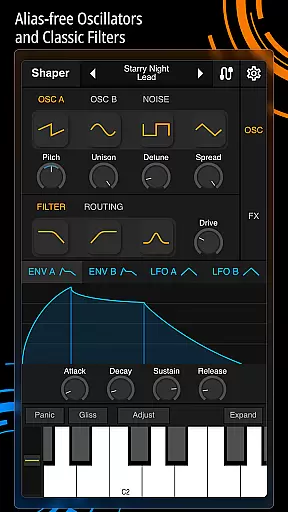
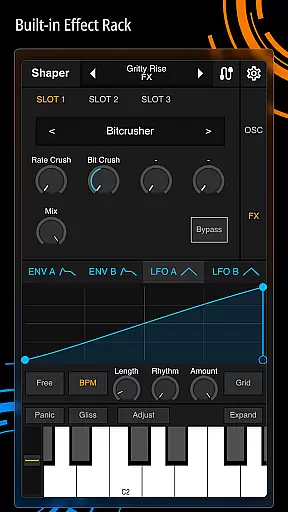
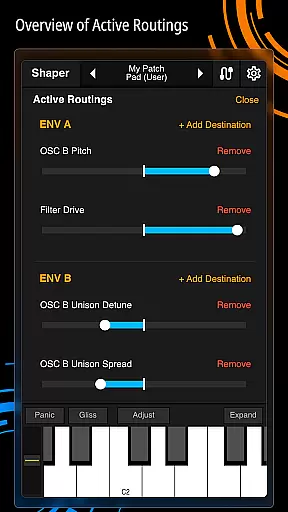
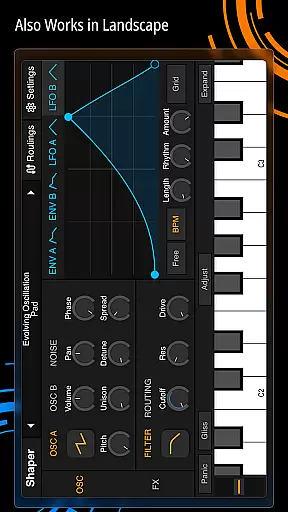
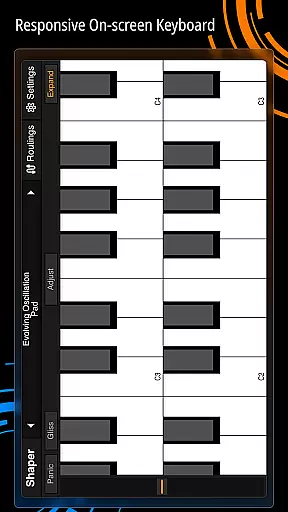
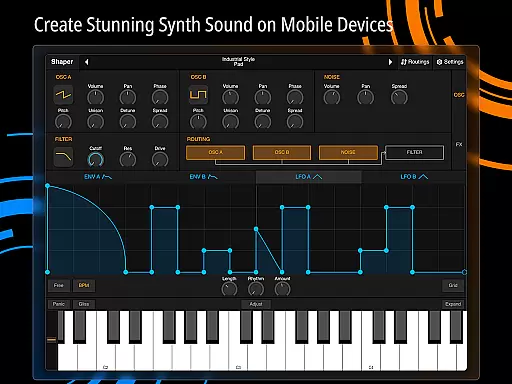
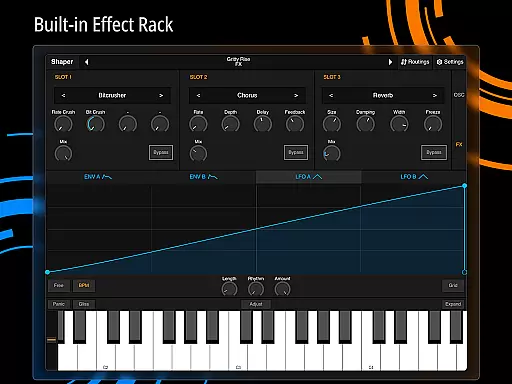
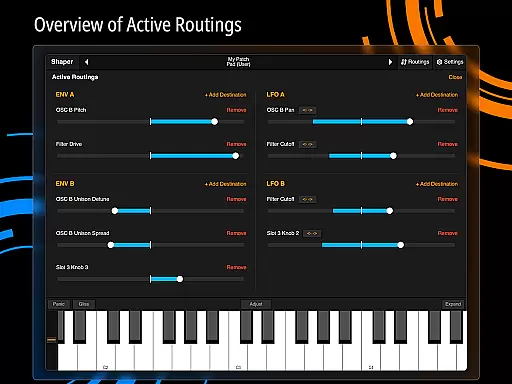
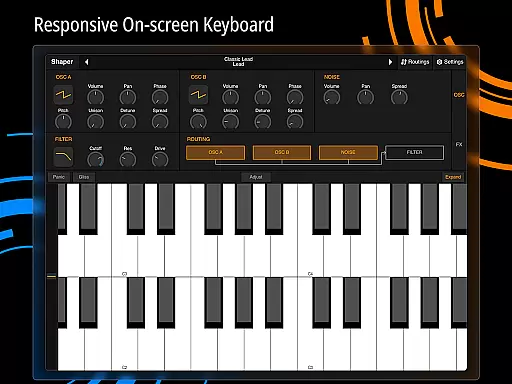
Shaper is a professional-grade subtractive synthesizer designed specifically for mobile platforms. This app allows musicians and sound designers to create dynamic sounds through an advanced modulation matrix, configurable LFO graphs, and an intuitive drag-and-drop interface. The app includes a classic analog filter and eight built-in effects such as Bitcrusher, Chorus, Delay, and Reverb, making it a versatile tool for crafting unique audio experiences.
The app's thoughtful design ensures a seamless creative process, while its comprehensive feature set supports both beginners and professionals in music production. Whether you're designing soundscapes or creating electronic music, Shaper provides the tools needed to bring your ideas to life on the go.
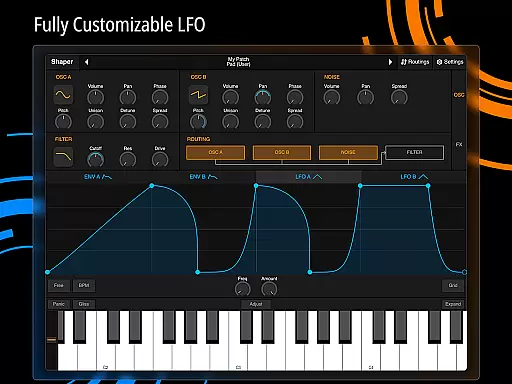
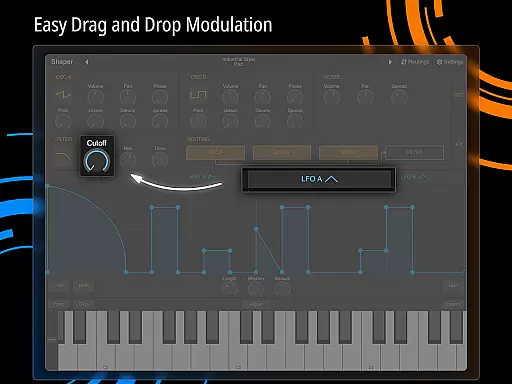
Shaper stands out with its advanced modulation capabilities, offering users precise control over sound synthesis. The app's fully configurable LFO graphs allow for intricate waveform manipulation, while the drag-and-drop modulation assignment simplifies complex routing tasks. These features enable users to create rich, evolving textures that would typically require desktop software.
In addition to its core synthesis engine, Shaper includes eight high-quality effects processors. From the warm saturation of the Bitcrusher to the spacious depth of the Reverb, these effects expand the creative possibilities of the app. The intuitive interface ensures that all these powerful features are accessible without compromising on functionality, making Shaper an essential tool for mobile music production.
Shaper offers a comprehensive suite of sound design tools that effectively serve as a rich music library. The app includes eight built-in effects such as Bitcrusher, Chorus, Delay, and Reverb, providing users with an extensive range of audio processing options.
These features are not just numerous but also varied, covering essential audio effects needed for professional-grade music production. This ensures that users have access to all the necessary tools to create dynamic sounds legally and without copyright infringement.
The app's commitment to copyright authenticity is evident in its original sound engine and effect designs. Each component has been carefully crafted to deliver high-quality audio processing while respecting intellectual property rights.
By offering these capabilities, Shaper empowers musicians and producers to experiment with confidence, knowing they are working within a legitimate framework that supports creative freedom while maintaining industry standards.
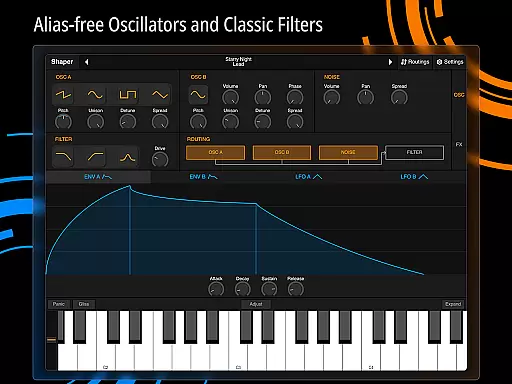
One of Shaper's standout features is its amazing-sounding classic analog filter, which significantly enhances audio quality. This filter, combined with fully configurable LFO graphs, allows users to precisely shape their sound with exceptional clarity and warmth.
The app provides multiple audio quality options through its additional built-in effects. Users can choose from various processing modules including Distortion, Phaser, and Groove Delay, each offering distinct sonic characteristics and professional-grade sound manipulation.
Shaper's intuitive drag-and-drop modulation assignment system enables precise control over audio parameters. This feature ensures that even complex audio processing tasks can be executed with accuracy, resulting in consistently high-quality output.
Furthermore, the advanced modulation matrix offers sophisticated routing possibilities, allowing users to create intricate sound designs while maintaining optimal audio fidelity throughout the signal chain.
Intuitive user interface
Powerful synthesis engine
Wide range of effects
Precise modulation controls
Seamless creative workflow
Steep learning curve
High CPU usage
Limited preset library
No MIDI input support
Occasional glitches

Simply convert wav to mp3. Clear. Reliable. Safe.
 4.5
4.5
Your HD audio recorder on the go for music, meetings, ambience, animal sounds…
4.30
Equalizer, Bass Booster and Volume Booster (Eq & Bass) improve sound quality
4.30
Over 100 million tracks available for high quality streaming and download
4.60
Unleash your creativity! Turn simple prompts into full fledged songs.
4.70
Listen radio AM / FM Stations. Live AM / FM Radio App Station. Radio Com.
4.70
Simple mp3 and mp4 player with advanced features.
3.40
Slow music down without changing pitch.
3.70
Turn your Android phone into a professional audio analyser with up to 120 bands.
4.00
24,000 free audio books and no ads!
4.90 4.70
4.70
Taal player that lets you sing any Indian & Western song with Tabla & Tanpura
4.60
AI Music Maker: Generate And Compose AI Tunes & AI Songs & AI Music & AI Melody!
4.60
DJ Music Mixer Pro is a real DJ controllers and DJ Music Studio to remix DJ.
4.40
Play KORG’s revolutionary touch-based instrument on a variety of devices.
4.40
Ringtone Maker is free app create ringtone from music files or your recording.
4.40
Advanced 10-Band Audio Graphic Equalizer Sound Booster Pro
4.30
The original SP-1200 experience on your iPad
4.20
Sing, record, and create music together — enhanced by smart voice tools.
4.00


User Reviews