
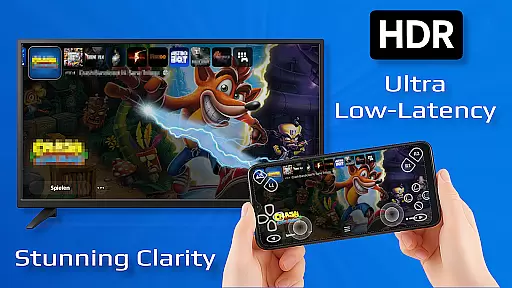
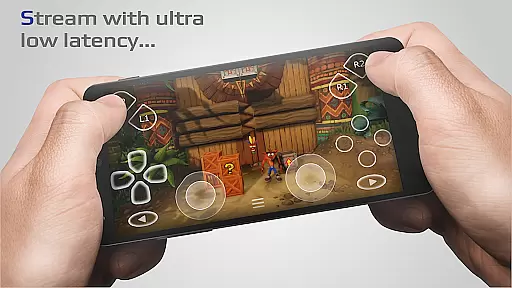
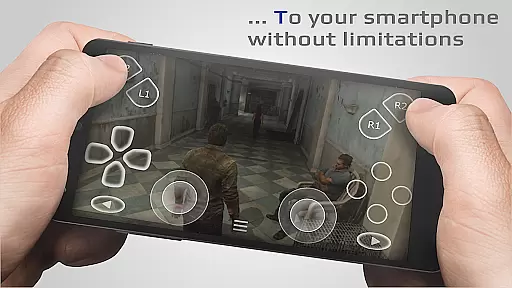
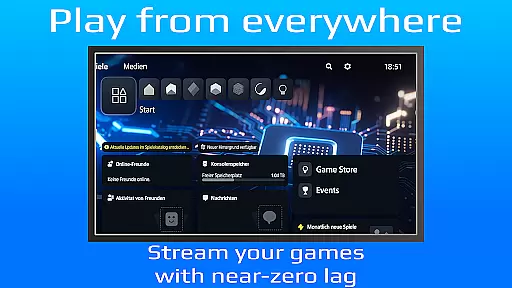
PXPlay is a powerful remote control application designed for gaming enthusiasts who want to access their gaming devices from anywhere. The app provides an optimized streaming experience with minimal latency, allowing users to play games remotely without limitations. It supports third-party controllers and works seamlessly over mobile data connections, making it versatile for various gaming setups.
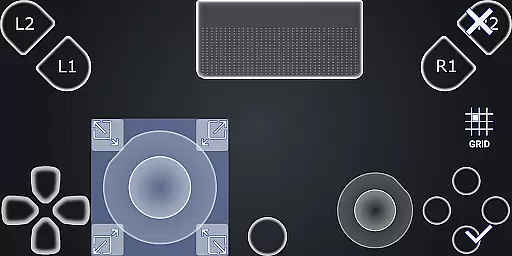
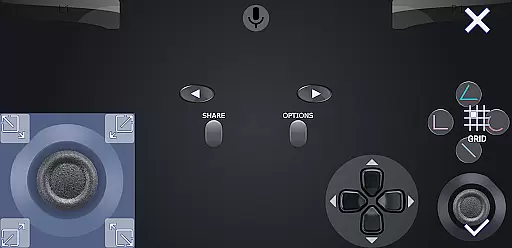
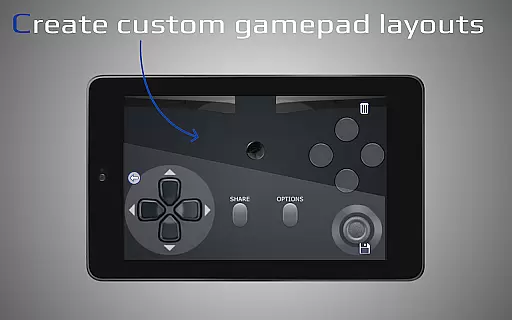
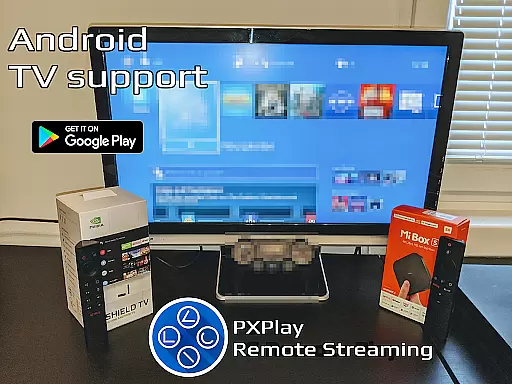
One of the standout features of PXPlay is its compatibility with Android TV devices and support for gamepad button mapping. Users can register multiple profiles and customize onscreen gamepad layouts according to their preferences. Additionally, PXPlay supports rooted devices and offers Picture-In-Picture mode as well as Multi-Window functionality for enhanced multitasking. With these capabilities, PXPlay ensures a smooth and customizable remote gaming experience.
The app is particularly useful for gamers who need to access their consoles while traveling or from different locations. By supporting older firmware versions starting from 5.05 and newer, PXPlay caters to a wide range of gaming devices. Its ability to function as a virtual controller adds another layer of convenience, ensuring that users can enjoy uninterrupted gameplay regardless of their physical location.
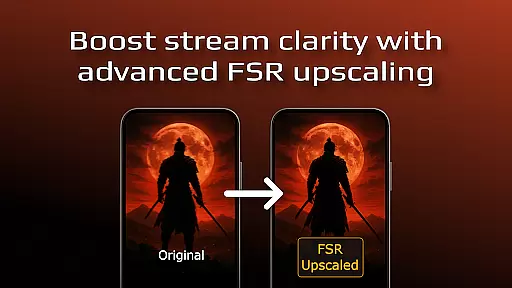
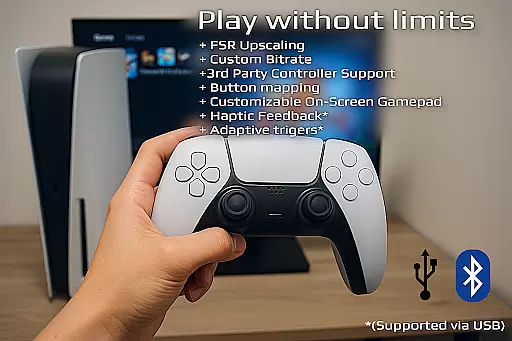
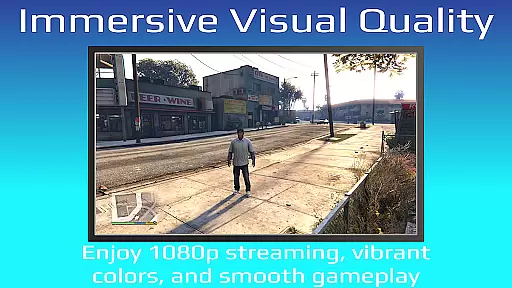
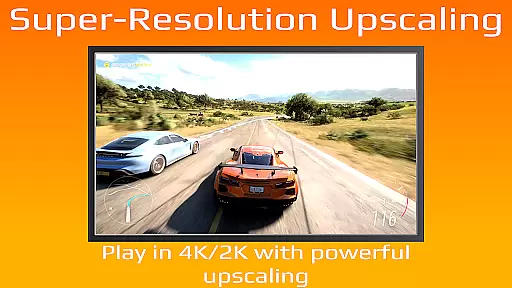
PXPlay boasts a variety of advanced features tailored to enhance the remote gaming experience. One of its key functionalities is the FSR upscaling and sharpening technology, which improves video quality during streaming sessions. This ensures that users receive crisp and clear visuals even when playing graphically demanding games. Furthermore, the app's support for third-party controllers across all Android devices makes it highly adaptable to different user preferences and hardware configurations.
In addition to controller support, PXPlay allows users to connect via mobile data, providing flexibility in network choices. The app also supports customization options such as registering multiple profiles and adjusting onscreen gamepad layouts. These features enable users to tailor their gaming environment precisely to their liking. Moreover, PXPlay includes practical tools like Picture-In-Picture mode and Multi-Window support, which are beneficial for multitasking and managing multiple applications simultaneously.
PXPlay stands out due to its innovative approach to remote gaming. By offering low-latency streaming and supporting a wide array of devices and firmware versions, it addresses common pain points faced by gamers. Whether you're looking to use PXPlay as a virtual controller or seeking a reliable solution for remote gameplay, this app delivers robust performance and versatility.
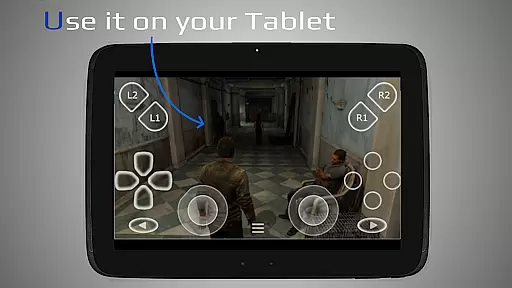
PXPlay excels in delivering core functionalities that are both accurate and effective, ensuring users can remotely control their gaming devices with minimal latency. The app supports third-party controllers across all Android devices, enhancing its versatility and user accessibility.
With features like FSR upscaling and sharpening, PXPlay ensures that video quality remains top-notch during streaming sessions. This attention to detail in maintaining high-quality visuals is crucial for an immersive gaming experience, making every session feel as if you're directly interacting with your gaming console.
The application also allows the use of mobile data, expanding its utility beyond Wi-Fi environments. This flexibility means gamers aren't restricted by location, offering them the freedom to play wherever they have a stable internet connection.
Furthermore, PXPlay's support for rooted devices and customization options for on-screen gamepad layouts demonstrates its commitment to catering to power users who demand more from their applications. These advanced features ensure that PXPlay meets diverse user needs effectively.
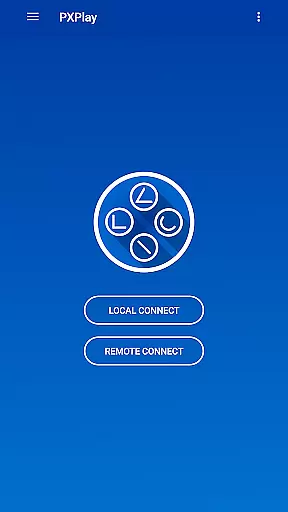
PXPlay stands out by providing an interface that balances simplicity with intuitiveness, making it accessible even to those new to remote gaming. Its easy connection setup process removes barriers to entry, allowing users to quickly start streaming their favorite games without hassle.
The inclusion of Picture-In-Picture mode and Multi-Window support showcases PXPlay's dedication to enhancing user convenience. These features enable multitasking, letting players manage other tasks on their device while still enjoying their gaming sessions, thus improving overall productivity.
Additionally, PXPlay offers extensive hardware recommendations to optimize performance. By suggesting specifications such as dual-core CPUs and 5GHz WiFi connections, the app ensures users can achieve the best possible experience, reflecting its focus on delivering practical guidance alongside its services.
Overall, PXPlay's intuitive design philosophy extends to its community resources and demonstration videos, which further simplify understanding and mastering the app's capabilities. This comprehensive approach not only aids in initial adoption but also fosters long-term engagement among its user base.
User-friendly interface
Low latency streaming
Customizable controls
Supports mobile data
Wide device compatibility
Requires stable internet
Limited free features
Occasional bugs
High system requirements
Firmware dependency

A powerful, easy-to-use flight computer on your phone or tablet!
 3.80
3.80
Amateur Radio app for APRS: Track friends, exchange messages, get tactical info.
3.90
Create your own live wallpaper or check out thousands already made presets
3.90
Smart and comfortable browsing experience.
3.80
View detailed information about your Nissan Leaf the dealer never shows you.
4.10
The Ultimate Bluetooth Keyboard & Mouse. Securely control your PC, Mac, and more
4.50
A simple app to back up and restore SMS & MMS messages and call logs.
4.10
NFC Tools can read and write NFC tags.
4.70
Enhance your Beats
3.70
Support Fossify apps with a warm thank you!
5.00
Monitor car performance in real time and troubleshoot malfunctions.
4.80
Mirror your screen to Fire TV - Super fast and simple
4.40
Complete kernel toolbox with features to manage and tweak your rooted device
4.30
MS-DOS in your pocket. Play old DOS games anywhere you are ;)
4.10
Detect hidden spy camera with advanced scanning {{ Premium version }}
4.00
Introducing Smart Printer, your ultimate destination for printing solutions!
4.00
Undelete and recover your lost or deleted files with DiskDigger!
3.40
card-reader app
2.20
Download any file easily and quickly with Downloader
4.3


User Reviews