
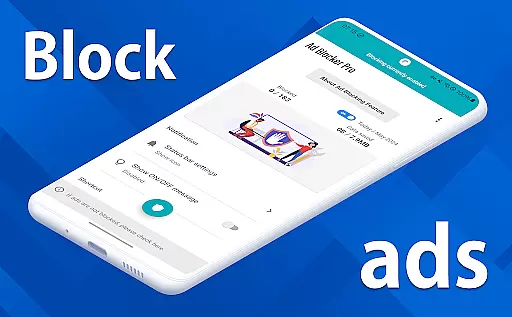
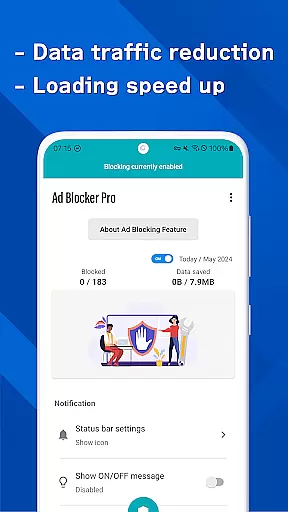
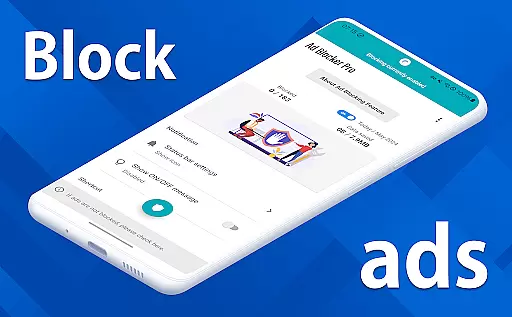
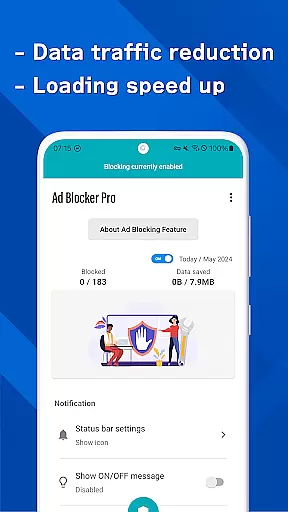
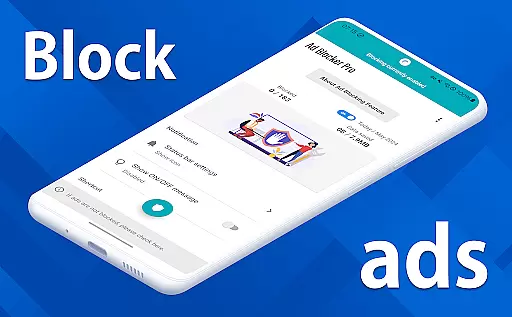
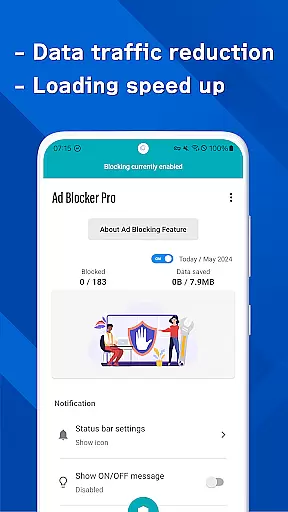

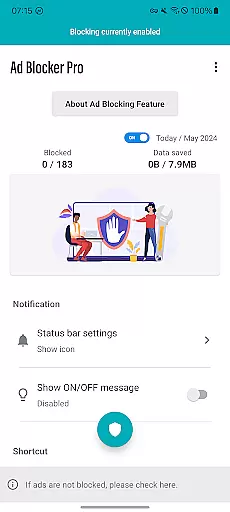
Ad Blocker Pro is a powerful ad-blocking application designed to enhance the browsing experience on Android devices. The app's core functionality revolves around blocking unwanted advertisements, malware, and trackers across all browser apps, ensuring a faster, more secure, and less intrusive online environment.
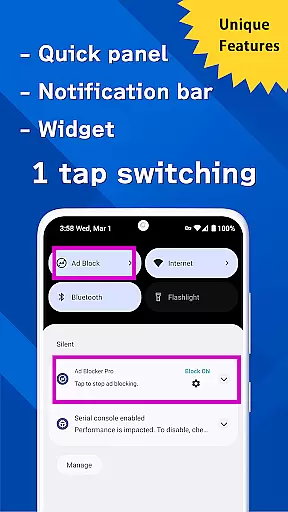
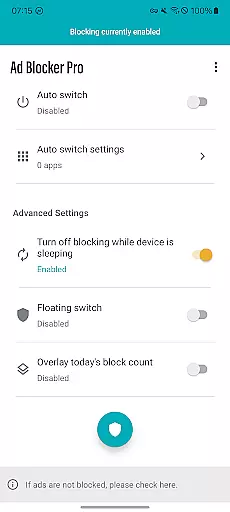
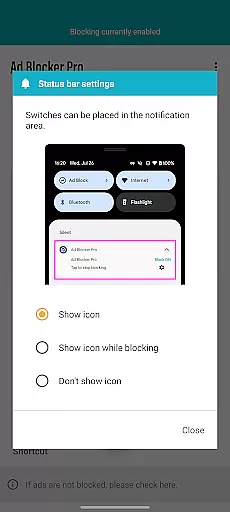
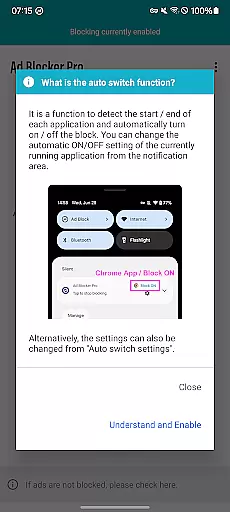
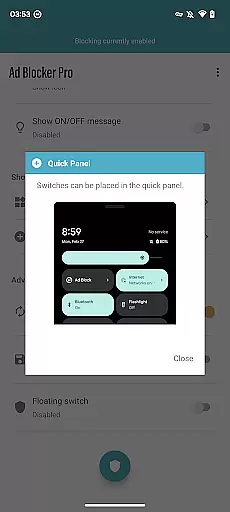
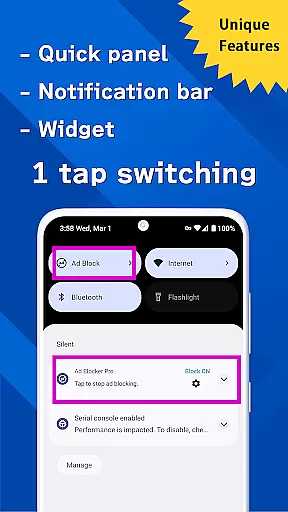
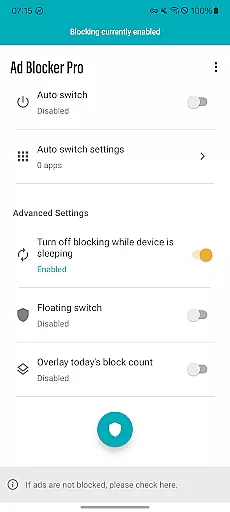
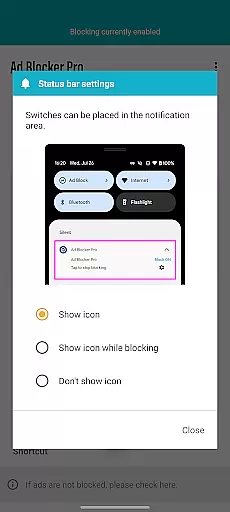
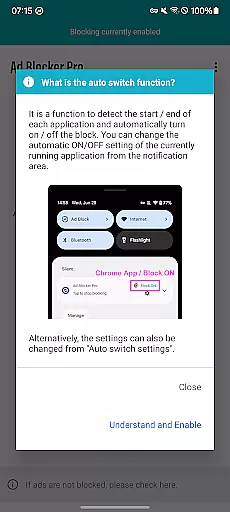
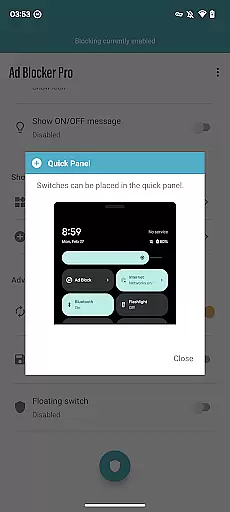
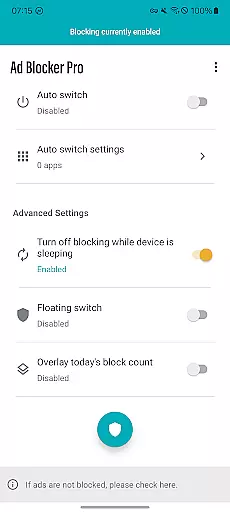
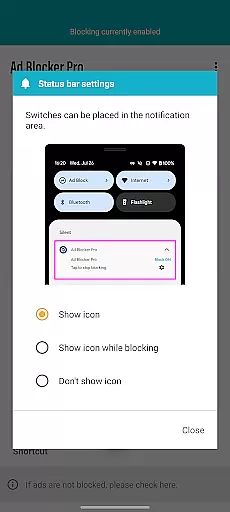
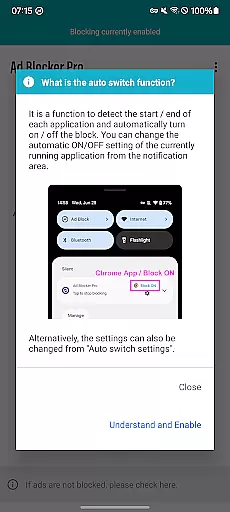
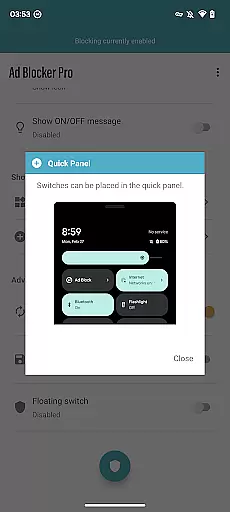
One of the standout features of Ad Blocker Pro is its user-friendly interface that allows users to easily toggle the ad-blocking function on or off through various access points such as the notification area, quick panel, widget, or floating switch. Additionally, the app includes an Auto Switch feature that intelligently detects when specific apps are launched and automatically enables or disables ad blocking accordingly.
This tool is particularly beneficial for individuals who prioritize speed, security, and data savings while browsing the web. By preventing unnecessary ad data from loading, it not only speeds up webpage loading times but also reduces overall data consumption, making it an ideal choice for users who frequently visit ad-heavy websites.
Ad Blocker Pro offers a comprehensive suite of features that cater to both casual and power users. One of its most notable capabilities is the compatibility with all browser apps, allowing users to enjoy an uninterrupted browsing experience regardless of their preferred browser.
The app provides several unique functionalities, including a one-tap ON/OFF switch for quick access, an automatic block OFF during device sleep to ensure other apps' operations are not disrupted, and an overlay display showing the real-time count of blocked ads and trackers. These features collectively contribute to a seamless and customizable user experience.
Moreover, Ad Blocker Pro enhances website and app layouts by simplifying designs, which leads to a more intuitive navigation process. It also boosts online safety by effectively blocking malware and trackers, thus protecting users' privacy and reducing potential security risks. With these robust features, Ad Blocker Pro stands out as a top choice for anyone seeking a cleaner, faster, and safer browsing environment.
Ad Blocker Pro exemplifies core function accuracy and effectiveness through its robust ad-blocking capabilities. The app ensures that ads, malware, and trackers are blocked across all browser apps, which not only enhances the browsing experience but also contributes to a safer online environment. This precision in blocking unwanted content is crucial for users who seek an uninterrupted and secure browsing session.
The app's unique features, such as the one-tap ON/OFF switch and Auto Switch functionality, demonstrate its operational effectiveness. These features allow users to manage ad blocking with ease, adapting to different usage scenarios seamlessly. For instance, the Auto Switch feature intelligently detects app launches and terminations, toggling ad blocking accordingly, thus maintaining optimal device performance without manual intervention.
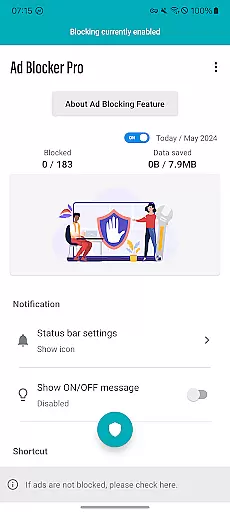
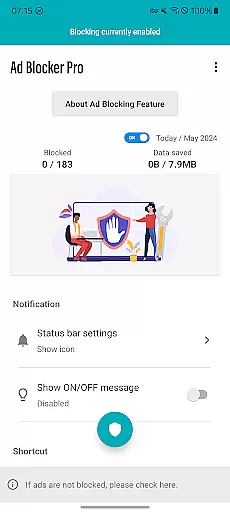
Users benefit significantly from Ad Blocker Pro's ability to speed up webpage loading times and reduce data usage by preventing unnecessary ad data from loading. This efficiency translates into tangible savings on mobile data plans and a faster, more responsive browsing experience. Moreover, the overlay display of today's block count provides real-time feedback on the app's performance, reinforcing user trust in its capabilities.
Ad Blocker Pro excels in interface simplicity and intuitiveness, offering a user-friendly experience that caters to both tech-savvy individuals and those less familiar with digital tools. The app's design emphasizes ease of use, featuring straightforward controls like the one-tap ON/OFF switch accessible from multiple points including the notification area, quick panel, widget, or floating switch. Such accessibility ensures that users can activate or deactivate ad blocking effortlessly, aligning with their immediate needs.
Beyond basic controls, the app simplifies website and app layouts, contributing to a more intuitive browsing experience. By removing clutter caused by ads, Ad Blocker Pro allows users to focus on content that matters, enhancing overall usability. This streamlined approach to web browsing reduces cognitive load, making it easier for users to navigate websites efficiently and enjoy a cleaner visual presentation.
Furthermore, the app's compatibility with all browsers underscores its commitment to providing a seamless user experience. Regardless of the browser preference, users can expect consistent performance and protection against ads, malware, and trackers. This universality, combined with clear instructions and minimalistic design elements, positions Ad Blocker Pro as an essential tool for anyone seeking a hassle-free and secure browsing environment.
Blocks ads in all browsers
Easy-to-use interface
Improves browsing speed
Enhances online security
Saves mobile data
Doesn't block in-app ads
Limited YouTube support
No iOS version
Occasional bugs
Paid app

A convenient photo, video, and file recovery tool.
 4.00
4.00
1-Click close all background apps on Android TV
3.90
Enjoy smooth gameplay with Game Booster
4.90
Forza Tuning Calculator App for Forza Horizon 5, Motorsport and Earlier Titles
4.40
Small and simple app to Verify Root Access and BusyBox Install!
4.70
MS-DOS in your pocket. Play old DOS games anywhere you are ;)
4.10
Bedrock Together: Join any bedrock server on Xbox/PS
4.80
Protect your device with antivirus, storage cleanup, and system monitoring
4.70
Enjoy a smooth mobile reading experience!
3.60
Powerful collection of electronics tools and reference.A must for any enthusiast
4.90
The ultimate tool for network analysis, wifi scanning and problem detection.
4.90
Remote Play with FSR upscaling, low latency & full controller support
4.80
Canon PRINT is a companion app for your Canon printer.
4.60
pdf merge, word to pdf, jpg to pdf, edit pdf, convert to pdf and much more!
4.20
Carry a FTP server in your pocket and avoid USB cables for file transfer
4.20
An open-source APK explorer for Android!
4.10
A simple app to back up and restore SMS & MMS messages and call logs.
4.10
Detect hidden spy camera with advanced scanning {{ Premium version }}
4.00
card-reader app
2.20


User Reviews