
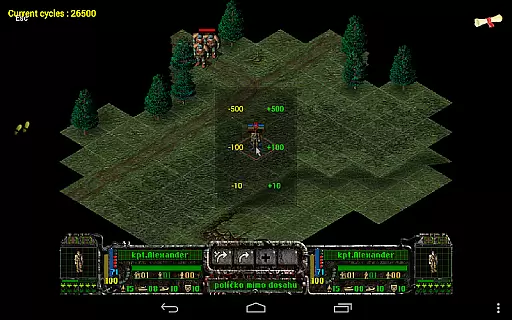
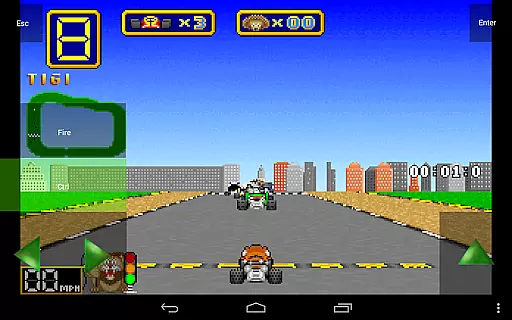
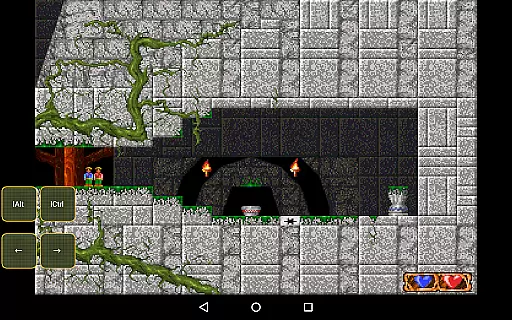
Magic DosBox is a highly optimized and fast DOSBox emulator for Android, designed to bring your favorite DOS and Windows games to your mobile device. With full support for mouse, keyboard, sound, and gamepads, it allows you to play classic games anywhere without the need for external hardware. The app also supports IPX networking, enabling multiplayer gaming with friends.
This donated version offers an unrestricted experience with all widgets available and no limits on the number of games in your collection. Magic DosBox focuses on providing a seamless experience on touch devices, featuring customizable controls and layouts that cater to both casual and hardcore gamers alike.
Whether you're revisiting nostalgic classics or discovering retro gaming for the first time, Magic DosBox delivers a versatile platform that ensures compatibility and performance across a wide range of Android devices.
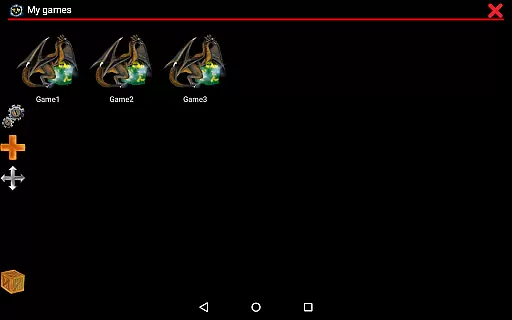
Magic DosBox stands out with its extensive feature set tailored for gaming enthusiasts. The app includes a game collection system where each game profile can be extensively customized, allowing users to tailor their gaming experience to specific titles. It supports creating desktop shortcuts for games and enables easy export, import, and duplication of profiles along with their designed layouts, facilitating sharing among friends.
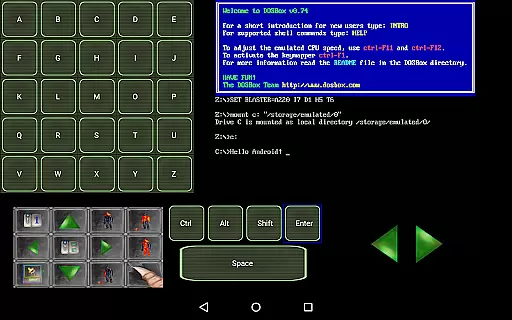
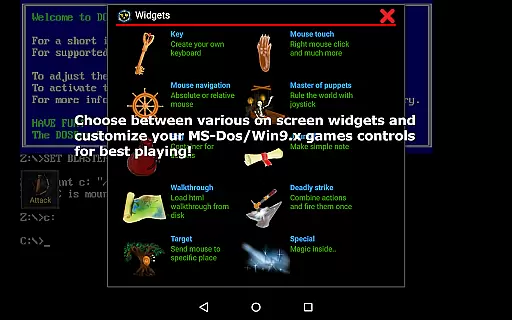
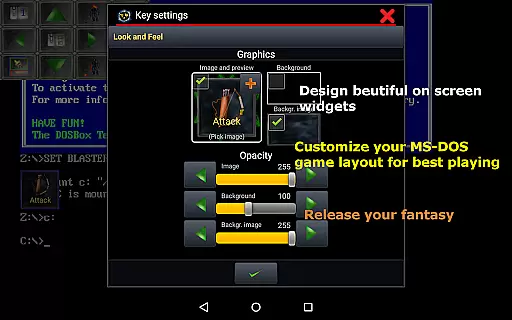
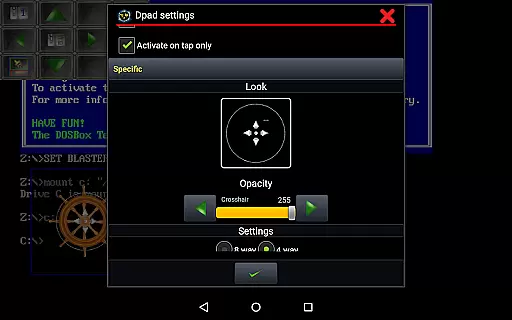
The emulator provides ten types of on-screen widgets and buttons, with advanced settings for customization. These include virtual keyboards, mice, dpads, and more, ensuring precise control over gameplay. Users can enjoy multi-language support, various modes like design and play mode, and unlimited widget creation with custom images and positioning.
Additional features include absolute and relative mouse support, compatibility with external controllers like x360 joysticks, NVIDIA Shield controllers, and physical mice. The app also boasts sound support, mappable swipe gestures, long press actions, and double tap functionality. With in-game screenshots, gallery support, and network play via IPX and serial modem, Magic DosBox offers a comprehensive solution for retro gaming on Android.
Magic DosBox delivers exceptional core function accuracy by providing a highly optimized DOSBox port for Android devices. This ensures that users can run their favorite DOS and Windows games with precision, maintaining the integrity of the original gaming experience.
The app supports full mouse, keyboard, sound, and gamepad functionalities, allowing for an immersive experience without the need for external hardware. With added IPX network support, users can enjoy multiplayer games with friends, showcasing the app's effectiveness in delivering comprehensive emulation capabilities.
One of the key highlights is the unique control system tailored for touch devices, which includes customizable on-screen widgets and buttons. These features ensure that users have accurate control mapping and responsiveness, making gameplay smooth and enjoyable wherever they are.
Magic DosBox excels in offering an interface that balances simplicity with intuitiveness, catering to both novice and experienced users. The design focuses on ease of use, featuring a straightforward setup process that helps users quickly add games to their collection and start playing without hassle.
With multi-language support and clear documentation available on their website, users can easily navigate through the app's features. Instructions on creating on-screen buttons or virtual D-pads, along with styling options, ensure that even those new to emulators can customize their experience effortlessly.
The app provides various modes such as design mode and play mode, streamlining the user journey from customization to actual gameplay. By focusing on an intuitive layout and offering extensive widget customization, Magic DosBox ensures users can tailor their gaming experience precisely to their preferences while maintaining an accessible interface.
Highly optimized emulation
Extensive customization options
Full peripheral support
Active community and documentation
Regular updates and improvements
No included games
Complex setup for beginners
Limited free version features
Occasional compatibility issues
Requires technical knowledge

Connect instantly to a fast, encrypted VPN with one tap
 4.60
4.60
An open-source APK explorer for Android!
4.10
An easy-to-use calculator designed to save time calculating and bending conduit
4.30
A non-root local ADB shell client. READ BELOW!
3.40
The one-and-only remote control for PC, Mac, and Linux
4.70
Powerful collection of electronics tools and reference.A must for any enthusiast
4.90
Game Booster, GFX Tool is now compatible with newer game update
4.50
Remote Play with FSR upscaling, low latency & full controller support
4.80
The ideal app to be the digital eye of your family
3.40
Navigate with Ease and Style
4.90
Enjoy smooth gameplay with Game Booster
4.90
Unit and currency converter with easy and simple UI.
4.80
Monitor car performance in real time and troubleshoot malfunctions.
4.80
Learn the vast amount of system information about device and monitor it's state
4.70
NFC Tools can read and write NFC tags.
4.70 4.50
4.50
PC precision for mobile gaming: dominate with keyboard and mouse!
4.30
Amateur Radio app for APRS: Track friends, exchange messages, get tactical info.
3.90
card-reader app
2.20


User Reviews