
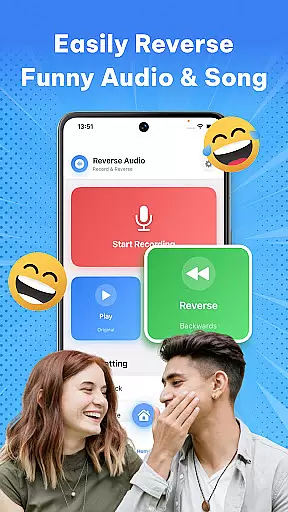
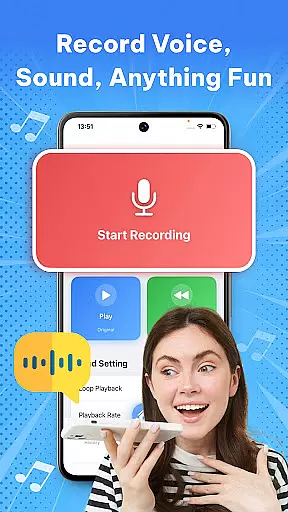

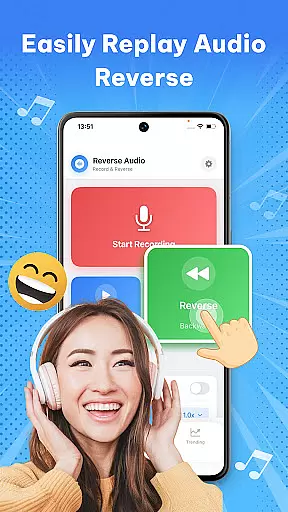
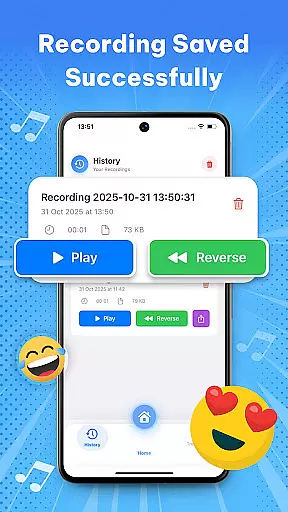

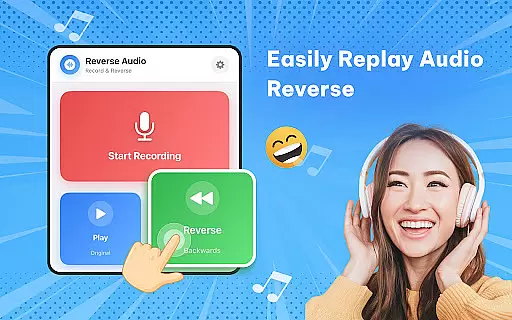
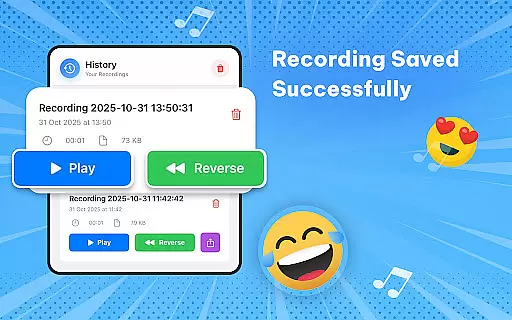
Reverse Audio: Sing Challenge is an innovative music and audio application that allows users to reverse any voice or sound instantly. This app transforms ordinary sounds into extraordinary creations by flipping audio backward, making it a fun tool for experimentation and creativity.
The app's key feature lies in its ability to record, reverse, and play back sounds within seconds. Whether you're looking to make your friends laugh, participate in viral singing challenges, or explore unique sound effects, Reverse Audio provides all the necessary tools. It supports high-quality sound processing with smooth performance, even working offline.
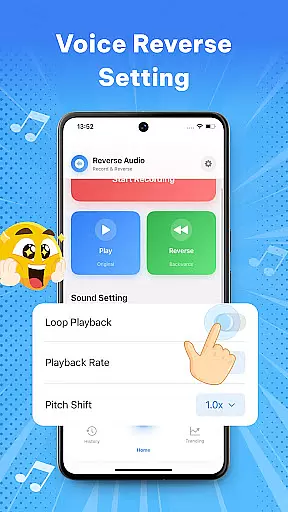
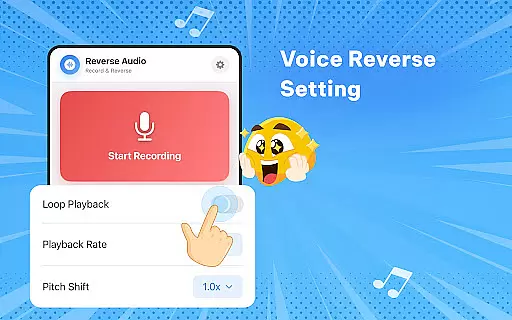
Perfect for creators, singers, and prank lovers, this app is ideal for social media challenges and creative projects. With additional features like playback speed and pitch adjustment, users can modify reversed audio to sound weird, spooky, or hilarious, offering endless possibilities for creative expression.
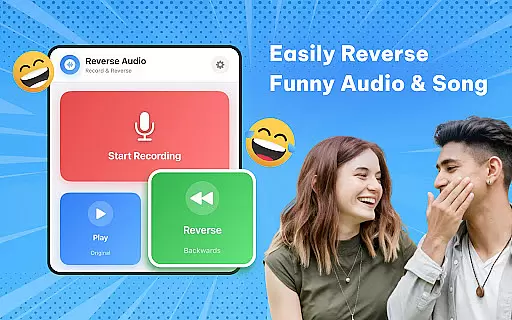
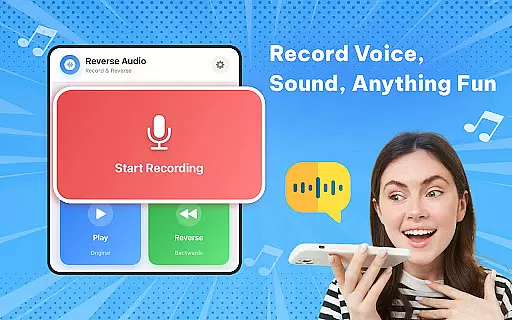
One of the standout features of Reverse Audio: Sing Challenge is its ability to reverse any voice or sound instantly. Users can tap to record and hear their recordings played backward within seconds, perfect for experimenting with funny phrases, jokes, or singing lines.
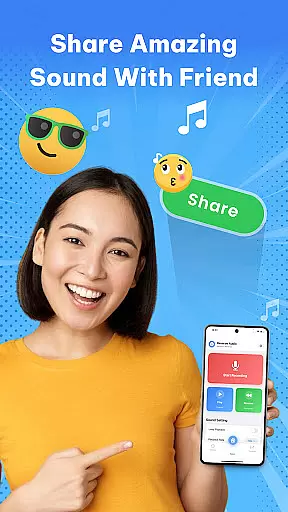
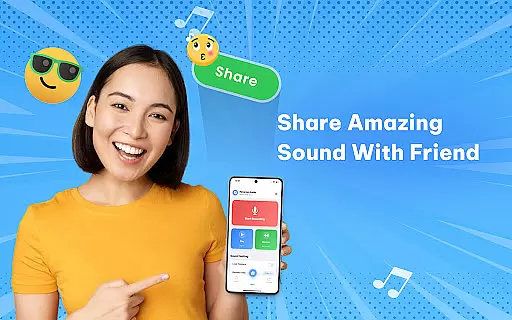
In addition to basic reversal, the app offers creative tools such as playback speed and pitch adjustments. These options allow users to slow down or speed up reversed audio, change pitch, or add fun effects, enhancing the overall experience. The app also supports easy sharing capabilities, enabling users to save reversed audio clips and share them directly on social media platforms.
Designed with simplicity and performance in mind, Reverse Audio ensures crystal-clear sound processing and smooth controls. Its offline functionality makes it versatile for use anywhere, anytime, catering to both casual users and serious creators looking to enhance their projects with unique reversed audio elements.
When it comes to music and audio applications like Reverse Audio: Sing Challenge, the size and variety of the music library play a crucial role in user engagement. This app offers an impressive range of sounds that users can experiment with, from simple voice recordings to complex musical compositions.
The app allows users to record, reverse, and manipulate any audio input, providing endless possibilities for creativity. Whether you're looking to create unique sound effects or participate in viral singing challenges, the extensive library ensures that there's always something new to explore.
Copyright authenticity is another key aspect that Reverse Audio takes seriously. All audio processed through the app is done so with respect to copyright laws, ensuring that creators can use their reversed audio clips without legal concerns. This makes it ideal for content creators who want to add a twist to their videos or music projects.
Audio quality is paramount when dealing with sound-based applications. Reverse Audio: Sing Challenge excels in delivering high-quality sound processing that ensures every reversed clip retains its clarity and fidelity. The app supports various audio formats and provides options to adjust playback speed and pitch, allowing users to fine-tune their creations.
Users can expect crystal-clear audio even after multiple manipulations, thanks to the app's advanced processing capabilities. Whether you're slowing down a track to hear intricate details or speeding it up for a fun effect, the audio remains smooth and professional-sounding.
In addition to basic reversal functions, the app includes features such as changing pitch and adding effects, which enhance the overall audio experience. These tools not only make the process more engaging but also enable users to produce polished, studio-quality results from the comfort of their mobile devices.
User-friendly interface
High-quality audio processing
Versatile sound manipulation
Offline functionality
Social media integration
Limited advanced editing
No batch processing
Few customization options
Basic visual design
Occasional glitches

Over 100 million tracks available for high quality streaming and download
 4.60
4.60
DJ Music Mixer Pro is a real DJ controllers and DJ Music Studio to remix DJ.
4.40
Permanently backup Now Playing. Maps, filters & listening stats.
4.00
Next generation modular control surface
4.10
Ultimate Sonos Controller
4.70
24,000 free audio books and no ads!
4.90
Recording studio w/ 10k beats, pro vocal FX and a network of 20M rappers & fans!
4.60
Sheet music reader, piano & music note player. Play music score & learn to read.
3.90
Sing, record, and create music together — enhanced by smart voice tools.
4.00
Brian Eno and Peter Chilvers’ acclaimed music app Bloom, radically reinvented.
4.80
Learn the notes on the guitar fretboard fast with this easy and fun app
4.60
Enhance the sound quality of your devices, listen to what you want
4.50
Save hundreds of dollars for a physical strobe tuner and instead use this app.
4.50
10-Band Audio Equalizer, Sound / Bass Booster for Spotify Users & Music Players
4.40
Help you quickly get started with Shokz headphones
4.40
Equalizer, Bass Booster and Volume Booster (Eq & Bass) improve sound quality
4.30
Powerful 10-Band equalizer pro with sound booster improves Android audio quality
4.30
Network/Cloud Streaming, Visualization, Graphic Equalizer and Sound Effects.
4.20
The ultimate media player for Android devices
3.90


User Reviews